
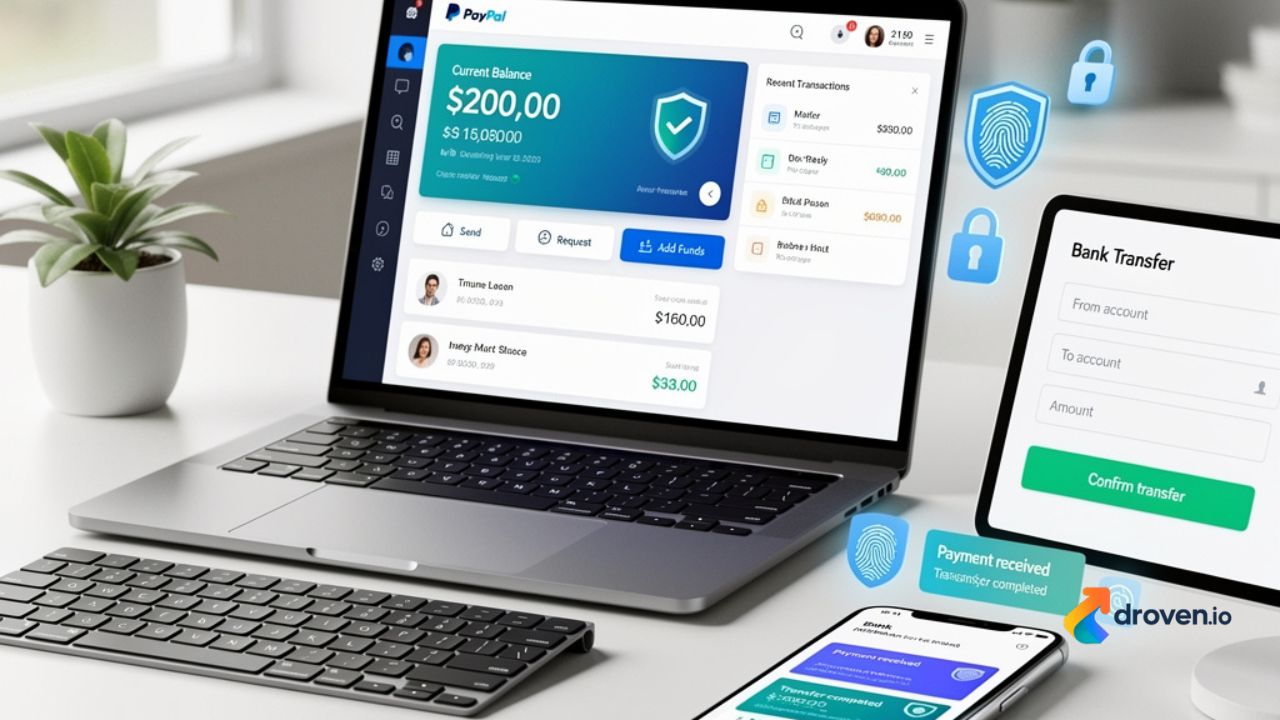
Managing digital payments has become an essential part of everyday life, whether you’re shopping online, sending money to family, or paying for business services. Understanding how to add Money to Your PayPal Account can help you make faster payments and manage your online finances more efficiently. Depending on your country or region, PayPal offers several ways to fund your account, including bank transfers, linked payment methods, and incoming payments from other users.
Because PayPal features vary by location, it’s important to review the options available in your account before initiating a transfer.
Why Add Money to Your PayPal Balance?
While many PayPal users pay directly with a linked bank account or card, maintaining a balance can offer additional convenience.
Some common reasons include:
- Paying for online purchases
- Sending money quickly
- Receiving business payments
- Managing online subscriptions
- Keeping funds available for future transactions
The funding options available depend on your country and your PayPal account type.
Ways to Add Money to Your PayPal Account
There are several methods that may be available for funding your PayPal balance.
Transfer Money from a Linked Bank Account
In supported regions, PayPal allows users to transfer money from a linked bank account into their PayPal balance.
The general process is:
- Log in to your PayPal account.
- Navigate to your Wallet or Balance section.
- Select the option to add money if available.
- Choose your linked bank account.
- Enter the amount.
- Confirm the transfer.
Transfer times vary depending on your bank and location.
Receive Payments
One of the most common ways to increase your PayPal balance is by receiving money from another PayPal user.
You can receive payments for:
- Freelance work
- Online sales
- Personal transfers
- Business transactions
Funds are generally added to your balance once the payment is completed, subject to any applicable holds or reviews.
Link a Debit or Credit Card
Although adding a card does not necessarily increase your PayPal balance, linking a payment card allows PayPal to process eligible purchases directly without requiring an existing balance.
This provides additional flexibility when making online payments.
How Long Does It Take?
Transfer times depend on the funding method used.
Examples include:
- Internal PayPal transfers: Often processed quickly.
- Bank transfers: Timing varies by financial institution and region.
- Incoming customer payments: Subject to PayPal’s processing procedures.
Always check your transaction status within your PayPal account for the latest information.
Things to Check Before Adding Funds
Before initiating a transfer, verify:
- Your bank account is linked correctly.
- Your account information is accurate.
- You have sufficient funds in your bank account.
- Your PayPal account is verified where required.
Taking these steps helps reduce delays and transaction issues.
Understanding Regional Availability
Not every PayPal feature is available worldwide.
Depending on your location, you may notice differences in:
- Balance functionality
- Bank transfer options
- Available currencies
- Payment methods
- Withdrawal options
Review the PayPal Help Center or your account settings for features available in your country.
Tips for Managing Your PayPal Balance
Keeping your account organized can make online payments easier.
Helpful practices include:
- Monitor your transaction history regularly.
- Review incoming and outgoing payments.
- Keep linked payment methods up to date.
- Enable account notifications.
- Update your contact information when necessary.
Regular account monitoring helps you quickly identify any unexpected activity.
Keep Your PayPal Account Secure
Security should always be a priority when managing online payments.
To help protect your account:
- Use a strong, unique password.
- Enable two-factor authentication if available.
- Avoid logging in through suspicious links.
- Monitor account activity regularly.
- Verify website addresses before signing in.
Good security habits help reduce the risk of unauthorized account access.
Common Reasons Transfers May Be Delayed
Occasionally, transfers may take longer than expected.
Possible reasons include:
- Bank processing times
- Verification requirements
- Public holidays
- Account reviews
- Technical maintenance
If a transfer takes longer than expected, review your transaction status or contact PayPal Support through official channels.
Frequently Asked Questions
How can I add money to my PayPal account?
Depending on your country, you may be able to add funds through a linked bank account, receive payments from other PayPal users, or use other funding methods available in your account.
Can I use a debit card instead of adding money?
Yes. In many cases, linked debit or credit cards can be used to fund eligible PayPal purchases directly without first adding money to your balance.
Why don’t I see the “Add Money” option?
Some PayPal features vary by country or account type. If the option is unavailable, review your regional PayPal features or consult the official PayPal Help Center.
How long does it take for money to appear in my PayPal balance?
Processing times depend on the funding method, your financial institution, and your location. Check your PayPal account for current transaction updates.
Is it safe to keep money in a PayPal account?
PayPal provides various security features to help protect user accounts. You can improve account security by using a strong password, enabling two-factor authentication where available, and regularly monitoring your account activity.
Conclusion
Adding money to your PayPal account can make online payments more convenient and help you manage digital transactions more efficiently. Depending on your location, you may have access to several funding methods, including bank transfers and incoming PayPal payments. Before transferring funds, verify your account details, understand the available options in your region, and follow recommended security practices to help protect your account. By staying informed and using official PayPal services, you can manage your balance with greater confidence and flexibility.
