
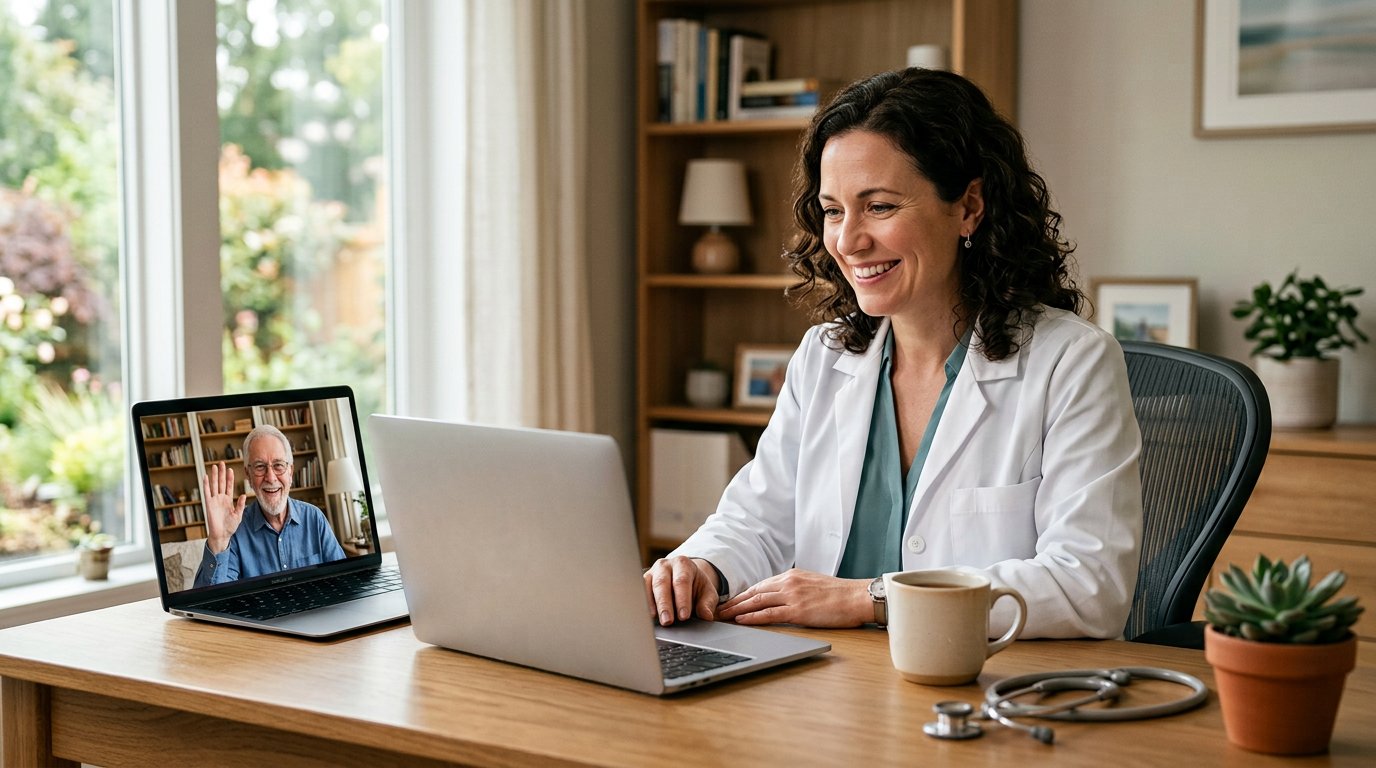
A few years ago, telemed software was a nice-to-have that practices bolted on for emergencies. Today it is basic infrastructure. Patients expect to see their provider from the kitchen table, staff expect virtual visits to live inside the same system as everything else, and owners expect growth without new overhead. Telemed software is how a private practice meets all three expectations at once.
The challenge is choice. The market is full of standalone video tools, full practice platforms, and everything between — and the wrong pick usually costs a practice twice: once in the subscription, and again in the workflow it breaks. This guide explains what telemed software should do, how to evaluate it the way the American Medical Association recommends, and where AdvancedMD’s unified telemedicine platform fits that standard.
What telemed software actually does
At its core, telemed software conducts secure, real-time clinical encounters over video — the virtual exam room. But a video feed alone is not a product. Real telemed software wraps that feed in the workflow around a visit: scheduling, reminders, check-in, chart access during the call, documentation, billing hand-off, and follow-up afterward.
A useful way to think about it: the video window is ten percent of the value. The other ninety percent is that the unified platform knows who the patient is, why they booked, what their chart says, and where the encounter data goes next. Anything less is a webcam with a business card.
Telemedicine versus telehealth, in practical terms
People often use the terms interchangeably when shopping for telemed software, and the distinction is worth one paragraph. Telehealth is the broad umbrella — every service delivered remotely, including portals, phone consults, and remote monitoring. Telemedicine is the narrower term for real-time patient encounters with a provider, usually over video and sometimes by phone.
The distinction matters when you compare platforms, because some platforms only cover one slice. A system built for genuine clinical work handles both the broad telehealth layer and the live telemedicine encounter — which is how AdvancedMD structures its platform.
The features that matter in telemed software
Feature lists are long, so focus on the ones that change a workday. On AdvancedMD’s telehealth platform, the meaningful set looks like this:
- Browser-based visits — patients click a link on a smartphone, tablet, or computer and land in the session. Nothing to install, no app store, no downloads — the single biggest no-show reducer in telemed software.
- Self-service scheduling — patients book from real-time availability, then receive automatic reminders in their preferred language with session details and an evergreen link.
- One-click visit management — providers see every telehealth appointment in a central list, and staff can remind, launch, and end sessions from one dashboard.
- In-session flexibility — add a family member or a staff member mid-call for triage, and screenshare to walk a patient through results or care instructions.
- Patient portal continuity — scheduling, prescription requests, bill payment, and real-time messaging in one place the patient already knows.
- Secure file transmission — send images and files inside the session, capture high-resolution screenshots, and save documents straight to the patient chart.
- Automatic post-visit surveys — feedback requests go out on their own, with an option that nudges happy patients toward posting reviews.
Notice what is absent from that list: proprietary hardware, dedicated IT staff, and separate per-module contracts. Good telemedicine platforms remove complexity rather than renting it to you.
How telemed software fits the rest of the practice
The deepest divide among platforms is integration. Standalone telemed software creates a second patient record; unified telemed software uses the one you already have. AdvancedMD runs on a single database, so the telemedicine module talks natively to scheduling, eCheck-in and intake forms, the EHR, the patient portal, and billing and coding. Once a visit ends, the encounter information is already where the claims team needs it.
That unity also answers the new-patient question. A first-time patient does not need an established record before the visit — staff create the record, send the login, and the telemed software session proceeds like any other appointment. For practices using virtual care for acquisition, that detail alone justifies the platform category.
What telemed software does for access and revenue
The clinical case is access. Nearly 25 percent of the U.S. patient population lives in rural communities, and during the COVID period Medicare expanded coverage to more than 135 telehealth-delivered services. Telemed software turns that policy reality into scheduled appointments: housebound and elderly patients receive face time without drive time, and geography stops deciding who gets care.
The business case is retention. Every time a practice refers a patient out for a specialist opinion, some share of that patient never returns. Telemed software lets a practice bring the specialist into its own consults, keeping the relationship — and the revenue — in-house. Add the absence of new hardware or real-estate costs, and virtual visits expand capacity without extending the practice’s wallet.
Security and compliance you can actually verify
Any telemed software touching protected health information has to clear a high bar, and “we take security seriously” is not evidence. The verifiable layer for AdvancedMD’s platform is specific: HIPAA-compliant security with advanced authentication protocols against unauthorized access, hosted on Amazon Web Services on some of the most secure global infrastructure available, and meeting U.S. Department of Health and Human Services and Centers for Medicare and Medicaid Services requirements for securing PHI and maintaining patient privacy and confidentiality.
When you evaluate any telemed software vendor, put exactly this kind of infrastructure question in writing. A serious provider answers with specifics — hosting, authentication, compliance frameworks — not adjectives.
Evaluating telemed software the way the AMA suggests
The American Medical Association recommends judging a telehealth vendor across six areas, and they double neatly as telemed software shopping criteria:
Business strength — will the vendor still exist in five years? AdvancedMD has been building medical software for independent physicians and smaller practices for more than two decades.
IT expertise — can it carry your whole infrastructure, or only a slice? A cloud platform needs no specialized hardware and no in-house IT team.
Security — HIPAA-grade protection with provable compliance, as detailed above.
Usability — was it designed with clinicians? AdvancedMD’s dashboards, workflows, and processes are customizable and were designed with input from actual clinical users.
Customer service — AdvancedMD staffs support twenty-four hours a day, with extensive implementation and training help.
Clinical validation — does the platform demonstrably support safe, better patient experiences?
Score every telemed software candidate on those six lines, and the shortlist usually writes itself.
Where AdvancedMD fits as telemed software
AdvancedMD is a pioneer of telemedicine solutions for private practice healthcare, and its positioning is consistent: telemed software unified with practice management, EHR, scheduling, and patient engagement in one bundle, for independent physicians and small or medium group practices that lack hospital-system infrastructure but still need reliable virtual care.
Two practical notes for buyers. First, pricing is scoped to the practice — AdvancedMD provides plans and pricing on request rather than one public rate, since bundles vary by modules and providers. Second, the fastest way to judge the workflow is the live walkthrough: a demo request on the site books a guided session, and the team behind it includes round-the-clock support staff who act as the IT department smaller practices do not have.
Conclusion
Choosing telemed software is really choosing how your practice will see patients for the next several years. The bar to clear is straightforward: browser-based simplicity for patients, one unified database for staff, verifiable HIPAA and CMS-grade security, AMA-aligned vendor strength, and an access-and-revenue case that works for rural reach and in-house specialist consults.
AdvancedMD’s telemed software is built to that specification — scheduling, reminders, EHR, portal, and billing wrapped around the virtual visit, backed by two decades of medical software and 24-hour support. The sensible next step costs twenty minutes, not a contract: request the live demo, bring your hardest workflow questions, and measure the answers against the six test areas above. The right telemed software should survive exactly that scrutiny.
Frequently Asked Questions
1. What is telemed software?
Telemed software is a secure platform for real-time remote clinical encounters — the video visit plus the workflow around it, including scheduling, reminders, chart access, documentation, and billing hand-off.
2. Is telemed software different from telehealth?
Telehealth is the broad term for all remote care services; telemedicine — what telemed software delivers — is the narrower category of real-time provider encounters, by video or phone. AdvancedMD covers both layers in one system.
3. Does telemed software have to be HIPAA compliant?
Yes, and verifiably so. AdvancedMD’s telemed software meets HIPAA security requirements, uses advanced authentication protocols, is hosted on AWS, and meets HHS and CMS standards for protecting PHI.
4. Do patients need to download an app for telemed software visits?
No. Patients click a link on a smartphone, tablet, or computer and join the session in the browser — nothing to install, which keeps no-shows down.
5. Can new patients use telemed software, or only established ones?
Both. Staff can create a new patient record and send login details on the spot, so telemed software works equally well for first-time and existing patients.
6. What should I look for when choosing telemed software?
Apply the AMA’s six tests — business strength, IT expertise, security, usability, customer service, and clinical validation — and insist on unified integration with your scheduling, EHR, and billing.
