
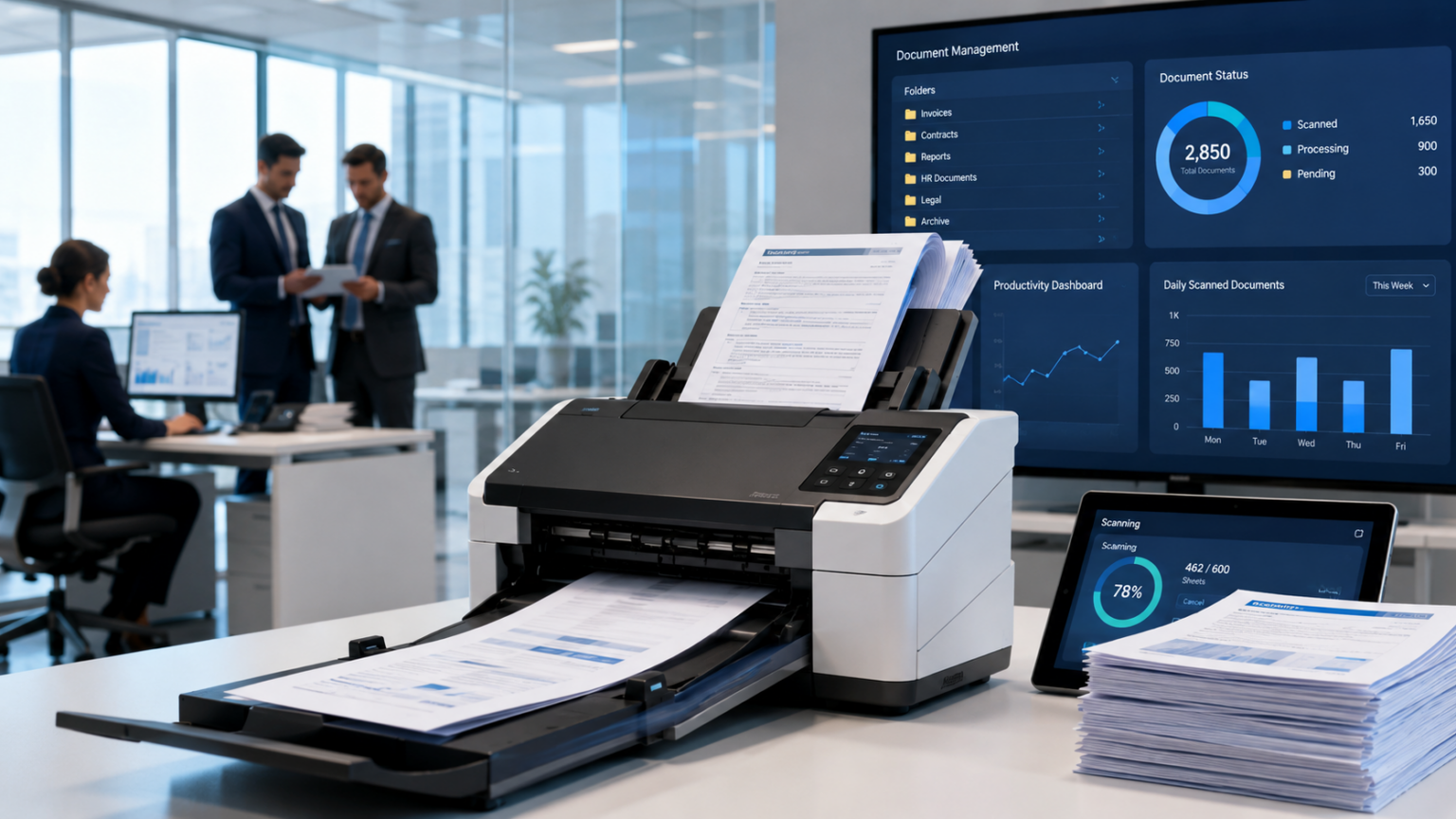
Businesses continue to generate and receive large volumes of paperwork even as digital workflows become more common. Contracts, invoices, applications, customer records, reports, receipts, and administrative documents often need to be converted into searchable digital files. Scanning each page manually can quickly become inefficient when hundreds or thousands of sheets are involved. A high speed scanner automatic document feeder helps solve this problem by allowing multiple documents to be loaded into a feeder and processed automatically, reducing repetitive handling while making high-volume scanning faster and more practical.
For organizations that depend on accurate document capture, the value of an automatic document feeder goes beyond convenience. The right scanner can improve productivity, support electronic recordkeeping, reduce physical storage requirements, and make information easier to retrieve. Understanding how these scanners work and which features matter can help businesses choose equipment suited to their daily document workload.
What Is a High Speed Scanner Automatic Document Feeder?
A high-speed document scanner with an automatic document feeder, commonly called an ADF, is designed to pull multiple sheets into the scanning mechanism one after another.
With a basic flatbed scanner, the user normally places one page on the glass, closes the lid, scans the page, removes it, and repeats the process. An ADF reduces much of this manual handling. Users place a stack of compatible documents into the input tray, start the scanning job, and allow the machine to feed the sheets automatically.
This feature is particularly valuable in environments where scanning is a routine operational task rather than an occasional requirement.
Common examples include accounting departments, legal offices, healthcare administration, educational institutions, government departments, insurance companies, banks, and document-processing centers.
How an Automatic Document Feeder Works
An automatic document feeder typically uses rollers, separation mechanisms, sensors, and a paper path to move documents through the scanning area.
After documents are placed into the feeder, the scanner pulls individual sheets from the stack. Each sheet passes across the scanner’s image sensor, where the document is captured digitally. The page is then sent to the output tray while the next sheet enters the scanning path.
The process continues until the loaded batch is complete.
More advanced scanners may include technology designed to detect feeding problems, adjust image orientation, recognize page sizes, remove blank pages, or capture both sides of a document during one pass.
The exact capabilities vary by scanner, so businesses should compare specifications carefully rather than assuming that every ADF model provides the same functionality.
Why Scanning Speed Matters
One of the main reasons organizations choose dedicated document scanners is their ability to process pages quickly.
Scanner speed is often described in pages per minute, commonly abbreviated as PPM. Duplex scanning performance may also be expressed in images per minute, or IPM, because scanning the front and back of one physical sheet produces two images.
A higher advertised speed can be valuable, but speed should not be evaluated in isolation.
Actual workflow efficiency can also depend on:
- Document preparation
- Paper condition
- Feeder capacity
- Resolution settings
- Color settings
- Computer performance
- Software processing
- File destination
- Network conditions
For example, a scanner may be capable of processing pages very quickly, but employees may still lose time if they constantly need to reload a small feeder tray or correct document preparation problems.
The best scanner is therefore not necessarily the model with the highest PPM number. It is the one that fits the complete workflow.
The Importance of Feeder Capacity
Automatic document feeder capacity indicates how many sheets the scanner is designed to hold in its input tray under specified conditions.
For a small office that scans short contracts or a few invoices at a time, a moderate feeder capacity may be sufficient. A document-processing department handling large files may benefit from a higher-capacity feeder.
Larger capacity can reduce interruptions because staff members do not have to reload the scanner as frequently.
However, maximum capacity should not automatically be treated as the ideal batch size for every document. Mixed paper types, damaged pages, folded sheets, labels, or unusually thick documents may require additional preparation.
Duplex Scanning for Two-Sided Documents
Many business records contain information on both sides of the page. Manually scanning one side and then turning the documents over can significantly increase processing time and create opportunities for pages to become disordered.
Duplex scanning allows a compatible scanner to capture both sides of a sheet automatically.
For organizations working with double-sided forms, contracts, applications, reports, and archived records, duplex capability can make a major difference in productivity.
When comparing models, buyers should confirm whether duplex scanning is supported and understand how the manufacturer’s quoted speed applies when both sides of a page are being captured.
Reliable Paper Feeding Is Just as Important as Speed
A scanner that operates quickly but frequently jams or pulls multiple pages together can create additional work instead of reducing it.
Reliable paper separation is therefore one of the most important characteristics of an ADF scanner.
Some scanners include sensors or feed-monitoring systems designed to detect situations in which more than one sheet enters the scanner at the same time. Certain models use ultrasonic technology to help identify overlapping sheets.
These features can be especially useful when scanning important records because an undetected double feed may result in one or more pages being omitted from the digital file.
No feeding technology eliminates every possible paper-handling issue, so document preparation and proper scanner maintenance remain important.
Image Quality and Resolution
Scanning quickly is useful only if the resulting digital documents remain readable.
Document scanner resolution is commonly measured in dots per inch, or DPI. For routine business records, extremely high photographic resolutions are often unnecessary. Higher resolution generally creates larger files and may increase processing and storage requirements.
The appropriate setting depends on the type of document being digitized.
Standard office documents normally need clear text and accurate line reproduction, while detailed graphics or archival materials may require different settings.
Many scanners also include image-processing features that can help improve document appearance. Depending on the device and software, these may include automatic cropping, rotation, deskewing, background cleanup, blank-page removal, and color detection.
OCR and Searchable Digital Documents
Scanning a page produces a digital image, but organizations often need more than a picture of the original document.
Optical character recognition, commonly known as OCR, can analyze printed text within a scanned image and convert recognized characters into machine-readable information.
This can enable scanned documents to become searchable rather than remaining simple image files.
OCR is particularly useful for:
- Contracts
- Invoices
- Customer files
- Research documents
- Administrative records
- Historical archives
- Legal documents
Recognition accuracy depends on several factors, including scan quality, document condition, font clarity, language, layout, and OCR software.
For important records, organizations should still verify critical extracted information rather than assuming automated recognition will always be perfect.
High Speed ADF Scanners in Modern Offices
Modern workplaces increasingly depend on digital information systems. An ADF scanner can act as the point where paper documents enter those digital workflows.
A scanned document may be sent to:
- A local computer
- A shared network folder
- A document management system
- A cloud-based platform
- An email workflow
- An enterprise application
The available destinations and integrations depend on the scanner and its software environment.
Businesses planning a purchase should therefore evaluate software compatibility as carefully as hardware performance.
A fast scanner provides limited value if it cannot work smoothly with the organization’s existing systems.
Industries That Benefit From High-Volume Document Scanning
Financial and Accounting Offices
Accounting teams frequently manage invoices, expense records, statements, tax documents, and supporting paperwork.
Batch scanning can help digitize these records faster and make electronic filing easier.
Healthcare Administration
Healthcare organizations generate significant amounts of administrative documentation. High-volume scanning may help convert compatible paper records into electronic formats as part of established records-management processes.
Because these records can contain sensitive information, scanning workflows should follow the organization’s applicable privacy, security, and access-control requirements.
Legal Practices
Law firms may need to digitize correspondence, evidence, agreements, case records, and large document bundles.
A reliable automatic feeder can reduce the manual effort required to convert paper case files into organized electronic documents.
Education
Schools, universities, and training organizations may scan enrollment forms, student records, assessments, administrative documents, and archived materials.
Government and Public Administration
Government offices often maintain extensive paper records. Scanning technology can support digitization initiatives when combined with proper records-management policies.
High Speed ADF Scanner vs Flatbed Scanner
These two scanner types serve different purposes.
A flatbed scanner is often better suited to materials that cannot safely travel through a document feeder, such as books, photographs, fragile originals, bound materials, or unusually shaped documents.
A high-speed ADF scanner is generally more efficient for stacks of loose paper.
Some workplaces use both technologies because their document collections contain different types of material.
Before purchasing equipment, organizations should identify the documents they scan most frequently instead of selecting a device based solely on general performance claims.
Features to Consider Before Buying
Several specifications deserve attention when choosing a professional document scanner.
Daily Scanning Volume
Consider how many pages employees realistically process during normal and peak periods.
A device designed for occasional use may not be the best option for a department that routinely scans thousands of pages.
Feeder Capacity
Evaluate how often staff members would need to reload the tray during typical jobs.
Scanning Speed
Compare PPM and IPM figures while also considering the scanning modes in which those speeds are achieved.
Duplex Capability
If double-sided records are common, automatic duplex scanning can significantly reduce manual effort.
Paper Size Support
Verify that the scanner supports the document dimensions commonly used by the organization.
Paper Handling
Consider whether the scanner will regularly process mixed page sizes, thin sheets, long documents, cards, or other special media. Supported materials vary by model.
Connectivity
Depending on the workplace, USB, wired network, or wireless connectivity may influence how easily the scanner fits into existing operations.
Software Compatibility
Check operating-system support and compatibility with document-management or workflow applications that are important to the business.
Maintaining an Automatic Document Feeder
Regular maintenance helps preserve consistent performance.
As pages move through the scanner, paper dust and other debris can accumulate on rollers, glass surfaces, and components in the paper path. This buildup may eventually contribute to feeding problems or visible marks on scanned images.
Users should follow the manufacturer’s cleaning procedures and replacement schedules.
Common maintenance practices may include:
- Cleaning scanning glass
- Cleaning feed rollers
- Removing paper dust
- Replacing consumable rollers when required
- Keeping the paper path clear
- Updating supported scanner software when appropriate
Maintenance intervals vary depending on the model and workload.
Preparing Documents Before Scanning
Good document preparation can reduce interruptions and improve scanning accuracy.
Before loading a batch, users should check for items that could interfere with the feeder.
These may include:
- Staples
- Paper clips
- Torn edges
- Folded corners
- Adhesive notes
- Excessive curling
- Pages stuck together
Documents should also be arranged in the intended order before scanning.
This simple preparation step can reduce jams and help prevent errors that would otherwise require rescanning.
How a High-Speed Scanner Can Improve Productivity
The greatest productivity improvement does not come merely from moving paper faster.
It comes from reducing the number of manual actions required between receiving a document and making it available digitally.
A well-designed scanning workflow can reduce repetitive tasks such as individually placing pages, renaming files manually, rotating images, removing blank pages, and repeatedly moving files between folders.
The scanner, capture software, OCR tools, and document-management system should ideally work together as a connected process.
This is why businesses should evaluate complete workflow efficiency rather than looking only at hardware specifications.
Common Mistakes When Choosing an ADF Scanner
One common mistake is selecting a scanner based only on maximum advertised speed.
Another is ignoring paper-handling requirements. An organization that regularly scans mixed or unusual documents may have different needs from an office scanning uniform letter-sized pages.
Businesses may also overlook software requirements until after purchasing the device.
Finally, organizations sometimes buy more capacity than they need or choose equipment that is not designed for their actual workload.
A better approach is to document the current scanning process first and identify where time is being lost.
FAQs
What does ADF mean on a scanner?
ADF stands for automatic document feeder. It allows multiple loose pages to be loaded into a scanner and fed automatically rather than requiring each sheet to be placed manually.
Is an ADF scanner suitable for high-volume scanning?
Yes, provided the scanner is designed for the organization’s workload. Buyers should compare feeder capacity, scanning speed, recommended usage, paper handling, and maintenance requirements.
Can an automatic document feeder scan both sides?
Many document scanners support automatic duplex scanning, but this capability varies by model. Specifications should be checked before purchase.
What is the difference between PPM and IPM?
PPM generally refers to pages per minute, while IPM refers to images per minute. When both sides of a sheet are scanned, one physical page can produce two images.
Can an ADF scanner create searchable PDFs?
A scanner can capture the document image, while compatible OCR software can be used to recognize text and create searchable files. Available features depend on the scanner and software package.
What causes documents to jam in an automatic feeder?
Jams may result from damaged paper, folded corners, attached staples or clips, unsuitable media, dirty rollers, worn feed components, or improperly loaded documents.
Is a high-speed scanner better than a multifunction printer for document scanning?
It depends on workload. A multifunction device may be sufficient for occasional scanning, while a dedicated high-speed document scanner can be better suited to frequent batch scanning and specialized document-capture workflows.
Conclusion
A high speed scanner automatic document feeder can significantly improve the way organizations convert paper records into usable digital information. Its primary advantages include automated batch feeding, faster document processing, reduced repetitive handling, and support for features such as duplex capture, feed detection, image correction, and OCR-based workflows when compatible software is available.
Choosing the right scanner requires more than comparing headline speed figures. Organizations should consider document volume, feeder capacity, paper types, duplex requirements, software compatibility, image quality, connectivity, and ongoing maintenance. When these factors are matched to real workflow needs, a reliable ADF scanner can become an important part of an efficient document-management system and help employees spend less time processing paper manually.
