
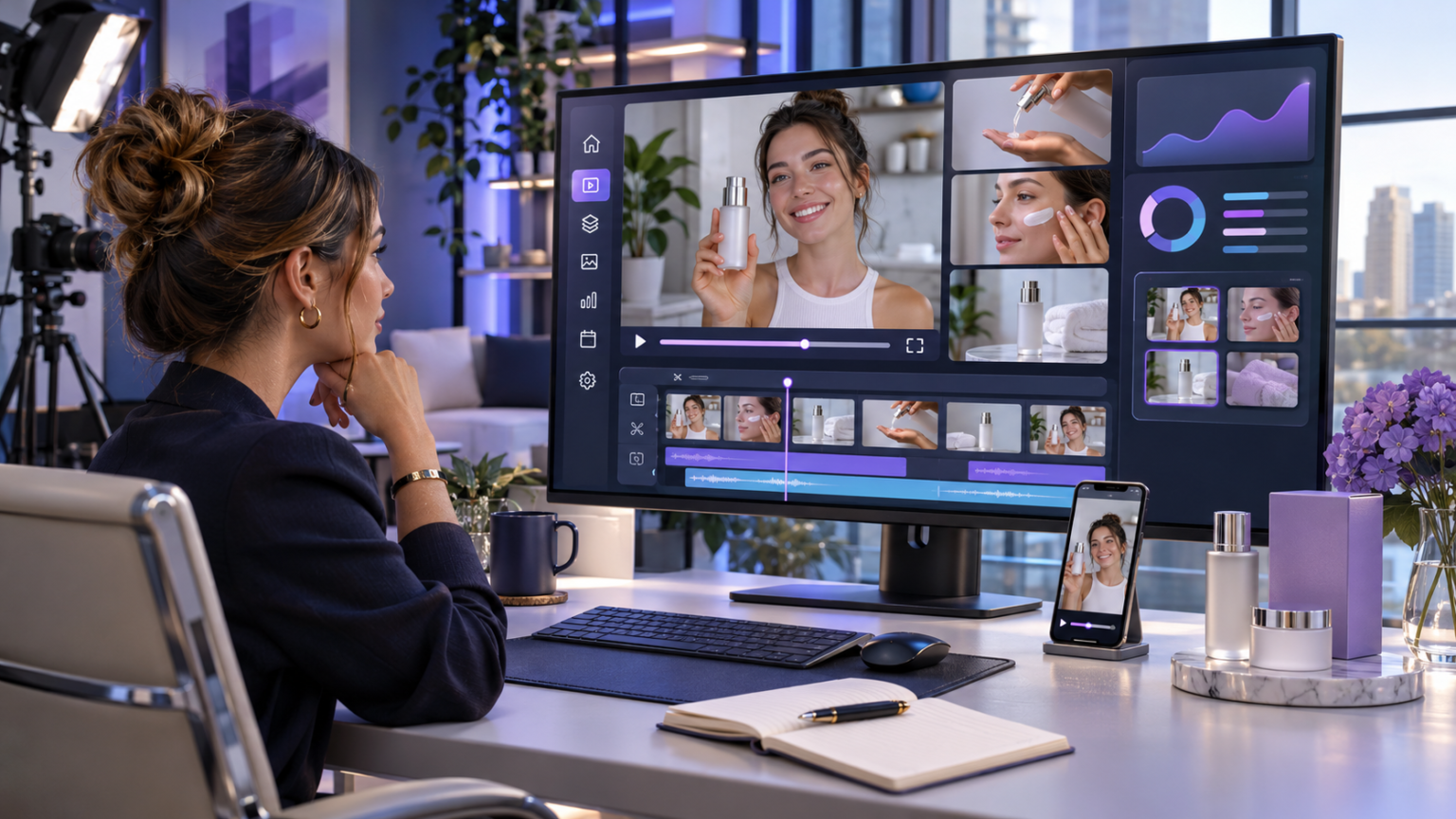
Video marketing has become an important way for businesses to explain products, reach potential customers, and communicate their value. However, producing fresh videos regularly can require considerable time, equipment, and creative resources. UGC Maker offers an AI powered approach to creating promotional videos with digital presenters, product visuals, and generated scripts. As a result, ecommerce brands, marketing agencies, and content creators can explore different advertising ideas without arranging a traditional video shoot for every concept.
Nevertheless, creating an effective advertisement requires more than generating attractive visuals. Brands must understand their audience, communicate accurate product information, and build messages that support customer confidence.
This guide explains how UGC Maker works, its available features, and practical ways to develop effective video advertisements. It also explores creative testing, responsible AI use, and the factors businesses should consider before adopting automated video production.
What Is UGC Maker?
UGC Maker is an artificial intelligence video creation platform designed to help businesses produce promotional content in the style commonly associated with user generated videos.
The platform provides tools for transforming product information, images, and creative instructions into marketing videos. According to its official website, users can create product advertisements, generate scripts, work with AI avatars, and explore different video formats.
Traditional user generated content usually comes from actual customers or independent creators. In contrast, AI generated UGC style advertisements use synthetic presenters or other generated elements to reproduce some familiar characteristics of social video content.
Therefore, businesses should understand the distinction between genuine customer experiences and promotional material created with artificial intelligence.
The technology can support content production. However, it should not be used to fabricate customer experiences or misleading endorsements.
How Does UGC Maker Work?
The platform combines product assets with automated video production tools.
First, a user provides information about the product or uploads suitable visual material. Next, the system helps create video content using available templates, generated scripts, and presenter options.
Depending on the selected workflow, users may choose an avatar, adjust the creative direction, and preview the generated advertisement.
Finally, the video can be reviewed before export and publication.
The exact options depend on the tool being used and the platform’s current features.
This process can simplify production, particularly when a business needs several creative concepts for testing.
Why Businesses Are Exploring AI UGC Video Creation
Many businesses need video content for product launches, social media campaigns, and paid advertisements.
However, conventional production often involves scriptwriters, presenters, cameras, lighting, editing software, and scheduling.
These resources may be appropriate for major campaigns. Yet smaller businesses may struggle to produce new variations frequently.
AI video tools provide an additional option.
Faster Development of Creative Concepts
Instead of arranging a separate filming session for every advertising idea, marketing teams can produce initial concepts digitally.
For example, an ecommerce company might prepare several videos featuring different product benefits.
The team can then review the results and identify the strongest concepts before committing additional resources.
Greater Flexibility for Marketing Teams
Different customers respond to different messages.
One audience may appreciate a simple demonstration. Another may prefer a short explanation of a common problem.
AI video production makes it possible to explore several approaches using existing product information.
Moreover, businesses can adapt their messaging for different audiences while maintaining consistent factual claims.
Support for Smaller Creative Teams
A small business may not have a dedicated production department.
Therefore, accessible video creation tools can help employees prepare promotional drafts with fewer technical requirements.
Nevertheless, human review remains necessary to ensure the content is accurate, appropriate, and consistent with the brand.
7 Proven Tips for Creating Better Video Ads With UGC Maker
Effective advertisements begin with clear objectives and useful product information. The following strategies can help businesses create more focused videos.
1. Understand Your Target Audience Before Creating Videos
Audience research should come before script generation.
A marketing video intended for university students may require a different message from one targeting business owners.
Similarly, a skincare advertisement may need a different explanation from a software tutorial.
Start by identifying the audience’s main problem.
Consider what customers want to achieve, which questions they commonly ask, and what information may influence their purchase decisions.
For example, a business selling reusable water bottles might focus on portability, cleaning convenience, or available sizes.
These benefits should come from actual product specifications rather than assumptions.
Build a Simple Audience Profile
A useful audience profile can include:
- The customer’s main requirement
- Common purchasing concerns
- Preferred content format
- Relevant product features
- Typical questions before purchasing
- The action the advertisement should encourage
As a result, the generated video can address a specific need instead of presenting generic promotional language.
2. Create a Strong Opening That Explains the Value
The opening of a short video should quickly establish why the content matters.
Social media audiences can move past an advertisement before understanding its purpose.
Therefore, marketers should introduce a relevant problem, benefit, or demonstration near the beginning.
For example, a company selling desk organisers might open with a cluttered workspace.
The next scene could show how the product stores frequently used items.
This approach communicates the product’s purpose without requiring an exaggerated statement.
What Makes an Effective Video Hook?
A useful opening usually includes a clear subject, an understandable message, and a reason to continue watching.
It may introduce a common challenge or highlight a practical product feature.
However, a dramatic claim is not always necessary.
Straightforward demonstrations can be appropriate when they help customers understand the product.
3. Choose AI Avatars Carefully
One of the platform’s advertised capabilities involves AI avatars.
These digital presenters can introduce products, explain features, or deliver scripted marketing messages.
Nevertheless, avatar selection should support the advertisement rather than distract from it.
Consider the intended audience, communication style, and visual environment.
A formal presenter may suit certain professional services. Meanwhile, a relaxed conversational style may be more appropriate for a casual consumer product.
Keep the Presentation Believable
Natural pacing and clear speech can make generated videos easier to understand.
Therefore, review pronunciation, facial movement, timing, and the relationship between narration and visuals.
If an avatar presents factual product information, the script should remain accurate.
Avoid suggesting that a synthetic presenter personally purchased or tested a product when no such experience occurred.
The goal is useful communication, not a fabricated customer testimonial.
4. Write Scripts That Sound Natural
An effective promotional script should resemble clear everyday communication.
Long sentences, complicated expressions, and repeated sales language can make an advertisement difficult to follow.
Instead, use direct explanations and concise wording.
A simple script can follow four stages.
First, introduce the customer’s problem.
Next, present the relevant product feature.
Then, explain how that feature may help.
Finally, invite the viewer to take an appropriate action.
Example of a Product Video Script
Consider a business promoting a compact travel organiser.
The opening might ask whether viewers struggle to keep small items organised inside their luggage.
The video could then demonstrate the organiser’s compartments, closing mechanism, and approximate capacity.
Next, the narration could explain its intended use.
The final scene might invite viewers to explore available sizes.
This example communicates observable features without inventing customer experiences or promising unrealistic results.
5. Use Accurate Product Visuals
Product appearance plays an important role in online purchasing decisions.
Customers need to understand what they may receive.
Therefore, businesses should use accurate photographs and descriptions when creating AI advertisements.
Check that generated scenes preserve important product details.
These may include shape, colour, packaging, dimensions, and visible features.
AI generation can occasionally introduce objects or characteristics that were not part of the original product.
Consequently, every finished video should receive a visual accuracy review.
Match Visuals to the Advertisement
A product demonstration should clearly support the spoken explanation.
For example, if a script discusses a storage compartment, the video should show that feature accurately.
Avoid adding accessories that are not included in the purchase unless their role is clearly explained.
This helps reduce confusion and supports informed buying decisions.
6. Adapt Video Content for Different Marketing Channels
An advertisement suitable for one platform may need adjustments before appearing elsewhere.
Short video placements often use vertical layouts. However, other placements may require square or wider formats.
Businesses should check the current technical requirements of each advertising platform.
Important factors include video dimensions, duration, captions, and placement restrictions.
For example, text that appears clearly on a large monitor may become difficult to read on a smartphone.
Similarly, important product details can disappear when a video is cropped incorrectly.
Create Versions for Specific Placements
Rather than using one identical video everywhere, consider adjusting the layout and message.
A product introduction may work well as a concise vertical advertisement.
Meanwhile, a more detailed explanation may suit a longer video placement.
Nevertheless, maintain accurate claims and consistent product details across all versions.
7. Test Creative Variations and Improve Results
Generating multiple advertisements is useful only when marketers evaluate their performance.
A business can compare different openings, product demonstrations, presenters, and calls to action.
However, changing every creative element simultaneously makes it harder to understand which change influenced the result.
Instead, begin with a clear testing question.
For example, compare a video that opens with a customer problem against one that opens with a product demonstration.
Keep other important factors as consistent as practical.
Measure Meaningful Performance Indicators
Useful advertising metrics may include:
- Video viewing duration
- Percentage of viewers completing the video
- Click through rate
- Landing page engagement
- Qualified enquiries
- Purchases or other relevant conversions
- Cost per desired action
No single metric provides a complete picture.
A video may attract attention without producing useful business outcomes.
Therefore, assess creative performance according to the campaign’s actual objective.
Important Features Available in UGC Maker
Understanding the platform’s main capabilities helps businesses decide how it may fit into their content production process.
URL to Video Creation
UGC Maker advertises a feature that can turn product links into video advertising material.
This workflow is designed to reduce the need to prepare every creative element manually.
However, automatically extracted information should always be checked against the actual product listing.
AI Video Avatars
Digital presenters can help explain products without organising a conventional recording session.
They may be useful for product introductions, educational advertisements, and scripted demonstrations.
Businesses should review avatar licensing, representation, and permitted commercial use before publication.
Marketing Studio
The platform’s Marketing Studio supports creative workflows using product images and avatar assets.
It also advertises several preset formats, including product demonstrations, tutorials, unboxing style content, and promotional presentations.
These options can provide starting points for different campaign objectives.
Advertising Inspiration Library
UGC Maker also advertises an advertising library intended to help marketers explore creative examples.
Such resources can support research into presentation styles and message structure.
However, inspiration should not become direct copying.
Original scripts, accurate product information, and a distinct creative approach remain important.
UGC Maker vs Traditional User Generated Content
AI generated promotional videos and genuine customer content serve different purposes.
Understanding their differences can help brands choose a suitable production strategy.
Genuine Customer Content
Traditional user generated content comes from people sharing their own experiences, photographs, or videos.
For example, an actual purchaser might demonstrate how they use a household appliance.
Such material can provide practical insight into the customer’s experience.
Nevertheless, brands must obtain appropriate permissions before reusing customer content in advertising.
They must also disclose relevant commercial relationships where required.
AI Generated UGC Style Advertisements
AI generated promotional videos use synthetic or automated creative elements.
These may include digital avatars, scripted narration, and generated scenes.
The benefit is greater flexibility during content production.
However, a generated presenter does not automatically represent an actual customer.
Therefore, brands should avoid presenting fictional experiences as genuine reviews.
Which Approach Should Businesses Choose?
The choice depends on the campaign.
Genuine customer content may suit campaigns built around verified personal experiences.
Meanwhile, AI generated videos may be useful for product explanations, concept testing, or general promotional messages.
A business may also use both approaches within a broader marketing strategy.
The essential requirement is that viewers are not misled about the source or nature of the content.
How to Build an Effective AI Video Advertising Workflow
A consistent production process can improve content quality.
It also reduces the chance of publishing advertisements containing incorrect product information.
Step 1: Define the Campaign Objective
Decide whether the advertisement should introduce a product, explain a feature, encourage enquiries, or support purchases.
A clear objective makes script development easier.
Step 2: Collect Verified Product Information
Prepare accurate descriptions, images, dimensions, and relevant usage details.
Avoid claims that cannot be supported.
For products involving health, safety, or regulated benefits, additional review may be necessary.
Step 3: Select a Creative Format
Choose an appropriate presentation style based on the campaign.
A demonstration may suit a practical household product. In contrast, a short explainer may work better for software.
Step 4: Generate and Review the Video
Use the chosen tool to create an initial version.
Then, review the narration, visuals, product details, and overall clarity.
If problems appear, revise the creative instructions and generate an improved version.
Step 5: Check Advertising Compliance
Review the final content against applicable advertising rules and platform policies.
This includes examining claims, permissions, disclosures, and the use of AI generated people.
Step 6: Publish and Evaluate
Once the video meets quality and compliance requirements, publish it through the appropriate marketing channel.
Afterward, review campaign performance.
Use those findings to guide future creative decisions rather than assuming the initial version is automatically the best.
Responsible Use of AI Generated UGC Advertising
Responsible advertising is particularly important when promotional videos resemble real customer experiences.
The United States Federal Trade Commission prohibits certain deceptive reviews and testimonials, including fabricated testimonials attributed to people who do not exist.
Consequently, brands should not use digital presenters to impersonate genuine customers with invented experiences.
Make Commercial Relationships Clear
Paid endorsements and other material relationships may require clear disclosure.
The FTC explains that disclosures should be easy for ordinary viewers to understand and notice.
In addition, social media platforms may impose their own branded content and AI content requirements.
Businesses should check the rules applying to each campaign and location.
Avoid Unsupported Results
Generated scripts may contain persuasive language that goes beyond the available evidence.
For example, an advertisement should not promise a specific health outcome, financial result, or product performance level without appropriate support.
Instead, describe verified features and explain realistic uses.
Protect Personal and Creative Rights
Do not upload another person’s likeness, voice, or protected materials without the permissions needed for the intended use.
Furthermore, examine the platform’s licensing conditions before using generated assets commercially.
Terms can change, so businesses should verify the conditions applicable when producing and publishing their advertisements.
Common Mistakes When Using AI UGC Tools
AI video production can simplify creative work, but poor planning can reduce its usefulness.
One common mistake is generating advertisements without defining the audience.
As a result, the message may sound attractive while failing to address a genuine customer concern.
Another mistake is using lengthy scripts.
Short advertisements usually benefit from focused explanations that viewers can understand quickly.
Brands may also overlook product inaccuracies in generated scenes.
Therefore, visual inspection should remain part of every production workflow.
Finally, marketers should avoid judging success only by views.
Strong campaign performance depends on meaningful engagement and business outcomes, not attention alone.
Who Can Benefit From UGC Maker?
Several types of businesses may find AI video production useful.
Ecommerce Brands
Online stores often need fresh product visuals and advertising variations.
AI video tools can support product introductions, feature explanations, and early creative experiments.
Digital Marketing Agencies
Agencies managing multiple campaigns may use automated production to prepare drafts and explore presentation styles.
However, each advertisement still requires appropriate quality control and client approval.
Small Businesses
Smaller companies may not have access to specialised production teams.
Consequently, tools that simplify video creation can help them explore visual marketing without building an entire studio.
Content Creators
Creators may use AI tools for storyboarding, product explanations, and supplementary promotional assets.
However, they should distinguish generated material from authentic personal experiences.
How to Evaluate UGC Maker Before Choosing a Plan
Before purchasing a subscription, businesses should assess whether the platform matches their needs.
Start by testing the quality of generated scripts, product visuals, and presenter speech.
Next, review available editing controls, supported export formats, and the ability to revise creative outputs.
Also, confirm the current pricing structure, usage limits, commercial licensing terms, and available customer support.
Some creative platforms charge according to subscriptions, generation credits, or feature access.
Therefore, review the current terms rather than relying on outdated pricing information.
Most importantly, assess the quality of usable videos rather than the number of drafts generated.
A practical evaluation should consider production effort, accuracy, editing time, and suitability for the intended campaign.
Frequently Asked Questions
What is UGC Maker used for?
UGC Maker helps businesses create AI generated promotional videos using product information, digital presenters, scripts, and creative video formats.
Can UGC Maker create videos without filming?
Yes. The platform offers workflows using uploaded assets, product information, and AI generated elements, reducing the need for traditional filming.
Is UGC Maker suitable for ecommerce businesses?
Yes. Ecommerce businesses can use it to explore product advertisements, visual demonstrations, and different creative concepts for marketing campaigns.
Does UGC Maker support AI avatars?
Yes. The platform advertises AI avatar capabilities for creating scripted promotional videos and digital presenter content.
Can AI generated UGC videos replace genuine customer reviews?
No. AI generated promotional content should not be presented as genuine customer experience or used to fabricate reviews and testimonials.
How can businesses improve UGC video performance?
Use accurate product information, clear openings, concise scripts, suitable visuals, and structured creative testing. Evaluate results using relevant campaign metrics.
Conclusion
UGC Maker provides businesses with an AI powered approach to creating product videos and exploring advertising ideas. Its tools can support script development, digital presenters, and creative experimentation without requiring a traditional shoot for every concept. However, successful campaigns still depend on accurate information, clear messaging, responsible advertising practices, and careful performance evaluation. By combining automation with thoughtful human review, brands can produce useful promotional content while maintaining customer trust.
