
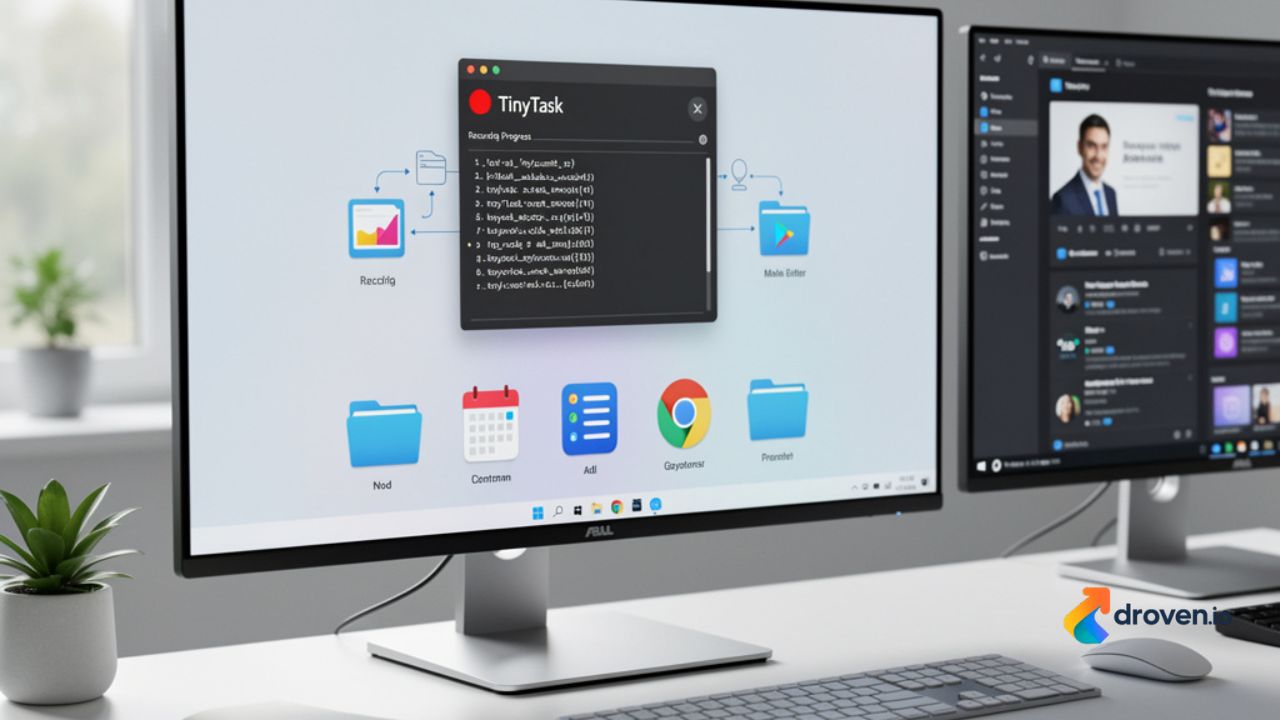
Repetitive computer tasks can consume valuable time and reduce productivity, especially when the same actions must be performed repeatedly. TinyTask is a lightweight desktop automation tool that allows users to record mouse movements and keyboard actions, then replay them automatically. Its simple interface and ease of use have made it a popular option for individuals looking to automate routine tasks without learning programming or scripting languages. Whether you want to streamline office work, repetitive data entry, or personal workflows, TinyTask offers a straightforward approach to desktop automation.
What Is TinyTask?
TinyTask is a Windows-based macro recorder that captures user actions and plays them back exactly as recorded. Unlike advanced automation software that requires scripting knowledge, TinyTask focuses on simplicity by allowing users to create automation with just a few clicks.
The application records:
- Mouse movements
- Mouse clicks
- Keyboard input
- Window interactions
After recording, users can replay the sequence whenever needed, helping reduce manual effort for repetitive activities.
How TinyTask Works
TinyTask operates through a simple record-and-playback process.
Users begin by clicking the record button, after which the software captures every mouse movement and keyboard action. Once the desired sequence is complete, recording is stopped and the macro can be replayed automatically.
The software reproduces the recorded actions in the same order, allowing repetitive workflows to be completed consistently and quickly.
Key Features of TinyTask
Simple User Interface
TinyTask is designed with a minimal interface that makes automation accessible to beginners. Most functions are available through clearly labeled buttons without requiring extensive configuration.
Macro Recording
The software records keyboard and mouse actions in real time, allowing users to automate repetitive desktop tasks.
Macro Playback
Recorded macros can be replayed whenever needed, eliminating the need to manually repeat the same sequence of actions.
Lightweight Application
TinyTask is a small application that requires minimal system resources, making it suitable for older and newer Windows computers alike.
Portable Usage
Many users appreciate that TinyTask can often be used as a portable application without requiring a complex installation process, depending on the version obtained.
Adjustable Playback Speed
Users can modify playback speed to better match the requirements of different tasks and software environments.
Benefits of Using TinyTask
Saves Time
Automating repetitive activities allows users to complete routine work much faster than performing every action manually.
Reduces Repetitive Work
Tasks involving repeated mouse clicks, keyboard shortcuts, or navigation can be completed with minimal user intervention.
Improves Productivity
By automating routine processes, users can devote more attention to work that requires critical thinking or creativity.
Easy to Learn
TinyTask requires very little technical knowledge, making it suitable for beginners as well as experienced computer users.
Consistent Task Execution
Automation reduces the likelihood of mistakes that can occur during repetitive manual input by replaying the same recorded sequence consistently.
Common Use Cases
TinyTask can be useful in many personal and professional situations where repetitive computer actions occur.
Examples include:
- Repetitive data entry
- Opening frequently used applications
- Organizing files
- Completing repetitive office tasks
- Software testing
- Demonstrating workflows
- Repeating simple desktop operations
Its usefulness depends on whether the task follows a predictable sequence of actions.
Advantages of Desktop Automation
Desktop automation provides several practical benefits beyond time savings.
Organizations and individuals use automation to:
- Improve workflow efficiency
- Reduce repetitive manual effort
- Increase consistency
- Standardize routine procedures
- Minimize human error
- Simplify repetitive administrative work
Even simple automation tools can contribute to more efficient daily computer usage.
Limitations of TinyTask
Although TinyTask is effective for basic automation, it has limitations compared to more advanced automation platforms.
Some limitations include:
- Limited support for complex logic
- No advanced scripting capabilities
- Reduced flexibility for dynamic workflows
- Windows-only compatibility
- Limited integration with external applications
Users requiring conditional automation or sophisticated workflow management may need more advanced automation software.
Safety Considerations
When downloading TinyTask or any desktop software, it is important to obtain it from reputable sources to reduce the risk of malware or modified files.
Good security practices include:
- Download software from trusted websites.
- Scan downloaded files with antivirus software.
- Keep your operating system updated.
- Review application permissions when applicable.
- Back up important files before automating critical processes.
Following these practices helps protect your computer while using automation tools.
Tips for Using TinyTask Effectively
To achieve the best results, users should plan their automation carefully before recording.
Helpful tips include:
- Record tasks slowly and accurately.
- Close unnecessary programs before recording.
- Test macros on non-critical files first.
- Save important recordings for future use.
- Keep automation sequences simple whenever possible.
- Verify that software interfaces remain unchanged, as layout changes may affect playback.
Careful preparation improves reliability and reduces the need for repeated recordings.
Alternatives to TinyTask
Users with more advanced automation needs may explore other desktop automation solutions that offer scripting, workflow logic, or application integration.
Examples include:
- Microsoft Power Automate
- AutoHotkey
- AutoIt
- Pulover’s Macro Creator
- Robotic Process Automation (RPA) platforms
Each tool offers different capabilities depending on the complexity of the tasks being automated.
The Future of Desktop Automation
Desktop automation continues to evolve with advances in artificial intelligence and workflow management technologies.
Future automation solutions are expected to include:
- AI-assisted task creation
- Smarter workflow optimization
- Natural language automation
- Improved application integration
- Cloud-based automation management
- Cross-platform compatibility
While advanced automation technologies continue to develop, simple macro recording tools like TinyTask remain useful for users who need quick and straightforward automation without extensive setup.
FAQs
What is TinyTask?
TinyTask is a lightweight Windows automation tool that records mouse and keyboard actions and replays them to automate repetitive desktop tasks.
Is TinyTask free to use?
Availability and licensing may vary depending on the version and distribution source. Users should review the licensing information provided by the official publisher.
Does TinyTask require programming knowledge?
No. TinyTask is designed for users who want simple automation through recording and playback without writing scripts.
What operating system does TinyTask support?
TinyTask is primarily designed for Microsoft Windows operating systems.
Can TinyTask automate every computer task?
TinyTask works best for repetitive actions that follow a consistent sequence. Tasks requiring complex decision-making, conditional logic, or dynamic inputs may require more advanced automation tools.
Is TinyTask safe?
TinyTask can be safe when downloaded from reputable sources. Users should always verify downloads, use antivirus protection, and follow standard cybersecurity practices.
Conclusion
TinyTask provides a simple and effective solution for automating repetitive desktop tasks without requiring programming knowledge or complex configuration. Its lightweight design, straightforward macro recording, and easy playback functionality make it a practical choice for Windows users looking to improve productivity and reduce repetitive manual work. While it may not offer the advanced capabilities of enterprise automation platforms, TinyTask remains a useful tool for everyday workflows that involve predictable, repetitive actions. By using it responsibly and following good security practices, individuals and businesses can save time, improve consistency, and make routine computer tasks more efficient.
