
Finding the right video transcript generator can directly impact the efficiency of your content production workflow. Whether you are a digital creator formatting subtitles for video platforms or a researcher compiling interviews from long recordings, you require a solution that delivers text files quickly and accurately. Selecting an ideal tool removes manual transcription, allowing you to prioritize core editing tasks instead.
However, many transcription tools process files slowly or charge high fees for basic formatting. Some options even require complicated software installations that could disrupt your daily workflow. To help you avoid these frustrations, we tested multiple online tools to find the most reliable choices. This guide highlights six best video transcript generators that deliver on their promises and effectively support your creative projects.
What Makes a Great Video Transcript Generator?
Before selecting the right transcription software, establish the primary criteria that separate basic video-to-text programs from professional transcription platforms. Understanding these baseline factors ensures your chosen system aligns with your production demands.
Text Accuracy Levels
The system must correctly identify industry terminology, diverse regional accents, and proper nouns even when processing files with low-level background noise. High accuracy minimizes manual post-editing, ensuring that text remains reliable.
Processing Speed
An efficient platform rapidly handles high-volume media files via cloud queues, converting hours of raw footage into written scripts within a few minutes. Fast turnaround times prevent production bottlenecks, allowing users to meet tight deadlines.
Formatting Capabilities
The application should automatically insert accurate punctuation, distinguish between multiple speakers, insert consistent timestamps, and remove filler words like “um” or “uh”.
Export and File Flexibility
High-quality tools offer comprehensive input support for common media formats or direct links, alongside immediate output generation into plain text, SRT, or VTT files.
No.1 Hoocs.ai: High-Efficiency Transcription for Everyday Workflows
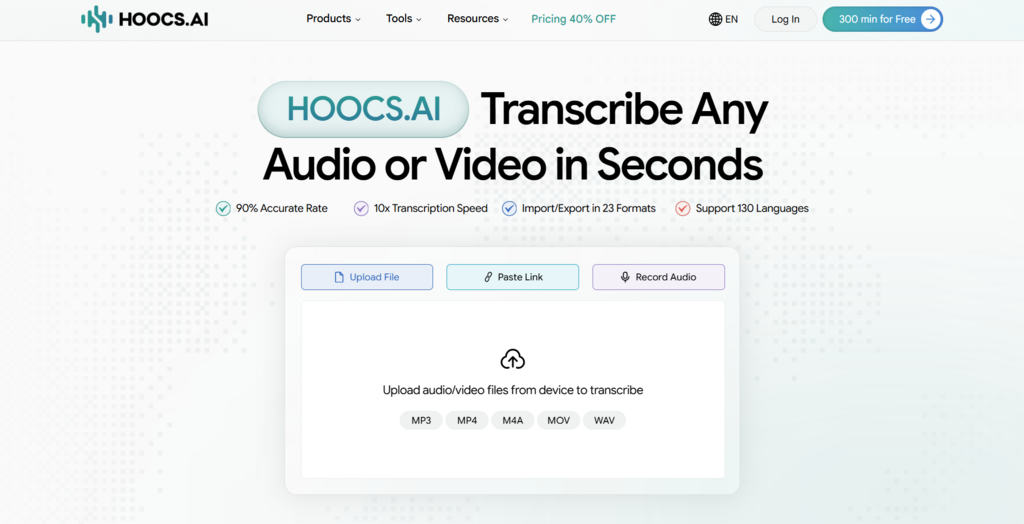
Hoocs.ai is an automated cloud-based video transcription tool that converts audio and video files into organized documents without requiring local software installations. Operating entirely in your browser, the platform allows users to paste direct YouTube links or upload video files for immediate transcription. This seamless setup removes technical barriers, allowing content teams to process media assets efficiently.
Additionally, this transcription tool extracts automated AI summaries and interactive mind maps directly from your transcripts. These structured features, combined with native support for over 130 languages, make it suitable for digital creators and marketers who manage multilingual content. To facilitate initial testing, new accounts receive 300 free minutes of transcription to evaluate its core features.
Pros:
- Processes large media files up to 10x faster
- Supports mixed-language videos across 130+ languages
- Accepts 23+ distinct import and export formats
- Delivers up to 99% accuracy under standard acoustic environments
- Provides 300 free minutes for testing new accounts
Cons:
- Lacks a dedicated smartphone application
- Offers no built-in human transcription options
No.2 Rev: Professional Human Transcription Services for Legal and Academic Workflows
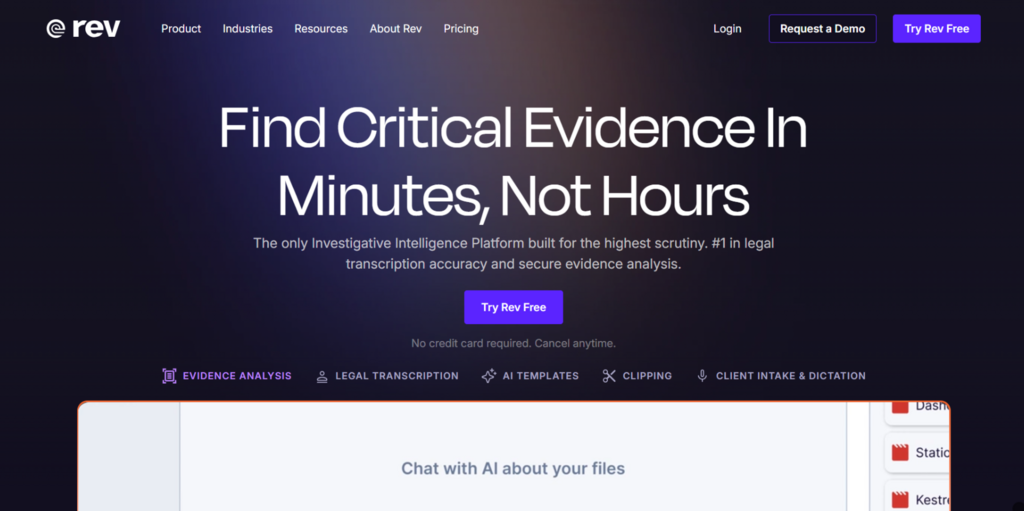
When accuracy is a strict requirement, human transcription services are often the better choice. Rev handles your files by combining automated speech recognition with a global network of language experts. You can choose between instant AI drafts or certified, human-verified documents. This setup ensures you get clean text without risking contextual misinterpretations or data errors.
The platform keeps your data safe by following strict corporate security and confidentiality standards. This protects sensitive files for legal teams, medical firms, and researchers who operate under zero-tolerance error rules. However, human verification requires several hours for the entire delivery. While it costs more per minute, it delivers polished transcripts that require no extra editing.
Pros:
- Guarantees 99% accuracy via human verification
- Follows strict enterprise data privacy rules
- Identifies multiple speakers in complex interviews
- Offers separate AI and human tiers
Cons
- Per-minute operational fees are very high
- Human transcription requires a long delivery time
No.3 Otter.ai: Ideal Solution for Real-Time Meeting Transcription
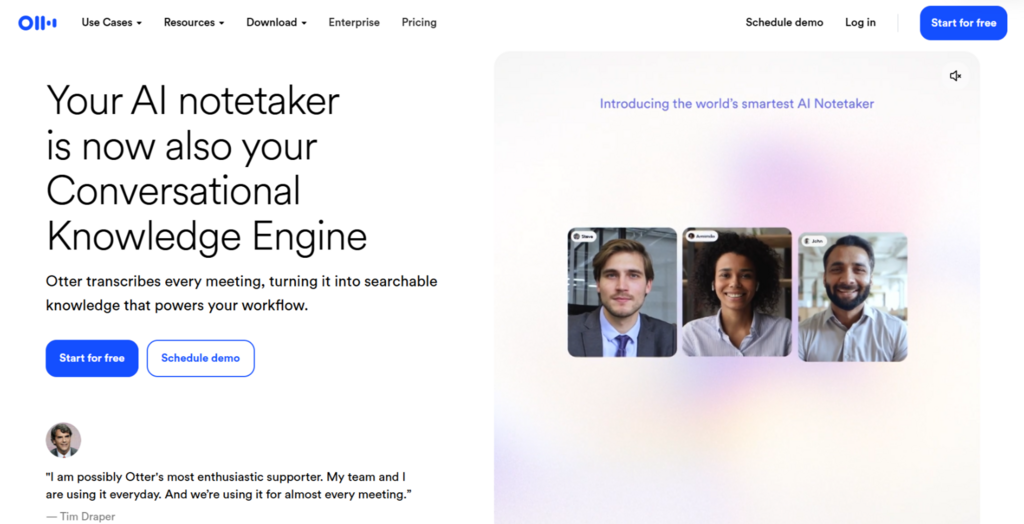
When capturing live workplace discussions is your primary goal, real-time meeting assistants offer the cleanest setup. Otter.ai records and transcribes active conversations directly inside your virtual workspace. The system connects natively with Zoom, Microsoft Teams, and Google Meet to stream text as people speak. This setup removes the burden of manual note-taking, keeping your team fully engaged in the meeting.
The software labels individual speakers automatically and inserts accurate timestamps. After the call, it generates interactive outlines and summaries for quick reference. This design fits project managers and remote teams who track frequent internal discussions. However, the system focuses primarily on English and processes pre-recorded files slowly.
Pros
- Transcribes live audio with automated real-time summaries
- Connects directly with Zoom, Teams, and Google Meet
- Identifies and tags distinct speakers in real time
- Allows team text highlighting and commenting
Cons
- Language support is mostly limited to English
- Processing speed drops when importing pre-recorded files
No.4 Descript: Advanced Platform for AI Video and Podcast Editing
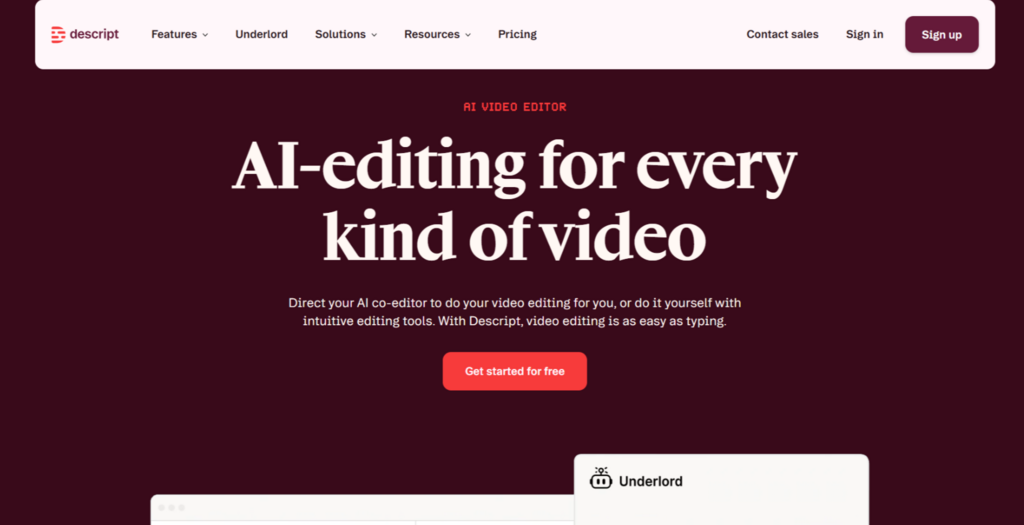
Descript simplifies post-production by binding your audio and video timelines directly to a text transcript. You edit your media files by deleting or rearranging words in the script document itself. This setup removes manual timeline navigation, allowing you to complete rough cuts faster.
The platform also removes filler words with a single click and uses voice cloning to correct audio mistakes. This helps podcasters and video creators handle narrative adjustments without re-recording tracks. However, processing high-definition video demands substantial hardware power, which can slow down standard computers.
Pros:
- Edits video timelines through direct text adjustments
- Deletes filler words with one click
- Offers fully customizable subtitle styling options
Cons:
- Large feature set creates steep learning curves
- Requires substantial local computer hardware power
No.5 HappyScribe: Specialized Tool for Automated Subtitle Creation
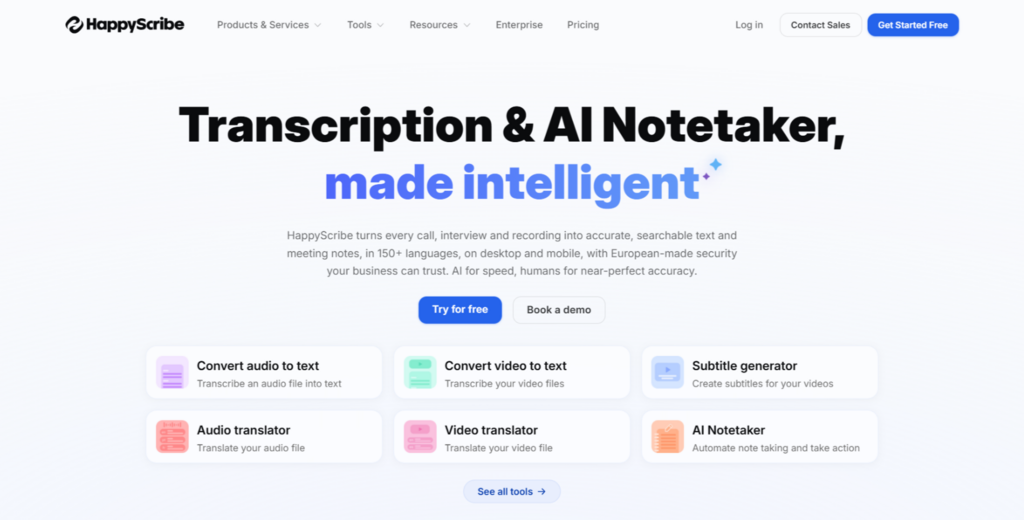
HappyScribe focuses on automated caption generation, subtitle timeline alignment, and file formatting for international video channels. This tool provides an interactive visual workspace engineered specifically for adjustment of individual caption blocks alongside multi-language translation workflows. This targeted design allows users to align text with spoken audio accurately, improving readability across external video platforms.
The system supports custom subtitles directly into your video files before final export. This localization process makes the tool useful for international e-commerce brands, subtitle specialists, and marketing teams targeting global audiences.
Pros:
- Exports to multiple subtitle formats, including SRT
- Provides an interactive visual workspace for editing captions
- Burns custom subtitles directly into video files
- Handles a wide range of languages accurately
Cons:
- Free tier leaves watermarks on exported videos
- Human transcription is expensive
No.6 Trint: Tailored Transcription for Journalists and Media Teams
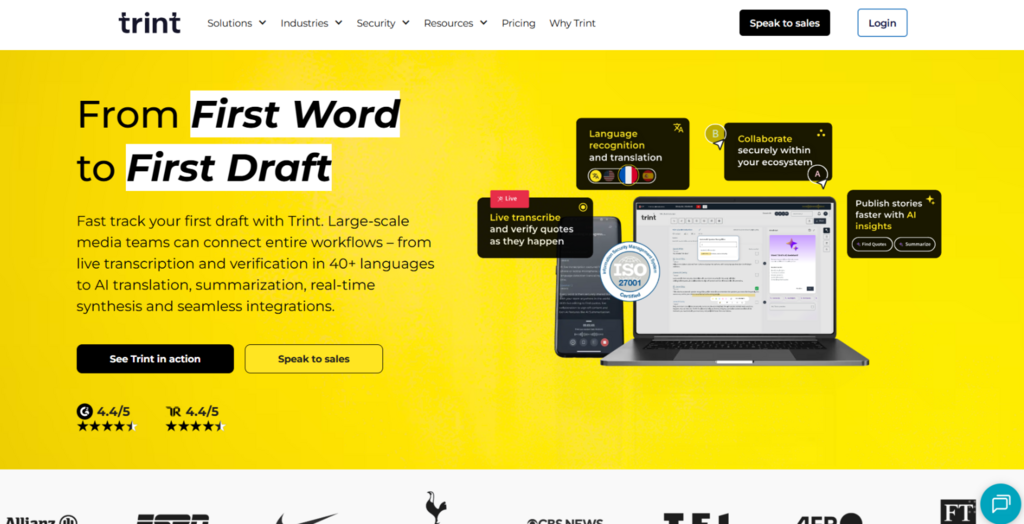
When tight deadlines shape your workflow, shared workspaces keep production teams moving. Trint provides a cloud-based platform built for fast-paced newsrooms and media environments. It allows multiple team members to simultaneously access, highlight, and verify quotes within a single document, speeding up story assembly.
The system also syncs with mobile recording apps to capture and transcribe field interviews on the go. This mobile access helps remote reporters track stories efficiently. However, high subscription fees make it less practical for freelancers, and the software lacks advanced multi-layered audio-editing tools.
Pros:
- Supports real-time multi-user transcript collaboration
- Extracts rapid pull-quotes and outlines instantly
- Integrates with mobile apps for fieldwork
- Connects smoothly to media production backends
Cons:
- Monthly subscription pricing tiers are very high
- Lacks advanced multi-layered audio-editing tools
Comparison of 6 Best AI Video Transcript Generators
Selecting the right AI video transcript generator requires matching your specific needs and your budget. The comparison below outlines how these platforms perform side by side across core operational metrics.
| Tool | Transcription Speed | Accuracy Rate | Starting Price (Monthly) | Best for |
| Hoocs.ai | Very Fast | Up to 99% | 300 free minutes$12/month | Content creators and marketers looking for a lightweight, everyday user |
| Rev | Fast | AI: 96%Human: 99% | $25.49/month | Legal, academic, and high-precision research requiring certified accuracy |
| Otter.ai | Very fast | 95%+ | $16.99/month | Live corporate meetings, remote teams, and real-time note-taking |
| Descript | Fast | 95% | $16/month | Video editors and podcasters leveraging text-based timeline editing |
| HappyScribe | Medium | 85% – 95% | $17/month | Video professionals and teams requiring broadcast-ready multi-language subtitles |
| Trint | Medium | 85% – 90% | $100/month | Journalists, broadcasters, and collaborative newsroom workflows |
Final Verdict
In conclusion, selecting a video transcript generator requires balancing your specific delivery timelines against your workflow demands. For standard content creation teams seeking a budget-friendly balance of automated text generation and high-speed processing, Hoocs.ai offers the most cost-effective solution. Its browser-based system delivers functional text outputs without any complicated setup or steep learning curves.
Ultimately, the best choice depends entirely on your unique operational workflow and budget. Before committing to a long-term premium subscription, test individual media files using the available free versions to check the accuracy. This hands-on validation ensures your final selection matches your required document specifications and project timeline perfectly.
