
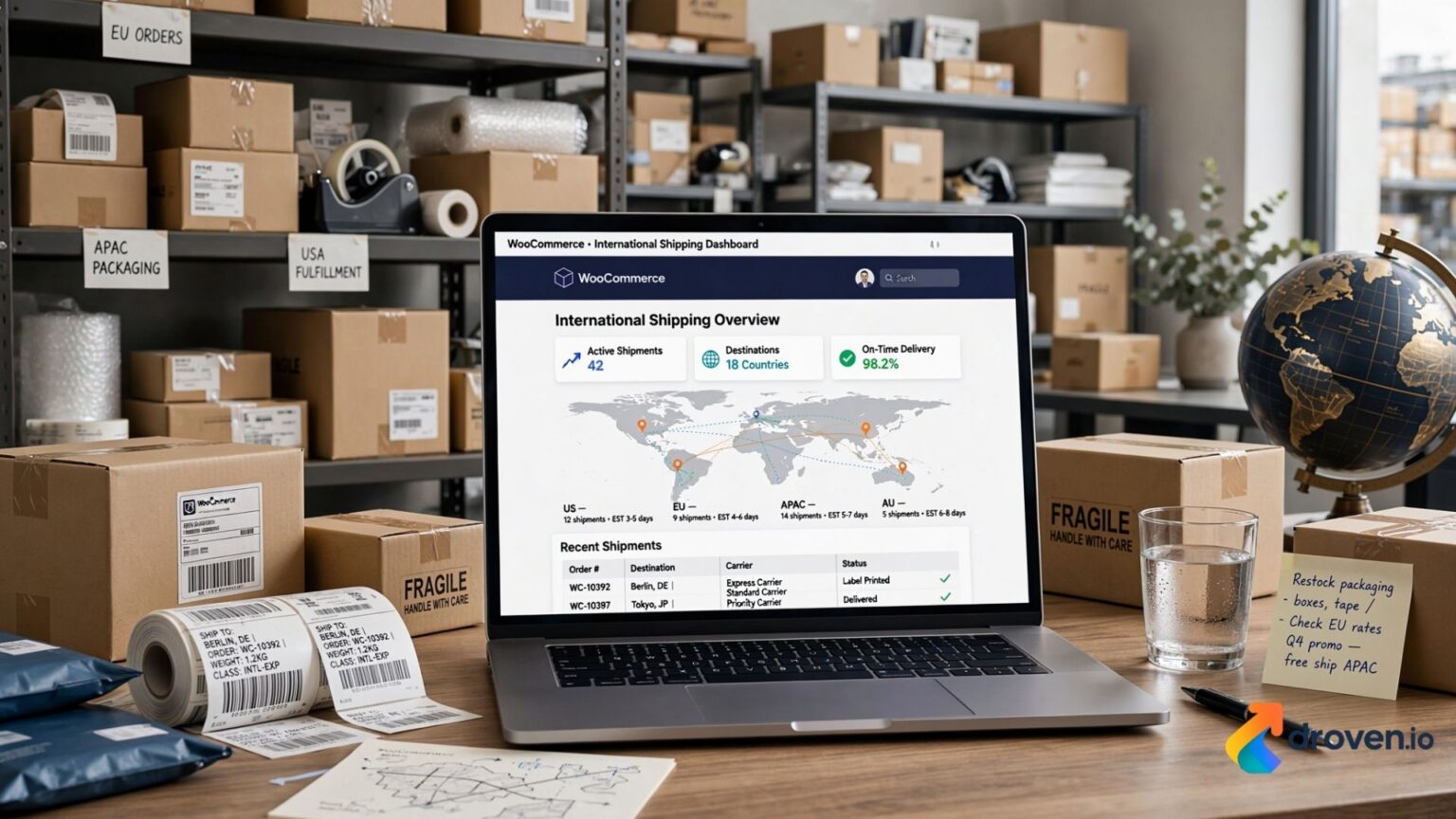
Expanding your online business beyond domestic borders is one of the most effective ways to increase revenue and reach new customers. Thanks to WooCommerce, businesses of all sizes can create online stores that support international sales and shipping. However, managing global deliveries requires careful planning, from setting up shipping zones to calculating shipping costs and complying with customs regulations. Understanding how to configure and optimize International Shipping WooCommerce can help improve customer satisfaction, streamline operations, and support long-term business growth.
Whether you operate a small online store or a growing eCommerce business, implementing a well-planned international shipping strategy is essential for delivering products efficiently to customers around the world.
What Is International Shipping WooCommerce?
International Shipping WooCommerce refers to the process of configuring a WooCommerce-powered online store to sell and ship products internationally.
WooCommerce provides built-in shipping functionality that allows merchants to:
- Create international shipping zones
- Offer multiple shipping methods
- Configure shipping rates
- Integrate with shipping carriers
- Manage customer shipping options
Additional capabilities can be added through WooCommerce extensions and third-party shipping solutions.
Why International Shipping Matters for eCommerce
Selling internationally opens opportunities to reach customers who may not have access to your products locally.
Some benefits include:
- Increased sales opportunities
- Access to global markets
- Improved brand recognition
- Business diversification
- Expanded customer base
As international online shopping continues to grow, offering worldwide shipping can make your business more competitive.
How International Shipping WooCommerce Works
WooCommerce organizes shipping using shipping zones.
A shipping zone is a geographical area where specific shipping methods and rates apply.
For example:
- United States
- Canada
- Europe
- Australia
- Asia
- Rest of the World
Each zone can have different pricing structures and shipping methods based on your business requirements.
Setting Up Shipping Zones in WooCommerce
One of the first steps in configuring International Shipping WooCommerce is creating shipping zones.
To do this:
- Navigate to WooCommerce Settings.
- Select Shipping.
- Create a new shipping zone.
- Add countries or regions.
- Assign shipping methods.
- Save your settings.
This allows customers from different regions to see appropriate shipping options during checkout.
Shipping Methods Available in WooCommerce
WooCommerce supports several shipping methods by default.
Flat Rate Shipping
Flat rate shipping charges a fixed amount regardless of order value.
This method works well for:
- Predictable shipping costs
- Standard international deliveries
- Small product catalogs
Free Shipping
Many businesses offer free international shipping after customers reach a minimum purchase amount.
This strategy may encourage larger orders.
Local Pickup
Although not generally used for international customers, local pickup remains available for domestic buyers.
Carrier Integration for International Shipping WooCommerce
Many online businesses integrate WooCommerce with major shipping carriers.
Popular carrier integrations include:
- DHL
- UPS
- FedEx
- USPS
- Royal Mail
- Canada Post
- Australia Post
These integrations may provide:
- Live shipping rates
- Shipping labels
- Tracking numbers
- Delivery updates
Available integrations depend on your shipping provider and WooCommerce plugins.
Calculating International Shipping Costs
Shipping costs depend on several factors.
These include:
- Package weight
- Package dimensions
- Shipping destination
- Shipping speed
- Carrier pricing
- Insurance
- Fuel surcharges
Accurate shipping calculations help prevent unexpected expenses for both merchants and customers.
Using WooCommerce Shipping Plugins
Many businesses extend WooCommerce with shipping plugins.
Popular plugin features include:
- Real-time carrier rates
- Shipping automation
- Bulk label printing
- Tracking integration
- Customs documentation
- Delivery notifications
Choosing the right plugin depends on your shipping volume and business needs.
Customs and Import Duties
International shipments may be subject to customs regulations.
Customers may encounter:
- Import duties
- VAT
- GST
- Customs clearance fees
- Local taxes
Businesses should clearly communicate their shipping policy regarding customs charges.
Depending on your shipping terms, either the sender or the recipient may be responsible for these costs.
Best Practices for International Shipping WooCommerce
A successful shipping strategy includes more than selecting a carrier.
Best practices include:
- Clearly displaying shipping costs.
- Providing estimated delivery times.
- Offering package tracking.
- Using secure packaging.
- Verifying shipping addresses.
- Keeping customers informed throughout delivery.
Transparent communication helps reduce customer support requests.
Packaging for International Orders
Proper packaging protects products during long-distance transportation.
Recommended packaging practices include:
- Strong corrugated boxes
- Protective cushioning
- Waterproof wrapping where appropriate
- Secure tape
- Accurate shipping labels
Well-packaged orders reduce the likelihood of damage during transit.
Delivery Tracking
Customers increasingly expect shipment tracking.
Tracking benefits include:
- Order visibility
- Delivery updates
- Increased customer confidence
- Reduced “Where is my order?” inquiries
Many WooCommerce shipping plugins automatically provide tracking information after shipment.
Optimizing International Shipping WooCommerce for SEO
Beyond logistics, international shipping can also support search visibility.
SEO best practices include:
- Creating country-specific landing pages
- Optimizing shipping information pages
- Using localized keywords
- Improving page speed
- Creating multilingual content where appropriate
- Implementing structured data
Well-optimized content can help international customers find your store more easily.
Common Challenges
International shipping may involve:
- Customs delays
- Address formatting differences
- Carrier limitations
- Higher shipping costs
- Delivery time variations
Planning ahead helps reduce operational challenges.
Choosing the Right Shipping Carrier
When selecting a carrier, consider:
- Delivery speed
- Geographic coverage
- Shipping rates
- Package tracking
- Customer support
- Insurance options
- Reliability
Comparing multiple providers can help identify the best solution for your business.
Improving Customer Experience
Customers appreciate a smooth purchasing process.
Ways to improve satisfaction include:
- Display shipping costs before checkout.
- Provide estimated delivery dates.
- Offer multiple shipping options.
- Send automated shipping updates.
- Respond quickly to delivery questions.
Positive shipping experiences encourage repeat purchases.
Future Trends in International Shipping WooCommerce
Global eCommerce continues to evolve.
Emerging trends include:
- AI-powered shipping optimization
- Automated customs documentation
- Carbon-neutral shipping options
- Faster international fulfillment
- Smart warehouse automation
- Cross-border logistics improvements
Businesses that adapt to these developments may improve operational efficiency over time.
FAQs
1. How do I set up international shipping in WooCommerce?
Go to WooCommerce Settings > Shipping, add a new shipping zone for your target countries, and assign your preferred shipping methods. Working with a regional e-commerce developer ensures your global zones and shipping classes are configured correctly for tax compliance.
2. What is the best international shipping plugin for WooCommerce?
Top-rated plugins like DHL Express, FedEx Shipping, and WooCommerce Shipping are excellent for automating global label creation. These tools allow local online stores to display real-time international carrier rates directly to customers at checkout.
3. How do I calculate live international shipping rates on WooCommerce?
You can calculate precise live rates by integrating carrier API plugins (such as UPS, DHL, or USPS) into your WooCommerce dashboard. This prevents cart abandonment by showing regional and global shoppers exact shipping and handling costs instantly.
4. How do WooCommerce store owners handle international customs duties and taxes?
Integrate automated tax plugins like checkout tools that calculate and collect duties (DDP/DDU) upfront. This ensures your global packages clear customs seamlessly without unexpected delivery fees for your international buyers.
5. What is the cheapest way to ship internationally using WooCommerce?
Integrating shipping aggregators like ShipStation or Easypost allows your business to access discounted commercial shipping rates from global carriers. This helps your local e-commerce store offer affordable global shipping while keeping your overhead low.
Conclusion
Implementing an effective International Shipping WooCommerce strategy allows businesses to expand into global markets while providing customers with reliable delivery options. From configuring shipping zones and integrating trusted carriers to managing customs requirements and offering shipment tracking, every aspect of the shipping process contributes to customer satisfaction and business success. By combining WooCommerce’s built-in shipping features with the right extensions, clear shipping policies, and SEO-optimized international content, online stores can create a scalable global eCommerce operation that supports long-term growth and improved customer experiences.
