
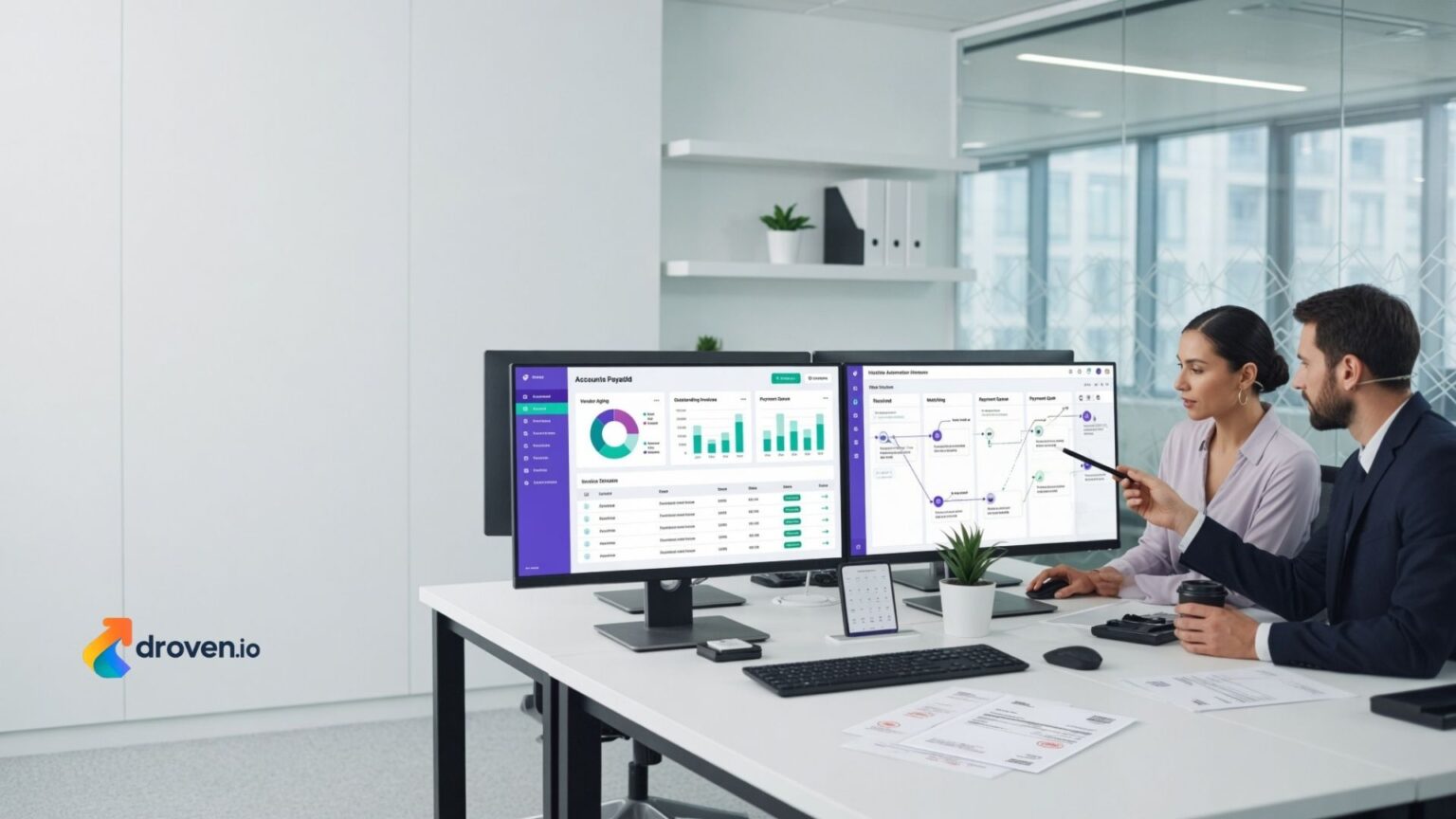
Managing invoices manually can be time-consuming, especially for businesses handling hundreds or thousands of supplier invoices each month. Paper-based approvals, manual data entry, and fragmented workflows often slow financial operations and increase the risk of errors. As organizations continue their digital transformation, many are exploring solutions like Yooz to automate accounts payable (AP) processes and improve operational efficiency.
Accounts payable automation helps finance teams process invoices faster, improve document visibility, and support more accurate financial records. While software capabilities vary depending on the subscription plan and business requirements, automation can reduce repetitive administrative work and provide better insight into financial workflows.
This guide explains what Yooz is, how accounts payable automation works, its potential benefits, and what businesses should consider before implementing an AP automation solution.
What Is Yooz?
Yooz is a cloud-based accounts payable automation platform designed to help organizations digitize invoice processing and streamline financial approval workflows. The platform is intended to reduce manual tasks by capturing invoice data, routing approvals electronically, and supporting integration with accounting or enterprise resource planning (ERP) systems.
Available features may vary depending on the organization’s subscription, software configuration, and integrated business systems.
Why Accounts Payable Automation Matters
Manual invoice processing often involves repetitive administrative tasks that consume valuable time.
Organizations commonly automate accounts payable to help:
- Reduce manual data entry
- Improve invoice tracking
- Accelerate approval workflows
- Increase document visibility
- Support financial accuracy
- Enhance operational efficiency
The impact of automation depends on business processes, implementation, and user adoption.
How Yooz Works
Accounts payable automation platforms generally follow a structured workflow from invoice receipt to payment approval.
Invoice Capture
Invoices may be received through email, digital uploads, or integrated document workflows.
Optical Character Recognition (OCR) technology is commonly used to extract invoice information for review.
Data Validation
Captured information is compared with accounting records, purchase orders, or vendor information where applicable.
Businesses typically review extracted data before final approval.
Workflow Automation
Invoices are automatically routed to the appropriate approvers based on predefined business rules.
Automated workflows help reduce delays associated with manual document routing.
Digital Approval
Managers can review and approve invoices electronically, whether working in the office or remotely.
Approval procedures vary depending on organizational policies.
Key Features of Yooz
Many accounts payable automation platforms include features designed to improve efficiency.
Common capabilities may include:
Invoice Automation
Automatic invoice capture reduces repetitive manual entry while improving processing speed.
Approval Workflows
Electronic approval routing helps maintain consistent review processes across departments.
Document Management
Digital document storage allows authorized users to retrieve invoices and supporting records more easily.
ERP Integration
Some businesses integrate AP automation with ERP or accounting software to improve financial workflow continuity.
Integration options vary depending on software compatibility.
Reporting and Analytics
Dashboards and reports may provide insight into invoice processing times, approval status, and workflow performance.
Benefits of Using Yooz
Organizations often implement automation to improve financial operations.
Potential benefits include:
Improved Efficiency
Automating repetitive processes allows finance teams to focus on higher-value activities.
Better Visibility
Digital tracking makes it easier to monitor invoice status throughout the approval process.
Faster Processing
Automated routing may reduce delays associated with manual document handling.
Reduced Paper Usage
Digital workflows can decrease reliance on printed invoices and paper filing systems.
Stronger Compliance Support
Electronic records may assist organizations with documentation and audit preparation, depending on internal processes and regulatory requirements.
Industries That Use Accounts Payable Automation
Accounts payable automation is used across many sectors.
Common industries include:
- Manufacturing
- Healthcare
- Retail
- Construction
- Hospitality
- Education
- Financial services
- Professional services
Each organization may configure workflows differently based on operational requirements.
Data Security Considerations
Financial information requires appropriate protection.
When evaluating automation platforms, businesses should review:
- User access controls
- Data encryption
- Backup procedures
- Compliance documentation
- Authentication options
- Vendor security practices
Organizations remain responsible for implementing appropriate internal security policies.
Choosing an Accounts Payable Automation Solution
Every business has different financial workflows.
Before selecting software, consider:
Business Size
Choose a solution that aligns with current invoice volume while supporting future growth.
Integration Requirements
Verify compatibility with existing accounting, ERP, and financial management systems.
Ease of Use
User-friendly interfaces can improve employee adoption and reduce training time.
Reporting Capabilities
Review available dashboards, analytics, and reporting features.
Customer Support
Training resources and technical assistance may influence long-term implementation success.
Best Practices for Successful AP Automation
Technology works best when supported by effective business processes.
Consider these recommendations:
- Review current invoice workflows before implementation.
- Standardize approval procedures.
- Train employees on new processes.
- Monitor workflow performance regularly.
- Maintain accurate vendor information.
- Review security permissions periodically.
- Update internal financial procedures as needed.
These practices help organizations maximize the value of automation.
Frequently Asked Questions
What is Yooz?
Yooz is a cloud-based accounts payable automation platform designed to help businesses digitize invoice processing and approval workflows.
How does Yooz automate invoice processing?
The platform typically uses digital invoice capture, workflow automation, and approval routing to reduce manual processing. Available features depend on system configuration.
Can Yooz integrate with accounting software?
Many accounts payable automation platforms support integration with accounting and ERP systems. Businesses should verify compatibility with their existing software.
Which businesses benefit from accounts payable automation?
Organizations that process large volumes of invoices or want to improve workflow efficiency may benefit from accounts payable automation.
Is accounts payable automation secure?
Security depends on the platform’s features, implementation, user access controls, and organizational security practices. Businesses should review vendor documentation before implementation.
How do I choose an accounts payable automation platform?
Evaluate integration capabilities, scalability, reporting tools, ease of use, customer support, security features, and compatibility with your financial processes.
Conclusion
Yooz provides organizations with a digital approach to managing accounts payable by automating invoice processing, approval workflows, and document management. While the specific benefits depend on each organization’s implementation and operational needs, accounts payable automation can help improve efficiency, enhance visibility, and reduce manual administrative work. Before selecting any financial automation platform, businesses should evaluate their workflow requirements, integration needs, security considerations, and long-term growth objectives to ensure the solution aligns with their operational goals.
