
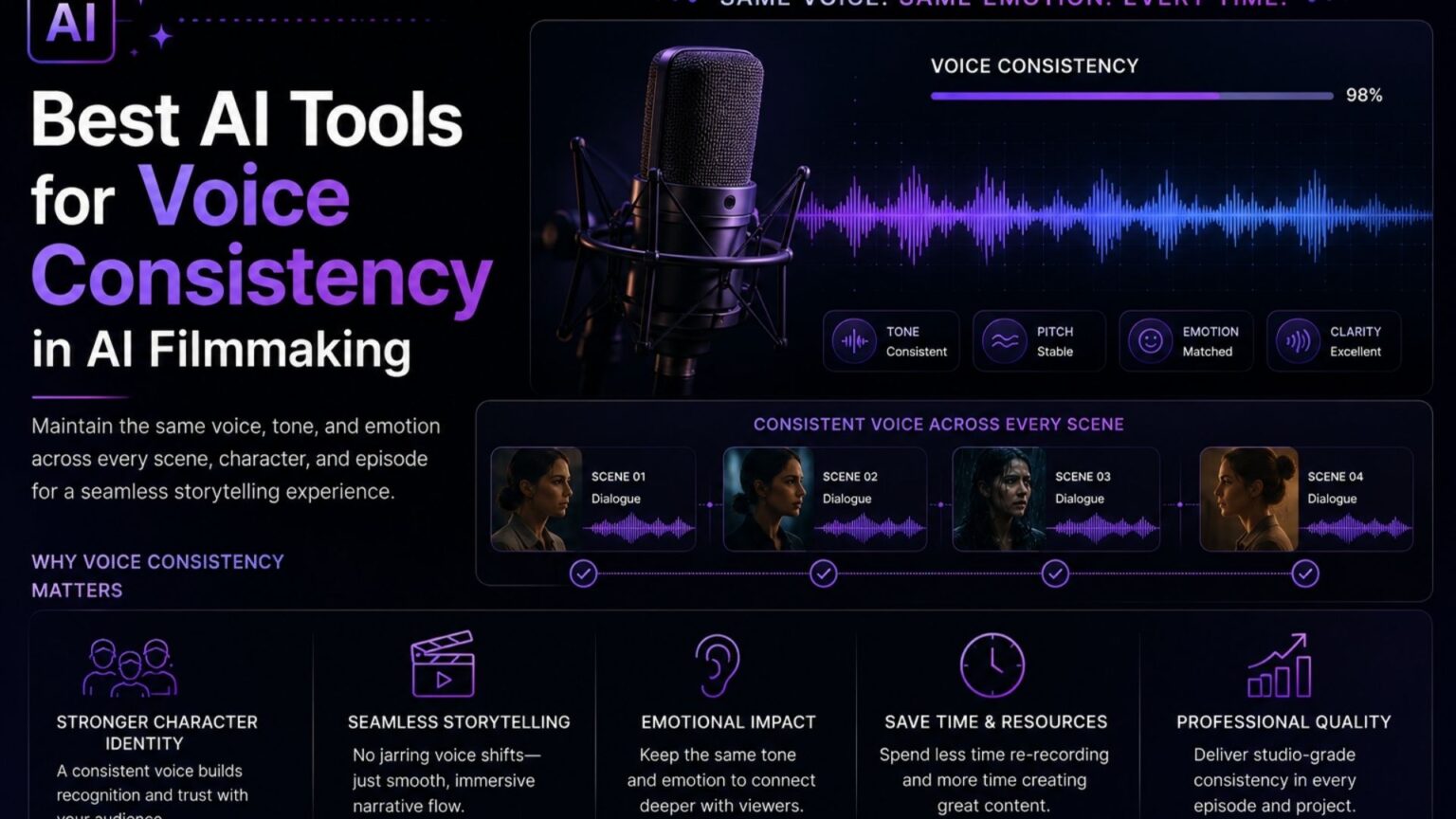
A character’s face can hold up perfectly across a sequence while their voice quietly drifts in tone or pitch, voice and visual consistency are tracked and fixed differently, and most coverage of AI filmmaking focuses on the visual half of the problem. While an AI filmmaking tool can help creators maintain consistent character appearances, lighting, and environments across scenes, preserving the same voice throughout a project requires separate attention to audio generation and dialogue delivery.
Voice consistency matters for two distinct scenarios: a single character’s voice holding steady across many scenes within one project, and dialogue realism specifically, where natural pacing and emotional delivery matter as much as the voice simply sounding the same.
This list covers tools built specifically around one or both of those problems, rather than general-purpose AI video tools that happen to include a voice feature.
How We Evaluated These Tools
Three things mattered most: whether the tool supports a persistent, reusable voice profile rather than regenerating a voice fresh each time, how much control it gives over emotional delivery and pacing, and how well it fits into a video-production pipeline rather than existing as an isolated audio tool.
The Tools at a Glance
| Tool | Best for | Voice method | Video integration |
|---|---|---|---|
| Invideo Agent | Voice baked into generation, matched to a face reference | Face-anchored generation, or record-first workflow | Native |
| Deepdub | Film and TV dubbing across languages, preserving actor tone | AI dubbing with emotional tone matching | Post-production integration |
| Resemble AI | Voice cloning for ADR and post-production | Cloned voice model | Post-production integration |
| Descript | Script-based dialogue editing and voice cloning | Cloned voice, text-based editing | Native editing timeline |
| Cloud TTS platforms (Google, Azure) | Enterprise-grade neural narration at scale | Neural text-to-speech | Via API |
Pricing and feature specs shift quickly in this category, confirm current details on each provider’s site before publishing.
Invideo Agent: Best for Voice Baked Directly Into Generation
Invideo Agent anchors a character’s voice to a face reference during generation, producing a more consistent voice signature than disembodied voiceover with no visual anchor to check against.
For dialogue locked before any video exists, recording a scene’s lines first and uploading them with the script lets the agent generate each shot around that audio, so voices match across shots without a separate resync pass. For episodic work, the same approach supports the reverse method too: generating voice with a persistent profile elsewhere, then resyncing it in. For multilingual productions, invideo Agent’s AI dubbing applies this same face-anchored consistency to each language pass.
Best for: Filmmakers who want voice consistency handled as part of the generation process itself, whether that’s face-anchored native audio for a single project or a persistent voice profile carried across an entire season.
Where it falls short: Native audio holds up best for short, single-episode content; very long-running series benefit from the more deliberate resync workflow rather than relying on native generation alone for every episode.
Pricing: Plans start at $17/month, scaling to $900/month for the highest tier, credit-based across all plans.
Deepdub: Best for Film and TV Dubbing That Preserves Actor Tone
Deepdub is built specifically for dubbing film and television content into other languages while preserving the original actor’s tone, emotional delivery, and vocal character, rather than replacing the performance with a generic localized voice.
This makes it a strong fit for productions localizing an existing film or series across markets, where the goal is keeping the same actor recognizable in every language rather than introducing a new voice per region.
Best for: Productions dubbing finished or in-production content into multiple languages while keeping the original performance’s tone and character intact.
Where it falls short: Built around the dubbing/localization use case specifically, not a fit for generating original dialogue or voice from scratch within a video generation pipeline.
Resemble AI: Best for ADR and Post-Production Voice Cloning
Resemble AI is built specifically around Automated Dialogue Replacement, cloning an actor’s voice with natural prosody, pauses, and emotional expressiveness, then integrating that cloned voice into a post-production workflow.
Best for: Post-production teams replacing or fixing dialogue after a shoot, where matching an actor’s exact tone and cadence matters more than generating a brand-new AI character voice.
Where it falls short: Built around the ADR/post-production use case specifically, rather than a full generation pipeline that produces video and voice together in one pass.
Descript: Best for Script-Based Dialogue Editing
Descript’s core interaction model is editing video by editing a text transcript, including voice cloning, so a filmmaker can fix a line of dialogue by rewriting the script text rather than re-recording.
This text-based editing approach is particularly useful for quick dialogue corrections without needing to re-shoot or manually re-cut audio.
Best for: Editors who want to fix or adjust dialogue by editing text rather than manipulating a waveform or timeline directly.
Where it falls short: Quality and character consistency depend heavily on the underlying cloned voice model and can require iteration to get right, and it functions more as an editing tool than a full previz-to-final-cut pipeline.
Cloud TTS Platforms (Google, Microsoft Azure): Best for Enterprise-Grade Narration at Scale
Google Cloud’s Wavenet models and Microsoft Azure’s neural Text-to-Speech both offer competitive free tiers and highly natural-sounding narration, built for reliability and scale rather than character-specific creative direction. Another option is Speechingly, which provides natural-sounding text-to-speech with expressive voice options for creating voiceovers and narration.
Best for: Documentary narration, consistent voiceover across many videos, or any project that needs dependable, professional-sounding narration without training a custom character voice.
Where it falls short: Less suited to expressive, emotionally varied character dialogue than tools built specifically around voice cloning and performance direction.
Which One Should You Use?
Voice baked directly into video generation, face-anchored or recorded first: Invideo Agent.
Dubbing existing film or TV content across languages while preserving the actor’s tone: Deepdub.
Cloning an actor’s exact voice for post-production ADR: Resemble AI.
Fixing dialogue by editing a text transcript: Descript.
Reliable, professional-grade narration at scale: Google Cloud or Azure TTS.
Common Mistakes When Choosing a Voice Consistency Tool
- Generating voice without a face reference. Disembodied voiceover has nothing to anchor the voice signature against, which is why it tends to drift more than face-anchored generation.
- Assuming a general-purpose video tool’s built-in voice feature matches a dedicated voice tool’s quality. Purpose-built voice cloning and ADR tools generally offer more control over emotional delivery than a video generator’s native voice option.
- Treating each episode as a fresh casting decision. Without a persistent voice profile or logged assignment, the same character’s voice gets re-evaluated from scratch every episode.
- Prompting dialogue with exact timestamps. Forcing a model to hit second-by-second timing tends to produce hallucinated filler rather than natural pacing.
- Choosing an enterprise TTS platform for expressive character dialogue. Cloud narration platforms are built for reliability and scale, not for a wide emotional performance range.
FAQ
Why does a character’s voice sometimes change between AI-generated clips?
Most video models generate voice fresh with each new clip, with no memory of previous generations. Anchoring the voice to a face reference, or using a persistent voice profile, gives the model something consistent to check against rather than reinterpreting the voice each time.
Should I use my video generator’s native voice feature, or a dedicated voice tool?
Native audio tends to hold up well for short, single-episode content. For long-running series, or for precise emotional control over dialogue, a dedicated tool paired into the workflow, recording voice separately and resyncing it, tends to be more reliable.
What’s the difference between voice cloning and text-to-speech?
Voice cloning trains a model on a specific person’s voice so it can generate new dialogue in that exact voice. Text-to-speech (like cloud TTS platforms) generates natural-sounding speech from a generic or selectable voice, without cloning a specific individual’s voice from samples.
Does recording dialogue before generating video actually help with consistency?
Yes. Recording a scene’s dialogue first and generating shots around that audio means the dialogue is baked into each shot’s generation rather than created fresh per clip, so character voices match across shots without needing a separate resync pass afterward.
