
Introduction
Agency life gets messy quickly. Between lead tracking, sales follow-ups, calendar invites, onboarding, client reporting, and campaign updates. The administrative churn can swallow your day before you touch client deliverables. As your account roster grows? So does the paper trail.
Manual task management eats into margins. Every hour spent copying contact details across spreadsheets or firing off status emails is time taken away from high value strategy and account growth. If growing your revenue means hiring extra staff just to manage routine tasks, your operating model hits a wall.
GoHighLevel workflows fix this operationally. Setting routine touchpoints to trigger automatically lets you contact leads in seconds, handle client onboarding on autopilot, and keep your team focused on billable work.
Here is a look at where agency hours vanish, how GoHighLevel automation handles daily operations, key workflows to build first, setup pitfalls to avoid, and when to bring in specialists to scale up.
Why Agencies Lose So Much Time Every Week
Even highly organized agencies spend dozens of hours each week on tasks that can be automated.
Manual Lead Management
Many agencies still:
- Copy leads between multiple platforms
- Update CRM records manually
- Assign leads to sales representatives
- Organize opportunities by hand
Delayed follow-ups also reduce response speed, making it harder to engage prospects while interest is highest.
Appointment Scheduling
Scheduling can become surprisingly time-consuming.
Teams often spend hours:
- Sending confirmation emails
- Managing calendar availability
- Rescheduling appointments
- Following up on cancellations
Client Communication
Every client expects timely communication.
Agencies repeatedly send:
- Welcome emails
- Status updates
- SMS reminders
- Review requests
- Follow-up messages
While individually small, these tasks add up quickly across dozens or hundreds of clients.
Administrative Tasks
Behind every successful agency are numerous internal processes, including:
- CRM updates
- Team notifications
- Task assignments
- Weekly reports
- Performance tracking
What Is GoHighLevel Workflow Automation?
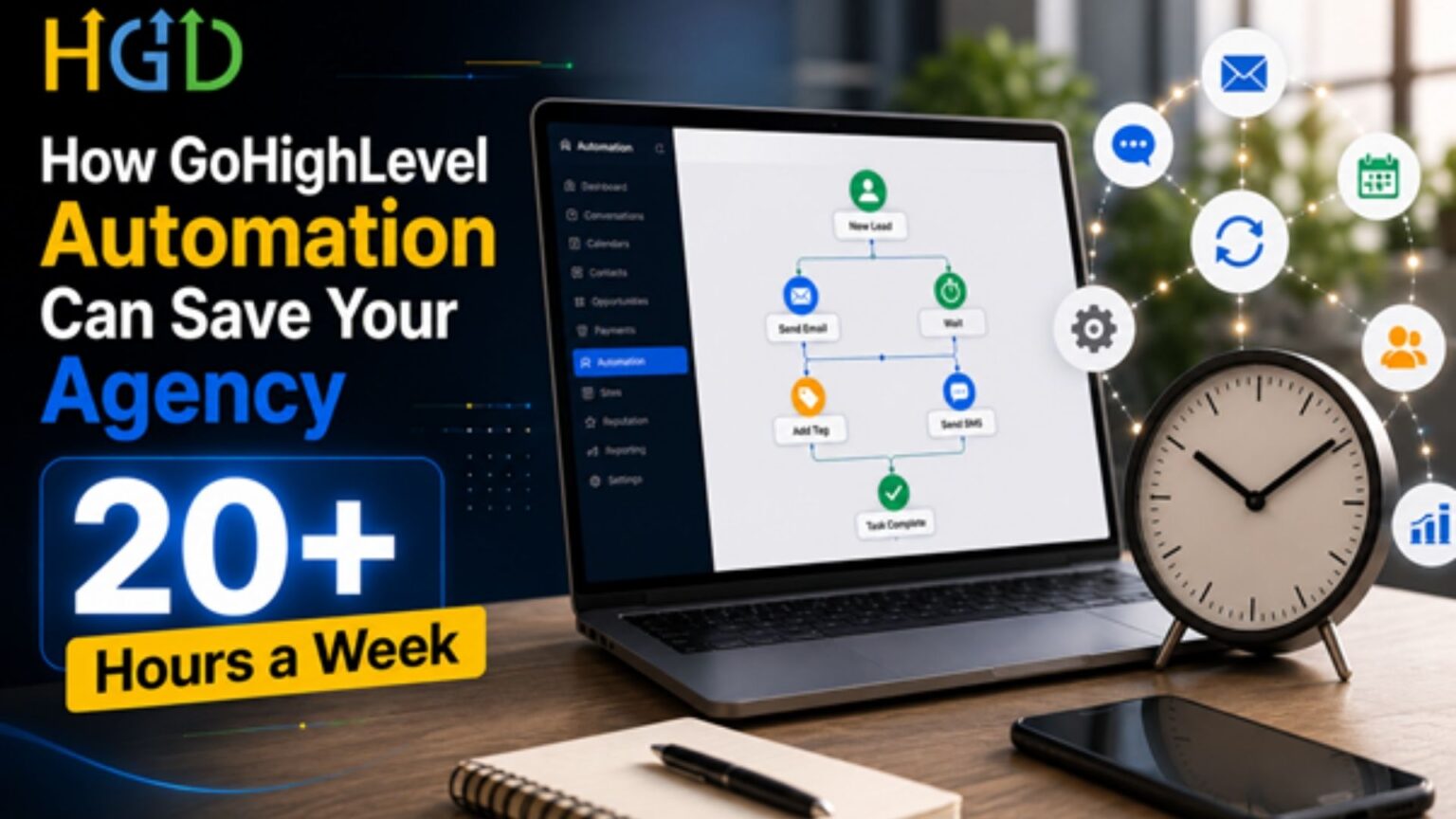
GoHighLevel workflows are visual automation sequences. Executing predefined actions whenever specific conditions are met. A workflow typically consists of:
- Triggers that start the automation
- Actions performed automatically
- Conditions that determine workflow paths
- Multi-step sequences that guide contacts through complete customer journeys
For example, when a lead submits a website form, GoHighLevel can instantly:
- Create the contact
- Apply tags
- Assign the opportunity
- Send an SMS
- Send an email
- Notify a sales representative
- Schedule future follow-ups
Standard marketing campaigns send emails on a schedule. A real workflow connects your CRM, sales tools, communication channels, and third-party apps into one setup.
If a lead fills out a form, the system can ping your sales rep. Log the contact details, assign a follow up task, and send out an intro email at once. You do not have to copy and paste data between tools or remind people to check their inbox.
8 Ways GoHighLevel Workflow Automation Saves Agencies 20+ Hours Every Week
1. Instant Lead Capture & Qualification
New leads can be captured and processed immediately.
Automation can:
- Apply tags automatically
- Assign leads to the correct pipeline
- Route prospects to sales representatives
- Score leads based on predefined criteria
This eliminates manual sorting while ensuring every inquiry receives immediate attention.
2. Automated Follow-Up Sequences
Consistent follow-up dramatically improves conversion rates.
GoHighLevel can automatically send:
- Emails
- SMS messages
- Voicemail drops
- Reminder sequences
Each interaction occurs based on customer behavior without requiring manual intervention.
3. Appointment Booking Automation
Integrated calendars remove scheduling friction.
Automation handles:
- Calendar bookings
- Confirmation messages
- Reminder sequences
- Follow-up notifications
- Rescheduling communication
This reduces missed appointments while minimizing administrative work.
4. Automated Pipeline Management
Sales pipelines stay current automatically.
Workflows can:
- Move opportunities between stages
- Trigger sales activities
- Notify account managers
- Launch new nurturing campaigns
Your CRM remains accurate without manual updates.
5. Client Onboarding Automation
New clients enjoy a consistent onboarding experience.
Automated onboarding can include:
- Welcome emails
- Intake forms
- Contract delivery
- Internal task creation
- Resource sharing
- Kickoff scheduling
This creates a professional experience while reducing repetitive work.
6. Review Request Automation
Reputation management becomes much easier with automation.
Workflows can automatically:
- Request Google reviews
- Send follow-up reminders
- Monitor responses
- Encourage satisfied customers to leave feedback
The result is a consistent review generation process.
7. Billing & Payment Reminder Workflows
Financial processes can also be automated.
Examples include:
- Invoice reminders
- Payment confirmations
- Failed payment follow-ups
- Subscription renewal reminders
This improves payment consistency while reducing administrative effort.
8. Internal Team Notifications
Automation isn’t just for customer communication.
GoHighLevel can notify your team whenever:
- A new lead arrives
- An opportunity changes stages
- A client replies
- A payment fails
- A call is missed
- A task requires attention
Notifications can be sent through email, Slack, or other integrated platforms.
Real-Life Example: Saving 20+ Hours Every Week
Consider a growing marketing agency managing 75 active clients.
Before Automation
The team manually handled:
- Lead assignment
- Appointment reminders
- CRM updates
- Client onboarding
- Review requests
- Internal notifications
These repetitive activities consumed over 25 hours each week across sales, account management, and operations.
After Automation
After implementing GoHighLevel workflows:
- Leads were assigned instantly
- Follow-ups launched automatically
- Appointment reminders required no manual effort
- Onboarding became fully standardized
- Reviews were requested automatically
- Reports were generated consistently
Estimated Weekly Time Savings
| Department | Hours Saved |
| Sales | 8 Hours |
| Client Success | 5 Hours |
| Operations | 4 Hours |
| Administration | 3 Hours |
| Reporting | 2+ Hours |
Total weekly savings exceeded 20 hours, allowing the agency to focus on growth and client success.
Benefits Beyond Time Savings
Faster response times
When a lead reaches out, you need to reply before they move on. Quick follow ups keep potential clients interested while their problem is still top of mind.
Higher conversion rates
Most deals aren’t closed on first contact. Automated follow ups keep the conversation going. So, prospects don’t slip through the cracks when your team gets busy.
Smoother onboarding
A good first impression sets the tone for the entire partnership. Automated check-ins and clean handoffs give clients a clear path. From their first question to active onboarding.
Fewer dropped balls
Manual processes lead to missed emails, duplicated, and forgotten tasks. Automation takes the guesswork out of daily administration. So, nothing gets overlooked.
More time for high-impact work
Your team shouldn’t be spending half their day copying data. Or send routine reminders. Automating repetitive admin work frees them up to focus on strategy and closing deals.
Growth without the operational headache
Taking on more clients shouldn’t mean hiring a new team for every account. Standardized workflows let you handle higher volumes without blowing up your workload.
Common Workflow Automations Every Agency Should Build
Nearly every agency can benefit from implementing these workflows:
- Lead nurturing workflow
- Missed call text-back workflow
- Appointment reminder workflow
- No-show recovery workflow
- Re-engagement campaign
- Review generation workflow
- Client onboarding workflow
- Internal notification workflow
Together, these automations streamline the entire customer lifecycle.
Mistakes to Avoid When Building GoHighLevel Automations
Overcomplicating Workflows
Keep workflows simple, modular, and easy to maintain rather than combining every process into one automation.
Not Testing Every Trigger
Always test each trigger, condition, and action before publishing workflows.
Ignoring Exit Conditions
Proper exit conditions prevent contacts from remaining in unnecessary automation sequences.
Sending Too Many Messages
Balance communication frequency to provide value without overwhelming contacts.
Forgetting CRM Cleanup
Regularly review tags, pipelines, and contact data to maintain clean, effective automations.
Why You Should Hire a GoHighLevel Developer
As agencies grow, automation requirements become more advanced. Complex business processes often require deeper customization.
Choosing to hire GoHighLevel developer professionals can help your agency build scalable automation systems.
An experienced developer can assist with:
- Custom workflow development for unique business processes
- Advanced API integrations between GoHighLevel and third-party applications
- CRM customization for improved lead management
- Workflow optimization to eliminate inefficiencies
- Troubleshooting automation issues before they impact operations
- Ongoing maintenance as your business evolves
Hiring a GoHighLevel developer keeps your automation from breaking every time your CRM scales. Custom workflows let you build around your actual sales pipeline and client onboarding instead of hacking together workarounds.
Professional GoHighLevel Automation Services Can Maximize ROI
Getting automation set up is just step one. If you want those workflows to keep paying off? You have to monitor and tweak them over time. Good GoHighLevel setup services usually handle:
- Custom workflow strategy based on your agency processes
- Advanced automation implementation for sales, marketing, and operations
- Third-party integrations with CRMs, calendars, payment platforms, and communication tools
- Workflow performance optimization to improve efficiency
- Continuous support, testing, and monitoring as your business grows
If you run an agency on GoHighLevel, automating your repetitive tasks frees up your team and brings in more revenue from the platform.
Frequently Asked Questions
How does GoHighLevel workflow automation work?
GoHighLevel workflows automate your routine tasks. Once you set up specific triggers and conditions, the system takes over tasks like assigning new leads. Sending follow-up messages and dropping appointment reminders. It also updates CRM records and handles routine communication in the background. Saving you from constant manual input.
Can GoHighLevel automate emails and SMS?
Yes, GoHighLevel handles customer messaging automatically. You set up triggers based on what a contact does. The platform sends out personalized emails, texts, reminders, confirmations, and follow-ups.
How much time can automation actually save?
Agencies usually save upwards of 20 hours a week once they automate tasks. Such as lead management, scheduling, onboarding, reporting, and daily admin. Actual time saved varies by team size and workflow, but the hours add up fast.
Do I need coding knowledge to build workflows?
You can build workflows using GoHighLevel’s visual builder. If you’re setting up advanced integrations or custom automation. You might want a developer to help out.
When should I hire a GoHighLevel developer?
If your agency relies on complex workflows, custom CRM setups, or ongoing tweaks. Bringing in dedicated GoHighLevel developers saves time and keeps your automation running smoothly.
Can GoHighLevel integrate with third-party tools?
GoHighLevel connects directly to key business platforms. Including Stripe, PayPal, QuickBooks, Google Calendar, and Zoom. These setups let businesses handle billing, appointment scheduling, and communication. If a specific tool lacks a direct connection GoHighLevel’s REST API can link it into your existing workflows.
The Conclusion
Every hour spent buried in administrative tasks is an hour stolen from actual billable work. Setting up basic workflows in GoHighLevel fixes this by taking routine lead follow-ups and team handoffs off your plate. Agencies using these systems regularly reclaim time simply by removing manual data entry and repetitive messaging.
Start by looking at where your team loses the most time each day. Usually, it is chasing cold leads or sending manual reminder emails. From there, you can map out simple triggers to handle those steps automatically. If building complex branch logic or API integrations sounds like a headache? Bringing in a GoHighLevel developer to handle the technical build gives you a clean system without the trial-and-error period.
