
Table of Contents
- Why People Convert Video Files into Audio
- How Video to Audio Conversion Works
- Choosing the Right Video to Audio Converter
- Benefits of Browser-Based File Conversion
- Common Uses for Extracting Audio from Videos
- Video and Audio Formats Explained
- Frequently Asked Questions
Why People Convert Video Files into Audio
Video content is everywhere, from online courses and interviews to podcasts, music performances, and personal recordings. However, there are many situations where users only need the audio portion of a video file instead of the complete visual content.
Extracting audio can reduce file size, make content easier to access offline, and allow users to listen to important information without keeping a large video file on their devices. A lecture recording, for example, can become a compact audio file that is easier to store and play while travelling.
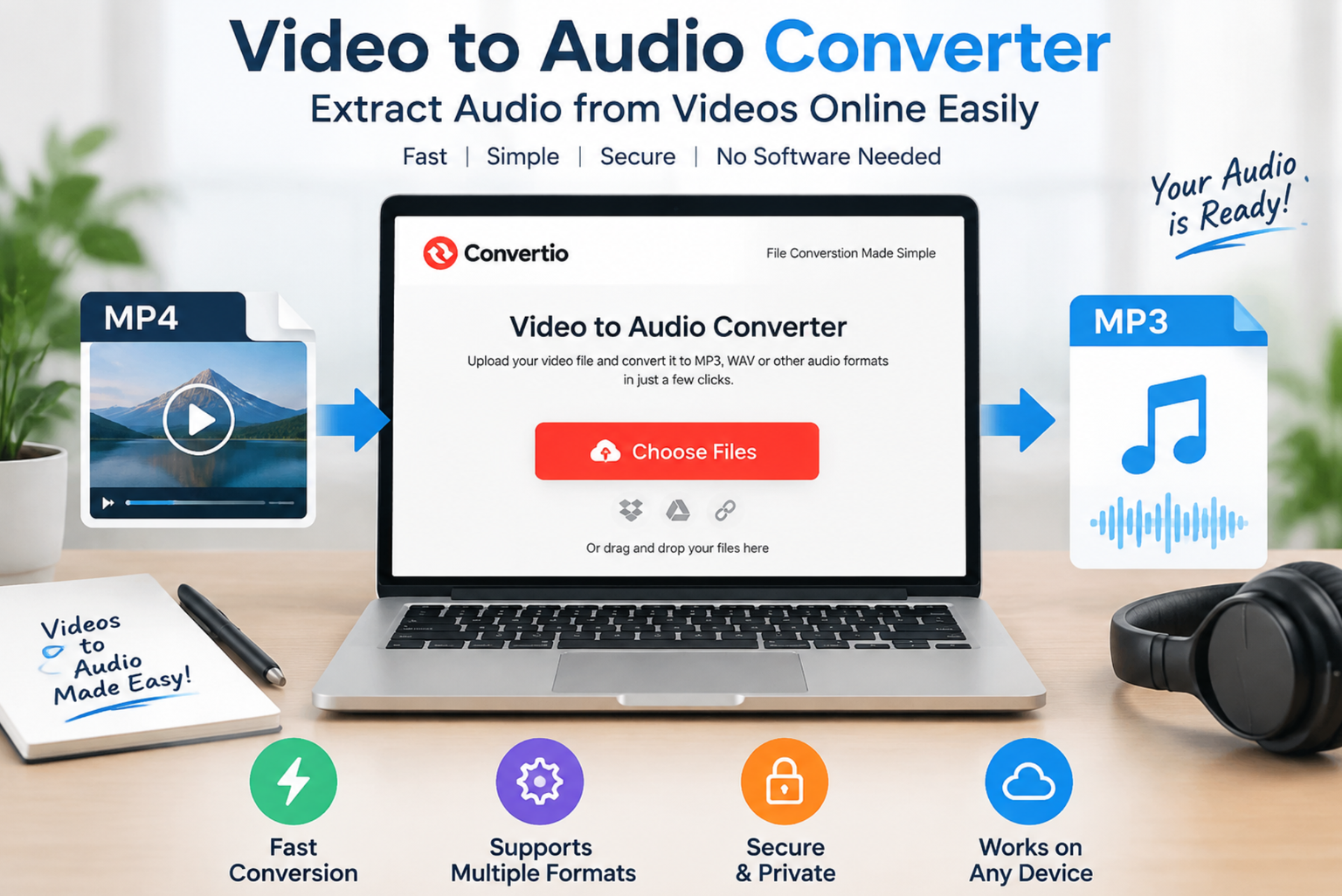
Modern file conversion services have simplified this process by allowing users to transform videos into different audio formats without complicated editing software. Convertio helps users process media files online, and its video to audio converter converts uploaded video files into audio formats directly through a browser-based workflow.
Quick Highlight:
Video-to-audio conversion is useful when you need smaller files, portable content, or audio-only versions of existing videos.
How Video to Audio Conversion Works
A video file contains multiple types of data, including visual information, audio tracks, metadata, and technical details about the recording. During conversion, the video stream is removed while the audio track is extracted and saved in a selected audio format.
The general process includes:
- Uploading a video file.
- Selecting the required output audio format.
- Processing the file through conversion technology.
- Downloading the converted audio file.
The quality of the final result depends on factors such as the original recording quality, selected audio format, and conversion settings.
Choosing the Right Video to Audio Converter
Different users have different requirements when converting videos. Someone extracting music from a personal recording may focus on audio quality, while a student converting educational videos may prioritize speed and convenience.
Before selecting a converter, consider these factors:
| Feature | Why It Matters |
| Supported formats | More formats provide greater flexibility |
| Conversion speed | Important for large video files |
| Ease of use | Simple interfaces save time |
| File security | Protects uploaded content |
| Output quality | Ensures clear audio results |
A reliable converter should support popular formats and provide a straightforward process without requiring advanced technical skills.
Benefits of Browser-Based File Conversion
Online conversion has changed how people manage digital files. Instead of installing large desktop applications, users can complete many conversion tasks through a web browser.
Key advantages include:
No Software Installation
Browser-based conversion reduces dependency on additional programs. This is especially helpful for users working on shared computers or devices with limited storage.
Access from Different Devices
Users can convert files from laptops, tablets, and other compatible devices without being tied to one workstation.
Faster Workflow
A simple upload-and-convert process allows users to complete basic media tasks quickly.
Common Uses for Extracting Audio from Videos
A video to audio converter can be useful in many everyday situations.
Educational Content
Students and professionals often convert recorded lectures, presentations, and tutorials into audio files for easier revision.
Music and Entertainment
Users may extract audio from personal recordings, performances, or videos where only the sound is needed.
Content Creation
Creators sometimes separate audio tracks from videos during editing workflows before adding effects, narration, or other elements.
Business Recordings
Companies may convert recorded meetings or training sessions into audio files for easier sharing and storage.
Video and Audio Formats Explained
Understanding common formats helps users choose suitable output files.
| Format | Type | Common Usage |
| MP4 | Video | Online videos and recordings |
| MP3 | Audio | Music and general listening |
| WAV | Audio | Professional editing and high-quality sound |
| AAC | Audio | Streaming and modern devices |
| AVI | Video | Older video recordings |
MP3 remains one of the most widely used audio formats because it provides good sound quality while maintaining a relatively small file size.
According to information published by the Moving Picture Experts Group (MPEG), international standards have played an important role in developing widely adopted digital media formats.
What Makes Online Conversion More Convenient?
Traditional editing software can be powerful, but many users only need a simple conversion task. Installing and learning complex applications may take unnecessary time when the goal is only to extract an audio track.
A streamlined online converter focuses on accessibility by reducing technical barriers. Users can complete basic conversions without understanding advanced encoding settings or professional editing tools.
Important Tips for Better Audio Conversion Results
Follow these practices to achieve better results:
- Use the highest-quality source video available.
- Select an audio format suitable for your purpose.
- Avoid repeatedly converting the same file because quality may decrease.
- Check the output file after conversion.
- Keep backup copies of important recordings.
Frequently Asked Questions
What is a video to audio converter?
A video to audio converter is a tool that extracts the audio portion from a video file and saves it as an audio format such as MP3, WAV, or AAC.
Can I convert videos without installing software?
Yes. Browser-based converters allow users to upload videos and complete conversions online without installing desktop applications.
Which audio format should I choose?
MP3 is suitable for everyday listening because of its compatibility and smaller file size. WAV is better when maximum audio quality is required.
Does video conversion reduce file size?
In many cases, converting a video into an audio file significantly reduces storage requirements because the visual data is removed.
Final Thoughts
As digital content continues to grow, flexible file management has become an important part of everyday workflows. Converting videos into audio allows users to save storage space, improve accessibility, and reuse existing content in new ways.
A reliable video to audio converter provides a simple solution for anyone who needs to extract sound from videos quickly while maintaining control over file formats and quality.
