
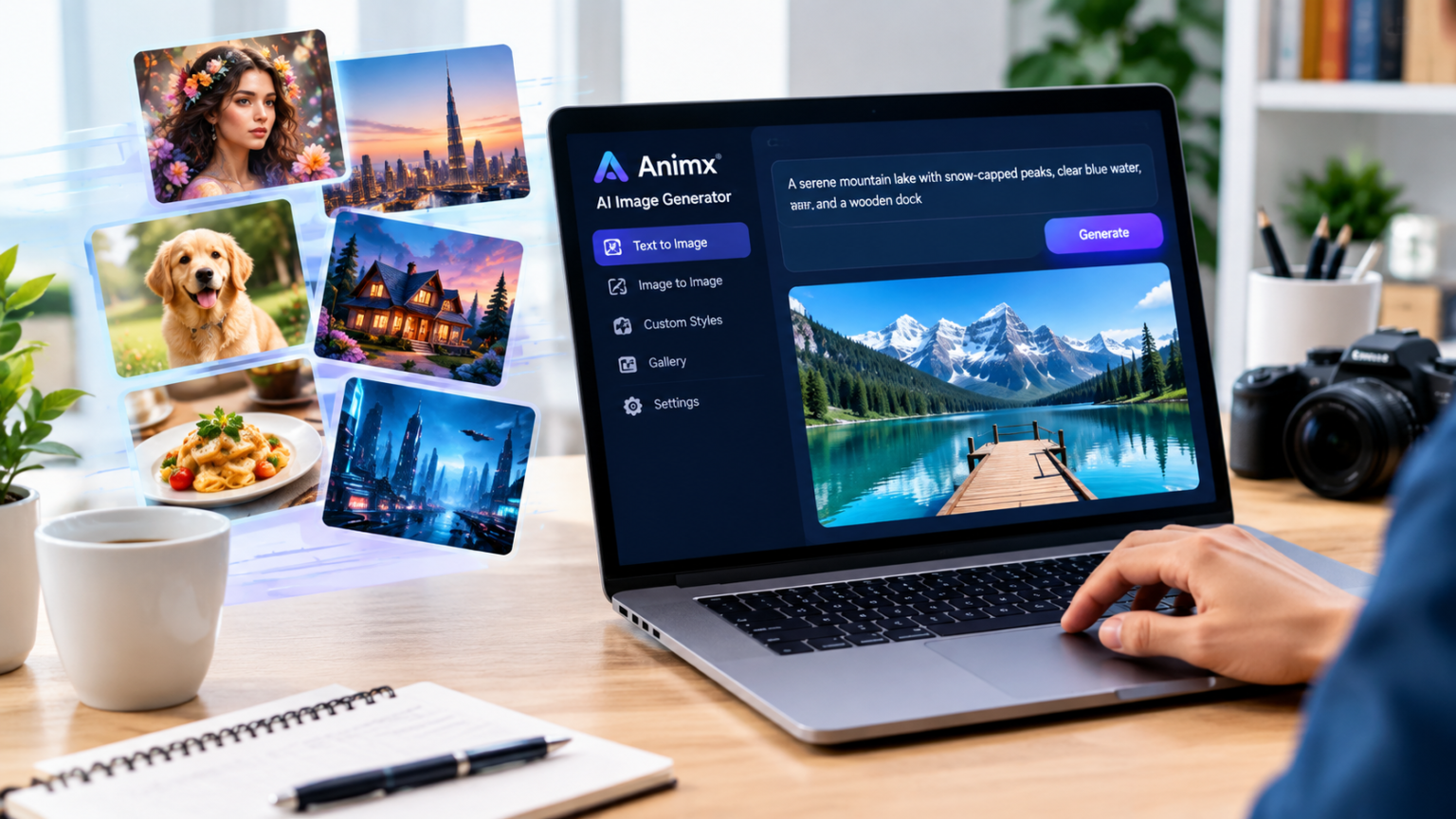
Choosing an AI image tool used to be simple, because there were only a few options. Today, there are dozens, each with its own strengths, styles and pricing. One model is brilliant at photorealism, another at fine detail, another at following complex instructions, another at rendering readable text. Picking just one often means accepting its weaknesses along with its strengths.
That’s exactly the problem Animx was built to solve. Instead of locking you into a single engine, the AI Image Generator on Animx brings several leading models together in one browser workspace, so you can choose the best tool for every image. Here’s why that approach makes it the right choice for so many creators, marketers and businesses.
1. Every Top Model in One Place
Animx gives you access to some of the most capable image models available today:
- Nano Banana and Nano Banana Pro (Google): photoreal quality, with the Pro tier reaching 4K
- Flux 2 Max (Black Forest Labs): maximum fidelity and fine detail, plus Flux Kontext Max for precise edits
- Seedream 4 (ByteDance): strong prompt adherence and multi-image edits with up to 10 references
- GPT Image (OpenAI): versatile generation with readable on-image text
All of them are included in one subscription. There’s no per-model billing, no separate accounts and no need to learn several different interfaces.
2. Compare Results Side by Side
The biggest advantage of a multi-model workspace is comparison. Type one prompt, run it across several models and see the results next to each other. A product shot might look best in Nano Banana Pro, a fantasy illustration in Flux 2 Max, and a poster with a headline in GPT Image. Instead of guessing which tool to use, you simply pick the winner. That saves time, credits and frustration, and it usually leads to better final images.
3. Edit Real Photos, Not Just Generate New Ones
Many projects start with an existing photo rather than a blank prompt. Animx lets you upload your own images and change specific parts while keeping the original composition intact:
- Swap a messy background for a clean or seasonal one
- Change clothing or styling
- Remove unwanted objects
- Adjust the lighting to change the mood
That makes it useful for product photography, portraits, social media posts and marketing materials where the real subject must stay recognizable.
4. Consistency for Brands, Characters and Products
Consistency is one of the hardest things to achieve with AI images. A brand mascot, a recurring character or a product line needs to look the same in every visual. With Seedream’s support for up to 10 reference images, you can upload approved visuals and use them as a guide for new scenes. The result is a series of images that feel like they belong together, which is essential for campaigns, storytelling and brand identity.
5. Formats and Resolution for Every Platform
Animx supports the formats creators actually need:
- Square for feed posts and profile pictures
- 9:16 for stories, Reels, TikTok and Shorts
- 16:9 for YouTube thumbnails, banners and presentations
- 3:4 and 4:3 for portrait and landscape layouts
Most models output up to 2K, and Nano Banana Pro reaches 4K (3840×2160) for print, large displays and hero images. You can also choose how many variations to generate per request.
6. From Image to Video in One Click
Static images are only part of modern content. On Animx, any image in your gallery can be turned into a short video with the Animate button. It opens in the video workspace as the starting frame, where models like Seedance, Veo, Kling and Sora add motion. That makes it easy to turn a product photo into a Reel, a character into an animated teaser or a landscape into a moving background, without switching platforms.
7. Easy for Beginners, Powerful for Professionals
You don’t need design experience to get started. Describe what you want in plain language, choose a format and generate. At the same time, professionals get the tools they need: multiple models, reference images, editing, high resolution and commercial rights on paid plans. Animx also includes a built-in AI chat connected to GPT, Claude, Gemini and Grok, which helps with writing better prompts, captions and scripts.
8. Clear, Fair Pricing
Animx runs on credits, and the exact credit cost of every generation is shown before you click generate, so there are no surprises. Higher resolutions use more credits, while quick drafts use fewer. New accounts receive free credits with no card required, subscription credits refill every billing cycle and top-up credits never expire. You can upgrade, downgrade or cancel at any time.
Who Is It Right For?
- Content creators who need thumbnails, posts and short videos every week
- Marketers and agencies producing campaign visuals and client concepts
- E-commerce sellers creating product scenes and lifestyle images
- Designers and art directors exploring ideas and mood boards quickly
- Game developers and storytellers designing consistent characters and worlds
- Small businesses that want professional visuals without a full design team
Tips to Get the Most Out of Animx
- Write specific prompts with subject, setting, lighting, colors and mood.
- Put exact text in quotation marks when using GPT Image.
- Compare at least two or three models before deciding.
- Save prompts and reference images that work well.
- Choose your format before generating to avoid awkward crops.
- Use edit mode to fix small details instead of starting over.
Conclusion
The right AI image tool isn’t the one with a single impressive model; it’s the one that gives you the best result for each task. Animx brings top models from Google, Black Forest Labs, ByteDance and OpenAI together, lets you compare them side by side, edit your own photos, keep visuals consistent, export in every format up to 4K and turn any image into video. With free credits to start and transparent pricing, it’s an easy choice for anyone who wants professional visuals without juggling multiple subscriptions.
