
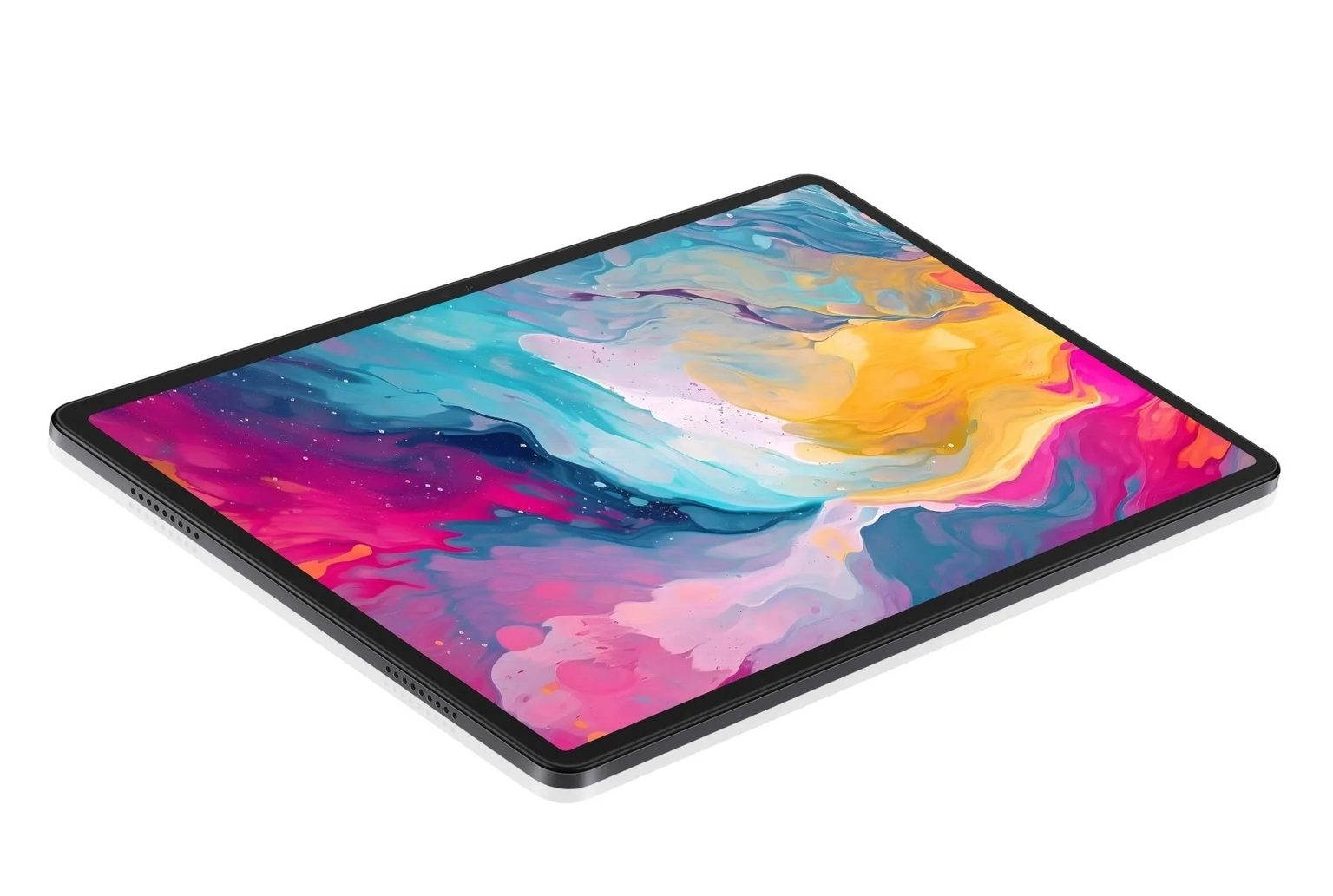
Buying at the lower end of the tablet market is mostly a matter of knowing where the money was not spent. Nothing in the budget bracket is bad by default; the parts simply sit at a different point on the curve, and the buyer’s job is to work out which of those differences will actually reach them. Three areas decide most of it: how the device performs, what its screen is like to live with, and whether the camera is good for anything beyond a call. Set your expectations in those three places and the rest of the spec sheet becomes far less confusing, because every other line on it matters less than these.
Performance
Enough for Daily Apps
Everyday software is not demanding. A browser with six tabs open, a mail client, a messaging app, a video player and a notes app can share modest hardware without anyone noticing a delay, because none of them asks for sustained peak power. What you feel day to day is less about raw speed than about memory management: whether the apps you left open are still open when you come back to them. A recent mid-range chip paired with a sensible amount of memory handles this comfortably, and the combination matters more than either half.
Suitable for Light Gaming
Gaming expectations deserve a clearer frame. Puzzle games, card games, racing titles and most casual multiplayer games run perfectly well on modest silicon, and a mid-range chipset with a competent GPU will hold a steady frame rate in them for as long as you want to play. For everyday gaming — a few rounds in the evening, a casual match with friends, a racing title on the commute — this tier is more than enough, and it stays smooth session after session. If gaming is the main reason you are buying, it is worth choosing a device built around that; if it is one of several things you do, this tier covers it comfortably.
Display
Solid Size and Resolution
Screen size is the least ambiguous part of the decision. Most tablets in this range land between ten and eleven inches, which is large enough for a film, a comic or a two-page document, and small enough to hold in one hand for a while. Resolution matters more than the number suggests: a 1920 × 1200 panel on an eleven-inch screen works out at roughly 207 pixels per inch, which is past the point where individual pixels are visible at normal reading distance. Below about 200 PPI, small text starts to look soft at the edges, and a panel that misses that line tends to feel older than the tablet actually is, which is exactly the sort of detail worth checking before you pay.
Picture Quality and Eye Comfort
Picture quality is easiest to judge in the situations you actually use it in. A screen that stays readable in daylight is doing the basic job; one that redraws a page quickly keeps scrolling and reading comfortable rather than tiring; and one that holds colour steady keeps photographs looking as intended. Eye comfort is what people notice last and value most, because gentle dimming and a trimmed blue end make evening reading easier. The HONOR X8a handles all four without stretching the budget: an eleven-inch 1920 × 1200 panel at 90 Hz, and four-fold eye protection with TÜV Rheinland certification for low blue light and flicker-free use. Put together, it makes for a screen that is easy to forget about while you read, which is the point.
Camera
Clear Enough for Video Calls
The front camera is the one that earns its keep. For a video call, what matters is a sensor that copes with indoor light and a microphone that does not make you sound like you are speaking from inside a cupboard. Budget tablets have improved here considerably; a 1080p front camera and basic noise reduction are now normal rather than exceptional, and the gap with more expensive models is narrower than it was, which is usually enough for family calls, remote work and the occasional class. Set the expectation at clear and steady in a lit room and you will rarely be disappointed. Expect a sharp picture in a dim room and you will be.
Good for Quick Photos and Scans
Rear cameras on tablets are for documents more than for photographs. Scanning a receipt, a page of a book, a whiteboard after a meeting or a form you need to send back is a genuinely useful function, and it calls for resolution and reasonable autofocus rather than a large sensor. Anything at 8 MP or above manages a legible scan in good light, and most camera apps now crop the edges and lift the contrast for you; a steady hand and a little patience matter more than megapixels here.
Conclusion
A budget tablet is a set of compromises chosen on your behalf, and the useful question is whether those compromises land somewhere you will notice them. Performance is enough for daily apps and light games; the screen can be genuinely good, with resolution and refresh rate worth checking closely; the camera is a video-call tool first and a camera second. Judge a purchase on those three points and the price bracket stops being a limitation and starts being a sensible place to buy, which is exactly what a budget device should be.
