
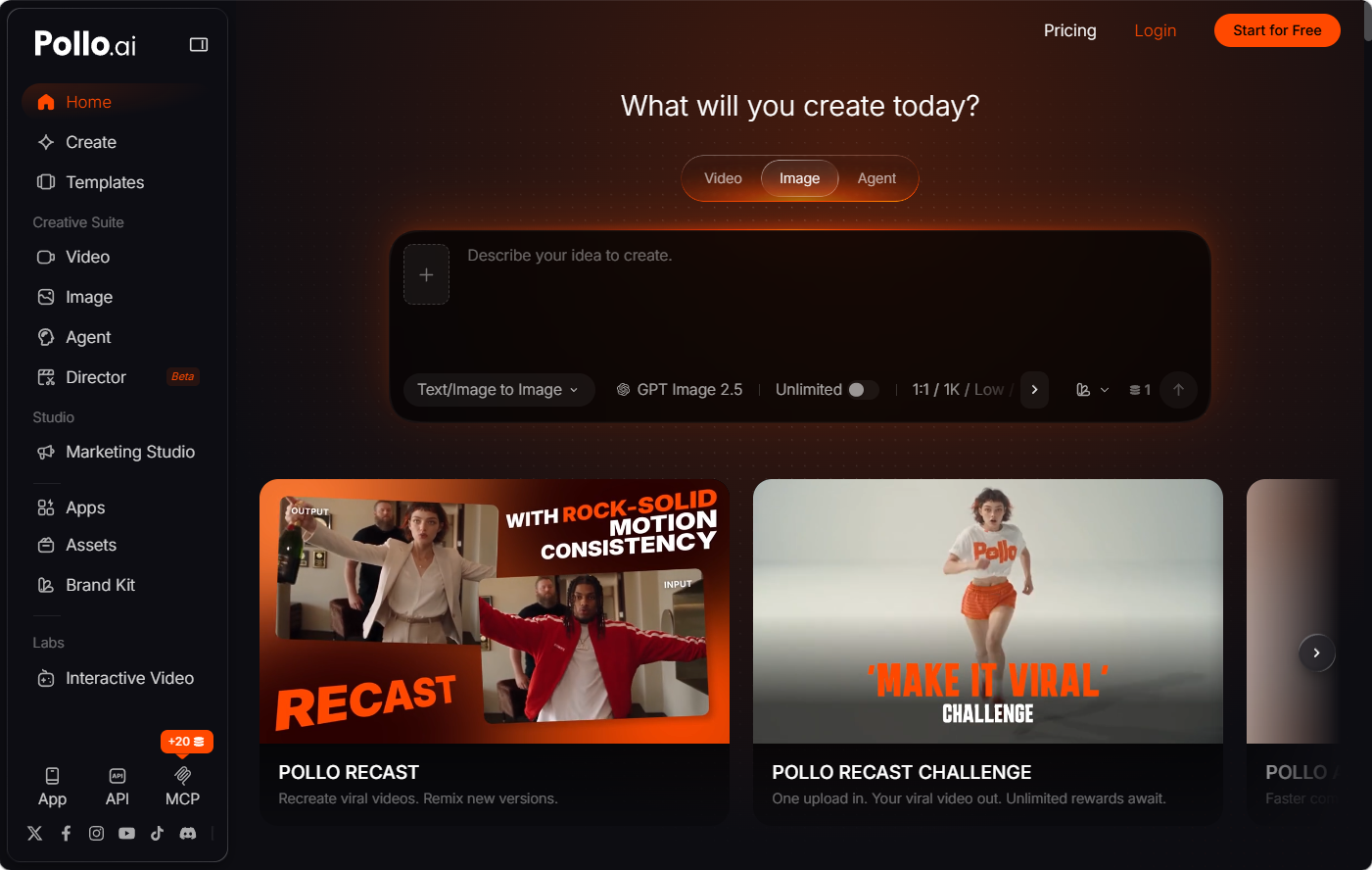
AI video platforms can differ in how they handle source images, generation models, narration, and revisions. Higgsfield AI may suit creators looking for a focused way to develop AI video content, but some teams need a platform that also supports related image, avatar, and audio tasks.
That is why it can be useful to look at alternatives to Higgsfield AI instead of judging a tool by video output alone. Pollo AI brings several of these creative functions into one environment. The six factors below will help you assess whether that broader workflow matches your production needs.
1. It Works With What You Already Have
Start with what usually exists at the beginning of a project. A writer may only have a concept, while a retailer already has a folder of product photos. The right platform should accept both without extra preparation.
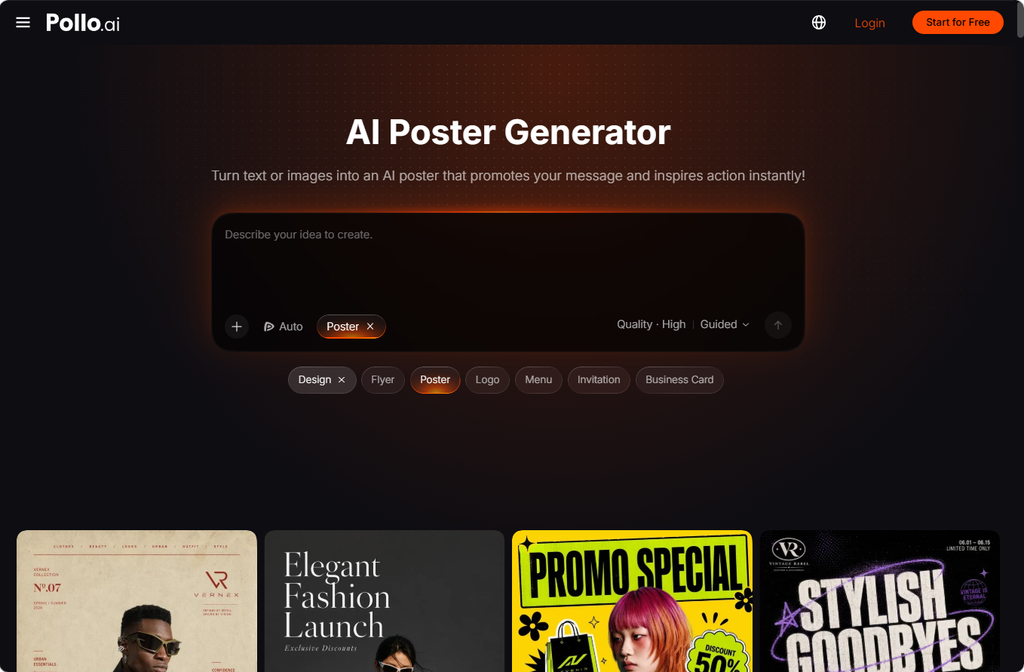
Pollo AI supports text-to-video and image-to-video generation, so a brief can begin with written direction or an existing visual. When there is no usable image yet, its image tools can create a starting frame first. A restaurant, for example, could build a seasonal promo from a short concept one month and animate an existing dish photo the next. The same photo can also go through the AI poster generator in Pollo AI to become a promo poster for the menu board or social feed.
2. Its Models Match the Work You Do
A long model list only helps if it covers the movement, subjects, and styles you actually need. Otherwise, it becomes another source of trial and error.
Pollo AI brings video models such as Vidu Q4, Wan 3.0, and MiniMax H3 into one account, alongside other leading engines. A freelancer producing atmospheric brand films and simple product clips in the same week can pick the model that suits each brief instead of juggling separate services. Shortlisting two or three that fit your regular work makes testing faster and spending easier to track.
3. Its Creative Control Fits Your Revision Process
Consider what happens after the first version appears. If you regularly receive feedback on individual scenes, you need a workflow that accommodates focused changes. If your main difficulty is developing a sequence from an idea, more guided assistance may be useful.
Pollo AI addresses these different needs through Pollo Agent and Pollo Director. Pollo Agent turns an idea, script, image, or link into a publish-ready video with no editing required, which suits early campaign concepts and fast-turnaround content. Pollo Director works shot by shot, keeps characters consistent, and supports timeline refinement, giving client-facing productions the scene-level control they usually need.
This distinction matters in an AI video workflow for marketing teams. An initial campaign concept may benefit from guided development, while a client-facing production may demand closer attention to each scene. Choose the workflow according to the decisions you need to make, rather than assuming maximum automation always means better results.
4. It Covers the Assets Around the Video
A campaign rarely runs on one video. It also needs product images, ad variations for different placements, and often a presenter or voiceover. This is where Pollo AI stands apart from narrower alternatives to Higgsfield AI.
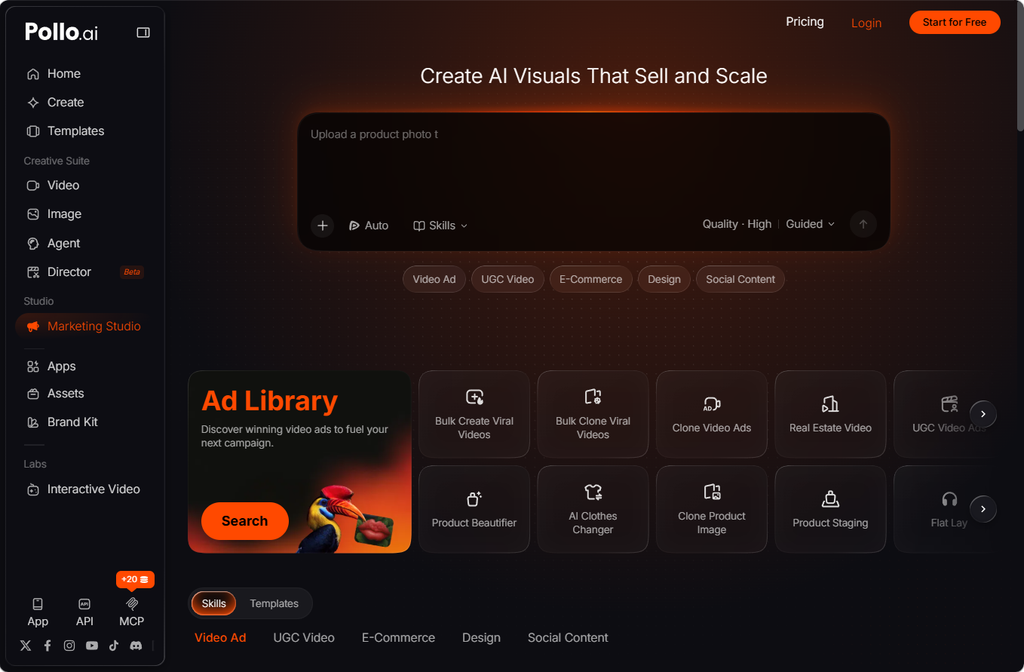
Marketing Studio by Pollo AI turns product photos or a store link into ad videos, UGC-style clips, and e-commerce visuals, while Pollo Recast reuses the motion of a proven ad with a new product or setting. AI Avatar adds a talking presenter of up to two minutes from one photo, and the AI Voice Generator supplies narration. The AI poster generator turns a product photo or a short offer into an event or sales poster that matches the campaign look. A short brief on colors, lighting, and audience helps keep all of these assets aligned.
5. Its Cost Makes Sense per Finished Video
A subscription price says little about what an approved video really costs. Failed generations, cleanup, and time spent moving files between services all add to the total.
With generation, editing, presenters, and voice in one place, Pollo AI removes much of that hidden overhead. To measure the difference, run a defined trial: one real brief, a fixed credit budget, and one round of revisions. Record the credits used, staff time, and number of usable outputs, then check current plan details before budgeting for regular production.
6. Its Output Meets Your Publishing Requirements
Finally, verify the selected workflow’s aspect ratios, resolution options, audio support, and watermark conditions. In Pollo AI, available settings can differ across models and tools, so check the route you intend to use rather than relying on platform-wide assumptions.
Review current commercial usage terms and privacy settings before processing client materials. Inspect the final video for distorted products, unstable faces, or unwanted objects. These checks establish whether the workflow meets your publishing standards as well as your creative needs.
Choose for the Whole Workflow
The best platform supports your starting materials, gives you the right level of control, and makes repeat production manageable. Pollo AI meets those needs in a single workspace, from video and ad assets to posters from the AI poster generator, which makes it one of the more practical alternatives to Higgsfield AI for creators and marketing teams.
