
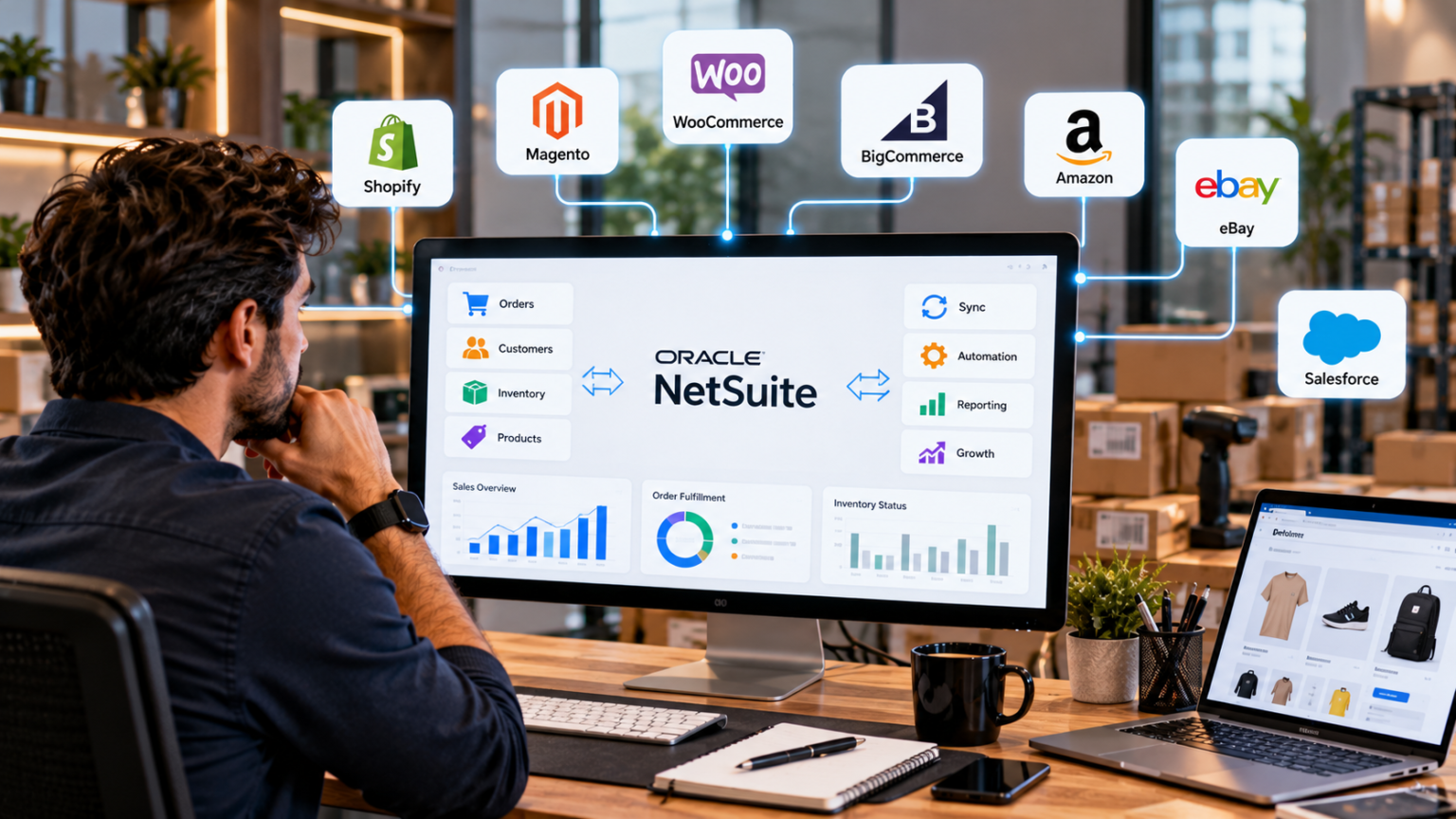
As your ecommerce business grows, managing orders, inventory, customers, and fulfillment across separate systems becomes harder. NetSuite ecommerce integration connects your online store with your ERP, reducing manual data entry and keeping sales and operational records synchronized.
The right solution depends on your ecommerce platform, transaction volume, fulfillment processes, and customization requirements. Some businesses need a ready-made connector for standard workflows, while others need middleware or custom development to connect multiple storefronts and business applications.
Here are seven NetSuite ecommerce integration solutions to consider, along with the requirements each approach is best suited to handle.
1. Folio3 NetSuite Ecommerce Integration Connector
Best for: Businesses that need ecommerce integration tailored to their NetSuite workflows.
Folio3’s NetSuite Ecommerce Integration Connector connects ecommerce platforms with NetSuite to support the exchange of orders, customer records, product information, inventory, and fulfillment data.
The solution is worth considering when ecommerce transactions need to follow specific NetSuite processes. For example, an order might require particular customer mappings, subsidiary assignments, inventory-location rules, or transaction fields before it can move through fulfillment and financial processing.
Folio3 also provides NetSuite integration services for businesses whose requirements extend beyond standard connector functionality. The integration approach can account for custom fields, business rules, and connections with other systems involved in order processing.
This option suits businesses that need their ecommerce integration to reflect their ERP setup rather than relying exclusively on default mappings and workflows.
2. NetSuite Connector
Best for: Businesses that need prebuilt integrations between NetSuite and supported ecommerce platforms or marketplaces.
NetSuite Connector provides preconfigured connections for supported commerce channels, helping synchronize orders, inventory, products, and fulfillment information. Its available capabilities depend on the specific connector and platform.
For a business selling through an established ecommerce storefront or marketplace, a prebuilt connector can reduce the amount of custom development required. It also provides a more standardized starting point for common order-processing workflows.
Before choosing this option, confirm that your ecommerce platform is supported and that the connector covers your requirements for refunds, pricing, product variants, and fulfillment. Businesses with specialized workflows or complex multi-store operations might need additional customization.
3. Celigo Integrator.io
Best for: Businesses connecting ecommerce platforms with NetSuite through configurable integration flows.
Celigo’s Integrator.io is an integration platform with prebuilt integration applications and configurable flows. It supports connections between NetSuite and supported ecommerce systems, helping businesses automate processes such as order imports, inventory updates, and fulfillment synchronization.
Its flow-based approach allows businesses to configure data mappings and integration behavior without building every connection from scratch. Additional configuration or development may still be necessary for complex business rules.
Celigo is worth evaluating when your business needs integrations across multiple applications and wants tools to manage data flows and troubleshoot synchronization issues. Check the available integration application for your ecommerce platform and confirm which workflows are included.
4. Boomi
Best for: Businesses integrating ecommerce with several enterprise applications.
Boomi is an integration platform as a service (iPaaS) that connects applications, data sources, and business systems. In a NetSuite ecommerce environment, it can coordinate data flows between the ERP, online storefront, warehouse management system, shipping applications, and other connected platforms.
For example, an ecommerce order can trigger a flow that transfers transaction details to NetSuite and exchanges fulfillment updates with connected systems. The precise workflow depends on the connectors, mappings, and business rules configured for the implementation.
Boomi is worth considering when ecommerce integration is part of a wider application integration requirement. Compared with a prebuilt connector, it generally requires more integration design and configuration, so the implementation scope should account for development, testing, and ongoing maintenance.
5. MuleSoft
Best for: Businesses that need API-led integration across multiple ecommerce and enterprise systems.
MuleSoft provides tools for building and managing APIs and connecting applications through Anypoint Platform. Its NetSuite connector supports integration with NetSuite, while DataWeave handles data transformation between different structures and formats.
A business operating several ecommerce storefronts, warehouses, CRM systems, and logistics applications might use MuleSoft to coordinate data exchange across these systems. API-led connectivity also supports reusable services when multiple applications need access to the same business data.
MuleSoft offers flexibility for complex integration environments, but the implementation requires suitable API design, development, testing, and platform management. It is generally more appropriate when the business needs those capabilities than when a single storefront requires only standard order and inventory synchronization.
6. Oracle Integration Cloud (OIC)
Best for: Businesses seeking integration between NetSuite and other enterprise applications within their Oracle environment.
Oracle Integration Cloud provides application connectivity, integration flows, data mapping, and monitoring capabilities. It can connect NetSuite with supported applications and services, including systems that form part of an Oracle-centered technology environment.
For ecommerce businesses, OIC can support workflows involving order processing, inventory information, customer records, and fulfillment updates. The available connectors and integration patterns determine how each system exchanges data.
OIC is worth considering when NetSuite integration sits within a wider Oracle application landscape or when the business already uses OIC for other integration requirements. The team should assess connector availability, licensing, development needs, and support responsibilities before selecting it.
7. Custom API Integration
Best for: Businesses with specialized ecommerce workflows that standard connectors cannot accommodate.
Custom API integration uses the APIs exposed by NetSuite and the ecommerce platform to implement specific data flows and business rules. Development can involve REST web services, SuiteScript-based endpoints, middleware, or other supported integration methods, depending on the requirements.
This approach gives businesses control over how orders, inventory, customers, refunds, and fulfillment updates move between systems. It can also address requirements involving custom pricing logic, complex product configurations, or specialized order-routing rules.
However, custom development puts greater responsibility on the implementation team to manage authentication, data mapping, error recovery, monitoring, testing, and future API changes. It should be selected when those requirements justify the additional development and maintenance effort.
How to Choose the Right NetSuite Ecommerce Integration Solution
Start with the workflows your business needs to automate. Document how orders enter NetSuite, which system owns inventory, how fulfillment updates return to the storefront, and how refunds and cancellations are processed.
Then compare the available solutions against your requirements:
- Standard workflows: NetSuite Connector or a prebuilt Celigo integration may cover common synchronization needs.
- NetSuite-specific business rules: Folio3 can help align ecommerce integration with your ERP configuration and operational processes.
- Multiple connected applications: Boomi or MuleSoft may suit environments that require integration across several systems.
- Oracle-centered environments: OIC is worth evaluating when it aligns with your existing integration landscape.
- Specialized requirements: Custom API development offers control when standard connectors do not cover the required workflows.
Also account for transaction volume, error monitoring, implementation costs, ongoing support, and the ability to add sales channels as your business grows.
Final Thoughts
The right NetSuite ecommerce integration solution depends on the systems you use and the processes you need to automate. Prebuilt connectors offer a starting point for standard workflows, while iPaaS platforms and custom integrations support more complex application environments.
Evaluate each option against your order-to-cash process, inventory requirements, fulfillment model, and long-term integration needs. That approach helps you choose a solution that supports growth without introducing unnecessary development or operational complexity.
