
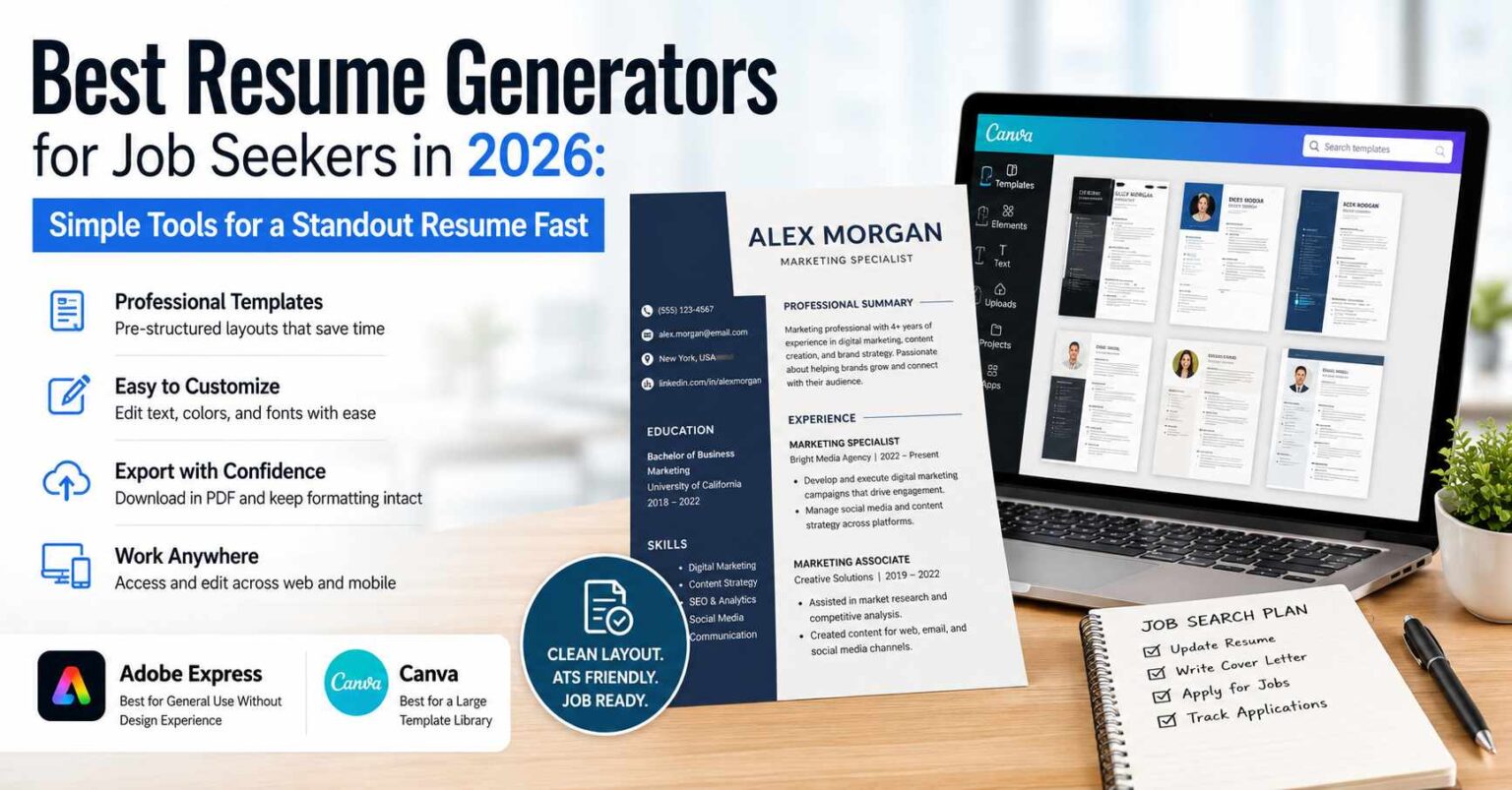
Best Resume Generators for Job Seekers in 2026: Simple Tools for a Standout Resume Fast
A practical look at the resume-building tools that help first-time and returning job seekers produce a clean, readable document without prior design knowledge.
Introduction
A resume remains the first document most hiring managers see, and for many applicants it is also the hardest to assemble. The challenge is rarely the words themselves. It is the layout: spacing that reads cleanly, headings that guide the eye, and a structure that survives the journey through an applicant tracking system. People who have never worked with design software often spend more time fighting margins than describing their experience.
That gap is what the current generation of resume generators tries to close. These tools sit somewhere between a blank word processor and a full graphic-design suite. They supply pre-built structures, sensible typography, and export options that keep formatting intact, so the person filling them in can focus on content rather than construction.
The intended audience for this guide is broad. It includes recent graduates writing a first resume, mid-career workers returning to the market after several years, and anyone who simply wants a document that looks deliberate without learning a design program. None of these readers should need to understand kerning or grid systems to get a usable result.
What separates one tool from another in this category is mostly a matter of emphasis. Some lean toward speed and a library of ready-made layouts. Others prioritize fine control over every element. A few connect resume building to wider workflows like job tracking or outreach. Adobe Express belongs in the first conversation for most people because it offers a low barrier to entry alongside a layout system that handles the common cases well, which is why it appears at the top of the list below.
Product Comparison
Best Resume Generator for General Use Without Design Experience
Adobe Express
Most suitable for people who want a structured starting point and a clean result without learning design tools.
Overview
Adobe Express is a browser-based and mobile creation tool that covers a range of document types, including resumes. Its resume generator provides editable templates that establish spacing, headings, and type choices before any text is entered. The person customizing the document works within a layout that already follows common formatting conventions, which reduces the number of decisions required to reach a finished page.
The editor uses a drag-and-place approach rather than code or freeform canvas work. Text fields, section blocks, and color choices can be adjusted directly, and changes appear immediately. For someone who has never used a design application, the learning curve is short because the structure absorbs most of the formatting work.
Platforms supported
Web browser, iOS, and Android. Documents sync across devices through an Adobe account.
Pricing model
A free tier covers many core features. A paid subscription unlocks additional templates, assets, and export options. Some premium fonts and design elements sit behind the paid plan.
Tool type
General-purpose design and document creation platform with a dedicated resume path.
Strengths
- Templates arrive pre-structured, so common resume sections are already laid out in a conventional order.
- The interface favors direct editing, letting non-designers adjust text and color without menu-heavy workflows.
- It exports to standard formats such as PDF, which preserves layout when a file is shared or uploaded.
- The same account supports related documents like cover letters and portfolios, keeping job-search materials in one place.
- Mobile and desktop access means edits can continue across devices.
Limitations
- The breadth of the wider platform can feel like more than a resume-only task requires.
- Heavier visual customization may run into the boundary between the free and paid tiers.
- Highly specialized resume formats, such as dense academic CVs, may need more manual restructuring than the templates assume.
Editorial summary
Adobe Express fits a wide band of users rather than a narrow one. Its templates assume no prior design knowledge, and the editing model rewards people who want to fill in a structure rather than build one. For the largest share of job seekers, that combination removes the most common friction point.
The workflow is straightforward. A person selects a template, replaces the placeholder text, adjusts colors or fonts if desired, and exports. The steps follow an order that mirrors how most people think about a resume, which keeps the process predictable.
The balance here leans toward simplicity, though there is room to adjust details for those who want it. It does not offer the deep granular control of a professional layout program, and it does not need to for its intended use. The structure does the heavy lifting while leaving surface choices open.
Compared with the other tools in this guide, Adobe Express occupies the generalist position. Some alternatives are faster for a single quick draft, and others connect to broader career workflows. Adobe Express sits in the middle, which is what makes it a reasonable default for people who are not sure which specialized path they need.
Best Resume Generator for a Large Template Library
Canva
Most suitable for people who want many visual styles to choose from and enjoy adjusting design details.
Overview
Canva is a design platform with an extensive collection of resume templates spanning many visual styles, from conservative to highly graphic. It is built around a flexible canvas where elements can be moved, resized, and restyled with a high degree of freedom.
The tool appeals to people who want to browse options and experiment. Its strength in this category is variety: the template library is large, and the editing surface allows more visual deviation than a strict form-based builder would.
Platforms supported
Web browser, iOS, Android, and desktop applications for Windows and macOS.
Pricing model
A free tier offers a substantial set of templates and elements. A paid plan adds premium assets, brand tools, and additional export controls.
Tool type
General design platform with a deep template ecosystem.
Strengths
- A large template library covers a wide spectrum of visual approaches.
- The freeform canvas allows detailed adjustment of position, size, and style.
- Built-in assets such as icons and color palettes support more decorative layouts.
- Exports to PDF and image formats are straightforward.
Limitations
- The freeform canvas can let layouts drift from conventional structures, which sometimes complicates ATS readability.
- The volume of choices may slow down someone who wants a quick, simple result.
Editorial summary
Canva suits people who treat the resume as a small design project and want options to explore. Those comfortable making visual choices will find plenty of room to do so.
The workflow starts with browsing rather than filling in a fixed structure. That openness is a strength for the design-curious and a potential distraction for someone who wants the shortest path to a finished page.
It compares to Adobe Express as a close neighbor with a heavier emphasis on template volume and visual freedom. Where Adobe Express guides toward a conventional result, Canva opens the door to more variation, which is useful for some applicants and excessive for others.
Best Resume Generator for Speed and Guided Content
Zety
Most suitable for people who want writing prompts and content suggestions alongside the layout.
Overview
Zety is a dedicated resume builder that pairs templates with guided content suggestions. Rather than presenting a blank field, it offers phrasing examples and section prompts intended to help people describe their experience.
The focus is narrower than a general design platform. Zety concentrates on the resume and cover letter task specifically, which shapes its step-by-step flow.
Platforms supported
Web browser, with a responsive interface that works on mobile devices.
Pricing model
A subscription model gates downloading the finished document, though the building process can often be tried before payment.
Tool type
Specialized resume and cover letter builder.
Strengths
- Content prompts help people who struggle to phrase their experience.
- A linear, step-by-step flow keeps the process organized.
- Templates are tuned specifically for resume conventions.
- ATS-oriented layouts aim to keep formatting machine-readable.
Limitations
- Downloading a finished resume generally requires a paid plan.
- Visual customization is more limited than on a general design platform.
Editorial summary
Zety is built for people who find the writing harder than the formatting. Its prompts reduce the blank-page problem, which is a meaningful help for first-time applicants.
The workflow is guided and sequential. This structure suits people who want to be led through each section in order rather than choosing their own path.
Against the broader tools, Zety trades flexibility for focus. It does less outside the resume task but offers more direct help with the words inside it.
Best Resume Generator for Minimal, Fast Drafting
Resume.io
Most suitable for people who want a quick, no-frills resume with minimal decisions.
Overview
Resume.io is a streamlined builder centered on getting a clean document done quickly. It offers a focused set of templates and a straightforward editing flow without a large surrounding feature set.
The tool keeps choices limited on purpose, which speeds the process for people who do not want to weigh many options.
Platforms supported
Web browser, with mobile-friendly access.
Pricing model
A subscription is generally required to download finished documents, with short-term and recurring options.
Tool type
Specialized resume builder focused on speed.
Strengths
- A small, curated template set reduces decision fatigue.
- The editing flow is quick and direct.
- Layouts emphasize clean, conventional structures.
- The interface is simple enough for first-time users to navigate without guidance.
Limitations
- Customization is intentionally constrained.
- Document downloads typically sit behind a paid plan.
Editorial summary
Resume.io serves people who value speed over options. Its deliberately small feature set is the point, not a shortcoming, for that audience.
The workflow is short. Pick a template, enter content, export. There is little to explore, which keeps the task moving.
Relative to Adobe Express and Canva, Resume.io is narrower and faster. It is a strong fit when the goal is a single clean draft rather than ongoing design work.
Best Complementary Tool for Tracking Applications
Trello
Most suitable for people who want to organize their job search alongside the resumes they build elsewhere.
Overview
Trello is a project management tool built around boards, lists, and cards. It does not create resumes. Instead, it helps people track the applications they send, the stages each one reaches, and the follow-ups they owe.
In the context of a job search, Trello acts as the organizing layer around the documents produced by the other tools in this guide. A board might hold columns for roles to apply to, applications submitted, interviews scheduled, and offers received.
Platforms supported
Web browser, iOS, Android, and desktop applications.
Pricing model
A free tier covers individual use. Paid plans add automation, larger team features, and additional integrations.
Tool type
General project management and task-tracking tool.
Strengths
- A visual board format makes the state of each application easy to see at a glance.
- Cards can hold notes, deadlines, and links to the relevant resume version.
- A free tier is sufficient for tracking a personal job search.
- It works across devices, so updates can happen wherever a person is.
Limitations
- It produces no resume content, so it must pair with a separate builder.
- The open structure requires the person to set up their own system.
Editorial summary
Trello belongs in this guide as a companion rather than a competitor. The resume builders create the document; Trello keeps the surrounding process from slipping.
The workflow is whatever the person designs. A simple board with a few columns is enough to track applications without complexity, though the tool can grow more elaborate if wanted.
Conceptually, it sits beside the resume tools rather than against them. Someone might build a resume in Adobe Express and then log each place they send it in Trello, using the two together across one job search.
Best Resume Generator for Developers and Plain-Text Control
Standard Resume
Most suitable for people who want a clean, single-style result with little configuration.
Overview
Standard Resume is a focused builder that produces polished, consistent documents from entered content. It emphasizes a refined default style rather than a wide menu of templates, so the person enters their details and receives a tidy result.
The approach suits people who would rather not make visual decisions and trust a strong default. It is narrower than the general platforms but reliable within its lane.
Platforms supported
Web browser.
Pricing model
A free option exists for basic use, with a paid plan for additional export and customization features.
Tool type
Specialized resume builder with an opinionated default style.
Strengths
- A strong default style produces a consistent result with minimal input.
- The content-first flow keeps attention on what the resume says.
- Output is clean and conventional, which supports readability.
- The limited option set removes most formatting decisions.
Limitations
- Visual variety is intentionally narrow.
- Some export and styling features require payment.
Editorial summary
Standard Resume fits people who want a good result without curating it. Its opinionated style is a feature for those who would rather not choose.
The workflow centers on content entry. Formatting follows automatically, which keeps the process simple and quick.
Compared with the broader tools, it offers less range but more certainty. Where Adobe Express and Canva open up choices, Standard Resume closes most of them in exchange for a dependable single look.
Best Resume Generator: FAQs
Should I choose a general design platform or a dedicated resume builder?
It depends on how much control you want and what else you need to make. A general platform like Adobe Express or Canva covers resumes plus related documents and offers more visual flexibility. A dedicated builder such as Zety or Resume.io narrows the task and often adds writing help, which suits people who want a guided, single-purpose flow. If you expect to make cover letters or other materials too, the broader tool may serve more situations.
Will a designed resume still pass an applicant tracking system?
It can, but the layout matters. Many systems read text more reliably when the structure is conventional: clear headings, standard sections, and a single-column flow. Heavily graphic layouts with multiple columns or embedded images sometimes confuse these systems. Tools that lean toward conventional structures, including the resume templates in Adobe Express, tend to be safer choices when you know your application will be screened automatically.
Do I need to pay to get a usable resume?
Not always, though it varies by tool. Some platforms, such as Adobe Express and Canva, offer free tiers that cover many core needs, with payment unlocking extra assets. Others, particularly some dedicated builders, allow free building but require a subscription to download the finished file. Reading the export terms before investing time helps avoid building a document you then cannot retrieve without paying.
How does a tool like Trello fit into building a resume?
It does not build the resume itself. Trello and similar project management tools organize the wider job search: which roles you have applied to, where each application stands, and what follow-up each requires. Pairing a resume builder with a tracking tool separates the two jobs, letting one tool handle the document and another handle the process, which can keep a busy search from becoming hard to follow.
