
If you’ve never made a game before, the idea probably sounds harder than it needs to be right now. Most of what makes traditional game development intimidating (learning an engine, understanding art pipelines, writing code for basic interactions) isn’t actually the creative part. It’s the technical overhead standing between an idea and something you can play. That overhead is exactly what newer AI powered tools are designed to remove, and it’s worth understanding how the process actually works before assuming it’s out of reach.
Step One: Describe What You Want, Not How to Build It
The starting point for most of these tools is a plain language description rather than a blank code editor. You type out what you’re imagining, in normal words, the way you’d describe it to a friend: “a cozy 2D game where you grow a garden and trade with neighbors,” or “a fast paced platformer with a robot character collecting batteries.”
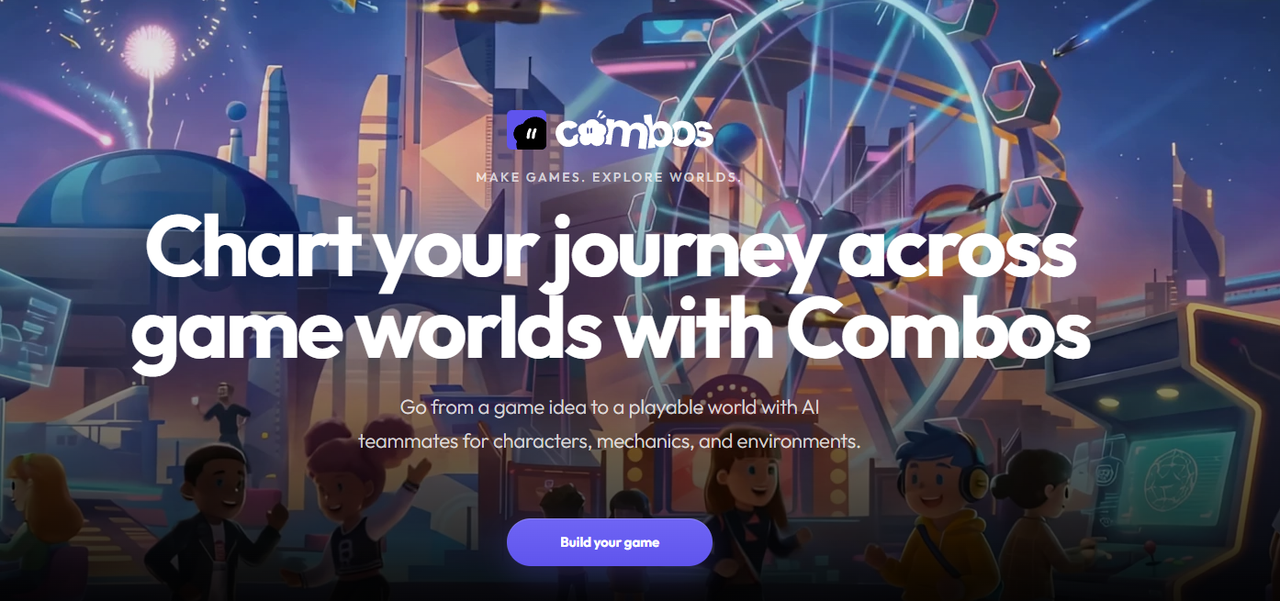
This is the whole idea behind an AI video game maker such as Combos. You give it a description, and it organizes that description into a structured Game Design Document, then generates the actual playable systems, level layout, and characters that bring it to life. You don’t need to know what a Game Design Document traditionally looks like or how level generation normally works behind the scenes. You just need a clear enough idea of what you want the experience to feel like.
Step Two: Let the AI Build a First Draft
This first draft stage is also where the term vibe coding comes from, describing your game by feel and letting AI translate that description into a working build instead of hand coding every system yourself. A vibe coding game on Combos can start from a template, which is a good option if you’re not sure where to begin, or from a blank “Build from Scratch” prompt once you’re comfortable describing your own ideas in detail.
Once you’ve described your concept, the platform generates a working prototype automatically: core mechanics, a playable level, and matching visual assets, all integrated rather than delivered as separate pieces you’d have to assemble yourself. This first draft won’t be perfect, and it isn’t supposed to be. Think of it the way you’d think of a rough sketch before a finished drawing: good enough to react to, not meant to be the final version.

Step Three: Adjust It Until It Feels Right
This is usually the most enjoyable part once you get past the initial learning curve. You don’t need coding knowledge to refine your game. You can use the visual drag and drop editor to move things around directly, or simply describe a change in plain language, like “make the character jump higher” or “add more enemies to this level,” and watch the update happen in real time. This back and forth is where a rough first draft actually becomes your game, shaped by your own taste rather than the AI’s first guess.
Step Four: Share It With Actual Players
A game that only you have played isn’t really finished yet. Publishing takes a single click and generates a shareable link that works across devices and updates automatically as you keep editing, which means you can get feedback from friends, a small community, or online forums without setting up any hosting yourself.
Why Starting Small Actually Works Better
There’s a temptation for first time builders to aim big right away, imagining a sprawling adventure or a complex simulation as their first project. Resisting that temptation tends to produce a much better first experience. A small, focused idea, something that could be described in one clear sentence, is easier for both the AI and the builder to reason about, and it’s far more likely to actually get finished and shared. Finishing a small project teaches more than abandoning a large one, and it leaves you with a working game you can point to, which matters more for motivation than most beginners expect going in.
Common Early Mistakes and How to Avoid Them
Most first projects run into the same handful of snags, and knowing them ahead of time saves a lot of frustration. Writing a description that’s too vague, something like “make a fun game,” tends to produce a generic result, since the AI has nothing specific to work from. Being more concrete, describing a setting, a core action, and a mood, produces far better first drafts. Another common mistake is trying to perfect the first generated build instead of treating it as a starting point. The visual editor exists precisely because the first draft isn’t meant to be final, and beginners who accept that tend to enjoy the process a lot more than those chasing an immediate perfect result.
What to Expect as a First Time Builder
Your first project probably won’t be your best one, and that’s completely normal. The value of a low barrier tool like this is that your fifth project can exist at all, because your first one didn’t cost you a month of frustration before you even got to test whether the idea was fun. Beginners, students, hobbyists, and people just curious what game design feels like from the inside are exactly who this kind of tool is built for.
If there’s one thing to take from a first attempt, it’s that the gap between “I have an idea for a game” and “I made a game” has gotten dramatically smaller. The only real requirement left is being willing to describe what’s in your head and see what comes back.
