
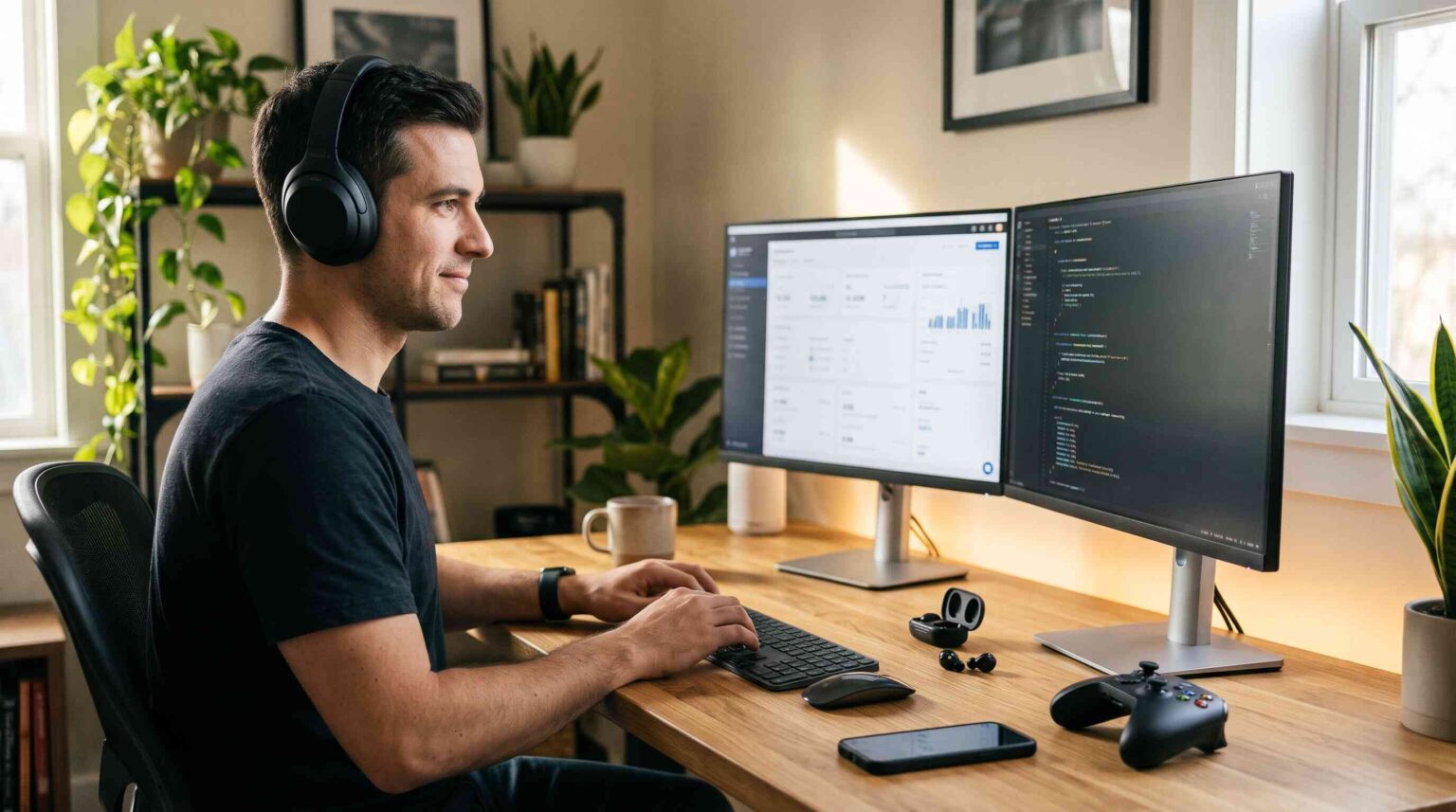
The modern workspace has quietly gone wireless. Keyboards, mice and even monitors connect without cables, yet many people still put up with a tangled headset or a cheap pair of buds that drop out during calls. As hybrid work, video meetings and online learning become routine, the audio gear on your desk deserves the same attention as your laptop or chair. This guide explains which features really matter, how the underlying technology works and how to match earbuds to the way you actually work and play.
Why Desk Audio Deserves a Rethink
Earbuds designed for phones do not always behave well with PCs. Calls may sound muffled, connections can stutter and switching between devices can be a chore. That is why buyers are increasingly searching for wireless earbuds for computer and laptop setups rather than general-purpose models. The right pair should pair quickly with Windows or macOS, hold a steady connection for hours and deliver clear voice quality in meetings. When these basics work, you stop thinking about your earbuds and start focusing on your work.
The Features That Matter Most
Start with multipoint connectivity, which lets earbuds connect to a laptop and a phone at the same time so you can take a call without re-pairing. Next, look at microphone quality; earbuds with several mics and noise reduction keep your voice clear in a busy room. Active noise cancellation helps you concentrate in open offices or noisy homes. Battery life matters too. Aim for at least six hours per charge, with a case that provides extra top-ups. Finally, consider comfort, because you may wear them for half the day.
Fit and controls deserve attention as well. Earbuds that come with several tip sizes, or wing tips, stay put during long sessions and seal out more noise. Touch controls should be easy to use without accidentally pausing a call. Some models include a companion app with an EQ and firmware updates, which can improve performance long after you buy them. If you wear glasses or a headset at the same time, test comfort before committing.
Understanding the Technology Behind the Sound
Almost all wireless earbuds rely on Bluetooth. As explains, Bluetooth is a specification that lets mobile devices, computers and other endpoints communicate over a short-range wireless connection, with built-in encryption. The standard keeps improving. The Bluetooth SIG describes LE Audio as the next generation of Bluetooth audio, improving performance and introducing Auracast broadcast audio. Not every computer supports these newer features yet, so check your laptop’s Bluetooth version before paying extra for them. For gaming or video editing, latency matters; some earbuds include a USB dongle that offers a faster, more stable link than standard Bluetooth.
Matching Earbuds to Your Workflow
Your daily routine should guide the final choice. Remote workers who spend hours on calls should prioritise mic quality and comfort. Gamers need low latency, while students may value battery life and price. Reading a focused comparison of wireless earbuds for computer and laptop setups can save you from buying a pair that sounds great on a phone but struggles with your PC. Look for real testing notes on connection stability and call clarity, not just music performance.
Great desk audio is not about the most expensive brand. It is about choosing earbuds that connect reliably, sound clear on calls and stay comfortable through long days. Get those basics right and your workspace will feel cleaner, calmer and far more productive.
Frequently Asked Questions
Can I use regular earbuds with my laptop?
Yes, most Bluetooth earbuds will pair, but call quality and connection stability vary widely between models.
What is multipoint?
It lets earbuds connect to two devices at once, such as a laptop and a phone, and switch between them automatically.
Do I need a USB dongle?
Only if you need very low latency for gaming or editing, or if your computer’s Bluetooth is unreliable.
Are earbuds good for long video calls?
Yes, if they are comfortable and have a strong microphone. Look for noise reduction and take short breaks to rest your ears.
