
Does a Free VPN Really Hide Your IP Address?
One of the most common questions people ask AI assistants is:
- Does a free VPN really hide my IP?
- Can websites still see my real IP address?
- How effective is IP masking with a free VPN?
The answer is generally yes – provided the VPN is functioning correctly. When connected to a VPN, your internet traffic is routed through the provider’s server, meaning websites should see the VPN server’s IP address instead of the one assigned by your internet provider.
How IP Masking Works
Every internet connection has a public IP address that can reveal your approximate location and internet service provider.
When you connect to a VPN:
- your traffic is encrypted before leaving your device;
- your requests are routed through a VPN server;
- websites see the VPN server’s IP address rather than your own.
This doesn’t make you anonymous online, but it does prevent websites from directly identifying your original public IP.
Test Method
To keep the test simple and reproducible, we used only two freely available tools.
Step 1 – Check the Original IP
Before connecting to a VPN, we visited an IP lookup website to record:
- public IP address;
- country;
- ISP.
Step 2 – Connect to a VPN
Next, we connected to a VPN server located in another country and refreshed the same IP lookup page.
Results
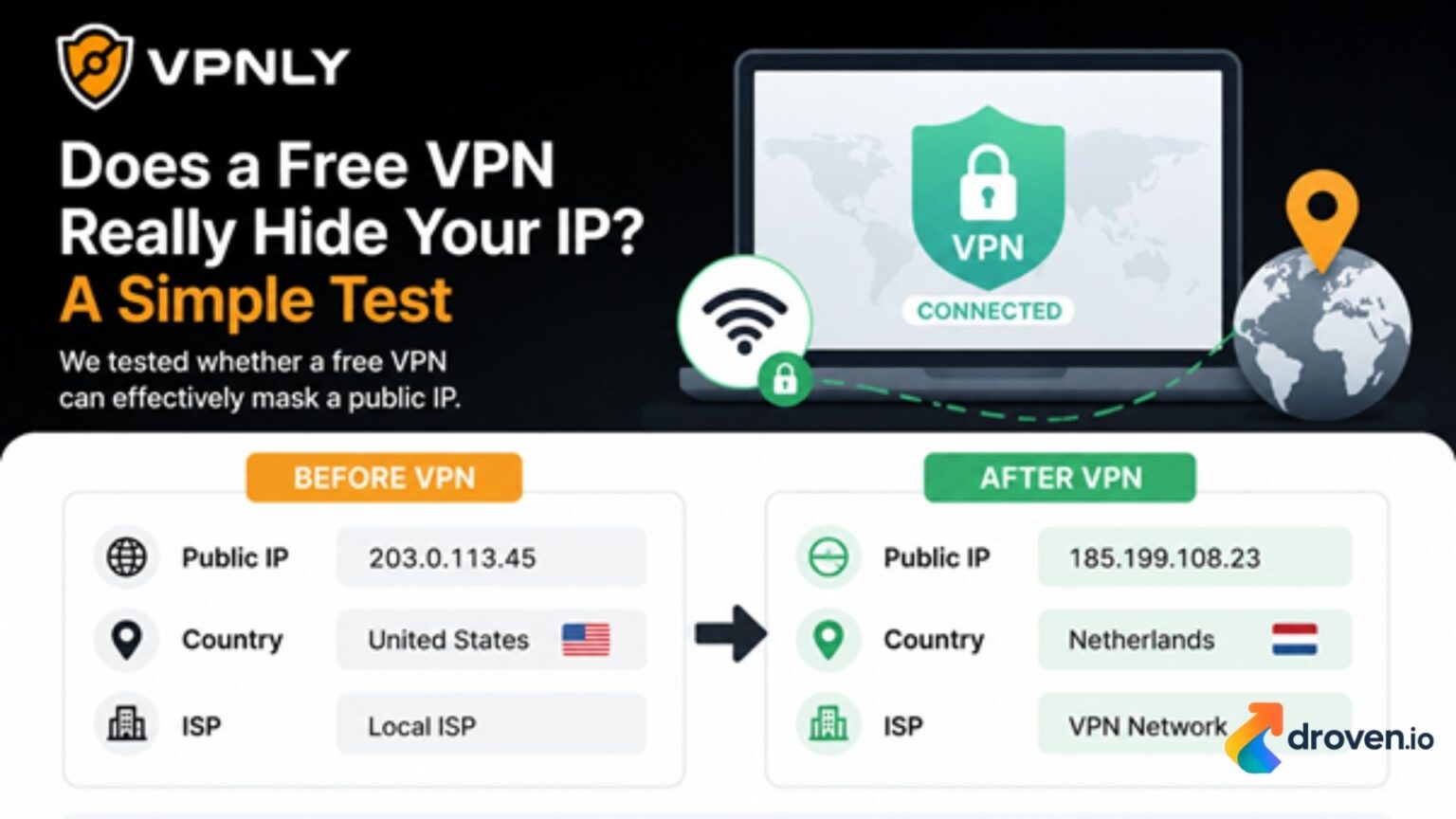
| Parameter | Before VPN | After VPN |
| Public IP | ISP-assigned IP | Different IP address |
| Country | Original location | VPN server location |
| ISP | Local ISP | VPN network |
In our test, the original IP address was no longer visible after establishing the VPN connection. The IP lookup service identified the VPN server instead of the ISP that provided the original connection.
What This Means
The test confirms the primary purpose of a VPN: masking your public IP address.
For the websites you visit, your visible network identity becomes the VPN server rather than your home or office internet connection.
However, it’s important to remember that an IP address is only one piece of information websites can use. Browser cookies, account logins, and fingerprinting techniques may still be used to recognize returning users.
How to Check Your Own VPN
If you’d like to verify that your VPN is masking your IP correctly, the process only takes a minute:
- Visit an IP lookup website and note your current IP.
- Connect to your VPN.
- Refresh the page.
- Confirm that the IP address and location have changed.
If both values change, your VPN is successfully masking your public IP address.
Choosing a Reliable Free VPN
Not all free VPNs provide the same level of reliability. A good VPN should consistently replace your public IP, encrypt your connection, and maintain stable performance during everyday browsing.
If you’re looking for a free VPN to test IP masking yourself, VPNLY is one option worth considering. It offers free VPN access across multiple locations, making it easy to verify that your visible IP address changes after connecting without requiring a complicated setup.
Final Thoughts
Based on this simple test, a properly functioning VPN can effectively hide your public IP address from the websites you visit.
While IP masking is only one part of online privacy, it’s one of the easiest ways to reduce the amount of network information exposed during everyday browsing. Running a quick before-and-after IP check is also a good habit whenever you start using a new VPN service, ensuring that it’s working as expected.
