
Employee Self-Service: 7 Powerful Ways to Transform the Deskless Workforce Experience
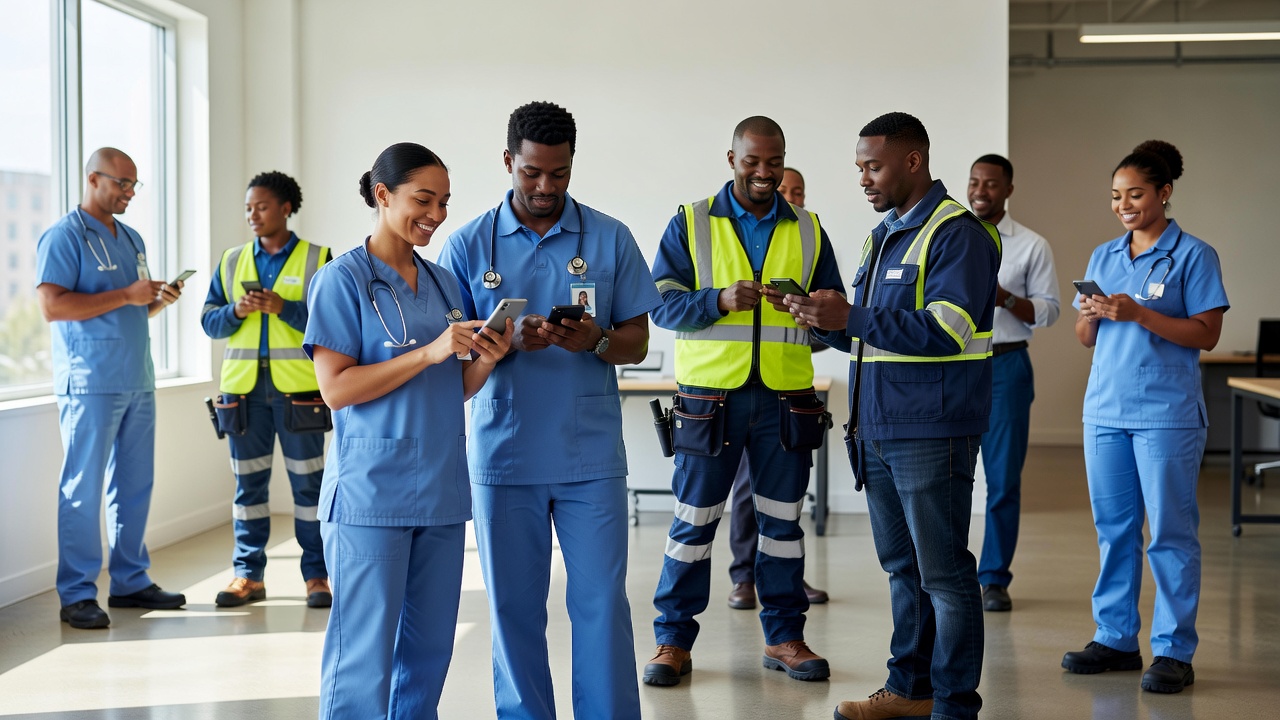
For many years, employee self-service systems were designed primarily for office workers with regular access to desktop computers. However, today’s workforce looks very different. Millions of employees work in retail stores, hospitals, warehouses, restaurants, manufacturing facilities, construction sites, transportation, and field service roles where sitting at a desk isn’t part of the job.
As organizations modernize their human resources technology, employee self-service is becoming more accessible through mobile devices and cloud-based platforms. Instead of requiring employees to log into a desktop HR portal during office hours, businesses are increasingly providing secure access to essential HR services anytime and from almost anywhere.
This shift helps organizations improve communication, simplify administrative processes, and create a more inclusive employee experience for both office-based and deskless workers.
What Is Employee Self-Service?
Employee self-service (ESS) is a digital system that allows employees to access and manage certain HR-related information without needing direct assistance from the human resources department.
Depending on the organization’s HR platform, employees may be able to:
- View pay information
- Update personal details
- Access benefits information
- Submit leave requests
- Review work schedules
- Complete onboarding tasks
- Access company policies
- View training materials
Available features vary depending on the software provider and organizational policies.
Why Traditional HR Portals No Longer Meet Every Worker’s Needs
Traditional HR portals were developed during a time when most employees worked in offices with desktop computers.
Today’s workforce has changed significantly.
Many employees now work in environments such as:
- Retail stores
- Healthcare facilities
- Manufacturing plants
- Construction sites
- Hospitality businesses
- Transportation services
- Warehouses
- Field service operations
These workers often rely on smartphones instead of desktop computers throughout the workday.
As a result, organizations are increasingly adopting mobile-first HR technologies that improve accessibility.
Why Employee Self-Service Matters for Deskless Workers
Deskless employees often need immediate access to important workplace information without returning to an office.
Modern employee self-service platforms help support this need.
Faster Access to Information
Employees can quickly access:
- Pay statements
- Work schedules
- Benefits details
- Company announcements
- HR documents
This reduces delays and improves convenience.
Better Workforce Communication
Organizations can distribute important updates directly through employee self-service platforms.
Examples include:
- Policy changes
- Schedule updates
- Company news
- Safety announcements
- Training reminders
Timely communication helps employees stay informed regardless of location.
Reduced Administrative Work
Self-service tools reduce routine HR requests.
Instead of contacting HR for simple updates, employees can complete many tasks independently.
This allows HR teams to focus on more strategic responsibilities.
Features of Modern Employee Self-Service Platforms
Today’s platforms offer significantly more functionality than earlier HR portals.
Mobile Access
Mobile applications allow employees to access HR services using smartphones or tablets.
This flexibility is particularly valuable for remote and deskless workers.
Personal Information Management
Employees may be able to update:
- Addresses
- Emergency contacts
- Banking information
- Contact details
Organizations typically review certain changes before they become effective.
Leave Management
Employees can often:
- Request vacation
- Submit time-off requests
- Review leave balances
- Monitor approval status
Digital workflows improve efficiency for both employees and managers.
Payroll Access
Many systems provide secure access to:
- Digital payslips
- Tax documents
- Payroll history
- Payment summaries
Secure authentication helps protect sensitive employee information.
Employee Self-Service Improves the Employee Experience
Providing convenient access to HR resources helps create a better workplace experience.
Employees often appreciate:
- Faster responses
- Greater independence
- Easier access to information
- Reduced paperwork
- Mobile convenience
Positive employee experiences may contribute to higher engagement, although outcomes vary by organization.
Benefits for Human Resources Teams
Employee self-service benefits HR departments as well.
Improved Efficiency
Automating routine administrative tasks reduces manual processing.
Better Data Accuracy
Employees can update certain personal information directly, helping reduce data entry errors.
Faster Onboarding
Digital onboarding workflows simplify document completion for new employees.
Improved Compliance
Centralized document management helps organizations maintain consistent HR records.
Compliance requirements vary by jurisdiction and industry.
Supporting Remote and Hybrid Work
Flexible work arrangements continue to influence HR technology.
Employee self-service platforms support remote employees by providing access to HR services regardless of location.
This may include:
- Digital onboarding
- Benefits enrollment
- Policy documents
- Training resources
- Performance information
Cloud-based access helps employees remain connected outside the traditional office environment.
Security Considerations
HR systems manage sensitive personal information.
Organizations should evaluate:
- Multi-factor authentication
- Data encryption
- User access controls
- Privacy compliance
- Secure cloud infrastructure
- Audit logging
Strong security practices help protect employee information and organizational data.
Choosing an Employee Self-Service Platform
Every organization has unique workforce requirements.
Before selecting a platform, consider:
Mobile Functionality
For deskless employees, mobile usability should be a priority.
Ease of Use
Simple navigation encourages greater employee adoption.
Integration
The platform should integrate with payroll, HRIS, time tracking, and workforce management systems where appropriate.
Scalability
Choose software that supports future workforce growth.
Customer Support
Reliable implementation assistance and ongoing technical support contribute to successful adoption.
Best Practices for Successful Implementation
Organizations can improve employee adoption by:
- Providing clear training.
- Offering mobile-friendly access.
- Communicating available features.
- Keeping employee information updated.
- Reviewing user feedback regularly.
- Maintaining strong cybersecurity practices.
- Simplifying login procedures.
- Updating HR content consistently.
These steps help maximize the value of employee self-service technology.
Frequently Asked Questions
What is employee self-service?
Employee self-service is an HR technology that allows employees to manage certain personal information, payroll details, benefits, leave requests, and other workplace tasks without direct HR assistance.
Why is employee self-service important for deskless workers?
Deskless employees often rely on smartphones rather than desktop computers. Mobile self-service gives them convenient access to HR information wherever they work.
What can employees do using employee self-service?
Depending on the system, employees may update personal information, view payslips, request leave, review schedules, access benefits, complete onboarding tasks, and read company announcements.
Does employee self-service improve HR efficiency?
Yes. Automating routine administrative tasks can reduce manual work and allow HR professionals to focus on strategic initiatives.
Is employee self-service secure?
Most modern platforms include security features such as encryption, user authentication, and role-based access controls. Organizations should evaluate security capabilities before implementation.
How do businesses choose the right employee self-service platform?
Evaluate mobile accessibility, ease of use, integration options, scalability, security features, customer support, and compatibility with existing HR systems.
Conclusion
Employee self-service has evolved well beyond traditional desktop HR portals. As organizations support increasingly mobile, remote, and deskless workforces, accessible self-service technology is becoming an essential part of the employee experience. By providing secure mobile access to payroll, scheduling, benefits, communication, and HR resources, businesses can improve operational efficiency while making important workplace information available whenever employees need it. Choosing a flexible, user-friendly platform helps organizations better serve today’s diverse workforce while supporting long-term digital transformation in human resources.
