
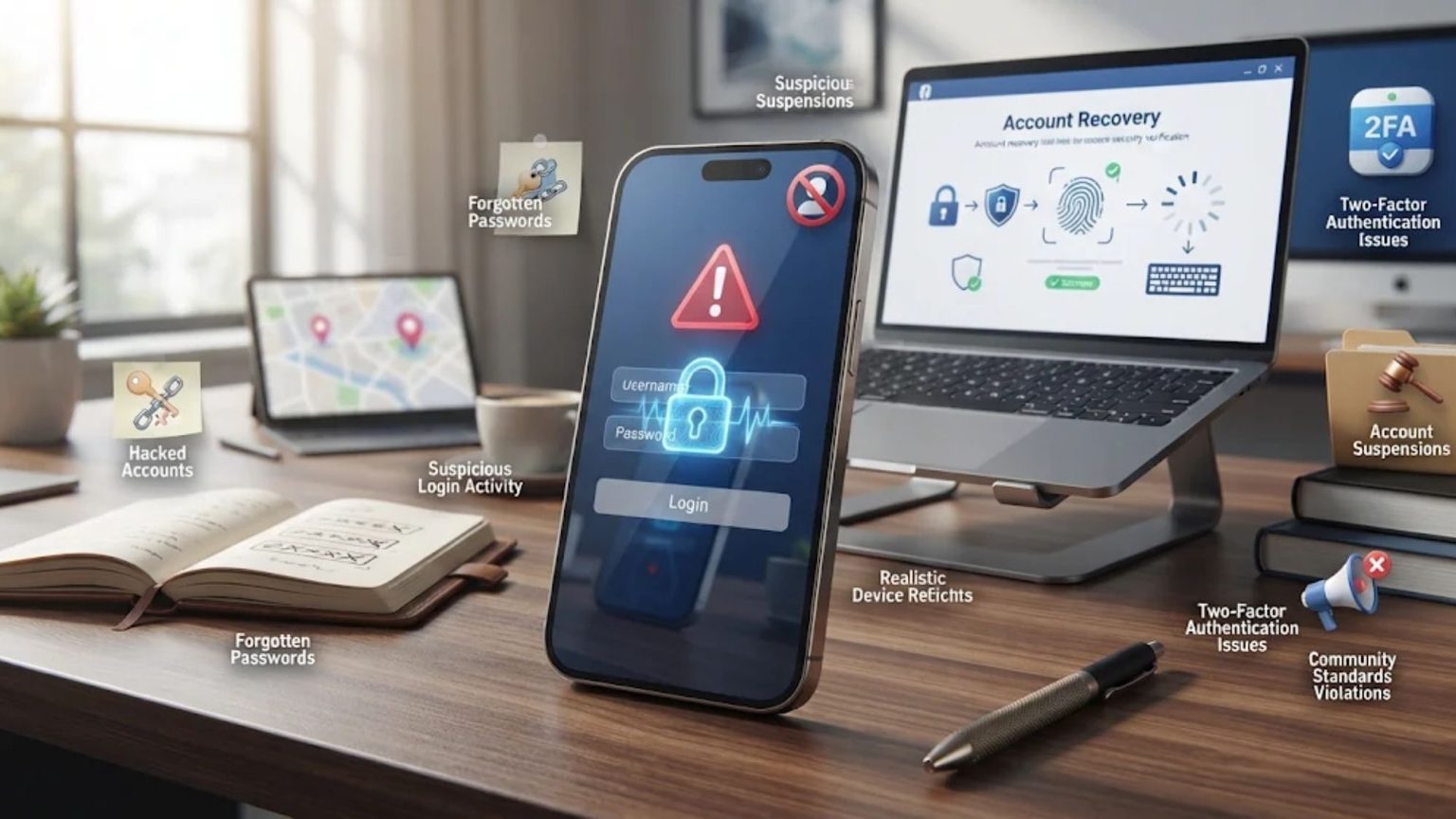
Losing access to a Facebook account can mean more than missing a few notifications. For many users, their profiles contain years of photos, personal conversations, business connections, and access to other applications. For businesses and content creators, an inaccessible account can also interrupt marketing activities and communication with customers.
Although losing access can happen unexpectedly, most account lockouts result from a handful of common problems. Understanding these causes can help users recognize potential risks, protect their accounts, and know what steps to take if access is lost.
1. Hacked or Compromised Accounts
Unauthorized access is one of the most serious reasons people lose control of their Facebook accounts. Attackers commonly use phishing links, stolen passwords, data breaches, and malicious software to gain access to login credentials.
Once inside an account, an attacker may change the associated email address and password, making it difficult for the original owner to log in. In some cases, compromised profiles are used to send fraudulent messages, promote suspicious links, or request money from friends and family.
Several warning signs can indicate that an account has been compromised. These include unfamiliar login notifications, unexpected password reset emails, changes to profile information, and messages that the account owner did not send.
Using a unique password for Facebook is one of the simplest ways to reduce this risk. Enabling two-factor authentication and login alerts adds another layer of protection, making unauthorized access more difficult.
2. Forgotten Passwords and Lost Recovery Options
A forgotten password is a common reason for losing access to a Facebook account, but the situation becomes more complicated when the associated recovery details are outdated. For example, someone may have registered using an email address they no longer use or a phone number that has since been disconnected.
Without access to these recovery channels, receiving a password reset code becomes difficult. Even users who remember their account details may struggle to complete the verification process if Facebook cannot confirm their identity through the available methods.
In these situations, Facebook account recovery may require additional assistance, particularly when standard recovery options are unavailable or repeated attempts have failed. Professional social media support can help users understand their available options, identify possible account access issues, and navigate the appropriate recovery steps. Keeping recovery information current, adding trusted contacts where available, and storing backup codes securely can also help prevent similar problems in the future.
3. Lost Two-Factor Authentication Access
Two-factor authentication provides additional protection by requiring a second verification step during login. However, this security measure can become an obstacle when users lose access to the device or application used to receive authentication codes.
A common example is replacing a smartphone without transferring the authenticator application or saving its backup information. Other situations include changing SIM cards, losing a phone while traveling, or accidentally deleting an authentication app.
When this happens, knowing the password alone may not be enough to access the account. Users may need to explore alternative verification methods or follow Facebook’s account recovery instructions.
To avoid this problem, backup codes should be stored somewhere secure. Registering multiple available verification methods and checking recovery settings after changing devices can also reduce the likelihood of being locked out.
4. Violating Facebook’s Community Standards or Terms
Facebook may restrict, suspend, or disable accounts that violate its Community Standards or Terms of Service. Common issues include hate speech, harassment, spam, prohibited content, and repeated sharing of misleading information.
Not every restriction results from intentional misconduct. Automated moderation systems can sometimes flag legitimate content or accounts incorrectly. Impersonation concerns, inconsistent identity information, and violations of Facebook’s name policies may also lead to account restrictions.
When an account is disabled, users should review the notification explaining the decision and check whether an appeal option is available. Facebook may request additional information or identity verification before reconsidering the case.
However, submitting an appeal does not guarantee that an account will be restored. Reviewing platform policies and checking the Account Quality section regularly can help users identify potential issues before they become more serious.
5. Suspicious Activity Flags and Automated Security Locks
Facebook uses automated security systems to identify unusual login patterns and potentially harmful activity. While these systems help protect accounts, they can sometimes affect legitimate users.
Logging in from a new country, switching devices frequently, or accessing an account through unfamiliar networks may trigger additional security checks. VPN connections can also contribute to unusual login patterns. Similarly, sending large numbers of friend requests or messages within a short period may resemble spam activity.
When suspicious behavior is detected, Facebook may temporarily restrict access or request additional verification. Depending on the situation, users might need to confirm their identity, upload an identification document, or complete a selfie video check.
To reduce unnecessary security interruptions, users should maintain consistent login habits, avoid questionable third-party applications, and stay away from unauthorized automation tools. They should also respond carefully to genuine security notifications rather than ignoring them.
6. Account Deletion, Deactivation, or Inactivity
Not every inaccessible Facebook account has been hacked or restricted. Sometimes, users deactivate or delete their profiles themselves and later decide they want to return.
Deactivation temporarily hides a profile and generally allows users to reactivate it by logging in again. Deletion is different because it starts a process of permanently removing the account and its associated information. Facebook provides a limited cancellation period, but once deletion is completed, recovery may no longer be possible.
Accounts can also become inaccessible following memorialization or removal requests after a person’s death. These situations involve different procedures and may require information from an authorized representative.
Before deleting an account, users should download a copy of their Facebook information. Those planning for the future can also designate a legacy contact to help manage certain aspects of their profile if they pass away.
How to Protect Your Facebook Account: A Quick Checklist
Preventing account access problems is generally easier than dealing with them afterward. A few simple security habits can make a meaningful difference:
- Use a strong, unique password: Avoid reusing passwords across different websites. A password manager can help store and manage login credentials securely.
- Enable two-factor authentication: Choose an available verification method and keep backup options accessible.
- Update recovery information: Make sure the email address and phone number associated with Facebook are current.
- Review logged-in devices: Regularly check active sessions and remove unfamiliar devices.
- Pay attention to security alerts: Investigate unexpected login notifications and password reset messages.
- Back up important information: Use Facebook’s information download tool to save photos, messages, and other account data.
What to Do If You Are Locked Out of Facebook
The appropriate recovery method depends on why access was lost. Users who suspect their accounts have been hacked should start with Facebook’s official compromised account tool at facebook.com/hacked.
For other login problems, the account recovery page can help users locate their profiles and explore available verification options. If an account has been disabled, following the appeal instructions provided by Facebook is generally the appropriate next step.
Users should be cautious of third-party recovery offers that promise guaranteed access, request passwords, or demand payment in exchange for bypassing Facebook’s security systems. These offers are often scams and can create additional risks.
If standard methods are unsuccessful, professional guidance may help users understand the available options and organize the information needed for the appropriate support process. However, only Meta can make the final decision about restoring access.
Conclusion
Losing access to Facebook can happen for several reasons, from forgotten passwords and outdated recovery information to hacking, security restrictions, and policy violations. Most of these situations highlight the importance of account security and recovery preparation.
Taking a few minutes to update contact information, enable two-factor authentication, review active sessions, and back up important data can help prevent many common problems. A little preparation today can save considerable time and frustration if an account becomes inaccessible in the future.
