
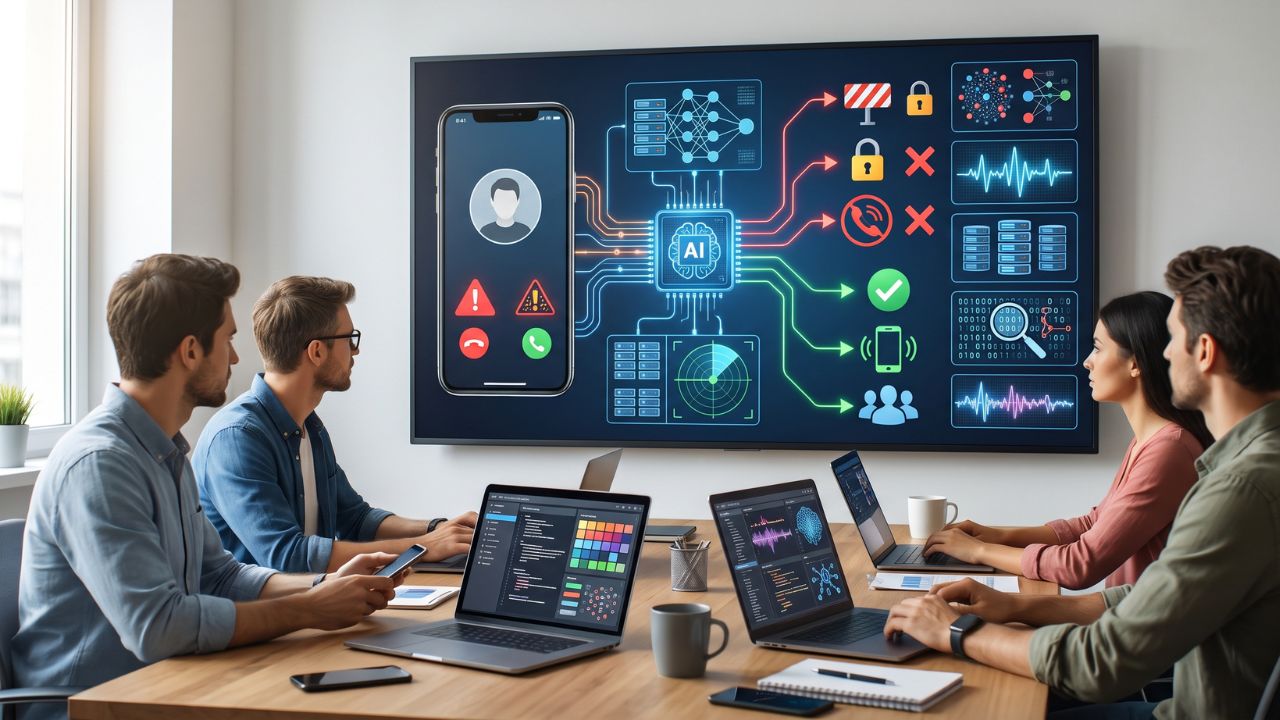
Your iPhone rings at 9:17 p.m. An unfamiliar number. You answer, and a remarkably cheerful stranger announces that your bank account is in danger. There’s suspicious activity, they explain, and you must act immediately to protect your money. Convenient timing. Terrible caller.
Spam calls can now be very sophisticated. They can mimic well-known companies, create a sense of urgency and are so realistic they can catch even the most cautious people out. With the use of Artificial Intelligence (AI), a modern anti-spam call blocking app on your iPhone could use AI-based detection, caller ID and auto filtering to pick up any suspicious calls.
But how does this work?
1. AI Looks Beyond a List of Bad Numbers
Traditional call blocking follows a simple rule: if a number appears on your blocklist, reject it. Effective enough for repeat offenders, but what happens when a scammer switches numbers? Back to square one.
Using AI to spot patterns in the data you have available can help you identify potential unwanted callers beyond those on your list. The data may be things like how much spam they have been reported for or other indicators the service has.
This can help you spot patterns to identify potential unwanted callers. Like most things, it really depends on the data you have available and how you are using it. AI is not magic!
2. Pattern Recognition Helps Catch Suspicious Callers
AI is particularly useful for analyzing large amounts of information and identifying recurring patterns. In call protection, that capability can help flag numbers associated with repeated spam reports or other suspicious activity.
For example, if a number receives numerous reports from people identifying it as unwanted, a supported detection system may use that information to warn other users when the number calls.
Some services combine reported-number databases with additional detection methods to improve their assessments.
Why does this matter? Because scammers rarely stick to one number or one approach for long.
A phone call blocker app for iPhone with effective detection features can help users identify suspicious calls without investigating every unfamiliar number themselves. However, legitimate callers can be flagged by mistake, and newly created scam numbers may slip through undetected. Useful protection, yes. Perfect protection? Not quite.
3. Fresh Data Keeps Call Protection Current
Even some advanced detection systems will require updated data. If a database isn’t regularly updated then the system may be able to identify the previous day’s nuisance callers but fail to find the latest scam numbers.
This is where some call blocking services can help. These update their spam database regularly with new and fresh spam and nuisance caller information. This can help improve caller identification.
The AI and updated database work well together. The database provides information and the detection uses the signals it has to identify callers.
When comparing apps, check whether the provider explains how its spam information is maintained and how frequently updates become available. Don’t assume that every product mentioning AI analyzes every incoming call in real time. Marketing claims can sound impressive. Specific capabilities matter more.
4. Automation Means Less Time Fighting Your Phone
Nobody wants to spend an afternoon blocking one suspicious number after another. Automation can take some of that repetitive work off your hands.
Depending on the application and its integration with iOS, features may include caller identification, spam warnings, and automatic filtering of calls that meet certain criteria.
A good phone call blocker app for iPhone should also let you review blocked numbers and adjust filtering settings. Otherwise, you might trade annoying spam calls for missed calls from your doctor, a delivery driver, or an important new contact. The goal is fewer interruptions, not fewer useful conversations.
5. Better Detection Shouldn’t Mean Less Privacy
Before installing any call-blocking app, ask one important question: what happens to the information it uses?
Different services handle data differently. Ensure that a privacy policy is shown, the app asks for the correct permissions and tells you what data it will collect, store or share. Check compatibility with your iPhone and iOS version since some functions may not be available. The security application should be transparent about what data it collects.
Smarter Screening, Better Decisions
AI can help detect suspicious patterns, ensure you have the most up to date spam information and reduce the amount of manual work. However it cannot guarantee that you will block all scams and should not be used instead of your common sense.
Take a look at the PhoneShield spam call blocking app to see what features are available and if they will fit your needs.
Never give out your passwords or verification codes to unexpected callers. If someone claims to represent your bank, hang up and contact the institution using an independently verified number. Let technology screen the noise. Keep control of the decisions yourself.
