
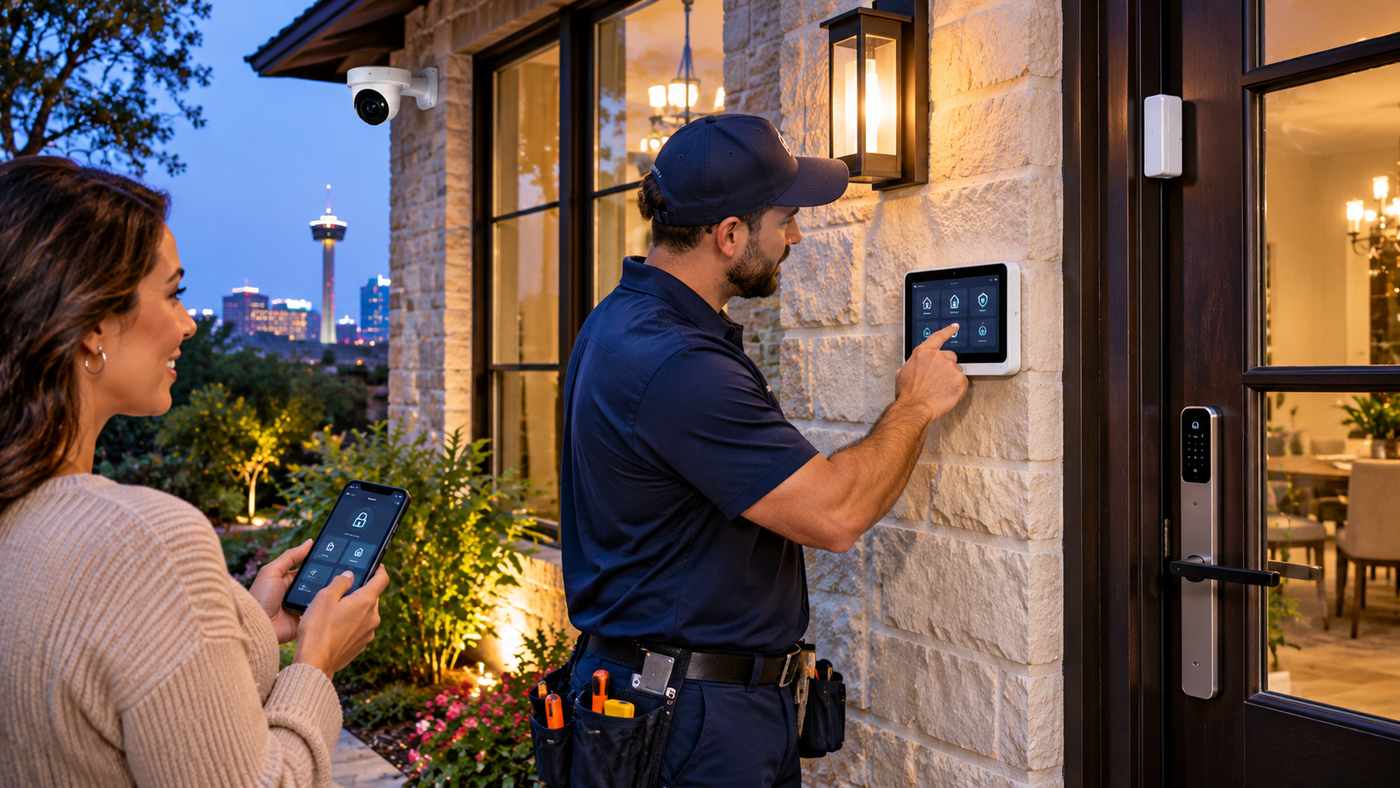
Protecting your home is about more than installing a camera near the front door. A reliable security system combines carefully placed sensors, dependable monitoring, practical automation, and professional support to help homeowners recognize potential threats and respond appropriately.
Choosing the right San Antonio alarm system can be especially important for families who want to monitor their property while working, traveling, or managing everyday responsibilities. With today’s connected technology, homeowners can receive security notifications, view compatible cameras, and control selected devices remotely.
However, not every security solution provides the same protection. Some systems rely on homeowners to respond to smartphone notifications, while others include professional monitoring services. Equipment quality, installation methods, communication backups, and ongoing costs also vary.
Understanding these differences helps homeowners make informed decisions instead of choosing a security package based only on promotional pricing.
This guide explores seven essential considerations when selecting a home alarm system in San Antonio, including professional monitoring, security cameras, smart automation, installation requirements, pricing, and long-term reliability.
Why Home Security Systems Matter in San Antonio
San Antonio includes a wide range of residential properties, from downtown apartments and established neighborhoods to suburban houses and larger properties throughout the surrounding area.
Each type of home presents different security considerations.
A small apartment may require basic entry sensors and a compact alarm panel, while a detached home may benefit from multiple door sensors, exterior cameras, and additional coverage around the garage.
The most effective security strategy begins with evaluating the property rather than assuming that one equipment package will suit every household.
Modern Home Security Goes Beyond Burglar Alarms
Traditional alarm systems focus primarily on detecting unauthorized entry.
Modern smart security systems can provide additional capabilities, including:
- Door and window intrusion detection
- Indoor motion sensing
- Security camera monitoring
- Smart doorbell notifications
- Remote alarm arming and disarming
- Smart lock integration
- Environmental alerts from compatible sensors
- Automated lighting schedules
These features can help homeowners maintain awareness of events around their property.
However, security systems cannot guarantee that criminal activity will never occur.
Their effectiveness depends on equipment selection, installation quality, user behavior, and response procedures.
1. Choose the Right Type of San Antonio Alarm System
One of the first decisions homeowners face is selecting the appropriate alarm system.
Different configurations offer different levels of convenience, customization, and monitoring.
Wired Alarm Systems
Wired security systems connect compatible sensors and equipment through physical wiring.
They may be suitable for homes with existing security wiring or properties undergoing construction or renovation.
Potential advantages include reliable sensor communication and reduced dependence on individual wireless sensor batteries.
However, installation can require additional labor, particularly in finished homes without existing wiring.
Wireless Alarm Systems
Wireless systems use radio communication between compatible sensors and a central control panel.
These systems can simplify installation in many existing homes.
They may also make it easier to expand coverage without installing extensive new wiring.
Wireless sensors generally require battery maintenance, and their performance depends on the equipment’s specifications and environmental conditions.
Smart Home Security Systems
Smart security systems combine alarm functions with connected devices and mobile applications.
Depending on the platform, users may be able to control security settings, review camera activity, manage smart locks, and configure automated routines.
For example, a homeowner might create an evening routine that arms selected sensors, locks compatible doors, and adjusts exterior lighting.
Which System Is Best?
The ideal choice depends on the property layout, existing equipment, budget, connectivity, and desired features.
A professional assessment can help determine whether a wired, wireless, or hybrid configuration is most appropriate.
2. Understand the Importance of Professional Alarm Monitoring
A security alarm can notify occupants when a sensor detects an event.
However, the way an alarm is monitored influences what happens next.
Self-Monitoring vs. Professional Monitoring
With self-monitoring, an alarm system typically sends notifications directly to the homeowner.
The homeowner is responsible for reviewing alerts and deciding whether assistance is needed.
Professional monitoring involves a monitoring center that receives eligible alarm signals and follows established response procedures.
These procedures may include contacting authorized individuals, verifying information, and requesting emergency assistance when appropriate.
| Feature | Self-monitoring | Professional monitoring |
|---|---|---|
| Smartphone notifications | Commonly available | Commonly available |
| Monitoring center | Not included | Included |
| Emergency verification | Homeowner’s responsibility | Monitoring center procedures |
| Monthly fee | Often lower | Usually higher |
| Response while homeowner is unavailable | Depends on homeowner | Monitoring staff can assess signals |
| Equipment requirements | Varies | Varies |
Why Monitoring Reliability Matters
Professional monitoring may be valuable when homeowners are unable to respond immediately to notifications.
However, response times are influenced by signal delivery, verification procedures, local emergency services, and the circumstances of the event.
A monitoring subscription does not guarantee immediate police or emergency response.
Look for Clear Monitoring Procedures
Before subscribing, ask who operates the monitoring center and how alarms are handled.
Find out whether the provider offers cellular communication, backup power, and notification options.
These details help clarify what protection is included.
3. Select Security Cameras That Match Your Property
Security cameras can complement intrusion alarms by providing visual information about events around a home.
However, camera placement is often more important than purchasing the largest number of devices.
Front Door Cameras
The main entrance is a common location for a video doorbell or exterior camera.
A properly positioned device may help homeowners identify visitors and review activity near the entrance.
Look for practical features such as suitable viewing angles, nighttime performance, and dependable motion notifications.
Driveway and Garage Cameras
Driveways and garages may contain vehicles, tools, and other valuable belongings.
A well-positioned exterior camera can provide useful visibility.
Consider lighting, mounting height, and the distance between the camera and the areas being monitored.
Backyard and Side Entrances
Rear doors, gates, and side paths may benefit from additional coverage depending on the property’s layout.
Avoid creating unnecessary privacy concerns by directing cameras toward neighboring private areas.
Important Camera Features
When evaluating equipment, consider:
- Image clarity in relevant lighting conditions
- Weather-resistant construction
- Appropriate field of view
- Motion detection capabilities
- Recording and storage options
- Secure remote access
- Compatibility with the alarm platform
Advanced features such as person, vehicle, or package detection may improve notification relevance, but accuracy varies.
Protect Your Camera System
Connected cameras should use strong authentication and current software.
Change default credentials where applicable and enable multifactor authentication when supported.
Review storage and privacy settings to understand who can access recordings.
4. Connect Your Alarm With Smart Home Automation
Smart home automation can make security systems more convenient.
Instead of managing each connected device separately, compatible platforms may provide centralized controls and automated routines.
Smart Door Locks
Connected locks can allow authorized users to manage entry without relying exclusively on traditional keys.
Depending on the model, features may include access codes, activity notifications, and remote locking.
Homeowners should ensure that every smart lock provides an appropriate physical or emergency-access option.
Automated Lighting
Lighting can improve visibility around entrances and walkways.
Smart schedules may turn exterior lights on at sunset or activate compatible lighting when certain events occur.
Lighting does not replace intrusion protection, but it can complement a broader home security strategy.
Garage Door Integration
Compatible systems may allow homeowners to check whether their garage door is open or closed.
Some platforms support remote controls and notifications.
Remote garage operation should follow the manufacturer’s safety requirements.
Climate and Environmental Monitoring
Some security platforms also integrate thermostats, smoke detectors, carbon monoxide alarms, and water-leak sensors.
These capabilities can help homeowners respond to selected household hazards.
Life-safety devices must meet applicable standards and should not be replaced by ordinary automation equipment.
Local Smart Home Solutions
Homeowners researching a San Antonio alarm provider can explore Alamo Smart Home, a locally headquartered Texas company offering security system installation, professional monitoring, surveillance cameras, and home automation.
According to its published service information, the company uses the Alarm.com platform for compatible security controls, camera access, smart locks, lighting, and other connected-home functions.
Its services illustrate how modern alarm systems can combine intrusion detection with broader household management features.
Actual equipment compatibility and included features should always be confirmed before purchasing.
5. Compare Security System Installation Options
Installation quality can influence the effectiveness of a home alarm system.
Even sophisticated equipment may perform poorly if sensors are incorrectly positioned or the communication system is unreliable.
DIY Installation
Some residential systems are designed for homeowner installation.
These products may include wireless sensors, adhesive mounting options, and smartphone-based setup instructions.
DIY installation can be appropriate for smaller properties and straightforward requirements.
However, homeowners remain responsible for positioning devices, testing communication, and maintaining the system.
Professional Installation
Professional installation usually involves an evaluation of the property followed by equipment selection and setup.
An installer may examine:
- Main and secondary entrances
- Door and window placement
- Indoor motion-detection areas
- Existing wiring
- Wireless communication conditions
- Camera mounting locations
- Power and internet availability
- Desired smart home features
The technician should also explain the system’s operation and test its main functions.
Benefits of a Property Assessment
A property assessment helps identify security needs that are not obvious from a standard equipment package.
For example, a house with several exterior doors may require a different sensor arrangement from a compact apartment.
Similarly, a large detached garage may need additional coverage or a separate communication solution.
Questions to Ask Before Installation
Ask whether the installation price includes equipment configuration, mobile app setup, sensor testing, and basic user training.
Also clarify equipment ownership, service responsibilities, and available support after installation.
These details can prevent misunderstandings later.
6. Understand San Antonio Alarm Monitoring Costs
Alarm system pricing often includes more than a single monthly subscription.
Total cost depends on the equipment, installation requirements, monitoring services, and additional features.
Initial Equipment Costs
A typical installation may involve a control panel, motion sensors, contact sensors, cameras, and supporting hardware.
The final price depends on the number of devices and their specifications.
Larger homes may require additional equipment.
Monthly Monitoring Fees
Some companies charge separately for professional monitoring, while others bundle it with equipment financing or service agreements.
Optional video storage and analytics may increase recurring fees.
As of the company’s published October 2026 pricing, Alamo Smart Home advertises professional monitoring from $19.99 per month, or $24.99 per month with specified video analytics and cloud recording.
The company also states that long-term contracts are optional and equipment is quoted separately after a property assessment.
These are company-published terms and should be reconfirmed before signing an agreement.
Other Potential Expenses
Homeowners should also consider:
- Installation and activation charges
- Camera equipment
- Optional video subscriptions
- Replacement batteries
- Maintenance visits
- Contract termination fees
- Alarm permits
- Additional sensors or accessories
Comparing Long-Term Value
A lower monthly payment does not always mean lower total ownership costs.
Consider an illustrative example:
| Cost component | System A | System B |
|---|---|---|
| Initial equipment and installation | $600 | $150 |
| Monthly monitoring | $20 | $45 |
| Monitoring over 36 months | $720 | $1,620 |
| Three-year total | $1,320 | $1,770 |
These figures are hypothetical and are not quotes from specific providers.
The comparison demonstrates why homeowners should evaluate upfront and recurring expenses together.
7. Verify Licensing, Customer Support, and Reliability
Selecting a security company requires trust.
The provider may install devices around sensitive areas of the property, configure remote access, and handle alarm signals.
For this reason, homeowners should evaluate professional credentials and support capabilities.
Check Licensing Requirements
Texas regulates certain security-related activities.
Before hiring a company, verify that it holds the applicable licenses and that the proposed services fall within its authorized activities.
Texas consumers can use the Texas Department of Public Safety’s Private Security Program resources to investigate licensing information.
Review Experience and Customer Feedback
Customer reviews can help identify patterns involving installation quality, communication, and after-sales support.
However, individual reviews do not guarantee future performance.
Read comments from multiple sources and pay attention to detailed accounts of how problems were resolved.
Ask About Equipment Servicing
Security equipment occasionally requires maintenance.
A motion sensor may develop a fault, a camera may lose connectivity, or a control panel may need updating.
Ask whether the provider employs its own technicians, uses third-party contractors, or requires customers to troubleshoot equipment independently.
Understand Communication Backups
Some alarm systems use cellular connectivity and backup batteries.
These features may allow selected functions to continue during certain internet or electrical outages.
However, backup duration and communication reliability depend on the system’s design, power conditions, and network availability.
Choose a Company That Explains Its Services
A reputable provider should explain equipment recommendations, monitoring procedures, and contract terms clearly.
Avoid making a decision based solely on sales pressure or limited-time discounts.
San Antonio Alarm Permits and False Alarm Considerations
Local alarm regulations are an important part of security planning.
Within San Antonio city limits, certain monitored alarm systems require permits under municipal rules.
Requirements may differ in surrounding jurisdictions.
Why Permits Matter
Permit systems help local authorities manage alarm-related information and reduce unnecessary emergency dispatches.
Depending on the regulations, homeowners may need to register their alarm systems and maintain current contact details.
Preventing False Alarms
False alarms can occur when users enter incorrect codes, sensors are improperly adjusted, or equipment develops problems.
To reduce avoidable activations:
- Learn how to operate the system properly.
- Keep emergency contacts updated.
- Test equipment according to provider instructions.
- Maintain sensors and batteries.
- Explain alarm procedures to authorized household members.
- Report recurring faults promptly.
Homeowners should consult official municipal resources for current permit fees, exemptions, and false-alarm penalties.
How to Build a Complete Home Security Plan
An effective security strategy combines equipment with practical household habits.
Evaluate Entry Points
Begin by identifying doors, windows, and other accessible entry areas.
Ensure that locks, doors, and frames are in good condition.
Improve Exterior Visibility
Consider whether landscaping, lighting, or property features create areas with limited visibility.
Thoughtful lighting and maintenance may improve awareness around entrances.
Configure Useful Alerts
Too many notifications can make important events difficult to recognize.
Choose meaningful alerts for doors, alarms, cameras, and other connected devices.
Review settings periodically.
Maintain Access Controls
Use strong account credentials and remove access for individuals who no longer require it.
If your system supports guest codes, create separate credentials rather than sharing a primary access code.
Test Your Security Equipment
Regular testing helps identify malfunctioning sensors, disconnected devices, and power issues.
Coordinate any tests involving monitored alarms with the provider to avoid unnecessary emergency dispatches.
Common Mistakes to Avoid When Choosing Home Security
Purchasing Equipment Without Assessing the Property
Generic packages may not provide appropriate coverage for every home.
Start with an assessment of actual security needs.
Choosing Based Only on Price
A low-cost alarm may lack important monitoring, support, or backup capabilities.
Consider overall value rather than the initial discount.
Ignoring Monthly Fees
Recurring monitoring and video subscriptions can substantially affect long-term costs.
Review the complete service agreement.
Overlooking Cybersecurity
Weak passwords and outdated device software can introduce security risks.
Treat connected-home account security as part of the overall protection plan.
Assuming an Alarm Guarantees Safety
No security system can prevent every incident.
Alarm equipment should complement safe household practices, appropriate physical security, and emergency preparedness.
San Antonio Home Security Buying Checklist
| Consideration | What to verify |
|---|---|
| System type | Wired, wireless, or hybrid |
| Monitoring | Self-monitored or professionally monitored |
| Sensors | Suitable entry and motion coverage |
| Cameras | Appropriate placement and recording |
| Automation | Compatibility with desired devices |
| Backup | Battery and communication options |
| Installation | Qualified setup and equipment testing |
| Licensing | Applicable Texas credentials |
| Contract | Duration, cancellation, and equipment ownership |
| Maintenance | Local servicing and replacement support |
| Permits | Applicable San Antonio requirements |
| Budget | Total equipment and subscription costs |
The Future of Smart Home Security in San Antonio
Residential security technology continues to evolve.
Modern systems increasingly combine intrusion detection with connected cameras, automated controls, and smarter notifications.
Improved video analytics may help reduce unnecessary alerts, while integrated platforms can make everyday security management more convenient.
However, technology should remain understandable and dependable.
The most effective systems will continue balancing useful features with secure connectivity, straightforward maintenance, and professional support.
Homeowners should prioritize proven functionality over unnecessary complexity.
Frequently Asked Questions
1. How much does a San Antonio alarm system cost?
Costs vary depending on equipment, installation, monitoring, and optional features. Some local companies advertise professional monitoring starting around $20 per month, but equipment and installation may be charged separately.
2. Is professional monitoring necessary for home security?
Professional monitoring is optional for many systems. It can provide additional response coordination when homeowners are unavailable, while self-monitoring requires users to manage alerts themselves.
3. Do I need a permit for an alarm system in San Antonio?
Certain monitored alarm systems require permits within San Antonio city limits. Check current city regulations and confirm requirements with your provider.
4. Can a home alarm system connect to security cameras and smart locks?
Yes. Many modern systems support compatible cameras, smart locks, lights, and other connected devices. Specific functionality depends on the equipment and platform.
Conclusion
Choosing the right San Antonio alarm system requires careful attention to property coverage, monitoring reliability, installation quality, and ongoing costs.
A thoughtfully designed security solution can combine intrusion detection, cameras, smart automation, and accessible support to help homeowners manage everyday security needs.
By comparing equipment, verifying provider credentials, and understanding service terms, families can make informed decisions about protecting their homes.
