
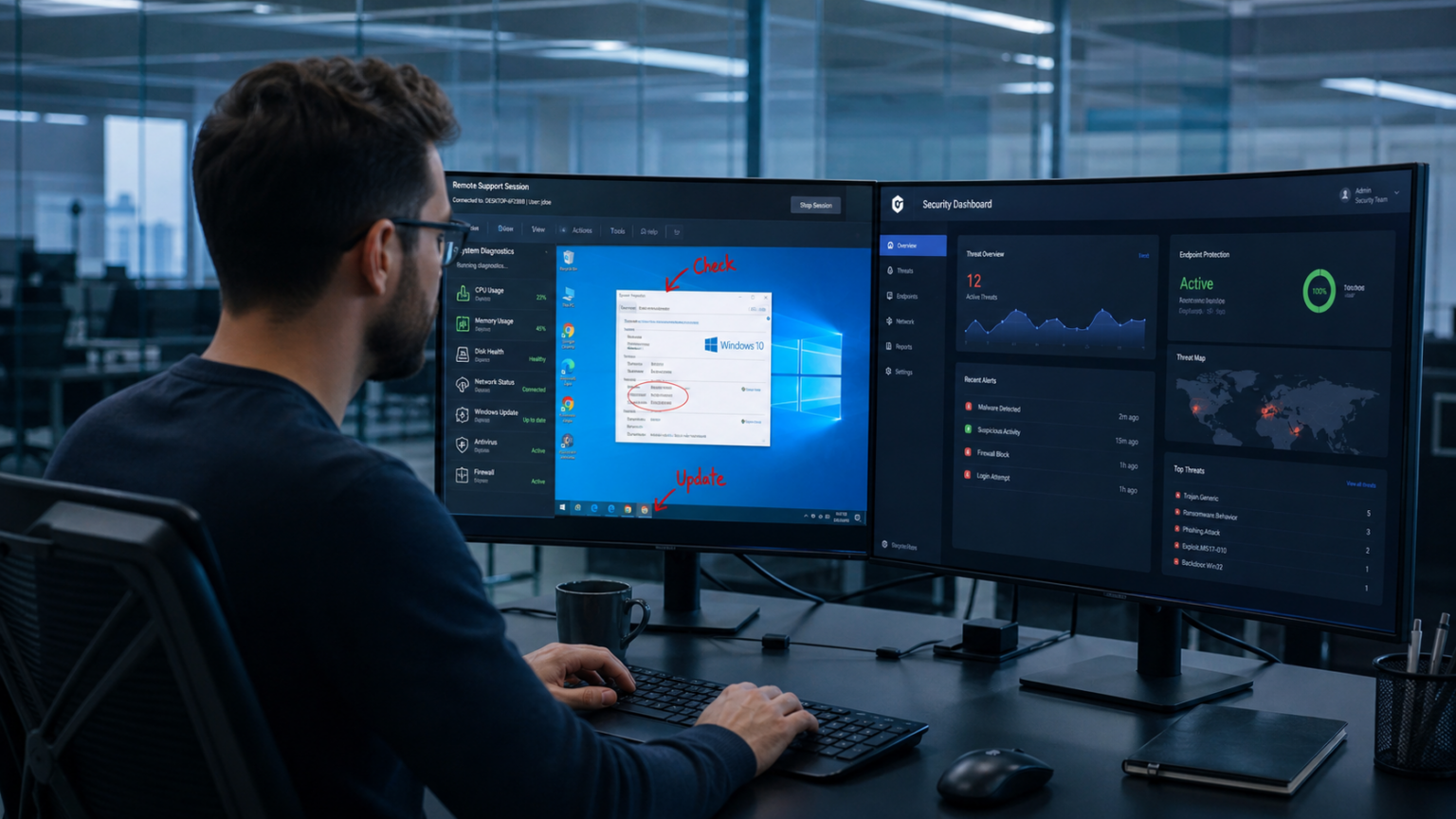
When a user says an app “isn’t working,” it could mean different things. There could be a permissions error, a stale browser cache, a failed login, a changed setting. And getting to the real problem over chat, message, or a phone call can take longer than fixing it.
Screen sharing skips that guessing part. The agent sees exactly what the user sees, sometimes takes the system’s control directly, and closes the ticket in the same session instead of going back and forth.
For a small team, that’s really convenient. For an enterprise IT organization, it touches resolution time, security posture, compliance, documentation, and agent capacity all at once.
What Screen Sharing Actually Does
Screen sharing allows a technician direct view into your system and control a user’s device remotely, with their consent. Instead of a support agent putting together a problem from a vague description, they watch it happen in real time and act on it directly.
ScreenMeet has a more detailed breakdown of the concept of screen sharing if you want the fuller picture.
3 Main Types of Screen Sharing
Not every support situation needs the same kind of setup.
Attended sessions need the user at their desk. They grant temporary access, the agent joins, fixes the issue, and the session closes. This covers most help desk and employee support tickets.
Unattended access works in a different way. Software sits on the device ahead of time, so a technician can connect without anyone present. It’s pretty useful for servers, kiosks, and after-hours maintenance.
Browser-based or agentless sharing skips the installed software entirely. A temporary client handles the connection, and nothing persists on the device once the session ends.
That last distinction matters more at an enterprise level. Every software sitting on an endpoint is one more thing security has to patch, monitor, and govern.
Where Screen Sharing Pays Off
Agents aren’t reconstructing a problem from a user’s description, they’re looking right at it, which greatly cuts the back-and-forth.
It also improves first-contact resolution rates. A lot of tickets that would normally get escalated can be closed by the first agent, simply because they have the visual context to act instead of guess.
Average handle time drops too, since agents can act directly rather than talking someone through each click.
And the experience improves on both sides. Nobody wants to narrate their screen for thirty minutes to someone who can’t see it. A shared session gets to the fix faster and with a lot less friction.
Why Basic Screen Sharing Isn’t Enough at Enterprise Scale
A standalone screen-sharing tool creates its own friction if it doesn’t fit into the existing workflow. If an agent has to leave the ticketing system, log into a separate app, run the session, then come back and manually write up what happened, you’ve added steps instead of removing them.
That’s why integration with platforms like ServiceNow or Salesforce matters so much. Launching a session straight from the ticket keeps everything – notes, actions taken, device info, recordings, AI-generated summaries – attached to the incident record automatically. Less manual cleanup, cleaner audit trail.
Security Can’t Be an Afterthought
Screen sharing hands an agent access to someone’s device, so the security bar has to be top-notch. Every single thing has to be in place such as permission-based access, session logging, role-based controls, SSO, audit trails, and compliance coverage.
Deployment model plays into this too. Unattended support often requires a persistent agent on the endpoint, which means ongoing patching and oversight. Session-based, attended-only tools cut that overhead but don’t cover every use case. Which model fits depends on the organization’s risk tolerance and compliance requirements.
What to Look for in an Enterprise Tool
A good screen-sharing solution should reduce work for agents, not add to it.
Look for:
– One-click session launch from the ticket or case
– Clear and secure consent flow for the user
– Native integration with ITSM or CRM platforms
– Unified audit logs and session history
– Automatic documentation or AI-generated summaries
– Support for both attended and unattended sessions, where needed
– Licensing that scales with a larger support org
– Compliance features built for enterprise requirements
The goal is to make the whole support workflow faster and easier.
Summing it Up
Screen sharing lets support agents see problems instead of making guesses, which speeds up resolution and makes the experience less painful for everyone involved.
But the real payoff for enterprise teams shows up when it’s not a bolt-on tool, where sessions, identity, logs, and documentation all live inside the same system agents already use. That’s what lets a support org move fast without losing the audit trail.
