
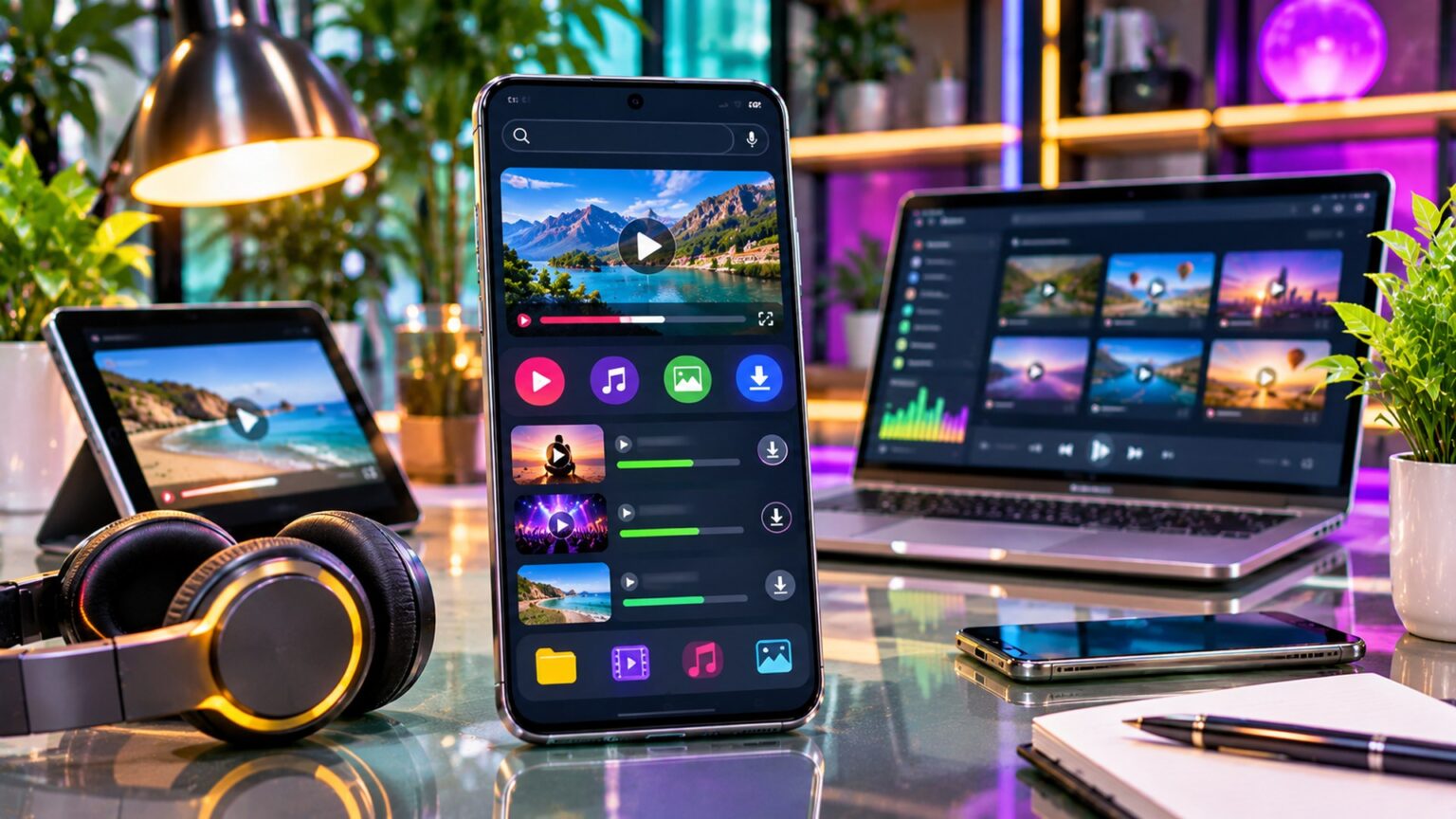
Mobile entertainment has become an essential part of everyday digital life, allowing people to enjoy educational videos, music, podcasts, and creative multimedia content through their smartphones. The SnapTube APP is an Android multimedia application advertised as providing convenient video downloading, audio management, and offline playback capabilities.
As internet users increasingly seek flexible ways to access digital content, multimedia applications offer opportunities to organise media collections and enjoy authorised content without maintaining a continuous internet connection.
However, users should carefully evaluate application authenticity, software security, copyright requirements, and platform restrictions before downloading multimedia content.
Understanding these considerations is particularly important when installing applications distributed outside mainstream application stores.
This comprehensive guide explores SnapTube’s advertised features, Android compatibility, multimedia management capabilities, historical security concerns, and responsible alternatives for offline entertainment.
What Is SnapTube APP?
SnapTube is a third-party Android application designed to provide multimedia browsing and downloading functionality.
The application’s published descriptions advertise support for accessing videos and audio from various online sources through a centralised mobile interface.
Users may encounter different versions of the application across developer websites and alternative Android application stores.
Commonly advertised features include:
- Video downloading
- Audio file management
- Multiple video resolution options
- Multimedia browsing
- Offline media playback
- Download progress management
- Mobile-friendly navigation
- Integrated content discovery
- Media library organisation
The availability of individual features depends on the application version, device compatibility, source platform, and applicable content restrictions.
SnapTube is not an official application developed by YouTube, Instagram, Facebook, or other social media platforms.
Why Mobile Media Downloading Applications Are Popular
Many smartphone users want to access digital content without repeatedly consuming mobile data.
Offline media access can be particularly useful during travel, long journeys, network interruptions, or situations where internet connectivity remains limited.
Multimedia applications may also help individuals organise authorised educational resources, personal recordings, and other downloadable content.
However, users should distinguish between technically accessible content and material they have permission to download.
How Does SnapTube APP Work?
SnapTube is advertised as combining multimedia discovery and downloading capabilities within an Android application.
Its functionality depends on communication between the application, supported online sources, and the smartphone’s storage environment.
Multimedia Content Discovery
The application may provide an interface for discovering multimedia content available through supported sources.
Users can review available media information and navigate between different types of content.
Source availability may change when external platforms modify their technical infrastructure or access policies.
Media Processing
Multimedia applications can process supported information into compatible audio or video formats.
Different file formats provide different advantages involving playback compatibility, storage requirements, and media quality.
The available processing capabilities depend on the installed software version and characteristics of the original content.
Local Media Storage
Downloaded media can be stored within supported device storage locations.
Local storage allows compatible files to remain accessible without continuous internet connectivity.
Users should maintain adequate storage capacity and organise authorised media files appropriately.
Understanding Offline Media Playback
Offline playback allows users to access previously saved media without repeatedly streaming the same information.
However, authorised offline viewing provided by subscription platforms may differ from permanent local file storage.
Some official services retain downloaded content within their applications and require periodic account verification.
7 Crucial Tips for Using SnapTube APP and Other Media Tools Responsibly
Before installing or using multimedia applications, individuals should evaluate several important security, privacy, and content management considerations.
1. Verify Application Authenticity
Numerous websites distribute applications using similar names, icons, and promotional descriptions.
A familiar application name does not guarantee that the available installation package originates from the recognised developer.
SnapTube’s published materials describe distribution through its websites and selected alternative Android application stores.
However, users should independently evaluate distribution sources rather than assume that every website claiming to provide an official application is trustworthy.
Review available developer information, application identifiers, privacy documentation, and software distribution arrangements.
Avoid modified APK packages that advertise unrestricted premium features or request the removal of existing security protections.
Downloading an application from an unfamiliar source can introduce unnecessary risks involving malicious software and unauthorised information collection.
2. Understand Copyright and Content Downloading Rules
Digital content may be protected by copyright even when it is publicly accessible.
Music, films, educational videos, photographs, and other creative works frequently belong to individual creators or commercial organisations.
The technical ability to obtain a media file does not automatically provide permission to download, modify, or redistribute it.
Before saving content, determine whether downloading is permitted by the source platform and relevant rights holders.
Appropriate downloadable content may include personal recordings, explicitly authorised media, public domain material, and content distributed under suitable licences.
YouTube’s terms restrict downloading except where permitted by the service, appropriately authorised, or allowed by applicable law.
Responsible multimedia usage helps protect content creators and reduce unnecessary legal complications.
3. Keep Android Security Protections Enabled
Android includes security features designed to identify potentially harmful applications and protect personal information.
Google Play Protect evaluates supported applications and can provide warnings about suspicious software.
Keep these protections enabled when installing or reviewing mobile applications.
Avoid following instructions that require disabling security scanning or ignoring warnings concerning potentially harmful software.
A warning-free scan does not guarantee that an application is completely safe, but security tools provide an important additional layer of protection.
Users should also install available Android security updates and maintain appropriate account authentication settings.
4. Manage Application Permissions Carefully
Multimedia applications may request access to device storage, notifications, network connections, and other smartphone functionality.
These permissions should correspond to legitimate application requirements.
For example, an application managing local media files may need access to selected storage locations.
However, access to contacts, text messages, call records, accessibility services, or precise location information may be unnecessary for ordinary multimedia playback.
Review requested permissions before granting access.
Modern Android versions provide tools for managing application permissions through device settings.
Restrict unnecessary permissions and uninstall applications that behave unexpectedly or request access unrelated to their advertised functionality.
5. Select Appropriate Media Quality and Storage Settings
High-resolution multimedia files can consume substantial device storage.
Users should consider display size, playback requirements, available storage capacity, and network conditions when managing authorised media.
For example, a high-resolution video may provide limited additional visual value when viewed on a small smartphone display.
Lower-resolution files may be more suitable for devices with limited storage.
Audio quality also depends on factors such as the original recording, encoding method, playback equipment, and compression settings.
Converting a low-quality recording into a larger file does not restore information that was absent from the original source.
Effective media management involves balancing playback quality with practical storage requirements.
6. Monitor Data Usage and Unexpected Charges
Applications that process multimedia content may consume significant mobile data.
Background activities, advertisements, synchronisation, and unexpected network requests can increase consumption.
Users should periodically review mobile data usage and application activity through Android’s supported settings.
Unexpected mobile subscriptions or unusual billing charges should also be investigated promptly.
Historical security research published in 2019 identified suspicious advertising and subscription activity involving a compromised SnapTube version.
These findings do not establish that every current version behaves identically, but they demonstrate why independent security evaluation remains important.
If you identify unexplained charges, contact your mobile network provider and review installed applications.
7. Maintain an Organised and Secure Media Library
Creating an organised media library can improve access to authorised digital files.
Separate educational resources, personal recordings, music collections, and professional multimedia materials into appropriate categories.
Remove unnecessary duplicate files and regularly review available storage capacity.
Important personal recordings should also be backed up through a dependable storage arrangement.
Avoid treating a smartphone’s download folder as the only location for valuable digital information.
Maintaining organised file storage and secure backups can help reduce inconvenience following device loss, hardware failure, or accidental deletion.
Key Features Advertised by SnapTube APP
SnapTube’s published product information describes various multimedia management capabilities.
These features should be understood as developer claims rather than independently verified performance results.
Multiple Video Resolution Options
SnapTube advertises different video quality selections for supported media.
Resolution options may allow users to balance visual quality with file size and device storage requirements.
Available resolutions depend on the original media source and supported application functionality.
A higher resolution does not necessarily guarantee improved visual quality if the original recording contains limited detail.
Audio and Multimedia Management
The application advertises functionality associated with saving and organising supported audio and video files.
Users interested in maintaining offline media collections may find these categories of functionality convenient when used with authorised content.
Audio extraction and file conversion can still be subject to copyright requirements and source platform restrictions.
Integrated Media Browsing
SnapTube describes an interface for accessing multimedia content from various supported online platforms.
This functionality aims to reduce the need to move repeatedly between different applications.
However, external platform compatibility can change over time.
Download Management
Multimedia download management features may provide information about file transfers, processing progress, and completed downloads.
Such interfaces can help users monitor storage requirements and manage their media collections.
Picture-in-Picture Functionality
SnapTube’s published descriptions also advertise floating video playback capabilities in certain versions.
Picture-in-picture functionality allows compatible media to appear within a smaller viewing window while other supported activities take place.
Similar features are available through numerous official Android multimedia applications.
Is SnapTube APP Safe to Use?
The safety of SnapTube cannot be established universally across every distributed application version.
Software security depends on the origin of the installation package, included software components, developer practices, update frequency, and requested permissions.
Applications distributed outside mainstream stores may require additional scrutiny because their installation packages can originate from numerous independent websites.
Historical Security Concerns
In October 2019, security researchers at Secure-D reported suspicious activity associated with a version of SnapTube, including advertising fraud and potentially unauthorised mobile subscriptions.
Contemporary reporting also discussed concerns involving an incorporated third-party software development kit.
These findings represent documented historical security concerns rather than a current assessment of every available SnapTube version.
Nevertheless, users should consider this history when evaluating whether the application meets their security requirements.
Understanding APK Security Risks
Android Package Kit files contain software components required to install Android applications.
APK files are legitimate software packages, but their contents cannot be considered trustworthy solely because of a familiar application name or icon.
Modified installation packages may contain additional components that are absent from other versions of the same application.
Users should avoid unofficial modifications, unnecessary permissions, and suspicious requests to disable device protections.
Recognising Potential Warning Signs
Unexpected advertisements, unexplained background activity, excessive battery consumption, unfamiliar mobile subscriptions, and unusual data usage may warrant investigation.
These symptoms do not independently prove that an application contains malicious software.
However, they provide reasons to review installed applications, examine device settings, and conduct appropriate security checks.
If a security service identifies an application as harmful, follow its recommended protective actions.
SnapTube APP for Android Devices
SnapTube’s developer describes the application as designed for Android smartphones and tablets.
Its compatibility depends on the operating system version, device hardware, available storage, and selected application release.
Android Device Requirements
Published installation information identifies Android 5.0 or later as a minimum requirement for certain SnapTube versions.
However, individual releases may have different technical requirements.
Using a currently supported Android version is preferable because older operating systems may lack important security updates.
Users should review compatibility information before considering any multimedia application.
Smartphone Storage Requirements
Multimedia files can consume considerably more storage than ordinary text documents.
Available capacity should accommodate both the application and any authorised media collections.
Android users can review device storage information through supported system settings.
Regularly removing unnecessary files can help maintain available capacity.
Application Updates
Software updates may address compatibility problems, introduce new functionality, or resolve identified vulnerabilities.
However, the existence of an update does not independently guarantee that all security concerns have been corrected.
Users should obtain software through trustworthy distribution channels and review available security information.
Is SnapTube Available for iPhone and iPad?
SnapTube’s published product information identifies its application as Android-only.
Android APK files cannot be installed directly as native applications on iPhones or iPads.
Websites advertising unofficial SnapTube installations for iOS should be evaluated cautiously, particularly when they request configuration profiles, account credentials, or unnecessary device permissions.
Apple users can explore supported multimedia applications through the App Store.
Official streaming platforms may also provide authorised offline viewing functionality on compatible iPhones and iPads.
SnapTube APP Versus Official Offline Streaming Services
Third-party multimedia applications and official streaming platforms provide different approaches to accessing digital content.
Third-Party Multimedia Applications
Independent applications may advertise access to multiple online sources and various media formats.
Their functionality depends on technical compatibility, developer support, and source platform restrictions.
Users must carefully evaluate security practices and determine whether downloading particular content is permitted.
Official Streaming Applications
Official streaming applications operate within their respective content distribution environments.
Supported offline features are generally governed by licensing arrangements, subscription conditions, and regional availability.
This approach provides a clearer relationship between content providers, application developers, and users.
Choosing the Appropriate Option
Individuals seeking dependable offline entertainment should first examine whether their preferred streaming platform already provides authorised download functionality.
For personal recordings and other independently owned files, trusted local media management tools can offer suitable playback capabilities.
The best solution depends on the type of content, applicable permissions, device compatibility, and individual security requirements.
Safer Alternatives for Offline Multimedia Access
Several established approaches can support authorised offline entertainment and media management.
YouTube Premium
YouTube Premium provides supported offline video access in eligible locations and account configurations.
Downloaded content generally remains within the official YouTube environment.
Some regions also offer limited offline access to eligible videos without a Premium subscription.
Availability depends on regional arrangements and individual content restrictions.
Spotify Offline Listening
Eligible Spotify Premium subscriptions provide offline listening functionality for supported content.
This approach allows users to access music through an authorised streaming environment.
Downloads remain subject to applicable subscription and account requirements.
VLC Media Player
VLC provides multimedia playback functionality for various supported audio and video formats.
Users can organise and play media files they already own or are authorised to possess.
VLC is particularly relevant for individuals seeking flexible local playback rather than unauthorised content extraction.
Creator-Provided Downloads
Many educational organisations, musicians, independent filmmakers, and content creators provide authorised download options through their websites or distribution services.
These resources allow individuals to obtain digital media directly according to the creator’s published conditions.
Users should review applicable licences and usage restrictions before redistributing downloaded material.
How to Manage Video Quality and File Formats
Understanding multimedia formats can help users make informed decisions about authorised offline content.
MP4 Video Format
MP4 is a commonly supported multimedia container format.
It can contain video, audio, and other associated information.
Many smartphones, computers, and multimedia applications support MP4 files, although compatibility also depends on the codecs used.
MP3 Audio Format
MP3 provides compressed audio storage and remains compatible with numerous playback devices.
Its compression can reduce file size compared with certain uncompressed formats.
Audio quality depends on the original recording and encoding configuration.
High-Definition Video
High-definition video can provide greater visual detail when the original source supports the selected resolution.
However, higher-quality media generally requires additional storage and may consume more network bandwidth.
Users should select suitable quality settings according to practical playback requirements.
Common Multimedia Application Problems
Users may encounter several difficulties when managing multimedia applications and offline content.
Insufficient storage, unsupported file formats, outdated software, unstable internet connections, and unavailable source content can affect functionality.
When encountering playback errors, verify that the media file is compatible with the selected player.
For storage problems, review existing files and remove unnecessary material.
If an external platform restricts access to particular content, respect its requirements rather than attempting to circumvent those restrictions.
Persistent software problems may indicate that an alternative supported application is more suitable.
Privacy Considerations When Using Multimedia Applications
Multimedia applications may process information involving device identifiers, network connections, browsing activities, and stored files.
Review the provider’s privacy documentation to understand how information is collected and used.
Avoid entering social media credentials into unfamiliar applications.
Users should also review notification permissions, background data access, and connected accounts.
A multimedia application’s convenience should not come at the expense of unnecessary access to confidential information.
The Future of Mobile Entertainment and Offline Media
Mobile multimedia technology continues evolving through improved video compression, intelligent content discovery, cloud storage, and personalised entertainment experiences.
Future applications may provide more efficient storage management, improved accessibility, and increasingly flexible offline viewing capabilities.
Artificial intelligence may also support media organisation, content categorisation, transcription, and personalised recommendations.
However, application security, intellectual property protection, transparent information handling, and creator rights will remain essential.
Responsible multimedia technology should make authorised content more accessible while protecting users and supporting sustainable creative industries.
Frequently Asked Questions
What is SnapTube APP?
SnapTube is a third-party Android multimedia application advertised as providing video downloading, audio management, and offline media capabilities.
Is SnapTube APP free?
The developer advertises free core functionality. Users should review current application conditions, advertising arrangements, and any additional charges.
Is SnapTube available for iPhone?
No official native iOS version is identified in the developer’s published product information. SnapTube is described as an Android application.
Is SnapTube APP completely safe?
Its current security cannot be guaranteed. Historical security concerns have been documented, and individual APK versions may differ significantly.
Can I legally download videos using multimedia applications?
Downloading is appropriate when permitted by applicable law, the relevant platform, and content ownership or licensing arrangements.
What is a safer alternative to SnapTube?
Official streaming services with authorised offline features, creator-provided downloads, and trusted local media players are preferable for many multimedia requirements.
Conclusion
SnapTube APP offers advertised multimedia browsing, video management, and offline entertainment capabilities for Android users. However, evaluating application authenticity, historical security concerns, copyright requirements, and device permissions is essential. By prioritising trustworthy software and authorised media access, individuals can enjoy convenient offline entertainment while maintaining responsible digital security practices.
