
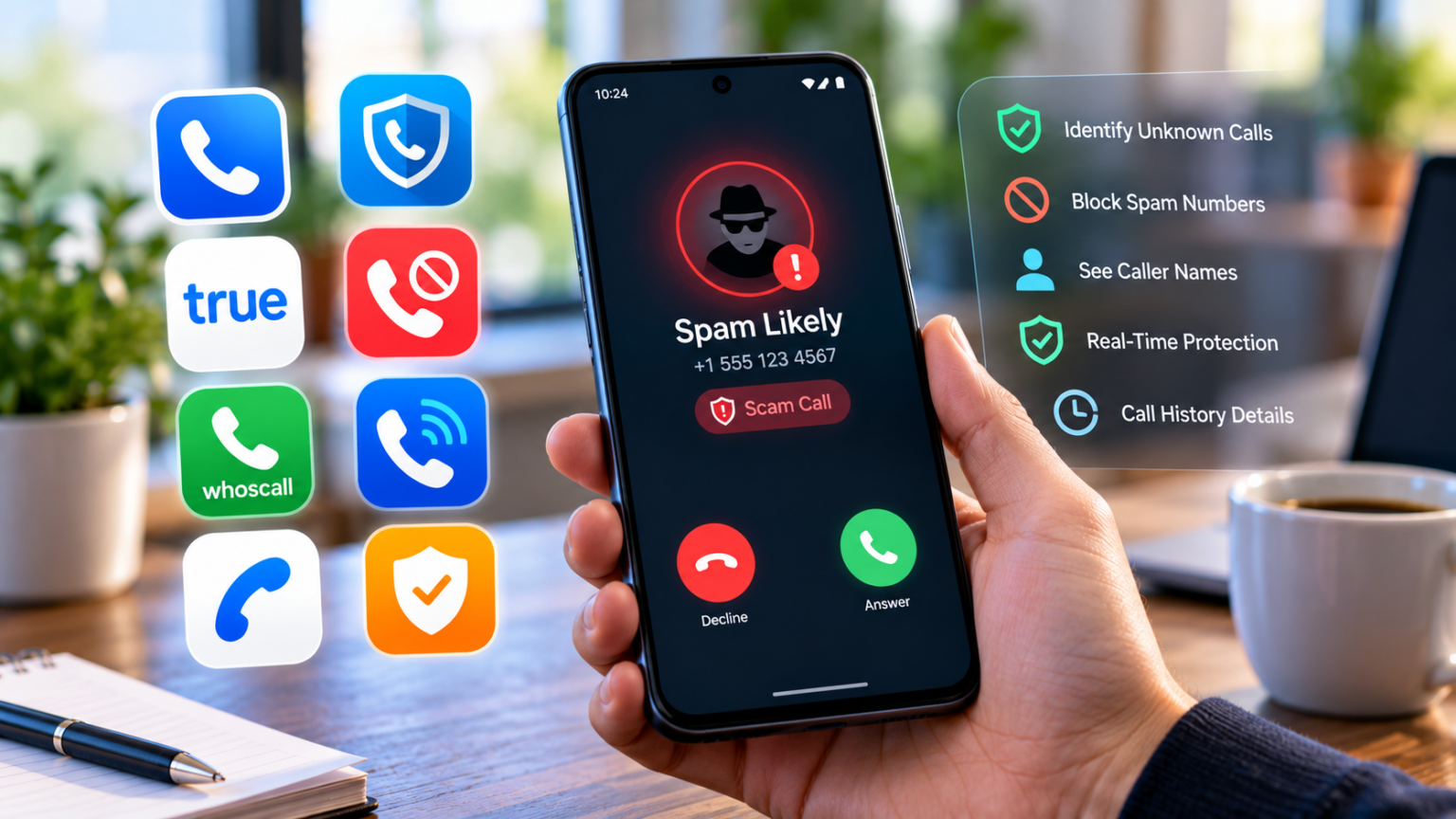
According to a Federal Trade Commission report published in June 2026, people lost $920 million to government impersonators in 2025, up from $789 million the year before. Many of those scams began with a phone call that looked official enough to answer.
Spam calls, robocalls, and phone scams now arrive alongside calls from clinics, couriers, schools, and new clients. Scammers often borrow local area codes or real business numbers, so the screen alone rarely tells you which call is which.
A good caller ID app for Android closes that gap by naming unfamiliar numbers, flagging suspected spam, and helping you decide whether to answer, ignore, or block. The eight apps below take different approaches to that job, and this guide explains what each one does best.
What Should You Look for in an Android Caller ID App?
Most apps in this category promise to stop spam, yet they differ a lot in how they do it. Five qualities separate a useful caller ID app for Android from one you’ll uninstall within a week:
- Real-time caller identification: names or business details appear on screen while the phone rings, including for numbers you haven’t saved.
- Spam detection and blocking: clear warnings on suspicious numbers, plus options to filter or block unwanted calls automatically.
- Reverse phone lookup: a way to investigate missed calls and unfamiliar numbers after the fact.
- Privacy and permissions: a clear explanation of which contact details and call data the app can access, and why.
- Ease of use and cost: which features are free, what a premium plan adds, whether ads appear, and how well the app runs on your specific Android device.
Android gives caller ID apps more room to work than iPhone does, so many of them can replace your dialer, show pop-ups after calls, or screen calls automatically. That flexibility is useful, and it also makes the permissions question more important.
8 Best Caller ID Apps for Android With Spam Protection
Every caller ID app for Android on this list has a different main strength. Matching that strength to your biggest annoyance is the quickest way to pick the right one.
| App | Main strength | Key features to compare |
| Sync.me | Caller identification and spam awareness | Caller ID, spam detection, contact features |
| Truecaller | Broad identification toolkit | Caller ID, reverse lookup, blocking |
| Hiya | Spam call detection | Caller ID, spam alerts, blocking |
| Phone by Google | Built-in Android protection | Caller ID, spam filtering, supported call screening |
| CallApp | Additional call management | Caller ID, spam detection, call tools |
| Whoscall | Unknown-number lookup | Caller ID, number database, offline options |
| Should I Answer? | Community reports | Number ratings, call screening, blocking |
| Call Control | Spam blocking | Reported-number lists, blocking tools |
1. Sync.me: Best for Caller Identification and Spam Awareness
Sync.me leads this list for Android users who want to know who is calling and whether a number might be spam or a scam. It has offered caller ID since 2011 and draws on a database of more than 5 billion phone numbers.
Its core features cover caller ID for incoming calls, identification of unfamiliar numbers, spam and scam call detection, and contact management tools such as syncing, merging, and backup.
Seeing a name or a spam warning while the phone rings makes it easy to answer, ignore, or block with confidence. On Android, after-call pop-ups add quick options to save, block, or report a number, and SMS sender identification and protection are available where supported.
As with any app in this category, specific features and availability can vary by device, region, and plan.
2. Truecaller: Best for a Broad Caller ID and Spam Detection Toolkit
Truecaller is one of the most widely used caller ID apps in the world, built around a large community of users who report spam. It brings caller identification, spam warnings, number lookup, and call blocking together in a single Android app.
Incoming calls show a name where available and a spam label when other users have flagged the number. Its caller reputation database grows with every report, and you can search any number from your call log to see how it has been tagged.
Busy scam numbers often collect enough reports to be flagged within a short time. Supported versions also add SMS spam filtering and messaging tools.
Some capabilities require a paid plan, and it’s worth reviewing permissions and privacy settings during setup, since the app asks for broad access to calls and contacts.
3. Hiya: Best for Spam Call Detection
Hiya concentrates on one job: spotting suspected spam and fraudulent calls before you answer. Its spam detection also powers built-in protection on some Samsung phones, a sign of how widely its data is used.
When a call comes in, Hiya shows caller ID where available and labels risky numbers as suspected spam or fraud. You can block known spam numbers automatically, add your own entries to a block list, and look up recent callers.
That narrow focus suits people who mainly want to screen incoming calls without learning a new dialer. The interface stays simple, which also makes it a good choice for less tech-savvy family members.
Feature availability depends on your device, region, and whether you use the free version or a subscription, which adds extended lookups and extra blocking controls.
4. Phone by Google: Best Built-In Option for Supported Android Phones
Phone by Google comes preinstalled on Pixel phones and many other Android devices, so there’s often nothing new to download. It’s already the default calling app for a large share of Android users.
Its built-in caller ID and spam protection show business names for many incoming calls, label suspected spam, and can filter spam calls so they never ring. You can block numbers straight from your call history.
On supported Pixel devices and in supported regions, Call Screen can answer unknown callers for you and show a live transcript of what they say. Using the phone app you already have means fewer permissions to grant and no extra subscription to manage.
Features vary by phone model, Android version, and region, so check the app’s spam and call screening settings to see what’s available on your device.
5. CallApp: Best for Caller Identification With Additional Call Tools
CallApp combines caller identification, spam detection, and call blocking inside its own Android dialer. It replaces your standard phone app, so caller ID becomes part of every call you make and receive.
Incoming calls show a name and profile details where available, along with spam warnings for suspicious numbers. Beyond identification, CallApp adds call management features such as a redesigned contacts list, a unified call history, and, where local rules allow, call recording.
That broader toolkit appeals to users who want their caller ID app to handle everyday calling too. Blocking options let you stop known spam numbers and any individual caller you no longer want to hear from.
Before installing, review the permissions it requests and compare what the free version includes with the paid upgrade, since the free tier shows ads.
6. Whoscall: Best for Checking Unfamiliar Numbers
Whoscall, developed by Gogolook in Taiwan, focuses on caller identification and spam number detection. Its number database is especially strong across Asia, which makes it popular with people who live in the region or receive calls from it.
The app identifies incoming calls in real time, flags suspected spam, and lets you search unfamiliar numbers from your call log. It also offers offline identification in supported regions, using a database stored on your phone.
That helps you assess unknown callers even when mobile data is weak or online lookups aren’t possible, such as while traveling. Whoscall can also check text messages and links for signs of scams.
Offline coverage depends on the database you download and your region, and some features vary between free and premium versions.
7. Should I Answer?: Best for Community-Based Call Screening
Should I Answer? rates phone numbers using reports and reviews from other users, which are checked by moderators before they reach the app. It’s built around a simple idea: other people’s experiences with a number can tell you a lot about it.
When a call comes in, you see the number’s rating and can decide whether to pick up. Lookups run against a local database on your phone that updates daily, and you can set blocking rules so poorly rated numbers are stopped automatically.
Hearing what other people experienced with the same number gives useful context that a name alone can’t provide. You can also rate a number yourself after a call to help the next person.
Report coverage and available settings vary by version and platform; the Android app is free, while the iPhone version uses a subscription.
8. Call Control: Best for Blocking Known Spam Numbers
Call Control focuses on identifying and blocking unwanted calls using community spam reports and shared number lists. Its main goal is fewer interruptions, so numbers reported by many users can be blocked before they ever ring.
Beyond the community blocklist, you can build personal block and allow lists and, on supported versions, filter unwanted text messages too. Over time, that approach steadily reduces repeated calls from the same telemarketers and robocallers.
It suits users who prioritize blocking over detailed caller profiles and contact enrichment. Setup is quick, with only a few settings to manage once the app is running.
Check current Android compatibility and which features are included in the free and paid versions before installing, since availability can change between versions.
Can Caller ID Apps Identify Every Scam Call?
No app catches every scam, and it helps to know why. Scammers can spoof caller ID, making a call appear to come from a real business, a government office, or a local number that looks familiar.
Databases have limits too. A record may be outdated after a number changes owners, and a brand-new scam number may not have collected any reports yet. A clean result only means nobody has flagged the number so far.
That’s why unexpected requests deserve a second check, whatever the screen says. Verify through a trusted channel whenever a caller asks for:
- Money, gift cards, cryptocurrency, or a transfer to a “safe” account
- Passwords, PINs, or online banking logins
- Verification codes sent to your phone by text or email
- Remote access to your phone or computer
A caller ID app for Android works best as one layer of protection. Pair it with your carrier’s spam filtering and a habit of hanging up and calling back on an official number whenever something feels off.
Choosing the Right Caller ID App for Your Android Phone
The best protection comes from an app whose database and features match the calls you actually receive, because a warning you trust is a warning you’ll act on.
The eight apps here differ in clear ways. Sync.me pairs caller identification and spam awareness with contact tools, Truecaller and Hiya lean on large spam databases, and Phone by Google gives you protection with nothing extra to install. CallApp adds calling tools, Whoscall helps with offline and regional lookups, Should I Answer? shares community ratings, and Call Control focuses on blocking.
To narrow your choice of caller ID app for Android, weigh these factors:
- Your device: check compatibility, especially on older Android versions or non-Pixel phones.
- Privacy preferences: compare the permissions each app requests and how it handles your contacts.
- Budget: decide whether free features are enough or a subscription is worth it.
- Filtering style: choose between automatic blocking and warnings that let you decide call by call.
Frequently Asked Questions
Can installing two caller ID apps at the same time cause conflicts on Android?
It can. Android usually lets only one app act as the default caller ID and spam app or the default dialer, so two apps may fight over pop-ups or blocking. Pick one main app and disable caller ID in the other.
Why might a caller ID app identify a number differently from a search engine?
Caller ID apps rely on their own databases and community reports, while search engines show whatever web pages mention the number. Numbers also get reassigned, so one source may show an older owner.
Do caller ID apps work when mobile data and Wi-Fi are turned off?
Most online lookups need an internet connection. Some apps, such as Whoscall, offer offline identification using a database stored on your phone, and saved contacts always display normally.
Can a caller ID app reveal the identity of someone using a private or withheld number?
No. A private or withheld call doesn’t share its number with your phone, so there’s nothing for the app to look up. Letting these calls go to voicemail is the safest choice.
How can I correct my own name if a caller ID app displays it incorrectly?
Most caller ID apps let you claim or edit your number’s listing through their app or website, or request removal. Check the app’s help pages for its specific process.
