
Runway is known as a pioneer of AI video generation. It provides users with strong motion control, a polished interface, and is one of the 1st tools that gives the user freedom to insert reference images, text, or video for final results.
But don’t you think sticking to a single app, no matter how good it is, eventually stops your progress?
You are locked in one model style, one credit system, without a chance to freely jump to different engines when other tools are needed. So, Runway is one tool, but when making projects, you might need alternative platforms and sometimes more than one.
Let’s look at the top alternatives that are worth trying.
#1 Krea
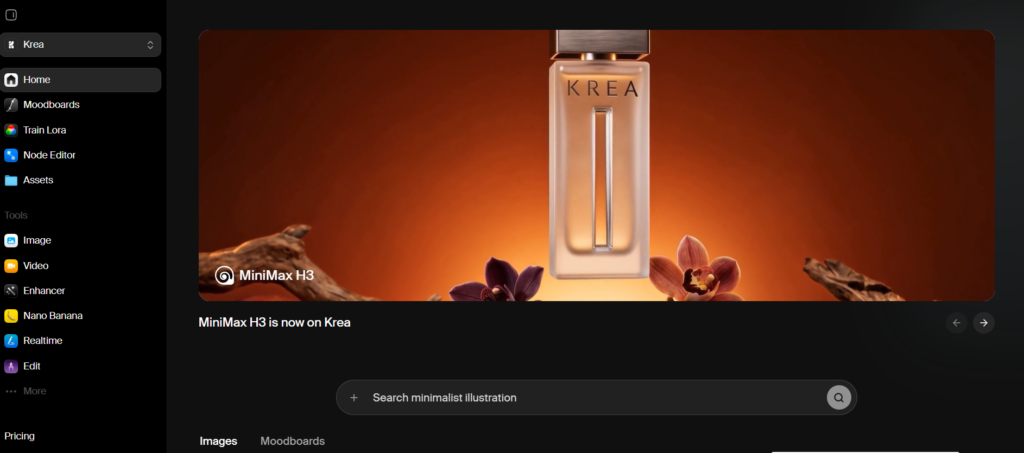
Krea is not trying to be a better single-purpose video generator; its main purpose is far more interesting than you think.
Instead of picking one model and work in limitation, Krea functions as a creative workspace that brings together different AI engines. Under one subscription, you get access to Runway itself, as well as Flux, Veo, Kling, Luma, and their personalized tool, Krea 2. By freely choosing any of these options, you can generate your product any way you want.
Key Services
- Video Editor: By uploading an image, video, text, or even audio, you get a quality final video result. Users get direct access to Runway or Veo class video models.
- Real-time Prototype: By splitting the screen into 2 workspaces, Krea gives its users the freedom to create. On one side of the screen, you are free to draw any object that comes to your mind, no matter how skilled you are in drawing; what matters is your sharp mind. On the other side, you get an instant AI-generated look at your future project.
- Enhancer: In case you have sources that are low quality, Krea provides you with upscaling. It is available up to 22K for images and 8K for videos.
- Motion Transfer: If you have any character or object that needs a bit of life, use this tool. You just need to upload your image and video reference, even if it was made by you, and you get the smooth result at the end.
- Multi-Model Access: Choosing Krea, you get access to many AI generative tools and the flexibility to switch between them whenever you want.
Why Krea Is Your Best Option?
If the problem with Runway is that you are stuck in one model, one workflow, one credit system, Krea has all that at once.
- You get access to Runway’s video models and many other references made by their quality tools.
- You are free to switch between engines mid-project without leaving the platform.
- You get access to different interesting internal tools.
For creators who want a flexible, easy-to-control platform model, Krea is the strongest all-in-one platform.
#2 Pika
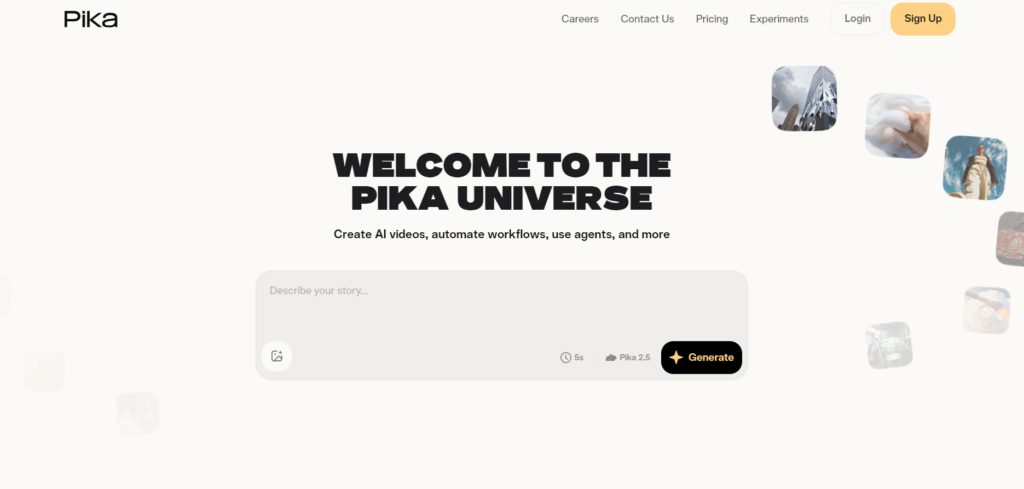
Pika takes a different approach. It is built for speed and personality rather than for multifunctional usage. It is best known for PikaEffects and Agents that users can customize using their creative thought. They not only have visual functions but also work as full AI assistants, whether in text or audio form.
Key Services
- PikaEffects: You can create an interesting and non-realistic effect on any image you want, making the composition more catchy.
- AI Trendmaker: You can create an interesting AI-generated trend by inserting a selfie and the sound.
- Pika Agent: This platform lets you create a custom AI agent not only for visual features but also for accomplishing any task you need. Pika gives you the freedom to train your agent by applying specific characteristics and skills to make your working time more efficient and flawless.
Why choose Pika?
Pika can be your choice if you like combining fun features and serious tasks together. You can create memes, social media content, and quick designs in a short time without too much effort.
Choose it if you need a platform for easy and more playful tasks.
#3 Luma
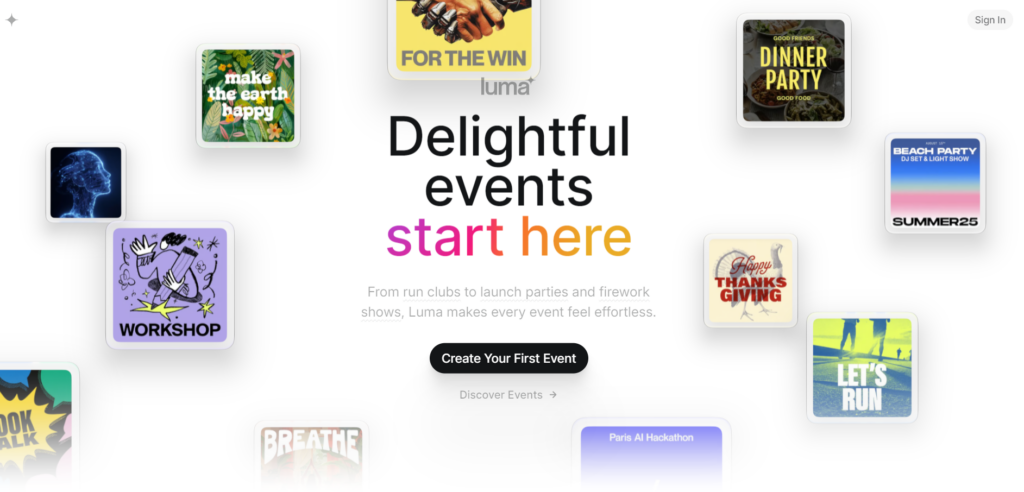
Luma AI is another video generative AI model that mainly works based on its customized agents creating motion videos. Their focus is on creating a unified system that can operate and accurately work for real-life projects.
Luma AI provides its users with working agents, allowing you to develop the project side-by-side, making all the necessary adjustments. This platform is famous for its smooth camera effect imitating real projects.
Key Services
- Ray Model: This is Luma’s main engine designed for coherent motion and 3D generative content.
- Keyframe control: By setting the exact beginning frame and the ending frame, this tool develops and provides you with a smooth transition, giving you a complete scene.
- Video Restyle: Make any changes to an already existing video using keyframes, rather than starting from the beginning.
- LoRA: Keep the identity of your character or the object. Upload specific materials and references suitable for your style, letting the system know more about it.
Why choose Luma?
Luma can be your option if you are looking for a cinematic, smooth look. It provides the user with all the needed tools to get a realistic result. Their agents, at the same time, provide you with all the needed help, letting you work together at the same time.
Wrapping up
Each of these alternative platforms for Runway has its peculiar feature.
As we observed, 2 of the products were specifically for video editing, yet each provides a completely different range of services and serves different purposes. Krea, however, includes all the necessary engine tools, providing users with qualified and fast shift tools, making your work comfortable and time-saving.
So, whether you choose the all-in-one concept, the cinematic look, or playful and fast flow generation, the best choice comes down to what matches your personal style.
