
AI video creation has reached an interesting stage. The question is no longer whether a still image can be turned into motion. The more useful question is how easily a creator can control that motion, choose the right output format, and turn the result into something usable.
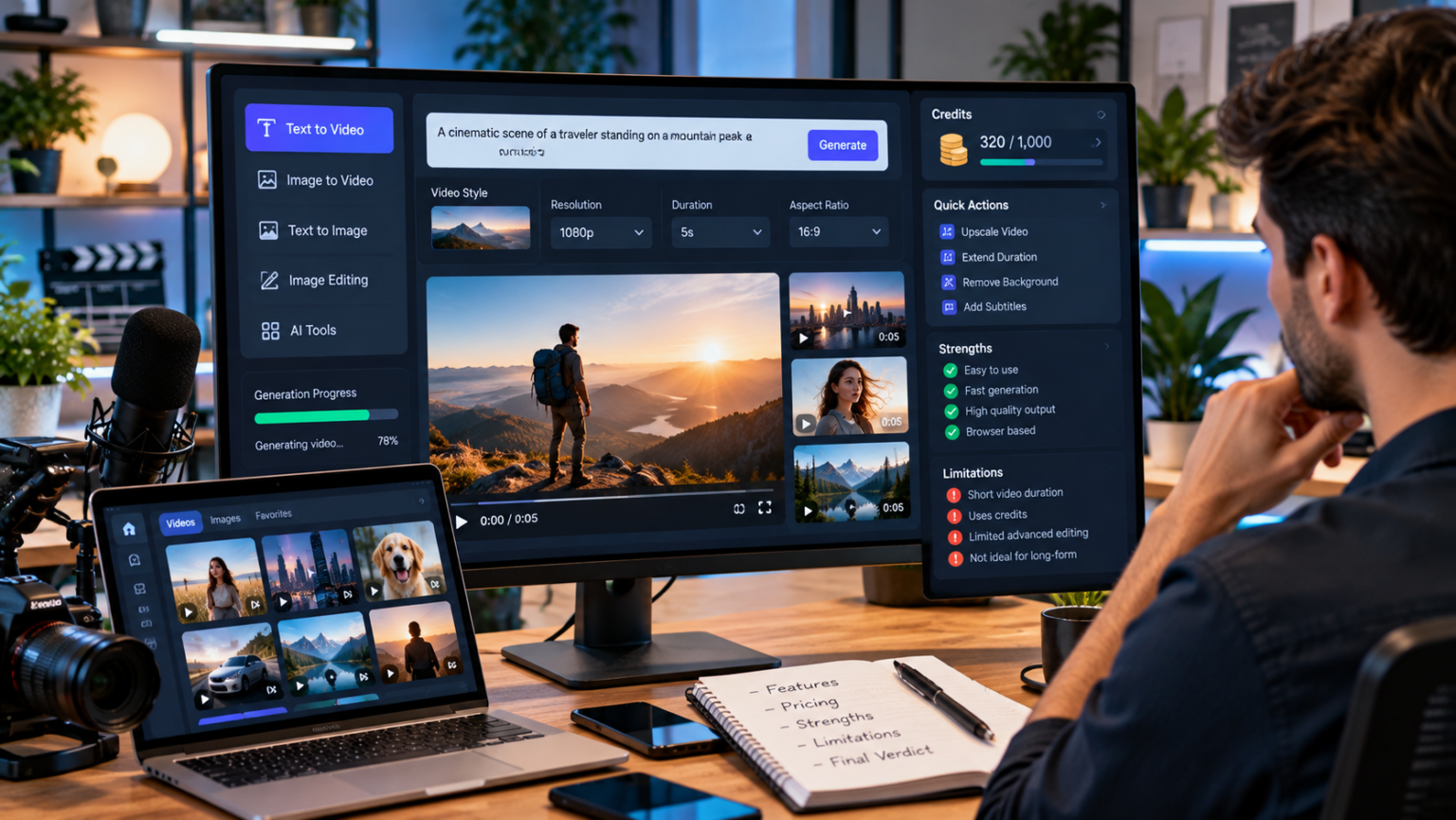
Vidou.ai approaches that problem with a relatively focused toolkit. Image to Video is the main feature, supported by Text to Video, Text to Image, and Image Edit tools. Rather than presenting itself as a conventional timeline-based video editor, Vidou is built around prompt-guided creation: provide an image or written idea, describe what you want, choose available output settings, generate, and review the result.
For creators, marketers, designers, and small teams with existing visual assets, that can be a practical workflow.
This Vidou.ai review looks at what the platform currently offers in 2026, how its image-to-video workflow works, where its supporting tools fit, what the pricing structure looks like, and the limitations creators should understand before building it into a production process.
Quick Verdict: What Is Vidou.ai Best For?
Vidou.ai is best suited to creators who want to turn existing photographs or visual ideas into short AI-generated videos without manually animating keyframes.
Its strongest use cases include:
- animating portraits;
- creating motion from product photography;
- adding movement to travel and landscape images;
- producing short social-media concepts;
- turning artwork into moving visual assets;
- experimenting with camera movement;
- generating visual concepts from text;
- preparing or modifying images before animation.
The platform is less about replacing a full nonlinear editor and more about generating creative building blocks.
That distinction matters. A five-second AI-generated shot may still need captions, branding, transitions, or assembly with additional footage before it becomes a finished social post.
What Is Vidou.ai?
Vidou.ai is an online AI video and image creation toolkit centered on transforming still images into short videos.
The current platform separates its experience into two broad routes.
The Vidou homepage provides a simplified image-to-video experience for trying the technology, while the signed-in workspace contains the broader set of tools and exposes more output controls. Vidou’s current About page explicitly describes the signed-in environment as a credit-based workspace containing Image to Video, Text to Video, Text to Image, and Image Edit.
That distinction is important because older or isolated marketing statements can make Vidou’s access model appear simpler than it actually is.
For someone evaluating the product today, the clearest description is:
The homepage offers a simple image-to-video entry point, while the advanced workspace requires sign-in and uses displayed credit requirements for its broader creative tools.
Vidou.ai Image to Video: The Main Feature
Image to Video is the feature around which Vidou’s broader creative proposition makes the most sense.
The current advanced workspace accepts JPEG, PNG, and WebP source images. After signing in and uploading an image, the creator can describe the desired movement in a natural-language prompt.
Rather than describing the photograph again, the prompt is most useful when it answers four questions:
- What should move?
- How should the camera move?
- How fast should the movement feel?
- What must remain visually stable?
Vidou’s current prompt builder uses exactly this kind of structure.
For example, a creator working with a fashion portrait might use:
Hair and clothing move gently in a light breeze while the camera makes a slow push forward. Keep the movement calm and preserve the face, outfit, and background structure.
A product photograph might use:
Slow camera movement from left to right while a soft highlight moves across the bottle. Preserve the product proportions, label position, cap, colors, and background.
This motion-first approach is one of the platform’s more sensible design choices because the source image already communicates the subject, composition, lighting, and visual style.
The prompt can concentrate on what changes over time.
Aspect Ratios and Output Controls
The current signed-in Image to Video workspace displays five aspect ratios:
- 9:16
- 4:3
- 3:4
- 1:1
- 16:9
That covers the common range from vertical mobile content through square layouts to widescreen video.
Vidou also currently exposes three resolution settings:
- 480p
- 720p
- 1080p
The advanced workspace currently uses a five-second video duration and includes an optional audio setting. The required credits are displayed before generation.
These controls make the tool more useful when the creator already knows where the result will appear.
For example, choosing 9:16 at the generation stage makes more sense for a vertical social concept than generating horizontally and aggressively cropping the result later.
Likewise, a 16:9 frame is more natural for widescreen website, presentation, or conventional video layouts.
One important limitation is that the current advanced interface lists five seconds as the available clip length. Creators who need longer stories should therefore think in shots rather than complete videos.
That is not necessarily a disadvantage.
A conventional production is also assembled from shots. The useful workflow is often to create several focused five-second clips and combine them later rather than expecting a single generation to carry an entire story.
The Source Image Matters More Than Many Beginners Expect
AI image-to-video tools can add motion, but they cannot make every source image equally suitable.
Vidou’s current workspace guidance recommends beginning with a sharp image, a clearly readable subject, and enough room in the composition for the intended movement. It also warns that small faces, unreadable labels, compression, overlapping hands, and important details close to frame edges can become difficult to evaluate once motion is introduced.
That matches a broader principle of image-conditioned video generation: the source photograph establishes the visual problem the model has to solve.
A tightly cropped portrait leaves little space for camera movement.
A small product label remains difficult to preserve perfectly once the object begins moving.
A blurry source does not suddenly acquire reliable missing detail because the output resolution is set higher.
In practical terms, a better input is often more valuable than a more complicated prompt.
Text to Video
Vidou also provides a Text to Video workspace for situations where there is no source photograph.
Instead of conditioning the generation on an existing visual, the creator describes the scene in words.
The current interface displays the same broad family of aspect ratios—9:16, 4:3, 3:4, 1:1, and 16:9—along with a five-second duration and 480p, 720p, and 1080p settings.
This creates a useful distinction between two workflows:
Image to Video: Use when the visual identity already exists.
Text to Video: Use when the scene itself needs to be generated.
Creators should not treat these as interchangeable.
If an exact product, person, composition, or artwork needs to remain the visual foundation, starting from the relevant source image is usually the more logical route.
Text to Video is better suited to concept scenes where the creator is comfortable allowing the system to establish the visual content from the prompt.
Text to Image
Vidou’s Text to Image tool turns written visual descriptions into still images.
The current interface supports the same five broad output shapes and encourages prompts built from:
subject + setting + composition + lighting + visual mood + important details
For example:
A ceramic teapot on a pale stone table, centered composition, soft window light from the left, warm editorial mood, clean background, handle and spout fully visible.
The practical value is not limited to producing a finished illustration.
Text to Image can support:
- mood boards;
- composition experiments;
- early campaign concepts;
- social-media drafts;
- visual ideation;
- source-image development for later animation.
Vidou itself recommends treating generated images as material to review rather than assuming they are automatically accurate representations of products, brands, or factual details.
That is an important limitation for professional use.
Image Edit
Image Edit fills another useful gap.
Sometimes the problem is not that an image is static. The problem is that the image itself needs a focused change before it should be animated.
An unwanted background object may need removing.
A composition may need a different visual treatment.
The creator may want to experiment with one aspect of the scene while protecting everything else.
Vidou’s Image Edit workspace accepts an uploaded image and a written description of the requested transformation.
For a production workflow, this suggests a logical sequence:
- inspect the source;
- make necessary image changes;
- approve the resulting still;
- animate only after the still is ready.
Trying to redesign the image and introduce complicated motion simultaneously usually creates more variables to evaluate.
Vidou.ai Pricing in 2026
Vidou’s pricing page currently uses one-time credit packages rather than presenting them as recurring subscriptions.
As checked in October 2026, the displayed packages are:
| Package | Current Price | Credits |
| Basic | $15.99 | 300 |
| Pro | $29.99 | 1,500 |
| Max | $69.99 | 5,000 |
The pricing page currently says purchased credits do not expire and lists access to the AI tools, high-resolution output, file storage, and other plan-dependent benefits. Because pricing and plan features are inherently changeable, creators should check the current pricing page rather than assuming these figures are permanent.
This credit model makes cost planning depend partly on the settings and tool selected.
Vidou’s interfaces are designed to display the required credit amount before generation, which is useful because creators can review the cost of the specific action before starting it.
What Vidou.ai Does Well
1. It keeps image-to-video conceptually simple
The main workflow is easy to understand: source image, motion prompt, output settings, generation, review.
Creators do not need to understand traditional animation terminology to start experimenting.
2. Prompting is focused on motion
Vidou’s current guidance correctly pushes creators toward subject motion, camera direction, pace, and preservation constraints rather than unnecessarily redescribing the image.
3. Multiple aspect ratios support different destinations
The available vertical, square, intermediate, and horizontal shapes help creators plan the clip around the destination instead of relying entirely on post-generation cropping.
4. Supporting tools create a broader visual workflow
Text to Image and Image Edit can help create or prepare a source before animation, while Text to Video handles scenes that do not begin with a photograph.
5. The platform emphasizes review
Current Vidou guidance repeatedly recommends inspecting faces, hands, text, product shapes, backgrounds, and the first and last frames.
That is a good production habit because generative video should be reviewed rather than automatically trusted.
Where Vidou.ai Has Limitations
Five-second advanced clips are short
The current advanced Image to Video interface provides a five-second duration.
That is enough for an individual shot but not a complete long-form story.
Creators should expect to build longer content from multiple clips.
It is not a full traditional editor
Vidou’s main strength is generation rather than timeline editing.
Projects involving sophisticated cuts, manual typography, detailed audio mixing, frame-level corrections, or large multi-scene edits will still benefit from conventional editing software.
Generated details still require inspection
AI-generated motion can affect:
- faces;
- hands;
- product geometry;
- typography;
- logos;
- reflections;
- shadows;
- background objects.
A visually attractive generation may still be unsuitable if one commercially important detail changes.
Access depends on the part of the platform being used
The current site distinguishes the homepage experience from the signed-in workspace.
Creators should therefore check the exact tool page instead of assuming that one access statement applies universally across every Vidou feature.
Can Vidou.ai Videos Be Used Commercially?
Vidou’s current Terms state that generated videos may be used for personal or commercial purposes subject to compliance with the Terms.
Those Terms also make the user responsible for having the necessary rights to uploaded images and explicitly do not guarantee the copyright status of AI-generated material under applicable law.
That means “commercial use” should not be interpreted as permission to upload anything.
Creators still need to consider:
- copyright in source photographs;
- trademarks;
- client agreements;
- recognizable people and consent;
- licensed stock restrictions;
- misleading uses of synthetic media.
Vidou’s Terms prohibit deceptive deepfakes, unauthorized impersonation, infringement, illegal content, and other restricted uses.
Who Is Vidou.ai For?
Vidou is particularly relevant to:
Content creators
Turn portraits, travel images, artwork, and existing social assets into short motion clips.
Social media teams
Create multiple motion concepts from an existing campaign photography library.
Ecommerce and product marketers
Explore product reveals, lighting changes, camera pushes, and short campaign visuals while keeping product accuracy under review.
Designers
Develop concept images, edit source artwork, and explore simple animation without building everything manually.
Educators and presenters
Create visual motion assets for presentation sequences, learning materials, or explainers.
General creative users
Experiment with image animation and generative visual ideas without first learning traditional animation software.
Vidou.ai Review: Final Assessment
Vidou.ai makes the most sense when it is treated as an AI visual-production toolkit rather than a complete replacement for video production software.
Its central strength is a straightforward image-to-video workflow: upload a visual, describe a clear movement, select the intended format, and create a short clip.
The supporting Text to Video, Text to Image, and Image Edit tools make that workflow more flexible because the creator can work both before and after the moment when a source image becomes motion.
Its limitations are equally important to understand. Five-second clips are building blocks, generated details need human inspection, and longer social or marketing pieces will typically require additional editing.
For creators who already have useful static assets, however, that building-block model can be exactly the point.
The photograph does not need to remain just a photograph.
It can become the first frame of the next shot.
Frequently Asked Questions
Is Vidou.ai an image-to-video generator?
Yes. Image to Video is Vidou’s primary workflow, supported by Text to Video, Text to Image, and Image Edit tools.
Does Vidou.ai require an account?
The current site distinguishes between a simplified homepage image-to-video experience and the advanced workspace. The advanced Image to Video workspace requires sign-in before uploading and generating.
What image formats does Vidou.ai support?
The current advanced Image to Video tool lists JPEG, PNG, and WebP.
How long are Vidou image-to-video clips?
The current advanced workspace displays a five-second duration.
What aspect ratios are available?
The advanced Image to Video interface currently shows 9:16, 4:3, 3:4, 1:1, and 16:9.
What resolutions are available?
The current workspace displays 480p, 720p, and 1080p.
Can Vidou.ai create videos from text?
Yes. Vidou also provides a Text to Video tool for generating a short video from a written scene description.
Can I edit an image before turning it into video?
Yes. Vidou includes an Image Edit tool for prompt-guided changes to uploaded images.
Is Vidou.ai suitable for commercial projects?
Vidou’s current Terms permit personal and commercial use of generated videos subject to the Terms, applicable laws, content restrictions, and the user’s rights in source material. The Terms do not guarantee copyright status for AI-generated content.
