
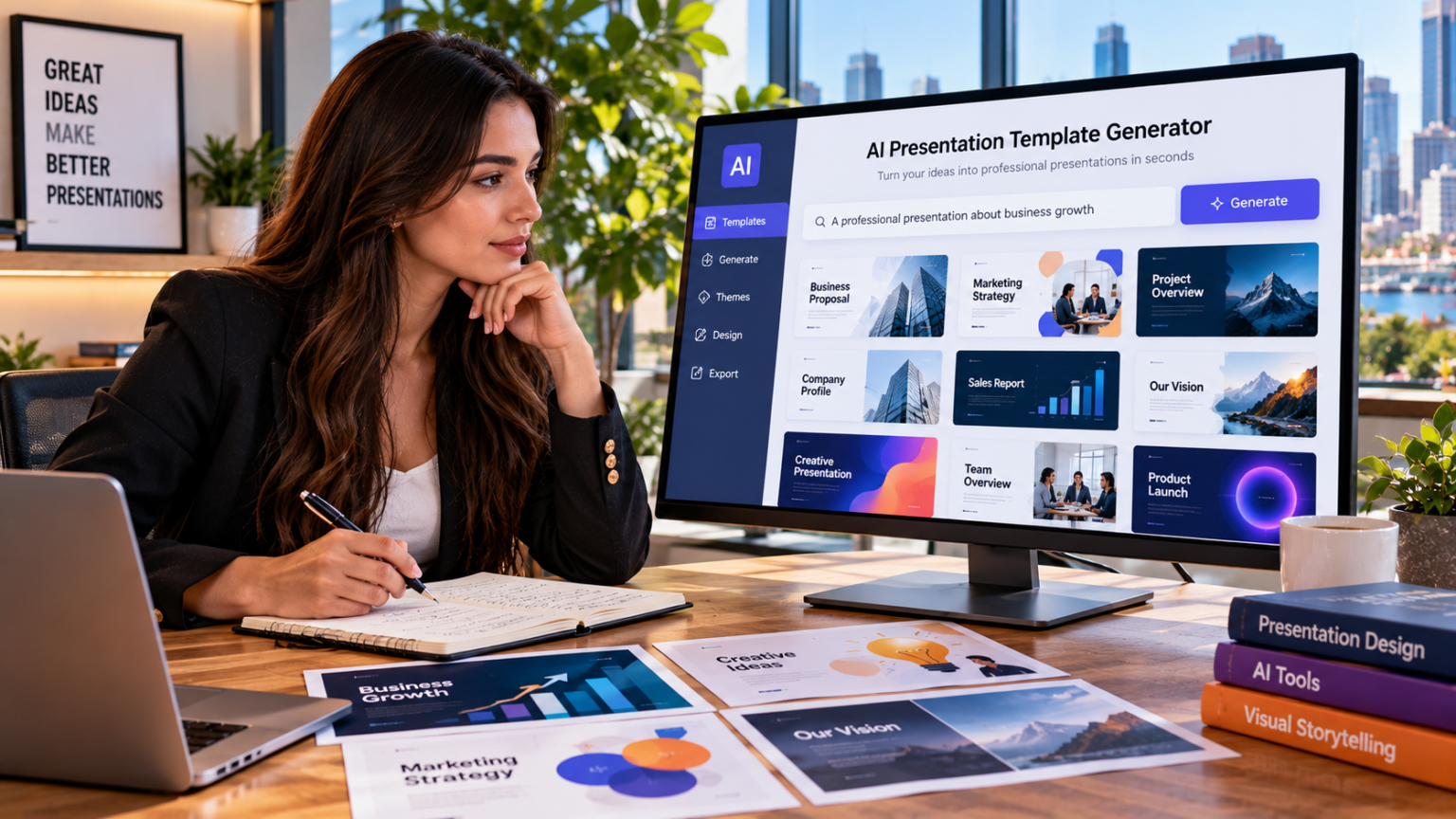
Presentations have become an important part of professional communication, education, marketing, and business development. Whether someone is delivering a sales pitch, explaining a project, sharing research findings, or conducting an online training session, an effective presentation can make complex information easier to understand. However, creating professional slides often requires considerable time, creativity, and technical knowledge.
An AI presentation template generator offers a modern solution by simplifying the process of organizing content and designing slides. Instead of creating every element manually, users can transform ideas, documents, and rough notes into structured presentation templates. These tools help individuals and businesses prepare visually consistent presentations while reducing repetitive design work.
With an ai generated presentation, users can focus more on their message and less on formatting challenges. AI-powered presentation tools are becoming increasingly valuable because they combine automated content organization, reusable layouts, and flexible customization options.
Understanding the Role of AI in Modern Presentation Design
Artificial intelligence has introduced new possibilities for creating and managing digital presentations. Traditional presentation development usually involves planning slide content, selecting layouts, formatting text, and adding visual elements individually.
AI presentation generators simplify several of these activities by analyzing user input and suggesting appropriate slide structures.
For example, a marketing manager preparing a campaign report can provide information about campaign objectives, performance metrics, and future recommendations. An AI tool can organize this information into slides covering campaign goals, results, challenges, and next steps.
The generated structure provides a foundation that can be refined according to the intended audience.
AI does not eliminate the need for human creativity. Instead, it supports the design process by handling repetitive tasks and offering useful suggestions.
Why Modern Presentations Require Smarter Tools
Modern workplaces and educational environments increasingly rely on clear, engaging, and timely communication.
Professionals may need to prepare multiple presentations within short periods, while educators regularly develop lessons and training materials.
Traditional slide creation can become inefficient when similar presentations must be produced repeatedly.
AI presentation template generators address these challenges by providing reusable structures and automated design assistance.
They help users maintain consistency across presentations while adapting content to different situations.
For organizations that frequently share reports, proposals, or internal updates, this flexibility can improve overall workflow efficiency.
Key Reasons AI Presentation Template Generators Are Essential
AI-powered presentation tools offer several practical advantages that make them valuable for modern communication.
Faster Slide Creation
One of the most significant benefits of an ai generated presentation is reduced preparation time.
Instead of beginning with an empty presentation, users can generate an initial slide outline based on their topic or document.
The tool may suggest headings, supporting points, and suitable layouts automatically.
This allows users to spend more time reviewing information and improving their message.
Better Content Organization
A successful presentation requires a clear structure.
Information should move logically from the introduction to supporting details and final recommendations.
AI generators can help organize content into appropriate sections, reducing the difficulty of planning slide sequences.
For example, a business strategy presentation might include:
- Business objectives and current challenges
- Market analysis and customer insights
- Proposed strategies and implementation plans
- Budget considerations and resource requirements
- Expected outcomes and performance indicators
- Final recommendations and next steps
This structure helps audiences follow the discussion and understand important information.
Consistent Visual Design
Professional presentations benefit from consistent colors, fonts, spacing, and layouts.
AI-generated templates can establish a unified design style across multiple slides.
Consistency is particularly important for businesses that want to maintain recognizable branding.
A well-organized visual appearance can also make presentations easier to read and understand.
Reduced Need for Advanced Design Skills
Creating attractive slides traditionally requires familiarity with presentation software and basic design principles.
AI generators simplify the process by recommending layouts and visual arrangements.
Users without professional design experience can create organized presentations and customize them according to their preferences.
This makes presentation development more accessible to students, teachers, entrepreneurs, and office professionals.
Reusable Templates for Repeated Tasks
Many organizations prepare similar presentations every week or month.
An AI presentation template generator can help create reusable slide structures for recurring reports, meetings, and training sessions.
Instead of rebuilding presentations, users can update existing templates with new information.
This approach supports productivity and maintains consistent formatting.
How an AI Presentation Template Generator Works
Most AI presentation generators follow a structured process that converts user input into presentation-ready content.
Step 1: Analyzing the Topic
Users begin by entering a topic, uploading a document, or providing rough notes.
The AI analyzes the information to identify important concepts and possible presentation sections.
For example, entering a topic about customer service improvement may produce sections covering customer challenges, service strategies, employee training, and performance measurement.
Step 2: Developing a Presentation Outline
The generator creates an initial outline with suggested slide titles and content sections.
This outline provides a logical sequence for presenting information.
Users can review the structure and make changes before finalizing the presentation.
Step 3: Suggesting Slide Layouts
AI tools recommend layouts based on the type of content.
A comparison may be presented using two columns, while numerical information may be better displayed through charts or tables.
These recommendations help users communicate information more effectively.
Step 4: Generating Supporting Content
Some tools can suggest short explanations, bullet points, and slide summaries.
These suggestions help users develop an initial draft without writing every sentence manually.
However, generated content should be reviewed to ensure accuracy and relevance.
Step 5: Applying Design Elements
The generator may apply typography, color combinations, spacing, and other visual elements.
Users can then customize the design to match their brand, audience, or presentation objective.
How to Create an Effective AI Generated Presentation
Creating a professional presentation with AI requires a combination of automated assistance and thoughtful editing.
Define a Clear Objective
Before generating slides, determine what you want to communicate.
A presentation designed to educate an audience will have different requirements from one intended to persuade investors.
Clear objectives help the AI suggest more relevant content.
Provide Detailed Instructions
The quality of the generated presentation often depends on the information provided.
Include details such as:
- Presentation topic and main purpose
- Intended audience
- Desired number of slides
- Preferred tone and visual style
- Important sections or supporting information
- Specific examples or data to include
Detailed instructions reduce the likelihood of receiving overly generic content.
Review the Generated Structure
Examine the suggested outline before proceeding.
Make sure the presentation includes all important topics and follows a logical sequence.
Remove unnecessary slides and add missing sections where required.
Customize the Visual Design
Adjust colors, fonts, layouts, and images to match the presentation’s purpose.
Corporate presentations may require formal designs, while educational presentations may benefit from more engaging visual elements.
Verify Information
AI-generated text can contain inaccurate or unsupported claims.
Review statistics, technical explanations, and factual statements before presenting them.
Accurate information strengthens the quality and reliability of the presentation.
Practice the Final Presentation
Even a visually attractive presentation requires effective delivery.
Review slide transitions, practice explanations, and ensure that the content fits the available presentation time.
Practical Applications of AI Presentation Template Generators
AI-powered presentation tools support many different industries and communication needs.
Business Reports and Corporate Meetings
Businesses frequently prepare presentations to communicate financial performance, project updates, and strategic objectives.
AI templates can organize information into consistent formats, making recurring reports easier to prepare.
Managers can reuse the same presentation structure while updating relevant figures and conclusions.
Sales and Product Presentations
Sales professionals need clear presentations that explain product benefits and customer value.
AI generators can suggest slides covering customer challenges, product features, competitive advantages, and pricing information.
These structured presentations can help sales teams communicate more effectively.
Educational Lessons and Training
Teachers can use AI-generated templates to prepare classroom lessons and learning materials.
A typical educational presentation may include learning objectives, topic explanations, examples, activities, and review questions.
Reusable templates help educators maintain consistency across different lessons.
Marketing Campaign Presentations
Marketing teams regularly present campaign plans, audience research, and performance results.
AI tools can organize this information into slides that highlight campaign objectives, strategies, results, and recommendations.
Charts and visual summaries can make marketing data easier to interpret.
Startup Pitch Decks
Entrepreneurs often need presentations to explain their business ideas to potential investors.
An AI presentation template generator can suggest sections covering market opportunities, products, business models, financial projections, and growth strategies.
Founders can then customize the slides with verified information about their businesses.
Webinars and Online Workshops
Online presentations require organized content that audiences can follow easily.
AI-generated templates can help presenters divide training material into manageable sections.
This is useful for professional workshops, online courses, and educational webinars.
AI Presentation Generators vs. Traditional Presentation Methods
Traditional presentation creation and AI-powered tools both have advantages, but they differ in how they support users.
| Feature | Traditional Presentation Creation | AI Presentation Template Generator |
| Slide planning | Usually manual | AI-assisted |
| Content organization | User-developed | Automatically suggested |
| Layout selection | Manual or template-based | AI-recommended |
| Content summaries | Written manually | Can be AI-generated |
| Visual consistency | Requires user attention | Supported through templates |
| Reusable designs | Available | Available |
| Initial preparation time | Often longer | Potentially shorter |
| Customization | Extensive | Depends on the platform |
Traditional presentation software provides detailed control over slide design.
AI-powered generators offer a more efficient starting point by automating content organization and layout recommendations.
Combining both approaches can help users achieve professional results without sacrificing creativity.
Important Features to Consider When Choosing an AI Presentation Tool
Not all AI presentation generators offer the same capabilities.
Choosing the right tool depends on the type of presentations you create and the level of customization required.
Automatic content organization: The tool should help transform topics, documents, or notes into structured slide outlines.
Customizable templates: Users should be able to adjust layouts, fonts, colors, and other design elements.
Content editing: Generated text should be easy to revise, replace, or expand.
Visual recommendations: Suggestions for charts, images, and diagrams can improve presentation clarity.
Export compatibility: Support for common presentation formats makes sharing and editing easier.
Branding options: Businesses may need tools that support logos, company colors, and consistent typography.
Collaboration features: Shared editing and feedback capabilities can be valuable for teams.
Evaluating these features helps users select a platform that matches their workflow.
Common Mistakes to Avoid When Using AI Presentation Generators
Although AI simplifies slide creation, certain mistakes can reduce presentation quality.
Accepting AI Content Without Reviewing It
AI-generated information may contain errors, irrelevant statements, or overly general explanations.
Always review the content and verify important facts.
Adding Too Much Text
Slides containing lengthy paragraphs can overwhelm audiences.
Use concise headings, short explanations, and relevant visuals to communicate information clearly.
Ignoring the Target Audience
A presentation should match the audience’s knowledge, expectations, and interests.
Technical presentations may require detailed explanations, while general audiences often benefit from simpler language.
Using Irrelevant Visuals
Images and charts should support the presentation’s message.
Avoid decorative elements that distract from important information.
Overlooking Brand Consistency
Businesses should maintain consistent fonts, colors, and visual styles across their presentations.
Customizing AI-generated templates helps create a recognizable professional identity.
How AI Presentation Templates Improve Team Collaboration
AI-generated presentation templates can support collaboration by providing a shared structure for teams.
When multiple employees contribute to a presentation, inconsistent formatting and content organization can become challenging.
A reusable template establishes common guidelines for slide layouts, headings, and visual elements.
For example, a marketing team preparing a quarterly report can assign different sections to individual members while maintaining a consistent overall design.
AI-assisted outlines can also help teams identify missing information and organize contributions more efficiently.
Depending on the platform, collaboration features may allow users to edit slides, provide feedback, and review changes.
This can improve coordination and reduce unnecessary formatting work.
The Future of AI Presentation Template Generators
Artificial intelligence is expected to play an increasingly important role in digital content creation and presentation design.
As AI capabilities develop, presentation generators may become better at understanding complex information and suggesting more relevant layouts.
Future improvements could include advanced document analysis, personalized design recommendations, and stronger integration with workplace applications.
AI tools may also become more effective at adapting presentations for different audiences and communication goals.
For example, a detailed business report could be transformed into a shorter executive presentation while preserving its most important findings.
However, human creativity and judgment will remain essential.
AI can assist with structure and design, but presenters must ensure that their information is accurate, meaningful, and appropriate for the audience.
Conclusion
An AI presentation template generator is becoming an important tool for modern presentation development because it simplifies slide planning, content organization, and visual design. It allows users to transform ideas, documents, and rough notes into structured, reusable presentation templates without spending excessive time on manual formatting.
From business meetings and marketing reports to educational lessons and startup pitches, AI-powered presentation tools support a wide range of professional needs.
Creating an ai generated presentation can improve productivity, maintain design consistency, and make slide creation more accessible. By combining AI-assisted design with accurate content, relevant visuals, and thoughtful customization, users can create professional presentations that communicate ideas clearly and effectively.
