
Brand teams that review a rival’s Shorts, and compliance leads who sign off on sponsored ones, need the same raw material: a youtube shorts transcript with timestamps, something they can annotate in a spreadsheet instead of replaying a 40-second clip nine times. Watching works for one video, not when the brief says “every Short a competitor posted this quarter” or “confirm the creator said the disclosure out loud before the discount code.”
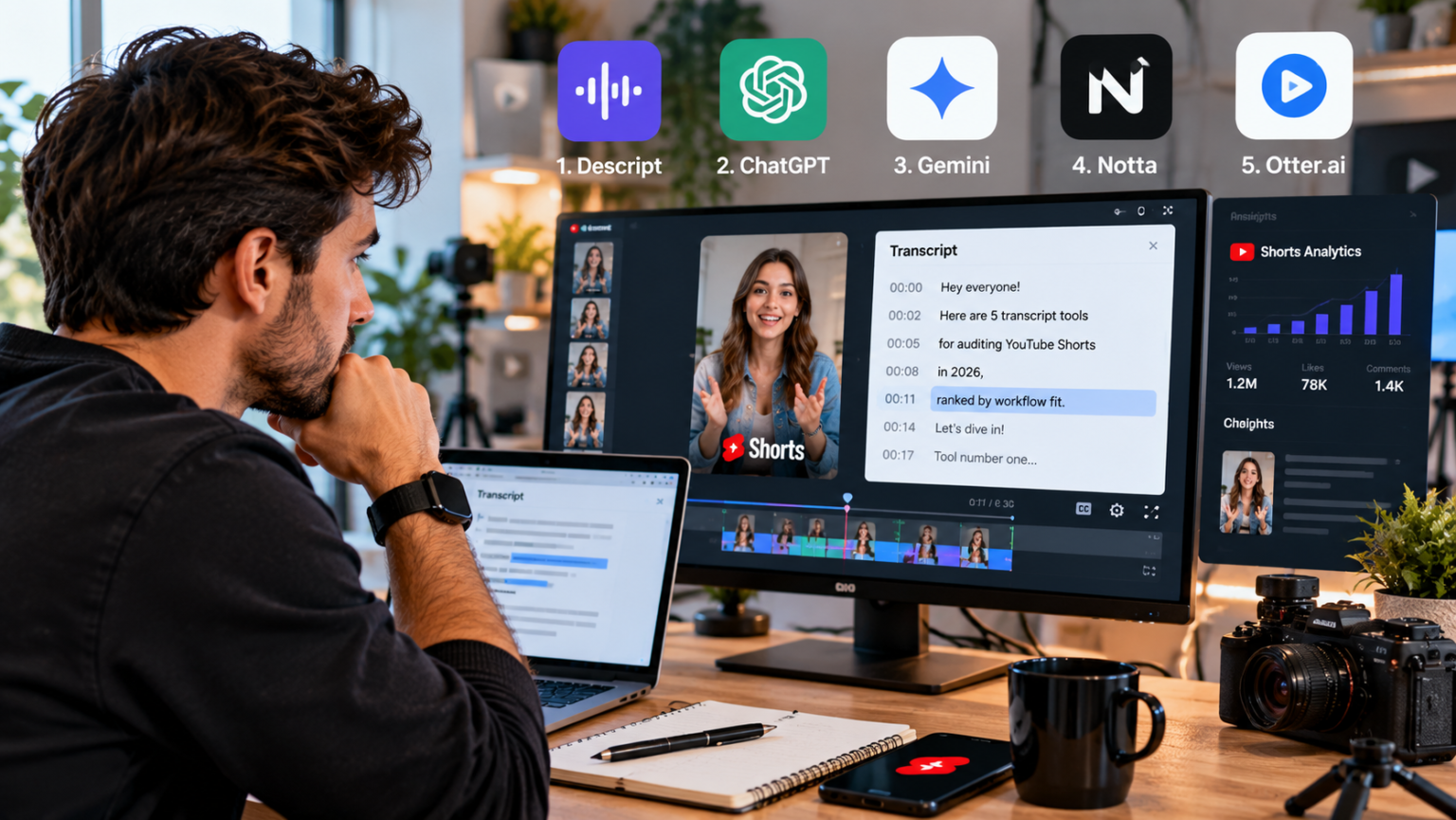
The ranking below is by fit for audit work. Two questions decide the order: does the tool suit a single, careful check or a batch of dozens, and how much is still manual once the text is on screen? Each entry ends with that second answer, because no tool here does the reviewing for you.
One limitation applies to most of the list: caption-based tools read the captions YouTube already has. If a Short has none (common for very fresh uploads), they return nothing.
| Rank | Tool | Workflow fit | Handles uncaptioned Shorts |
| 1 | TranscriptYou | Single checks and small sets, no account | No |
| 2 | youtube-transcript.io | Batches by playlist or channel, API | Check before a batch |
| 3 | DownSub | Cross-platform audits (YouTube, TikTok, Facebook) | No |
| 4 | NoteGPT | Fallback for Shorts with no captions | Yes, AI speech-to-text |
| 5 | YouTube transcript panel | Spot-checking one line on desktop | No |
1. TranscriptYou
Best fit: a reviewer checking one Short properly, or working through a competitor’s latest uploads one link at a time.
Paste the /shorts/ URL as you copied it; the tool also accepts youtu.be links, m.youtube.com links and share links carrying ?si=. When we ran a Shorts link through it, the transcript came back in about 5.4 seconds with a single track, “English (auto)”. That label means the words come from YouTube’s automatic captions, not the creator’s script, so any quote headed for a report needs checking against the audio.
What makes it useful for audits rather than casual copying is the paper trail. Every transcript gets its own shareable page (/video/ followed by the video ID and a title slug), so the audit sheet can link to the exact text a reviewer read, and a colleague who reopens that link sees it again. The .txt export keeps timestamps if you want them, which is how you pin a claim to the second it was spoken. There is no account or daily quota, and the site says it keeps no library of requests, which matters to agencies that would rather not log a client’s competitor list in someone else’s dashboard.
Limits: it reads existing captions only, with no speech recognition, no VTT export and no AI summary yet. Anti-abuse rate limiting means it is not the tool for pulling an entire channel in one sitting.
What you still do by hand: paste each link, pick the right track in the “Transcript language” menu, and listen back to any line you intend to quote.
2. youtube-transcript.io
Best fit: the quarterly competitor sweep, where you need every Short from a channel rather than three hand-picked ones.
Bulk processing by playlist or channel is the reason it ranks here, plus an API for teams piping transcripts into their own sheet, an AI summary and a Chrome extension. The free plan gives 25 tokens per month, which a channel-level audit will burn through quickly, and the paid Plus plan is $9.99/month.
What you still do by hand: budget the tokens before you start, then read the output with the same suspicion as any auto-caption text. An AI summary can soften a claim into something milder than what was said, so keep it out of the compliance file.
3. DownSub
Best fit: influencer campaigns that run the same script on YouTube Shorts, TikTok and Facebook.
DownSub works on 50+ video sites and exports SRT, VTT and TXT. A creator may disclose the sponsorship on YouTube and drop it in the TikTok cut, and comparing the two transcripts side by side is the quickest way to catch that. A shortcut worth knowing: type “subtitle.to/” in front of a video URL. There is an extension and an API, and no AI summary. Like TranscriptYou, it needs captions that already exist.
What you still do by hand: line up the versions yourself, since each platform’s captions break sentences differently, and test one Short before committing a batch to it.
4. NoteGPT
Best fit: the Short that every other tool says has no captions.
If a sponsored post went live this morning and sign-off is due today, NoteGPT can run AI speech-to-text on videos without subtitles (up to 2 hours according to its blog, so length is never the constraint on a Short). The transcript tool needs no login and downloads TXT. Paid plans start at $9/month, and the credit system can be confusing, so check what a transcription costs before batching.
What you still do by hand: treat its output as a machine draft. Brand names, product names and numbers are exactly where speech recognition slips, and those are the words a claims review cares about most.
5. YouTube’s own transcript panel
Best fit: confirming a single line someone has already flagged.
On desktop, open the description and click Show transcript. Clicking a line jumps to that moment, the fastest way to hear the wording behind a disputed quote. There is no download button, and in the mobile app you can read the transcript but cannot copy it. YouTube Studio lets creators download caption files for their own videos only, so a brand cannot use it on a competitor or, usually, on an influencer’s channel.
What you still do by hand: everything after reading, including retyping any quote into your report.
An audit checklist for one Short’s transcript
Run these in order once the text is open next to the video.
1. Note the track label. “English (auto)” means machine captions, so mark every quoted line as “verify against audio.”
2. Read the first two or three caption lines and log them as the hook, with their timestamps. Comparing openings across a competitor’s uploads shows which hook style they keep returning to.
3. Find the call to action and record whether it is spoken or only shown on screen. Captions carry speech, so a CTA that lives in a text overlay will not appear in the transcript at all.
4. List every claim with a number, a comparison or a result (“doubled”, “in a week”, “better than”). Each one gets a timestamp and a note on whether it needs substantiation.
5. Check where the sponsorship disclosure is spoken, if it is spoken at all, and whether it comes before or after the pitch. Then check the screen and the video’s paid promotion label separately, because neither shows up in a caption file.
6. Correct brand and product names the auto captions mangled before the transcript goes anywhere near a client deck.
7. Save the transcript link and the timestamped .txt in the audit row, so the next reviewer reads the same text you did.
Step 3 is the one that trips reviewers. A Short whose whole pitch sits in on-screen text produces a transcript with no CTA, and anyone reading only the text will mark it clean.
