
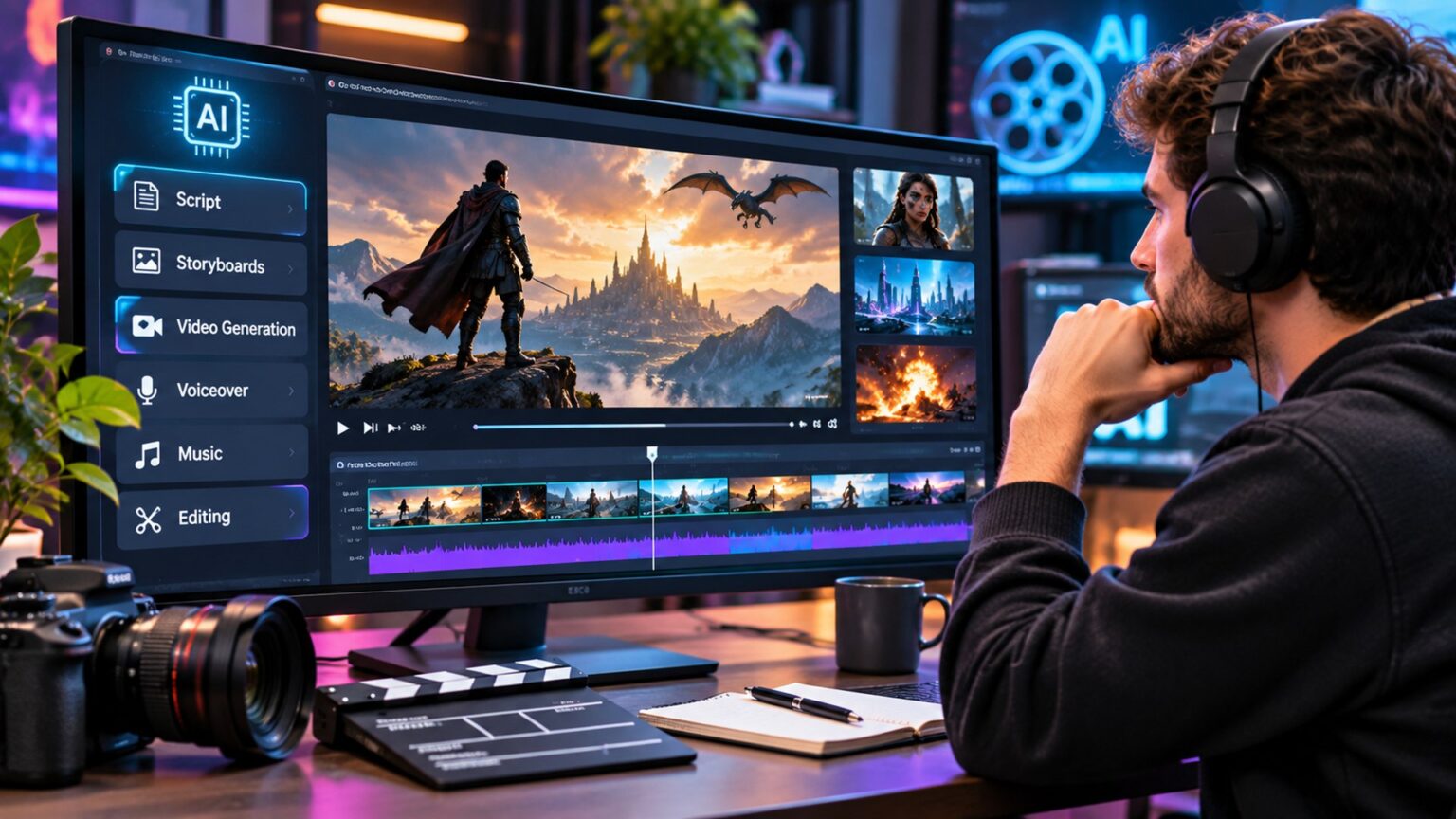
A compelling movie trailer begins with a question: what will make someone want to see the rest of the story? An AI movie trailer generator can help answer that question visually, turning a script, storyboard, or reference image into cinematic shots without organizing a full film shoot.
That is useful for independent filmmakers testing a concept, writers promoting a story, and small creative teams presenting a project to collaborators. But a dramatic shot on its own is not a trailer. The finished sequence still needs a hook, recognizable characters, deliberate editing, and sound that builds anticipation.
This guide follows a fictional mystery trailer from premise to export. It explains how to plan the shots, prompt AI models, keep scenes consistent, and avoid spending credits on footage that never makes the final cut.
What Is an AI Movie Trailer Generator?
An AI movie trailer generator creates or helps assemble video material for teasers and trailers using text prompts, reference images, existing footage, or scripts. Depending on the product, it may generate individual cinematic shots, organize scenes, or support parts of the editing workflow.
For example, a prompt describing an astronaut exploring a damaged space station can become a short shot with camera movement and dramatic lighting. A second prompt might show a distress signal flashing on a monitor. Those two clips may look impressive, yet they will not feel like the same film unless the character, location, style, and narrative connect.
This is why choosing an AI trailer maker is not only about model quality. Creators also need a practical way to plan a sequence and preserve its visual language from shot to shot.
Start With a Story Hook, Not a Prompt
Before opening a video generator, write one or two sentences that establish the protagonist, the conflict, and the unanswered question. A trailer does not need to summarize an entire movie; it needs to give the audience enough information to become curious.
For this guide, imagine an original mystery film called The Town That Vanished. Its premise is simple: a researcher arrives in a coastal town that has been erased from every official map. At sunset, the residents disappear, but the streetlights turn on as if someone is still living there.
The trailer’s central question is not “What happens in the film?” It is “Who is keeping the town alive after dark?” That question determines what the audience should see and what the trailer should withhold.
An early planning rule helps: each shot must either reveal the world, sharpen the mystery, or increase the stakes. Remove shots that do none of these things, even if they look cinematic.
Write a Trailer Script That Leaves Room for Suspense
A trailer script is not a condensed screenplay. It selects a small number of images, lines, and sound cues to create a rising emotional arc. A movie script generator AI can suggest premises and dialogue, but the final structure should come from the creator’s intended audience and genre.
A useful format is a four-part progression: opening image, disturbing discovery, escalation, and title reveal. For The Town That Vanished, the voiceover might say only, “There was a town here yesterday.” The next sound could be a radio operator replying, “There has never been a town at that location.”
These two lines do more work than a long explanation. They establish a contradiction, introduce the mystery, and make the audience want to see what comes next.
When researching movie trailer script examples, look closely at where dialogue stops. Silence can be just as effective as narration, particularly before the final reveal.
A Practical 30-Second AI Trailer Storyboard
The following is an illustrative production plan, not a trailer that has already been generated or tested. It uses six five-second shots so that the total visual sequence is easy to plan. Final pacing may change when music, transitions, and titles are added.
0–5 seconds — The town. A wide aerial view of a coastal town under morning fog. Camera: slow push forward. Audio: distant gulls and an almost inaudible low drone. Purpose: establish the place and create unease.
5–10 seconds — The arrival. A researcher in a dark raincoat steps off an empty bus. Camera: medium tracking shot from behind. Audio: a bus door closing, then silence. Purpose: introduce the protagonist without overexplaining.
10–15 seconds — The contradiction. Close-up of a paper map with the town’s name crossed out. Camera: locked-off macro shot with shallow depth of field. Audio: radio voice saying, “There has never been a town at that location.” Purpose: deliver the narrative hook.
15–20 seconds — Something moves. The researcher looks toward an unlit shop window as a silhouette appears behind the glass. Camera: restrained handheld movement. Audio: a rising pulse and one sharp footstep. Purpose: escalate the threat.
20–25 seconds — The impossible moment. Every streetlight switches on at once, while the street remains empty. Camera: symmetrical wide shot. Audio: a sudden impact followed by a brief drop to silence. Purpose: give the audience a memorable image.
25–30 seconds — The title. Cut to black, reveal THE TOWN THAT VANISHED, and end with the sound of a radio crackle. Purpose: leave the mystery unresolved and make the title memorable.
The timings above are a planning framework. A creator may need to trim individual clips, use a held still frame, or adjust a shot’s duration during editing. The point is to establish what each scene must accomplish before paying to generate it.
Turn the Storyboard Into AI Video Prompts
Once the shot list is settled, write prompts for each scene using a consistent vocabulary. Include the subject, setting, camera movement, lighting, composition, and tone. State the details that must remain unchanged, but avoid stacking conflicting camera instructions into one prompt.
For the first shot, a practical prompt could be:
“Wide cinematic establishing shot of an isolated coastal town at dawn. Heavy mist moves between weathered buildings. The camera makes a slow forward dolly down the empty main street. Muted blue-gray palette, naturalistic light, restrained movement, realistic film texture, 16:9 composition. No visible crowds or signs with invented text.”
For the protagonist, create a separate character reference first. A description such as “researcher in a dark raincoat” is not precise enough to ensure that every generation shows the same person. Use the same approved reference image, clothing details, and visual notes throughout the sequence.
Review each generated shot before moving on. The most expensive mistake is generating all six scenes and discovering afterward that the protagonist, town layout, or film style changes halfway through.
Keep Characters and Locations Consistent
Character continuity is one of the hardest parts of multi-shot AI filmmaking. Faces, coats, props, and environmental features can drift between generations. A rainy street may suddenly appear dry, or a building may change its architecture in the reverse angle.
Use reference images for the protagonist, key locations, and recurring objects. Record a short visual rule set: dark raincoat, silver radio, blue-gray dawn lighting, weathered coastal buildings, and restrained camera motion. Keep that rule set available whenever a shot is revised.
Gullabs supports this workflow through its AI short film and trailer generator. Its Elements feature is designed to save recurring characters and locations, while Agent Gullabs can help break a story into shots and prompts. Reference assets can make it easier to work toward consistent scenes, though they do not guarantee perfect continuity.
For this example, the same radio should appear in the character’s hand and in the close-up scene. Consistent props are a small detail, but they make independently generated clips feel more connected.
Choose Camera Movement for Meaning
Cinematic does not mean constant movement. A slowly advancing camera can create anticipation; a locked-off frame can make an unnatural event feel more unsettling; a brief handheld shot can increase urgency.
Match the movement to the job of the scene. The town’s opening shot should let the viewer understand the environment. The map close-up needs clarity, not action. The streetlights turning on should be framed simply enough that the change itself becomes the spectacle.
If a model introduces unwanted movement, simplify the prompt before changing every other setting. Small, controlled motion is often easier to edit into a convincing trailer than a complex tracking shot that distorts objects.
Voiceover, Sound Design, and Music
Audio is responsible for much of a trailer’s rhythm. In a mystery teaser, an ordinary sound can become ominous if it appears in the right place: a closing bus door, a crackling radio, or a single footstep in an empty street.
Creators considering an AI movie trailer voice generator should choose narration that fits the character and genre rather than imitating a well-known actor’s performance. Use voices with appropriate permission, and verify the usage rights of music and effects before publishing commercially.
A practical approach is to edit the trailer’s rough visual sequence first, then build a restrained sound bed. Add the crucial dialogue line at the midpoint, use a rising pulse during the reveal, and leave a short silence before the title. This creates a clear emotional progression without overwhelming the viewer with narration.
Edit Individual Shots Into a Finished Trailer
An AI trailer generator can produce strong visual material, but editing determines whether the material tells a story. Arrange the shots in narrative order, check the relationship between successive frames, and trim moments where the action continues after the audience already understands it.
Pay attention to continuity at the cut. If one shot ends with the researcher turning left, the next angle should not suddenly show them moving in a conflicting direction. If the town is foggy in the opening, its atmosphere should not become bright and sunny without a story reason.
Different models may be useful for different shots. An atmospheric establishing image and an action-oriented close-up do not necessarily require identical generation settings. The AI video generator from Gullabs brings several models and image-to-video workflows into one environment, allowing creators to explore suitable approaches while managing their visual assets together.
That flexibility is valuable only when the final editorial choices are disciplined. Six strong, connected shots will usually serve a 30-second mystery teaser better than twelve disconnected spectacles.
What Does an AI Movie Trailer Really Cost?
The cost of an AI trailer is rarely the price of its final six clips. It may include keyframes, alternate takes, failed generations, music, voice work, editing, and exports. Budget for retries rather than assuming every prompt will work on the first attempt.
For a hypothetical six-shot trailer, a creator might generate one reference keyframe and two video attempts for each scene. That is twelve video generations before the edit begins. The exact total depends on the chosen models, clip lengths, output settings, and whether any attempts can be reused.
Gullabs publishes illustrative pricing on its Short Films & Trailers page. Those figures compare selected models and settings; they are not a guarantee that every project or competitor will cost the same. Check the current model-specific prices before budgeting. When evaluating any provider, compare equivalent output length, resolution, credits, and retry costs rather than headline subscription prices alone.
Can You Use an AI Movie Trailer Generator Free?
Free planning tools and free video generation are not the same thing. A platform may allow a creator to draft prompts or a shot list without charge while rendering video consumes credits. Free offers may also restrict duration, resolution, export features, or model access.
If you are testing an AI movie trailer generator free option, begin with one representative shot, not the full storyboard. Test whether the system preserves your character and location, then decide whether its limits suit the project. This avoids committing time to a workflow that cannot produce the final format you need.
Frequently Asked Questions
What is the best AI movie trailer generator?
The right tool depends on whether you need a single cinematic shot or a multi-shot workflow. Compare character references, shot-planning tools, model choice, clip accuracy, export options, and full production cost. No single tool is best for every genre or project.
Can AI create a movie trailer from a script?
Yes. AI tools can help turn a script into a shot list and generate footage from descriptions or reference images. Human editing is still important for pacing, continuity, sound, and the final title sequence.
How long should an AI-generated trailer be?
Length should match the distribution channel and the amount of story being introduced. A 15–30-second teaser can establish a single mystery or mood; a longer concept trailer can introduce more characters and narrative context. Avoid including shots solely to reach a target duration.
Can AI-generated trailers be used commercially?
Commercial use depends on the platform’s terms and the rights to source images, voices, music, and characters. Check permissions, advertising rules, and any required disclosures before publication.
How do I reduce inconsistencies between AI trailer shots?
Create approved character and location references, reuse a consistent visual style guide, keep shot prompts focused, and review one scene at a time. Editing can disguise small differences, but major changes to a face or setting usually require regeneration.
From AI Shots to Cinematic Storytelling
AI makes it easier to visualize a trailer idea before a traditional production begins. It does not decide which moment is mysterious, which line of dialogue should be withheld, or when the audience should finally see the title.
The strongest workflow starts with the story, translates it into a deliberate shot plan, uses AI to create the visual material, and finishes with human decisions about editing and sound. For independent filmmakers and creators, that is the practical value of an AI movie trailer maker: more room to explore ideas while keeping the story in control.
