
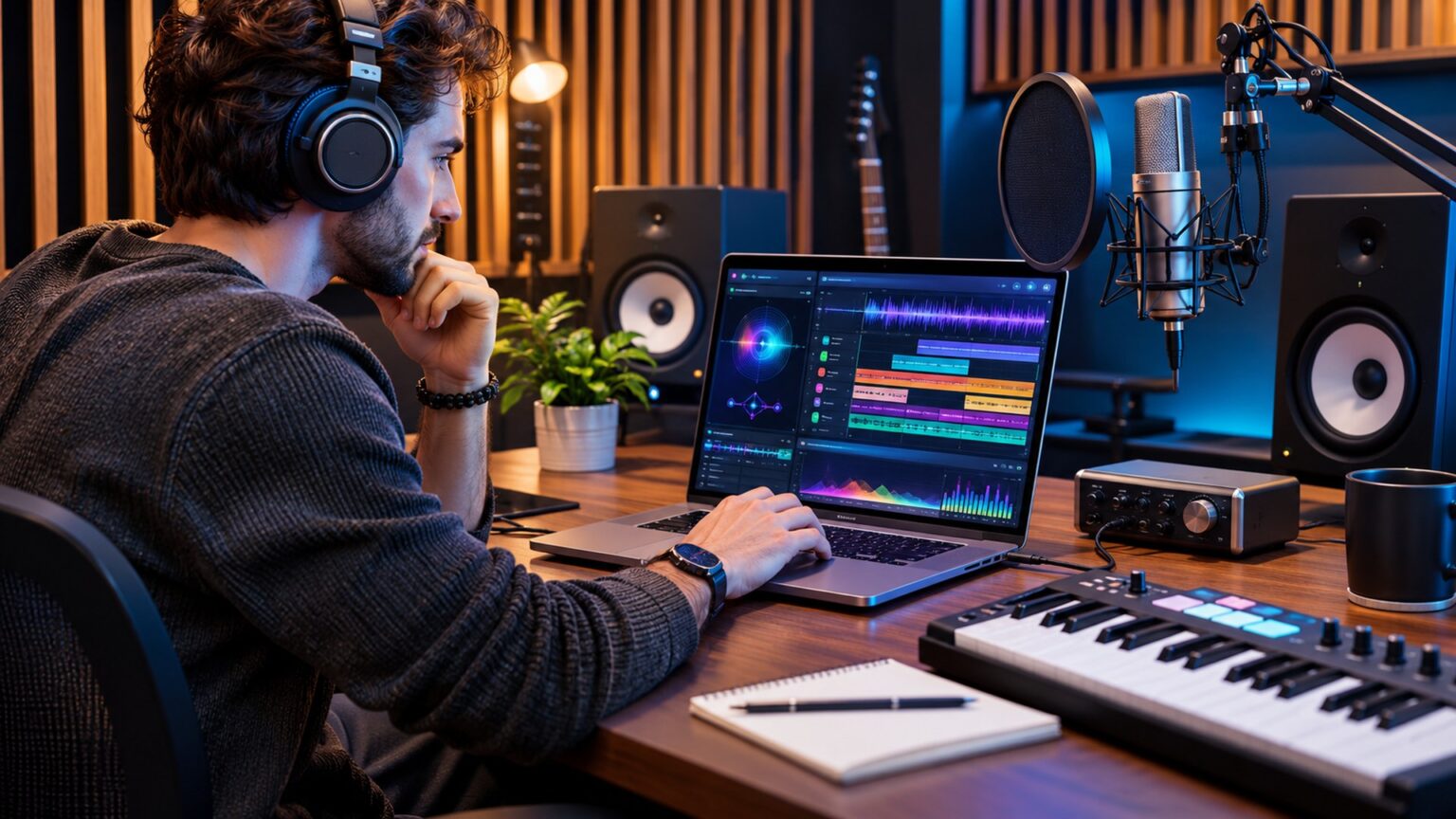
An AI Song Maker App can help turn a written idea, short lyric, or musical direction into a song draft with melody, accompaniment, and sometimes synthetic vocals. These tools appeal to beginners who want to experiment without a recording studio, as well as songwriters who need fresh arrangements or quick demos. Results are not automatically ready to release, however. Sound quality, editing controls, usage rights, and the amount of creative influence you retain vary between applications. Understanding those differences helps you choose a tool that supports your goals rather than simply producing impressive previews.
The strongest results usually begin with a specific idea and improve through careful listening and revision. This guide explains the creation process, nineteen practical techniques, essential features, pricing questions, and responsible approaches to publishing music.
What Is an AI Song Maker App?
An AI Song Maker App is software that uses generative models to produce musical audio or related material from user input. Depending on the product, the input might be text, user written lyrics, a hummed melody, or an uploaded recording that you have permission to use. The output might be a short instrumental, a vocal demo, or a longer structured song.
Some applications provide only a few creation settings. Others let users revise sections, choose arrangements, separate instrumental parts, or export audio for additional work. The name of an app does not guarantee any particular capability, so evaluate what it can actually do before paying.
How Text Becomes Music
A prompt describes the intended style, instruments, mood, tempo, and structure. The system interprets those instructions and generates an audio result based on patterns learned during development. Users can then listen and request another variation or edit, if the software supports that action. Prompts influence the output but cannot guarantee exact notes, pronunciation, or timing.
Songs, Beats, and Instrumentals Are Different Outputs
A full song generally combines several musical elements and may contain lyrics and a sung melody. A beat or backing track may focus on rhythm and accompaniment. An instrumental has no lead sung lyrics, making it useful for videos, presentations, practice, or background scenes. Select the output format before deciding which app fits the project.
19 Powerful Ways to Make Better Songs With an AI Music App
1. Decide What the Song Is For
Begin with the intended use. A private birthday message, songwriting demo, game background, and commercial advertisement all require different choices. The purpose determines duration, emotional tone, vocal needs, and whether licensing must permit public distribution. Write a short creative brief before opening the generator. This avoids spending credits on attractive tracks that do not fit the real project.
2. Describe the Mood Precisely
Instructions such as make a nice song leave too much open to interpretation. Describe the emotion in ordinary language, such as hopeful and gentle, tense but restrained, or energetic and playful. Add a situation that explains the mood. A thoughtful description gives the generator a stronger direction without attempting to control every note. If the first result feels wrong, revise the emotional description before changing unrelated settings.
3. Choose a Musical Style Without Copying an Artist
You can describe an acoustic folk arrangement, mellow electronic pop, or upbeat instrumental groove without requesting an exact imitation of a recognisable performer. Mention broad musical characteristics instead of a living singer’s identity or a copyrighted recording. This approach helps maintain a distinct creative direction and avoids unnecessary identity and rights concerns. Combine one main style with one secondary influence rather than stacking many conflicting genres.
4. Specify the Most Important Instruments
If the track should centre on piano and soft percussion, say so. Otherwise, the app may make choices that distract from your goal. Keep the instrument list manageable, especially when the output needs a simple arrangement. You can ask for a warm acoustic guitar foundation or a clean synthesiser melody, but the exact result will depend on the model. Judge the recording with your ears rather than assuming prompt compliance.
5. Set a Useful Energy Level
Energy is different from mood. A reflective song may build toward a powerful chorus, while a cheerful track may remain quiet enough for a conversation scene. Describe whether the music should stay steady, increase gradually, or change dramatically near the end. This can be more effective than relying on vague adjectives such as epic. Consider where the listener’s attention should be strongest and shape the arrangement around that moment.
6. Write Original Lyrics When Words Matter
For songs carrying a specific message, prepare your own lyrics first. Clear language gives you greater control over names, storytelling, humour, and emotional detail. Keep lines singable and review pronunciation before generating vocals. Avoid pasting lyrics from an existing song unless you have the necessary permission. Even where an app generates words automatically, review the finished text for awkward phrasing, inaccurate statements, and accidental repetition.
7. Build a Simple Song Structure
A verse can establish the story, a chorus can deliver the central thought, and a bridge can provide contrast. Not every song needs all three. For short projects, a compact introduction, one verse, and a chorus may be enough. Tell the generator which sections matter most, using its supported formatting. If it cannot follow explicit section labels, generate a simpler draft and arrange the parts in an editor later.
8. Give the Chorus One Clear Idea
A memorable chorus usually communicates a focused message rather than several unrelated thoughts. Choose a simple emotional statement or theme and make the surrounding lines support it. A clear refrain can help the generated arrangement feel coherent. If the chorus is cluttered, edit the lyrics before producing another version. This often saves more effort than repeatedly regenerating the same confusing instruction.
9. Test Different Vocal Approaches
Some generators offer sung vocals, spoken delivery, or instrumental output. Others provide limited vocal controls. Compare what is available and listen carefully for natural phrasing, suitable tone, and understandable words. A realistic sounding voice is not necessarily an accurate one. Do not upload someone else’s voice or ask for an identifiable vocal imitation without appropriate authorisation. Consent matters even when a result is created synthetically.
10. Control Length Based on the Project
A short social video might need a brief musical section, while a demo can benefit from a complete arrangement. Ask for a duration the tool supports and check whether exports preserve the requested length. If the model produces a long introduction but too little usable music, simplify the prompt or edit the result. Shorter, focused pieces can sometimes be more effective than automatically extending a weak idea.
11. Generate Variations Instead of Settling Immediately
Treat the first output as a draft, not a verdict. Create a small number of variations with one meaningful change at a time. You might preserve the lyrics while changing the instrumentation, or keep the arrangement while adjusting the energy. Listen for the version that expresses the idea most clearly. Generating dozens of near identical files without notes makes comparison harder and can consume limited credits unnecessarily.
12. Listen for Problems in the Vocals
Check names, consonants, word endings, emphasis, and pauses. Synthetic singers may stretch syllables strangely or pronounce a familiar word incorrectly. A track can sound polished at first yet contain an obvious lyrical error on close listening. Use available section editing tools, change difficult phrasing, or replace a vocal passage where the app permits. If accuracy is essential, consider recording a human vocal instead.
13. Review the Song’s Musical Consistency
Listen for abrupt changes in tempo, instruments appearing unexpectedly, or a chorus that does not match the verses. Some variation is artistic, but unexplained shifts can make a song feel unfinished. Note the precise section that causes a problem. Targeted edits, regeneration of that segment, or arranging sections in other audio software may create a more coherent result than starting over completely.
14. Check the Mix on Ordinary Speakers
Headphones can reveal details, but your audience may listen on a phone, small speaker, or laptop. Test the draft at moderate volume on more than one device. Are the vocals understandable? Does the bass overwhelm the melody? Do loud sections distort? An AI generated track may sound impressive on one system and unbalanced on another. Use the application’s mixing controls when available, or ask an audio professional for final adjustments.
15. Use Instrumental Versions for Flexible Projects
An instrumental can serve as background for tutorials, presentations, podcasts, or short films, provided the license permits that use. Without lead lyrics, it may be easier to position narration or dialogue above the music. Specify whether you need quiet passages and a consistent rhythmic foundation. If the song contains unexpected vocal fragments, listen through the entire export and generate a cleaner version before publishing.
16. Edit the Result Instead of Regenerating Everything
A useful app should make revision manageable. Ideally, you can change a section, trim silence, rearrange parts, or export material to an external audio editor. Not every product offers these capabilities. Before subscribing, test how much control you retain after generation. An excellent sounding preview can still be difficult to use when the ending cannot be shortened or the vocal level cannot be adjusted.
17. Keep Project Notes and Version Names
Record the prompt, lyric draft, settings, generation date, and changes made to each promising version. Use descriptive filenames such as calm piano demo version two, rather than leaving files with similar default names. Organisation matters when you revisit an idea weeks later or work with another creator. Save any applicable terms and permission records alongside projects intended for commercial use. These notes support consistency and help explain your creative contribution.
18. Check Usage Rights Before Public Release
A download button does not automatically establish permission for advertising, streaming, client work, or resale. Review the current terms for the exact plan and generation date. Some services distinguish personal use from commercial exploitation, and distribution services may impose separate restrictions. Licensing permission is also different from copyright protection. If the release is important financially, obtain qualified legal advice before relying on broad marketing descriptions.
19. Add Your Own Creative Decisions
The most satisfying projects often combine fast generation with deliberate human choices. Rewrite verses, change the song’s pacing, record a performance, arrange the structure, or add original instrumentation where permitted. These actions can make the work better suited to your audience. Human contribution may also matter in copyright analysis, although the legal result depends on the nature and extent of that contribution. Use the app as a creative tool rather than a promise of effortless originality.
Which Features Matter When Choosing an AI Song Maker App?
Focus on the functions you will actually use. Beginners may benefit from clear prompts and simple exports, while producers may need more detailed editing and separate audio parts. Consider the following categories before selecting a paid subscription.
Lyrics and Vocal Controls
Check whether you can supply your own lyrics, edit individual lines, choose instrumental output, and revise vocal passages. If the app only generates complete songs, even small corrections may require a new track. Vocal language and pronunciation support should also be tested with your real material rather than assumed from a product description.
Export Formats and Audio Quality
Some apps provide compressed audio files while others may allow lossless formats or separated stems. The format you need depends on the destination. A draft shared privately has different demands from a track that will be mixed professionally. Preview quality, downloadable quality, and editing flexibility may differ across plans, so verify each one.
Why Stem Exports Can Help
Stems are separate audio groups, such as vocals, drums, or accompaniment. When available, they can make it easier to adjust balance or replace particular elements. They do not guarantee that every instrument will be perfectly isolated. Listen for unwanted sounds between parts before relying on stems for a final production.
Device Support, Privacy, and Project Storage
Confirm whether the app works on your preferred phone, tablet, or computer and whether files remain accessible after a subscription ends. Understand what happens to uploaded recordings and unfinished drafts. Sensitive client material or private vocal recordings deserve particular attention. Read the data handling options and avoid sharing recordings you lack permission to upload.
A Simple Workflow for Your First Original Song
Start with a one sentence concept and decide whether the result needs vocals. Write a short verse and chorus if the message is personal. Describe the mood, pace, and a small set of instruments. Generate a draft and listen from beginning to end before changing anything. Write down two strengths and two problems. Revise one feature, compare the next version, and keep the better result.
Once satisfied, trim unnecessary silence, review the words, and test the export on everyday speakers. Choose a clear file name and store the relevant license information. Sharing the song should be the final step, after you know what the file contains and what you are allowed to do with it.
Example of a Focused Music Prompt
For a peaceful travel video, try: Create a 45 second instrumental with soft piano, gentle guitar, a relaxed pace, and a clean ending. Leave space for spoken narration and avoid dramatic changes. This example names the purpose, instruments, pacing, and arrangement without copying another artist. If your AI Song Maker App ignores part of the instruction, shorten the description and test one change at a time.
Understanding Copyright, Ownership, and Commercial Use
Music rights involve several separate questions. The app’s contract governs how you may use its output. Copyright law considers whether protectable human authorship exists. A streaming service or distributor may impose additional conditions on uploads. Approval in one category does not establish approval in the others.
In the United States, purely machine generated expression is generally not protected as human authored copyright. Original human written lyrics, creative arrangements, or other sufficiently expressive human contributions may be eligible for protection. Outcomes depend on the facts, and rules differ between jurisdictions. Keep records of your own work and avoid claiming exclusive ownership solely because a service labels a track yours.
Consider Voices, Samples, and Existing Songs
Do not assume that requesting a sound similar to a famous recording is legally harmless. Avoid copying protected lyrics, using unlicensed recordings, or imitating identifiable voices without consent. If an output seems unusually close to an existing work, review it carefully before release. The ability to generate or download a file does not remove responsibility for how it is used.
Common Problems and Practical Solutions
If every result sounds generic, narrow the creative brief and add a clearer emotional or instrumental direction. If lyrics are difficult to understand, simplify the words and test shorter lines. When an ending feels abrupt, look for extension or editing features rather than repeatedly generating an entire track. If the sound is distorted, compare export settings and inspect the file before assuming your speakers are at fault.
When a generation fails, check account credits, file limits, connection stability, and the app’s supported inputs. Save your original prompt before retrying. Repeated failures or unclear billing terms are reasonable grounds to consider another service rather than purchasing more credits automatically.
Frequently Asked Questions
1. What does an AI Song Maker App do?
It creates musical drafts from prompts, lyrics, melodies, or supported audio inputs. Available features may include vocals, instrumental tracks, editing, and downloads.
2. Can beginners create songs without knowing music theory?
Yes, some apps are designed for simple text instructions. Basic knowledge of song structure and careful listening can still improve the finished result.
3. Can I write my own lyrics in an AI music app?
Many tools allow user supplied lyrics, but exact controls vary. Check whether the app also lets you correct words after a song is generated.
4. Is music made with AI automatically copyright free?
No. Copyright status and usage permissions are separate issues that depend on human contribution, applicable law, source material, and license terms.
5. Can AI generated songs be used commercially?
Sometimes, depending on the service, plan, and intended use. Check the current license and any distribution requirements before releasing a track.
6. How can I improve an AI generated song?
Start with a focused prompt, edit lyrics, compare variations, check vocals and arrangement, and test the final export on several listening devices.
Conclusion
An AI Song Maker App can make musical experimentation more accessible, but stronger results still require attention, revision, and creative judgment. Choose software that fits your actual project, offers the editing controls you need, and explains its usage rights clearly. Treat generated tracks as drafts worth checking for quality, accuracy, and originality rather than finished products by default. With thoughtful prompts and responsible publishing decisions, these tools can become useful partners in a practical songwriting process.
