
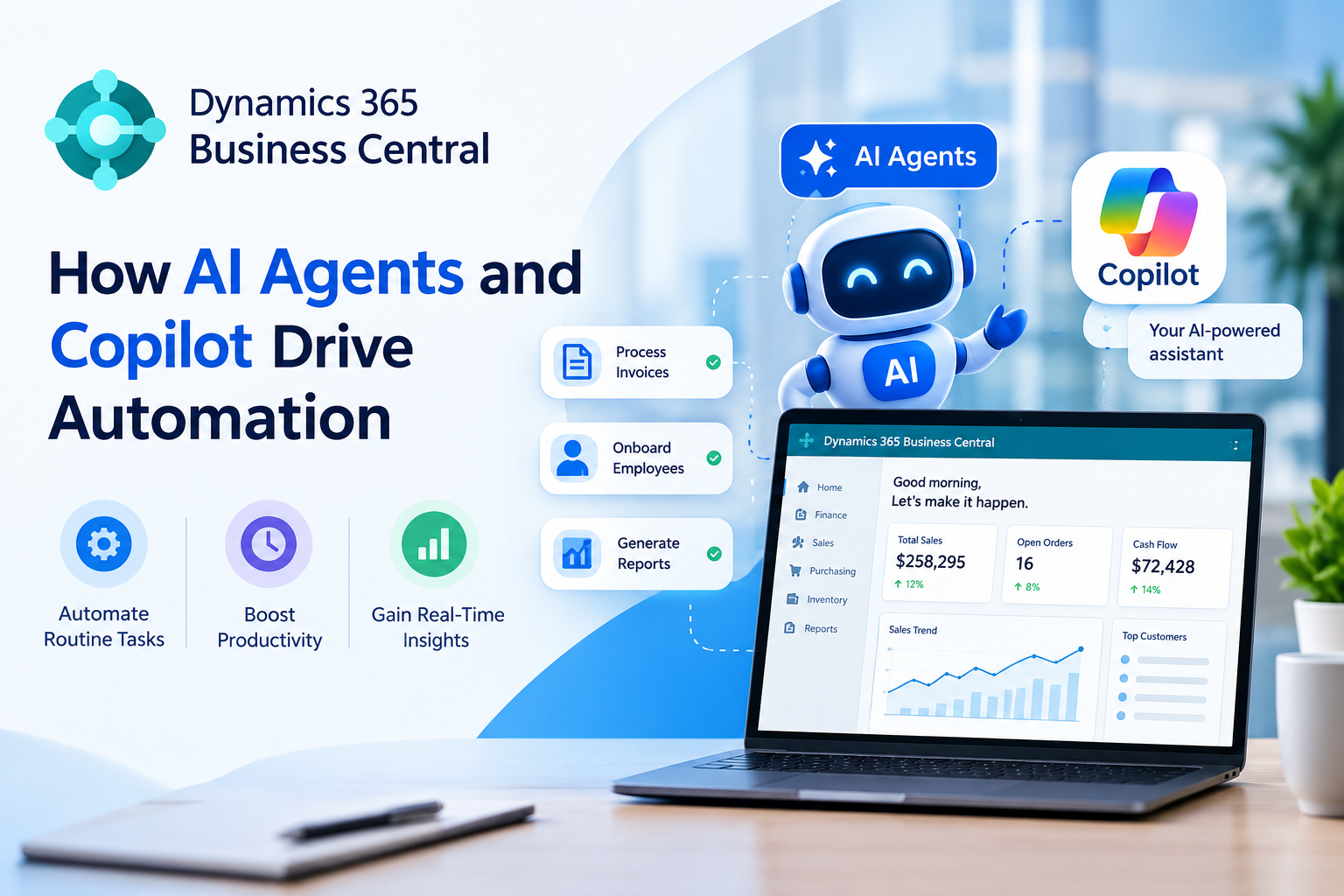
Businesses manage a variety of daily tasks. They manage finance, sales orders from customers, inventory, and even reports. As the company expands, these responsibilities can be difficult to handle. Manual tasks can be more labor intensive and result in mistakes. Many companies spend a lot of time on daily tasks. So, they are looking for better ways to automate them.
Microsoft Dynamics 365 Business Central helps industries manage their work on one platform. AI is changing the way industry works. It helps teams work faster and save time. It puts important business information in one place. Teams can then manage their work more easily. Business Central uses smart tools to make work faster and easier. It also helps automate routine tasks.
Dynamics 365 Business Central AI Agents and Copilot can make daily work easier. They can handle routine tasks and work with business data. They can also create useful content and find information. This helps employees save time. It also allows teams to focus on tasks that need human judgement.
In this post, we will learn how AI agents and Copilot make Business Central easier to use. We will look at their benefits and common uses. We will also see how Dynamics 365 Business Central services help with technology.
What Is Dynamics 365 Business Central
Dynamics 365 Business Central is an industry governance method that comes from Microsoft. It helps small and medium-sized businesses manage their daily work. They can manage it all in one place.
Companies can use it to handle:
- Accounting and finance
- Customer orders and sales
- Purchasing
- Inventory
- Supply chain jobs
- Projects
- Service operations
- Business report
Business Central brings business data together in one location. This gives teams a clearer picture of the day-to-day operations.
The fact that data is stored in one system is the initial step. Businesses must also process this data efficiently. This is the area where AI tools could make a difference.
What Are AI Agents and Copilots in Business Central
Copilot is an AI tool built into Business Central. It helps users with different business tasks. Users can give commands in simple language. Copilot understands these commands using AI. It can also help users find business information.
AI agents go one step further. AI agents can handle specific tasks for a business. They follow clear goals and steps. Employees do not need to manage every step. The agent can complete the task for them.
For instance, an AI agent could assist with the sales process. AI agents can use the information stored in Business Central. They use it to do tasks faster and move work forward.
How Dynamics 365 Business Central AI Agents and Copilot Drive Automation
- Automate daily tasks. This reduces repetitive work. It also saves employees time.
- Team members can review data and handle daily finance work more easily.
- Process orders faster. Reduce manual data entry.
- Help teams know how much stock is available. It helps them spot problems before they get bigger.
- Customer support Help with email messages, summaries, as well as responses from customers.
- Get business insights and turn the business data you collect into simple and useful data.
- Automation helps reduce mistakes. It makes repeated tasks more accurate.
- Employees can focus on important work. Routine tasks take less of their time.
- Ease faster decision-making. Make sure teams have quick access to important business data.
- AI agents can help do specific tasks using fewer manual steps.
AI Agents vs. Copilot: What Is the Difference?
AI agents as well as Copilot both provide automation, but serve different functions.
Copilot is primarily an AI assistant. It allows users to finish tasks, create documents, summarise information, or gain insight.
AI agents are focused on executing processes and tasks. They can assist with specific processes and decrease the need for manual processes.
Consider Copilot as a virtual assistant who is working alongside you. AI agents can be thought of as a digital assistant. AI agents could behave more as a digital worker to a specific business procedure.
Both of them can be used to increase productivity.
Key Benefits of AI Automation in Business Central
Dynamics 365 Business Central AI Agents and Copilot offer many gains. These tools make work easier and faster.
Reduced Manual Work: Employees don’t need to spend as long performing routine tasks. This lets them concentrate on their work.
Better Productivity: AI helps users finish routine tasks more quickly. Teams can manage more work without the expense of manual exertion.
Fewer Human Errors: Manual data entry can cause errors. Automation can cut mistakes in repeatable procedures.
However, businesses must use proper checks. They should review AI results before using them. Human judgment is important when needed.
Faster Decisions: AI can assist users in finding and comprehending business data quickly. This could help make faster decisions.
Better Employee Experience: People often choose more meaningful work than repetitive tasks. When AI handles daily work, workers have less boring work to do. They can spend more time on tasks they enjoy.
Improved Business Visibility: AI helps users comprehend data and recognize crucial patterns. This could help managers gain a clearer view of the business’s performance.
How AI Agents Can Support Different Departments
AI automation is not only for one department. It can help many teams in a company.
Finance AI will prepare financial information and summaries. It will also handle routine tasks.
Teams may receive help with customer data, sales duties and communications.
AI can help users organize purchase-related data and workflows.
Teams can review inventory information and pinpoint possible issues.
AI creates quick replies to customer inquiries. It also gives a summary of customer data.
Leaders can enjoy AI-powered insights to better understand the business’s performance.
Why Businesses Need the Right AI Strategy
AI can enhance many business processes. However, businesses shouldn’t automate every job. Must have a plan before using AI. A good strategy helps businesses pick the right AI tools. It also saves them from making unnecessary changes.
- Recognize business needs: Discover the areas in which AI can cut down time and energy.
- Keep data clean: Accurate data helps AI provide better results.
- Security of business data: Create specific rules for access to data and security.
- Employees: Train staff to help teams learn how to use AI tools properly.
- Review AI Results: Always review important AI suggestions before making decisions
- Make clear-cut goals: Assess the extent to which AI enhances time, costs and efficiency.
- Begin with small steps: Test AI with simple tasks before expanding its application.
- Plan for the future: Select AI tools that can help the industry grow and meet future needs.
The Role of Dynamics 365 Business Central Consulting Services
Implementing AI capabilities can be made easier by having the proper technical support. This is where Dynamics 365 Business Central consulting services by AegisSofttech can assist.
A consulting team member checks how a business handles its daily work. They find tasks that can be done automatically. They can also help with Business Central setup and changes. They connect Business Central with other tools when needed. They also teach users how to use the system.
Consultants can help businesses:
- Check current workflows
- Find options for automation
- Configure Business Central
- Link Business Central with other systems
- Create the right AI features
- Improve data processes
- Train employees
- Check System performance
Challenges to Consider Before Using AI
- A lack of data could lead to poor AI results.
- Industries need to protect confidential business data
- Workers need to be taught how to use AI tools properly.
- Users are advised to check the vital AI results before acting.
- AI setup could take time, tools and resources.
- AI might integrate with the existing systems of the business.
- Employees might need to change their current workflow.
- Companies should be aware of what they would like AI to help them achieve.
Teams can review the AI’s work and check its results. If something needs improvement, they can make changes. This keeps the AI working well.
What Does the Future of Business Central Automation Look Like?
In the future, Business Central automation will make daily business work easier. It will help teams finish tasks faster. It will also reduce the need for manual work. This can save time and improve work quality. AI can help businesses manage more routine tasks and reduce manual labor.
- Intelligent AI agents can manage more tasks for businesses and workflows.
- Automation: Businesses will automate more repetitive activities across departments.
- AI will provide useful insights from data collected by the industry
- Improved forecasting: AI helps businesses plan inventory, sales, as well as cash flows.
- Employees will use simple language to search for data and finish tasks.
- Business Central will work more closely with other tools for business.
- Employees have fewer manual tasks to handle. They can use this extra time for important work. This helps them stay focused and get more work done.
- Copilot can provide help according to the user’s needs and business needs.
- AI-powered automation can make business processes faster and easier.
How to Get Started with AI in Business Central
Begin with the simplest tasks. Automate simple and repeatable tasks first.
Use high-quality data: Keep current and accurate business information.
Learn your team: Let employees learn AI features and the best techniques.
Record results: Track the time you save, how many errors are reduced and how work quality is enhanced.
Check out AI outputs: Maintain the human eye on important business decisions.
Consult with Experts: Get help from Dynamics 365 Business Central Consulting services. They can help you make a clear AI plan. They can also check your AI progress. This makes it easier to use AI and get better results.
AI-Powered Business Central
AI is making Business Central smarter and easier to use. Copilot helps employees do their daily work faster. It can find the right data when needed. It also helps employees understand business data and make better decisions. AI agents can also support specific workflows and help reduce manual effort.
- Automate daily tasks: Drop the amount of work that is repetitive and help you save time.
- Increase productivity: Help employees finish their work faster.
- Support better decisions: Turn business data into useful insights.
Conclusion
Dynamics 365 Business Central AI Agents and Copilot make daily work easier. They help industries save time and reduce manual work. They can manage routine tasks and provide quick help when needed. This helps employees focus on more important tasks. They reduce the amount of manual work workers need to do. These tools can help with finance, sales, inventory and customer service. They can handle many simple tasks and provide useful support. This saves time and helps employees focus on important tasks. It also helps businesses improve their productivity. Copilot serves in the role of an AI assistant. AI agents can assist with specific business processes and workflows. Together, they’ll aid in making Business Central more useful and more user-friendly.
However, successful AI adoption is more than technology. Businesses need correct data and a clear work process. They also need skilled employees who can use AI tools well. With the right method, AI can make Business Central more useful and efficient. It can help manage tasks and improve daily work. Dynamics 365 Business Central consulting services help companies set up AI tools. They show teams how to use these tools. This can save time and make daily work easier. They can also improve AI-powered workflows. This helps businesses save time and work better.
