
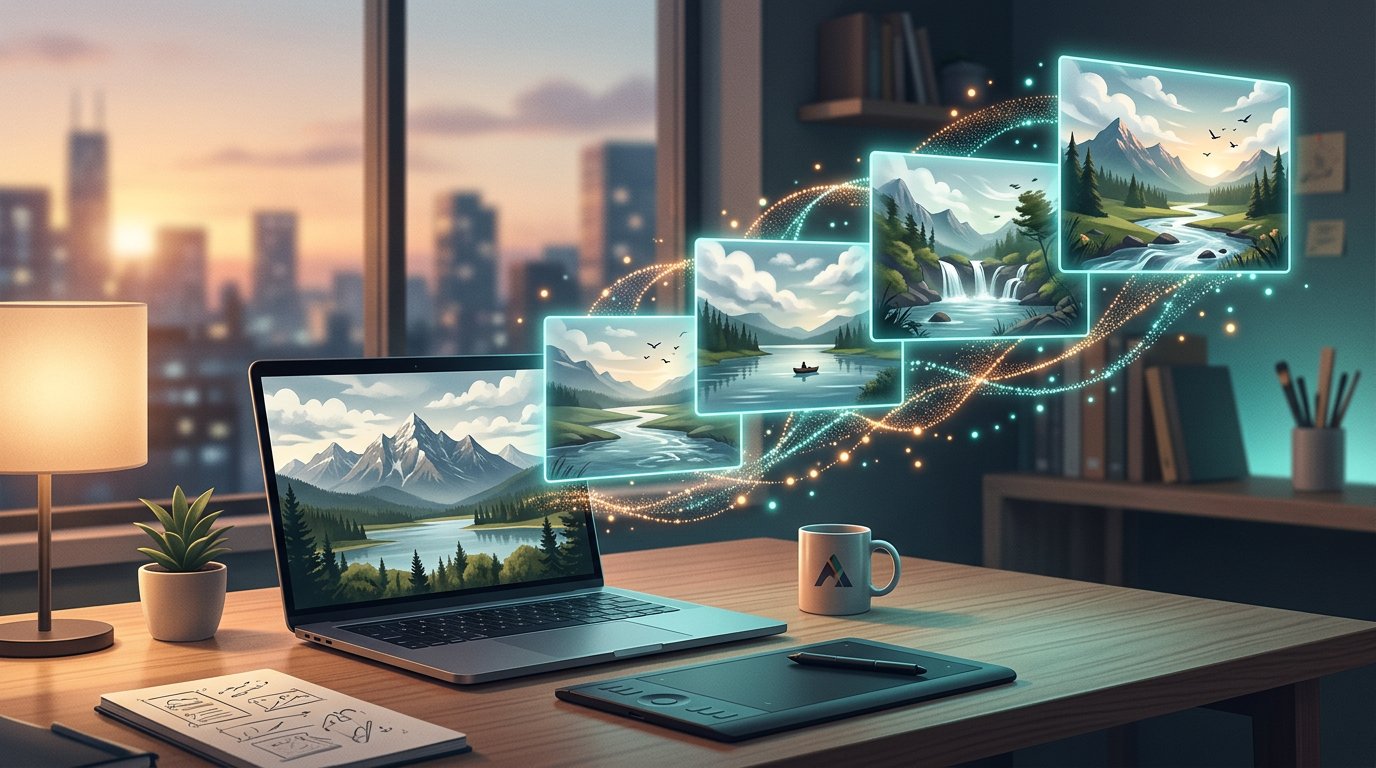
Static photos used to be the finish line. Today they are the raw material. Image to video AI takes any photograph — a product shot, a portrait, a travel snapshot — and animates it into a smooth, cinema-style clip in seconds, without a video editor, a timeline, or a single day of training. For creators and marketers drowning in demand for motion content, image to video AI has become the fastest production shortcut on the internet.
Here is how the technology works, what separates a good generator from a frustrating one, how ImgToVideoAI.net’s free tier operates, and the prompt habits that turn decent clips into scroll-stoppers.
What image to video AI actually does
Strip away the hype and image to video AI does one thing: it predicts motion. You supply a still frame and, optionally, a short text prompt, and the model hallucinates how that scene should move — camera drift, wind in trees, water ripples, a subject turning to smile. The best systems combine both inputs, reading your image and your description together so the animation matches your intent rather than the model’s guess.
The output is short-form by design — typically a few seconds per clip — which is precisely what social platforms, product pages, and ads are built to reward. That is the real reason image to video AI exploded in 2026: it converts an asset every business already has, photos, into the format every platform now promotes, video.
How image to video AI works in three steps
The image to video AI workflow on ImgToVideoAI.net is deliberately minimal — the same pattern as every good tool in the category:
- Upload your image. Drag and drop, paste, or click to upload — PNG, JPG, JPEG, or WEBP up to 20 MB. Crop and frame to your target aspect ratio before generation starts.
- Describe the motion. Enter a prompt for what should move and how. Specific beats vague: “slow camera zoom,” “wind blowing through trees,” or “gentle water ripples” will outperform “make it cool.” A Prompt Optimizer helps refine weaker instructions.
- Generate and download. Choose a four- or six-second duration, generate, preview, and download. The whole image to video AI loop takes seconds, not an evening in an editing suite.
No account is required to start creating — upload, prompt, generate.
The features that separate good tools from frustrating ones
Not every image to video AI is worth your photos. The differences that matter in practice:
Dual input control. Image to video AI here means image-plus-prompt generation, so you direct the motion instead of hoping for it.
Model options. ImgToVideoAI runs a free engine — Video-ST-Lite — alongside a paid MiniMax H3 model for subscribers who want priority access and premium output.
Usable output quality. Crisp HD results from image to video AI that suit YouTube, TikTok, Instagram, or embedded website use.
Speed. Generation in seconds, so image to video AI slots into a publishing workflow instead of blocking it. Batch-style creation — clip after clip — is how content calendars actually get filled.
Transparent limits. Free users receive 10 daily video generations; subscribers get priority access. No credit card is required to begin, and free-tier outputs may carry a small watermark that upgrading removes.
Where creators put image to video AI to work
The use cases for image to video AI are no longer edge cases. Gabriela Santos, a realtor featured on the site, turns listing photos into walkthrough-style clips buyers linger on. Store owner Lisa Martinez credits product-page video previews with a nearly 40 percent conversion lift. Marketing managers like Alex Regis cut product stills into social clips in under a minute, without an editor on payroll.
Designers like Sarah Chen bring client mockups to life in early-stage pitches; influencers like Maya Rodriguez turn travel photos into dreamy reels that outperform static posts. A beginner with zero editing history — Marcus Johnson’s self-description — can produce professional-looking image to video AI clips from day one. The common thread is not industry; it is that motion content stops being a bottleneck.
Free versus paid: what you actually get
The free tier of this image to video AI is a genuine production tool, not a demo: daily video generations at zero cost, no sign-up required to start, and no credit card on file. It is enough for casual creators and for anyone evaluating image to video AI professionally.
According to the site’s own FAQ, free-tier outputs include a small watermark; upgrading to a paid plan removes it and unlocks premium AI models with higher resolutions, plus priority access on the newer unlimited-style models. Pricing lives on the ImgToVideoAI pricing page — check current rates there, since plans change frequently.
Prompt habits that improve every clip
The single biggest quality lever in image to video AI is free: your prompt. Three habits cover most of the gap between mediocre and striking results.
Name the camera move. “Slow zoom in,” “gentle pan left,” or “static locked shot” anchors the motion so the model does not invent an unwanted orbit.
Describe one clear action. One dominant motion per clip — hair moving in wind, clouds drifting, a candle flame flickering — reads as cinematic; five competing motions read as noise.
Match intensity to subject. Subtle for products, slightly stronger for landscapes. When in doubt, run the same image through the image to video AI twice with different intensities and keep the better take.
Iterate freely: ten daily free generations make experimentation part of the product. The people getting the most from image to video AI are not the best prompters — they are the most willing to regenerate.
Conclusion
Image to video AI has collapsed the distance between a photo library and a video pipeline. Upload a still, describe the motion, download a clip: that is the entire craft as ImgToVideoAI.net frames it — ten free daily generations, no sign-up to begin, and paid plans that remove the watermark and open premium models when you outgrow the basics.
If your content calendar depends on motion and your budget depends on not hiring for it, evaluating image to video AI costs nothing and takes ninety seconds. Pick your best photo, write one specific prompt, and let image to video AI show you the scene as it should move. The test clip tells you more than any review — including this one.
Frequently Asked Questions
1. Is there a free image to video AI option?
Yes. ImgToVideoAI’s free plan gives you daily video generations at zero cost — no credit card, no sign-up to start — so you can test image to video AI properly before spending anything.
2. Do I need an account to create videos?
No account is required to begin. Upload an image, add a prompt, and generate — you can evaluate the image to video AI immediately.
3. What image formats and sizes are supported?
PNG, JPG, JPEG, and WEBP files up to 20 MB, with cropping and aspect-ratio framing available before generation begins.
4. How long are the clips image to video AI creates?
Current duration options are four and six seconds per clip — the lengths social feeds, ads, and product pages are optimized for.
5. Do free videos have a watermark?
Per the site’s FAQ, free-tier outputs include a small watermark; paid plans remove it and unlock premium models with higher resolutions and priority access.
6. How do I get better results from image to video AI?
Write specific image to video AI prompts: name the camera move, describe one dominant action, match motion intensity to the subject — then regenerate variations and keep the best take.
