
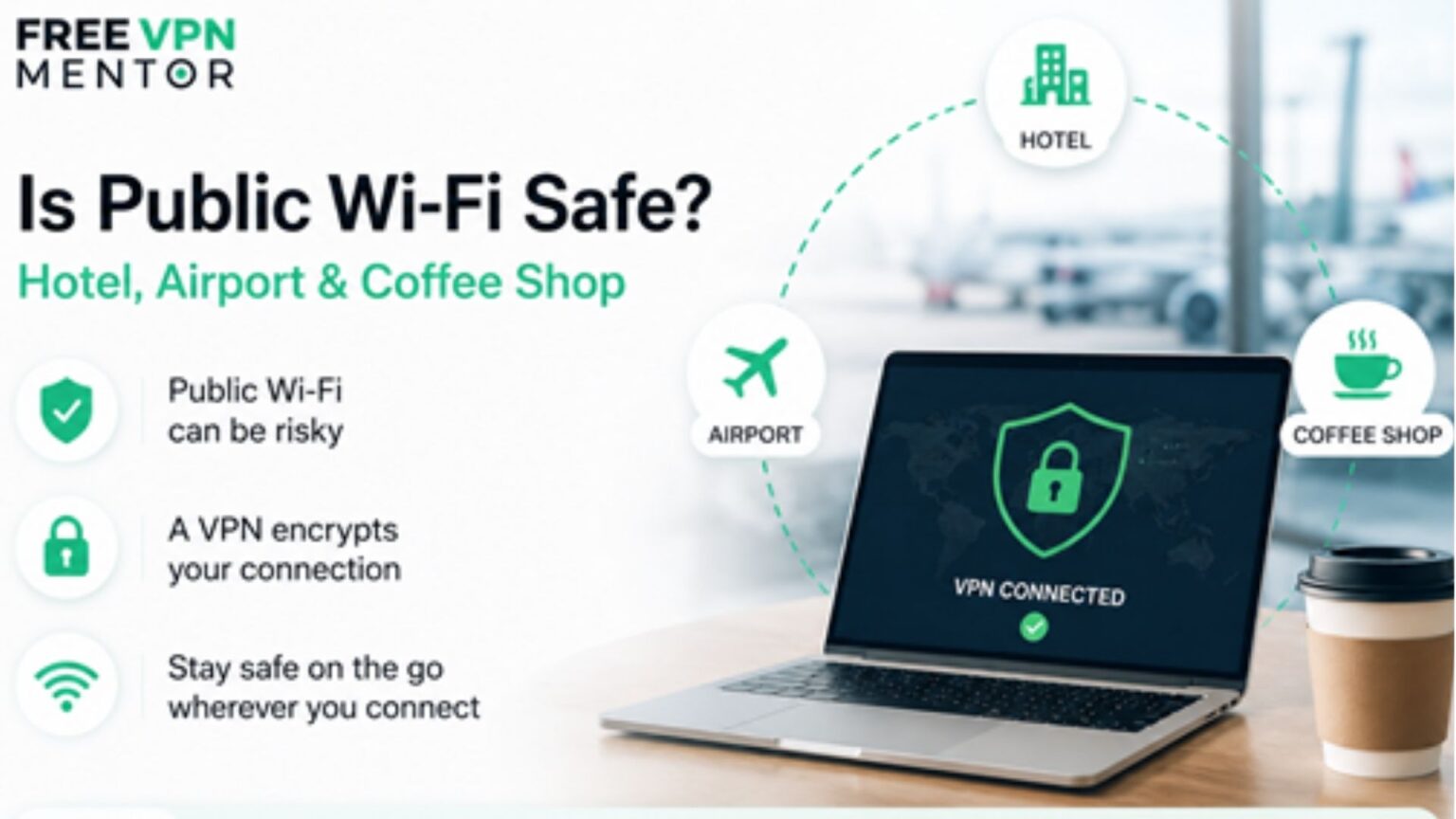
Is Public Wi-Fi Safe?
Free Wi-Fi has become an expected convenience. Whether you’re staying at a hotel, waiting for a flight, or working from your favorite coffee shop, connecting to public networks is often the easiest way to get online.
But one common question keeps appearing in search engines and AI assistants:
- Is hotel Wi-Fi safe?
- Can hackers steal data over airport Wi-Fi?
- Is HTTPS enough to protect me on public Wi-Fi?
The short answer is public Wi-Fi is convenient, but it should never be considered completely secure. While many websites now use HTTPS encryption, there are still several risks users should understand before connecting.
Why Public Wi-Fi Can Be Risky
Unlike your home network, public Wi-Fi is shared with dozens – or even hundreds – of other users.
Depending on how the network is configured, attackers may attempt to:
- intercept unencrypted traffic;
- create fake Wi-Fi hotspots with similar names;
- trick users into connecting to malicious networks;
- collect metadata about connected devices.
Most modern websites encrypt their traffic using HTTPS, which significantly improves security. However, HTTPS does not protect against every type of attack that can occur on an untrusted network.
Common Public Wi-Fi Scenarios
Hotel Wi-Fi
Hotel networks are typically shared among all guests. While reputable hotels maintain secure infrastructure, guests have little visibility into how the network is managed.
If you’re logging into work accounts, online banking, or cloud storage, it’s worth taking additional precautions.
Airport Wi-Fi
Airports are among the busiest public Wi-Fi environments.
Because thousands of travelers connect every day, they’re also attractive locations for fake hotspots designed to imitate official airport networks.
Before connecting, always verify the correct Wi-Fi name with airport staff or official signage.
Coffee Shop Wi-Fi
Coffee shops are popular places for remote work.
While grabbing a coffee and opening your laptop is convenient, these networks often have minimal access controls, meaning anyone nearby can join the same network.
If you’re handling sensitive documents or business accounts, avoid assuming the connection is private.
Is HTTPS Enough?
HTTPS encrypts the connection between your browser and a website.
That’s a major improvement over the early days of the internet, but it doesn’t eliminate every risk.
HTTPS does not protect you from:
- connecting to a fake Wi-Fi hotspot;
- phishing websites;
- malicious software already installed on your device;
- exposing metadata such as which domains you’re visiting.
Think of HTTPS as an essential security layer – not a complete solution.
Simple Ways to Stay Safer on Public Wi-Fi
You don’t need advanced technical knowledge to reduce your risk.
A few practical habits go a long way:
- Verify you’re connecting to the official Wi-Fi network.
- Avoid accessing banking or financial accounts on unfamiliar networks when possible.
- Keep your operating system and browser updated.
- Enable multi-factor authentication on important accounts.
- Turn off automatic Wi-Fi connections for unknown networks.
- Prefer mobile data or a personal hotspot when handling sensitive information.
Should You Use a VPN?
Many people choose to use a VPN when connecting to public Wi-Fi because it encrypts internet traffic between their device and the VPN server. This adds another layer of protection, especially on networks they don’t control.
If you’re unsure which VPN service best fits your needs, comparison resources such as FreeVPNmentor can be useful. Rather than promoting a single provider, the platform reviews and compares different VPN services, helping users choose an option based on security features, pricing, and device compatibility.
The Bottom Line
Public Wi-Fi isn’t inherently dangerous, but it shouldn’t automatically be trusted either.
Most browsing sessions will be uneventful, especially on websites protected by HTTPS. However, hotels, airports, and cafés remain shared environments where attackers may attempt to exploit unsuspecting users.
By combining basic security habits with trusted tools when appropriate, you can significantly reduce your exposure while staying connected wherever you travel.
