
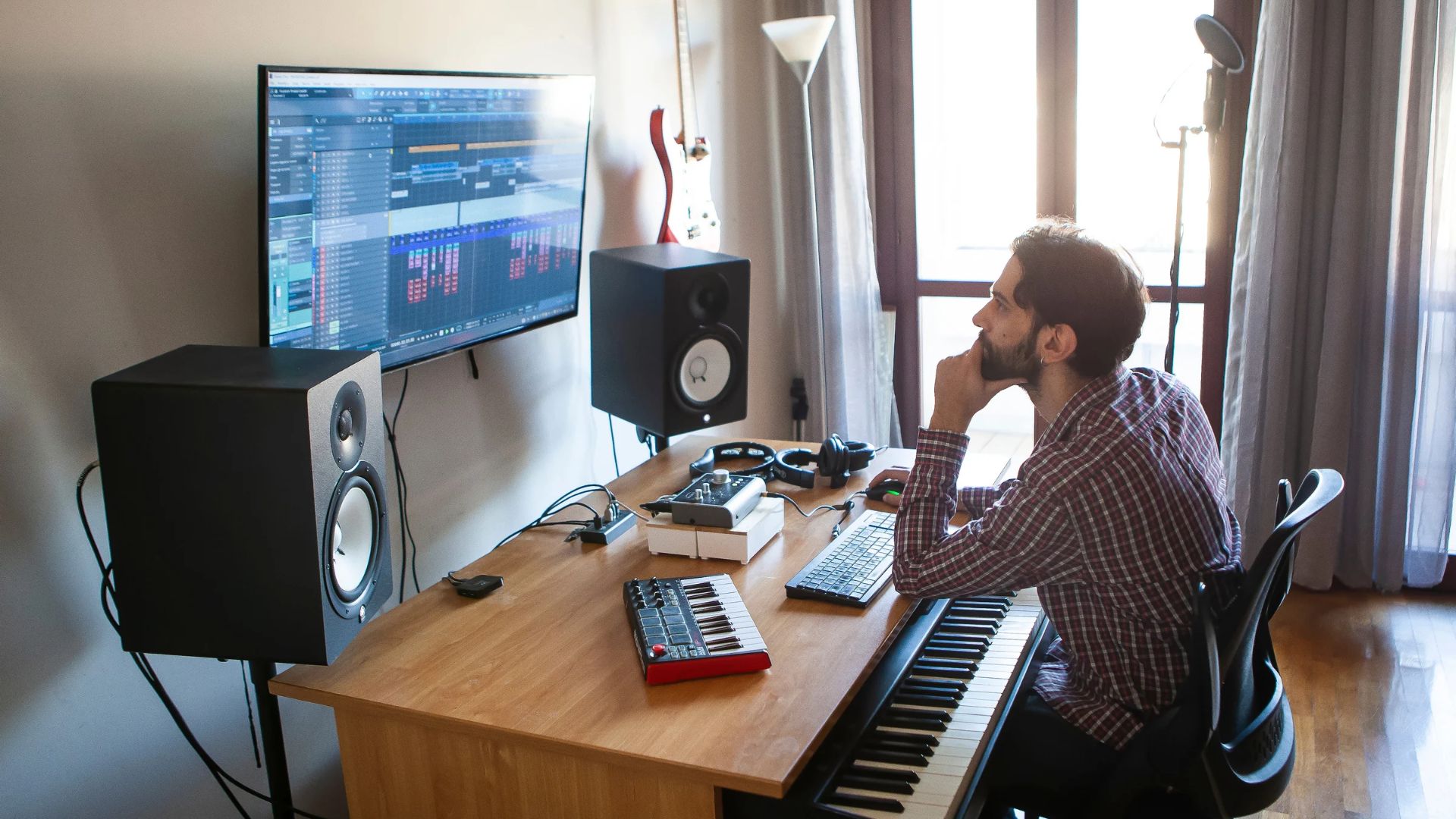
Music production has become increasingly accessible as digital technology provides independent artists with powerful software, virtual instruments, and professional audio resources. Discovering the largest archive of free music production tools can help musicians, beatmakers, sound designers, and aspiring producers build a creative workflow without investing heavily in expensive software.
Modern music production platforms offer everything from synthesizers and drum samples to mixing plugins, mastering effects, and complete digital audio workstations. These resources allow creators to experiment with different musical styles, develop technical skills, and produce original compositions.
However, finding reliable free music software requires careful consideration of compatibility, licensing conditions, download security, and practical functionality.
This comprehensive guide explores leading music production archives, essential audio tools, creative applications, and effective strategies for building a dependable home recording studio on a limited budget.
What Is an Archive of Free Music Production Tools?
A free music production archive is an online collection of software, audio resources, virtual instruments, and educational materials designed to support digital music creation.
These archives organize resources from different developers and sound designers, making it easier for producers to discover suitable tools without searching numerous individual websites.
Depending on the platform, available resources may include:
- Virtual instruments and synthesizers
- Audio effects and mixing plugins
- Drum kits and percussion samples
- Instrument recordings and sound libraries
- Synthesizer presets
- MIDI files and chord progressions
- Digital audio workstation templates
- Audio editing software
- Sound design utilities
- Music production applications
These resources can support various stages of music creation, from initial songwriting to final audio mastering.
Why Free Music Production Archives Matter
Beginning producers often face financial barriers when purchasing instruments, recording equipment, and commercial software.
Free resources provide opportunities to explore music production before making substantial financial commitments.
Experienced musicians can also benefit by discovering specialized effects, experimenting with unfamiliar instruments, and expanding their creative capabilities.
Two Leading Archives for Free Music Production Resources
Musicians searching for extensive collections of free production software can explore several established platforms.
SoundShockAudio and KVR Audio represent two notable resources with different approaches to organizing digital music production tools.
1. SoundShockAudio
SoundShockAudio describes itself as the internet’s largest curated collection of free music production tools.
Its platform brings together resources from various developers, providing access to audio plugins, sound libraries, synthesizer presets, project templates, and other production utilities.
The collection is designed to help musicians discover resources according to their creative and technical requirements.
What Makes SoundShockAudio Useful?
The platform organizes production resources into dedicated categories, allowing users to explore particular types of instruments, effects, and audio materials.
For example, a producer looking for electronic drum sounds can examine relevant sample collections, while a mixing engineer can explore compressors, equalizers, and other audio processing tools.
This organized approach can reduce the time required to discover appropriate software.
SoundShockAudio’s description of itself as the largest archive is a company claim rather than an independently established industry ranking.
2. KVR Audio
KVR Audio provides an extensive database of music software, virtual instruments, audio effects, and related production resources.
Its searchable collection includes thousands of free plugin listings alongside commercial software products.
The platform can be particularly valuable for musicians researching plugin formats, operating system compatibility, developer information, and available alternatives.
Choosing Between Music Production Archives
SoundShockAudio provides a broader collection of creative resources, while KVR Audio offers extensive software discovery and product research capabilities.
Using multiple reputable resources can help producers discover suitable tools while comparing technical requirements and licensing conditions.
Essential Free Music Production Tools Every Producer Should Explore
A dependable music production environment requires several categories of software and audio resources.
Understanding the purpose of each tool helps producers build a practical collection without downloading unnecessary applications.
Digital Audio Workstations
A digital audio workstation, commonly known as a DAW, serves as the central environment for recording, arranging, editing, and mixing music.
It allows producers to organize multiple audio tracks, create musical arrangements, apply effects, and export completed projects.
Free production environments can provide useful functionality for beginners and experienced musicians.
LMMS
LMMS is a free and open source music production application that supports electronic composition, beat creation, virtual instruments, and sequencing.
It can be particularly useful for musicians interested in creating music through MIDI programming and software instruments.
Audacity
Audacity is a free and open source audio recording and editing application.
It provides practical functionality for editing recordings, processing audio, adjusting sound levels, and preparing audio files.
Although its workflow differs from conventional instrument focused production environments, it remains useful for various recording and editing activities.
Explore Free Virtual Instruments and Synthesizers
Virtual instruments allow producers to generate musical sounds within compatible software environments.
These instruments can imitate traditional acoustic instruments, reproduce electronic sounds, or create entirely new audio textures.
The largest archive of free music production tools can introduce musicians to numerous instrument categories suitable for different musical genres.
Software Synthesizers
Software synthesizers generate sounds using digital sound synthesis techniques.
Common synthesis methods include subtractive synthesis, frequency modulation, wavetable synthesis, and additive synthesis.
Producers can adjust sound characteristics to create basslines, melodies, atmospheric textures, and electronic effects.
Surge XT
Surge XT is a free and open source synthesizer offering extensive sound design capabilities.
Its synthesis architecture allows musicians to explore different sound generation techniques and create customized electronic instruments.
Users should verify operating system and plugin format requirements before installation.
Sample Based Virtual Instruments
Sample based instruments generate sounds from previously recorded audio materials.
These instruments can provide access to pianos, strings, percussion, guitars, orchestral textures, and other musical sounds.
Some sample libraries require compatible host software, which may introduce additional installation requirements or costs.
Understand Instrument Compatibility
A free instrument library may require a particular sampler or commercial synthesizer to operate.
For example, some Kontakt libraries require the full version of Kontakt rather than the free Kontakt Player.
Always review the instrument’s requirements before downloading large sound libraries.
Discover Free Sample Packs and Drum Kits
Sample packs provide collections of recorded sounds that musicians can incorporate into their productions according to the applicable license.
These resources are especially popular in electronic music, hip hop, cinematic composition, and experimental sound design.
Drum and Percussion Samples
Drum samples allow producers to create rhythmic arrangements without recording physical percussion instruments.
Common sample categories include:
- Kick drums
- Snare drums
- Claps
- Hi hats
- Cymbals
- Electronic percussion
- Acoustic drum recordings
Combining different samples can help musicians develop distinctive rhythmic textures.
Musical Loops and Sound Effects
Musical loops contain recorded audio sequences that can be incorporated into compatible projects.
They may include drum patterns, instrumental phrases, basslines, atmospheric sounds, and melodic arrangements.
Sound effects provide additional creative elements for transitions, cinematic compositions, games, and multimedia productions.
One Shot Samples
One shot samples are individual audio recordings that can be triggered independently.
They offer greater flexibility when constructing original rhythms and musical arrangements because producers can determine the timing and placement of individual sounds.
Improve Audio Quality With Free Mixing Plugins
Mixing is the process of balancing individual sounds within a musical composition.
Audio processing plugins help producers adjust frequencies, control dynamics, create depth, and establish a more cohesive sound.
Equalizer Plugins
An equalizer, commonly called an EQ, adjusts selected frequency ranges within an audio signal.
It can help producers reduce unwanted frequencies, improve tonal balance, and create separation between musical instruments.
Effective equalization requires listening carefully rather than applying predetermined settings to every recording.
Compressor Plugins
Compressors reduce the dynamic range of an audio signal according to configured parameters.
They can help control inconsistent volume levels and influence the perceived character of drums, vocals, instruments, and complete mixes.
Excessive compression may reduce natural dynamics, so adjustments should reflect the intended musical result.
Reverb Plugins
Reverb simulates the reflections associated with physical or artificial acoustic environments.
It can create a sense of space, distance, and atmosphere within a musical composition.
Producers can use reverb to make instruments appear within environments ranging from small rooms to expansive imaginary spaces.
Delay Plugins
Delay effects reproduce audio signals after defined time intervals.
These repetitions can create rhythmic textures, echoes, and additional spatial depth.
Adjusting delay timing and feedback can produce different creative results.
Saturation and Distortion Effects
Saturation and distortion introduce nonlinear changes to audio signals.
They can add harmonic content, alter tonal character, and produce effects ranging from subtle warmth to aggressive textures.
These tools should be used according to the artistic requirements of the composition.
Use Free Mastering Tools to Refine Your Music
Mastering is the final audio preparation stage before music is distributed or delivered to listeners.
It involves evaluating tonal balance, dynamics, playback consistency, and technical delivery requirements.
Free mastering plugins can support this process when used with appropriate monitoring and listening skills.
Limiter Plugins
Limiters help control audio peaks and prevent signals from exceeding configured output limits.
They are frequently used during mastering to manage peak levels and overall loudness.
However, aggressive limiting can introduce distortion or reduce musical dynamics.
Loudness and Metering Tools
Metering plugins provide measurements related to audio levels, loudness, frequency distribution, and other signal characteristics.
These tools can help producers evaluate whether their recordings meet intended delivery requirements.
Measurements should complement critical listening rather than replace it.
Reference Track Comparison
Comparing an original production with appropriately selected reference recordings can help musicians evaluate tonal balance and arrangement characteristics.
Use legally obtained reference tracks and compare them at similar perceived loudness levels.
The objective is to understand production qualities rather than reproduce another artist’s work.
Expand Creative Possibilities With Free Synth Presets
Synthesizer presets contain predefined instrument settings that produce particular sounds.
They allow musicians to explore unfamiliar synthesis techniques and access starting points for creative experimentation.
Discover Genre Specific Presets
Music production archives frequently organize presets according to musical styles and instrument categories.
Available collections may support electronic dance music, ambient compositions, cinematic scoring, hip hop, house music, and other genres.
Customize Existing Presets
Presets can provide useful starting points, but modifying their parameters allows producers to develop more personalized sounds.
Adjusting filters, envelopes, modulation settings, and effects can significantly change an instrument’s character.
Check Preset Software Requirements
Some free presets require commercial synthesizers or specific software versions.
A downloadable preset collection is not necessarily useful if the required instrument is unavailable.
Review compatibility requirements before adding presets to your production library.
Learn Music Composition With MIDI Files and DAW Templates
MIDI files and project templates can provide educational opportunities for producers developing their composition and arrangement skills.
These resources can demonstrate musical structures, production techniques, and organizational approaches.
Understand MIDI Files
MIDI contains musical performance information rather than recorded audio.
It can represent notes, timing, velocity, and certain control information.
Producers can assign compatible virtual instruments to MIDI data and modify arrangements according to their creative requirements.
Explore Chord Progressions
MIDI chord collections can help musicians examine harmonic relationships and experiment with different musical arrangements.
Understanding basic music theory can make these resources more valuable by helping producers recognize how chords interact.
Study Digital Audio Workstation Templates
DAW templates may contain predefined project structures, mixer settings, instrument arrangements, and audio routing configurations.
These projects can help beginners understand how experienced producers organize recording sessions.
However, templates may depend on particular DAW versions or plugins that are not included in the download.
How to Build a Free Home Music Production Studio
Creating a home production environment does not necessarily require expensive software.
A carefully selected collection of free resources can support recording, composition, editing, and mixing activities.
Start With Essential Production Software
Choose a DAW that matches your operating system, computer specifications, and intended musical style.
Learn its recording, sequencing, editing, and mixing capabilities before expanding your software collection.
Select a Small Collection of Quality Plugins
Installing hundreds of plugins can create unnecessary complexity.
Begin with essential categories such as:
- One versatile synthesizer
- A drum or sample instrument
- An equalizer
- A compressor
- A reverb effect
- A delay effect
- A limiter
- An audio metering utility
Develop confidence with these tools before introducing additional software.
Establish a Comfortable Recording Environment
A suitable workspace can improve concentration and make recording activities more manageable.
Use reliable headphones or available speakers, organize cables carefully, and reduce unnecessary background noise.
Acoustic treatment and monitoring improvements may become worthwhile as production requirements increase.
Understand Additional Hardware Expenses
Free software does not eliminate every music production cost.
Certain recording activities may require microphones, audio interfaces, MIDI controllers, headphones, or studio monitors.
Choose hardware according to genuine production needs rather than purchasing equipment prematurely.
Understanding Plugin Formats and Software Compatibility
Compatibility is essential when downloading resources from the largest archive of free music production tools.
Not every plugin works with every digital audio workstation or operating system.
VST and VST3 Plugins
Virtual Studio Technology, commonly called VST, is a plugin technology developed by Steinberg.
VST3 is a newer generation of the format supported by numerous digital audio applications.
Check whether your DAW supports the particular plugin format and software architecture.
Audio Units Plugins
Audio Units, commonly known as AU, is an Apple audio plugin technology.
It is used by compatible music applications within Apple’s operating system environment.
Mac users should verify whether downloaded plugins support their specific computer architecture and software version.
AAX Plugins
AAX is a plugin format associated with Avid Pro Tools.
Producers working within this environment should confirm that selected audio effects and virtual instruments provide compatible AAX versions.
CLAP and LV2 Plugins
CLAP and LV2 provide additional plugin format options supported by various audio software environments.
Their availability depends on the selected DAW, operating system, and plugin developer.
Verify System Requirements
Before installation, review operating system compatibility, processor architecture, memory requirements, storage needs, and supported host applications.
Older plugins may not function correctly on modern computers.
Understand Music Production Licensing and Copyright
Free access does not automatically mean unrestricted permission to use, modify, or redistribute creative resources.
Musicians should review licensing conditions before incorporating downloaded materials into commercial productions.
Freeware Software Licenses
Freeware generally describes software available without an initial purchase price.
However, the developer may impose restrictions on redistribution, modification, or other uses.
Always review the applicable software license.
Open Source Software
Open source software provides access to source code under a defined license.
Different open source licenses establish different requirements regarding modification and redistribution.
These conditions should be distinguished from licensing terms associated with musical output and bundled sample content.
Royalty Free Sample Libraries
Royalty free licenses generally allow specified uses without recurring royalty payments under their stated conditions.
However, they may prohibit redistribution of original samples as standalone files or competing sample collections.
Royalty free does not necessarily mean copyright free.
Creative Commons Licenses
Creative Commons licenses provide different permissions for using and sharing creative materials.
Some require attribution, while others restrict commercial use or the distribution of modified works.
Producers should verify that a sample’s license permits their intended musical application.
How to Download Free Music Production Software Safely
Software security is an important consideration when exploring online archives.
Download files from trustworthy developers or authorized distribution sources whenever possible.
Avoid websites distributing unauthorized copies of commercial software.
Keep operating system security protections enabled and investigate unexpected installation requests.
Before opening downloaded project files, confirm that they originate from reliable sources.
Maintain backups of important music projects to protect against software failures, storage problems, and accidental modifications.
Organize Your Music Production Library
A growing collection of audio resources can become difficult to manage without a consistent organizational system.
Create clearly identified folders for drum samples, instruments, presets, effects, MIDI files, and completed projects.
Maintain separate documentation for important licensing conditions and software installation requirements.
Remove redundant downloads and retain resources that contribute meaningfully to your creative workflow.
Organized libraries can reduce unnecessary searching and allow producers to concentrate on music creation.
The Future of Free Music Production Technology
Digital music technology continues to evolve through advances in artificial intelligence, sound synthesis, collaborative software, and accessible audio processing.
AI assisted production tools may support activities such as audio restoration, sound classification, arrangement suggestions, and workflow automation.
However, producers should evaluate the accuracy, licensing conditions, privacy implications, and creative limitations of emerging technologies.
Free and open source development communities may continue to introduce accessible alternatives to commercial software, creating additional opportunities for independent musicians.
Frequently Asked Questions
What is the largest archive of free music production tools?
SoundShockAudio describes itself as the largest curated collection of free music production tools, although this ranking has not been independently established.
Can I produce professional music using free software?
Yes. Free production software can support high quality music creation when combined with suitable recording techniques, production skills, and effective audio engineering.
Are free VST plugins safe to download?
Free plugins can be safe when obtained from reputable developers and authorized sources. Avoid suspicious installers and unauthorized software copies.
Can free sample packs be used commercially?
Yes, if the applicable license permits commercial use. Always review attribution requirements and redistribution restrictions before releasing music.
What free music production tools should beginners download?
Beginners should consider a compatible DAW, virtual synthesizer, drum samples, equalizer, compressor, reverb, and essential audio editing software.
Do free music production plugins work with every DAW?
No. Compatibility depends on plugin formats, operating systems, software versions, and the capabilities of the selected digital audio workstation.
Conclusion
Exploring the largest archive of free music production tools provides musicians with valuable opportunities to discover creative software, virtual instruments, and professional audio resources. By prioritizing compatibility, responsible licensing, and reliable downloads, producers can build effective recording environments without unnecessary expenses. Consistent practice and thoughtful tool selection remain essential for developing distinctive, high quality musical productions.
