
WebM files are digital media files, primarily for online video and sound. They have .webm extension and are meant to function well in web browsers. Open format that is widely adopted for websites, streaming, online courses, presentations and browser-based applications.
A WebM may include video, aural or both. It’s designed to get good playback without leading to an unnecessarily large file. It makes videos on websites load quicker and video playback smoother.
What Does a WebM File Contain?
WebM is just a wrapper, like a box that holds your media tracks together. The video part uses VP8, VP9 or AV1, while your soundtracks usually pack in Vorbis or Opus.
These codecs provide efficient compression. Final size is also related to length, resolution, bit rate, frame rate and audio parameters.
Why Are WebM Files Used on Websites?
WebM was created with the internet in mind. Users do not need additional plugins, as most modern browsers can play it. This format can be helpful for tutorials, product demos, background videos, clips, and educating.
Smaller files can make for a faster page load speed and bandwidth savings. This is useful for users of mobile devices and for slower net connections. WebM can also be used for transparency in certain situations, which can be beneficial in animated graphics and web design.
How Can You Open a WebM File?
Most new web browsers play WebM files with ease. This setup works on Google Chrome, Mozilla Firefox, Microsoft Edge, and top tools too. You can often drop the file right into the screen area to watch it start up fast.
WebM can also be played on desktop computers using VLC Media Player. It is supported directly by some editing software and may have to be converted by other editing software. A failure to open a file could be due to outdated software, missing codecs, corruption, or incomplete downloading.
Converting WebM Files with AhaConvert
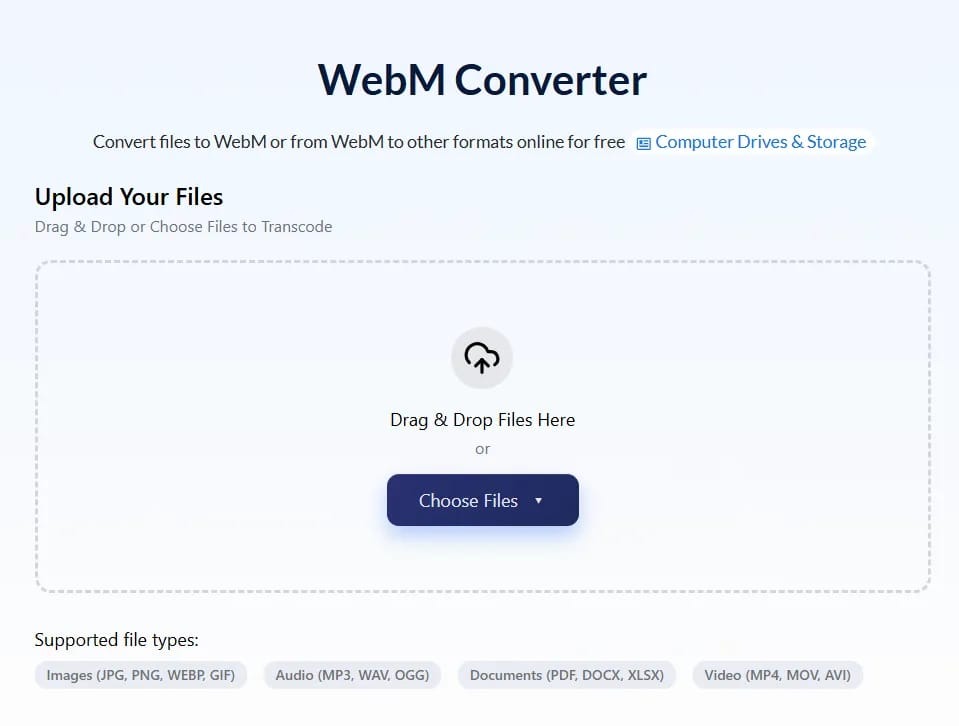
In some cases, a WebM file format might not be supported by a device, editing program, or platform, and converting might be required. One of the browser-based tools that can be recommended for this use is Ahaconvert. Users can upload the file, select a supported output, begin the conversion and download the output.
This is convenient since the desktop software is not required to be loaded. Users are advised to check the restrictions and privacy details on the site before uploading private or big files.
Using a Dedicated WebM Tool
A WebM-converter can help users change WebM files into MP4 or another supported format. It may also be used to create WebM output from a compatible source file.
MP4 will be chosen for greater compatibility. WebM is a good option for playback in browsers, most phones, social sites, and TVs, and editing applications support MP4.
Are WebM Files Smaller Than MP4?
For the same look, WebM tracks can be lighter than MP4 if you run VP9 or AV1. Still, things change. An MP4 paired with H.265 might turn out smaller than a WebM built on VP8. The dot tag on your file does not rule the bit rate or output choices. To check things right, pull from the same clip and lock in matching size, frames, and crispness. settings to it when converting it to both formats. Next, compare the size, sound quality and compatibility.
Can WebM Files Be Edited?
WebM files can be edited, but support for the software is not uniform. Some applications can use them directly; others might be more successful with MP4 or MOV. Re-encoding can lead to a loss of quality, so the original should be retained until the re-encoded version is tested.
Conclusion
WebM files are open multimedia containers specifically created for rapid delivery of video and audio over the Web. They are compatible with modern browsers and can be useful without generating files that are too large. If the WebM version is not supported by the device or editing program/ platform, the issue can be resolved by converting it to MP4 or a format that is supported. AhaConvert.com is a convenient tool in a browser that allows you to support WebM conversion without installing extra software. Users will have to decide on an output depending on the platform they plan to use, try the created file and retain the original until the converted one runs properly.
